
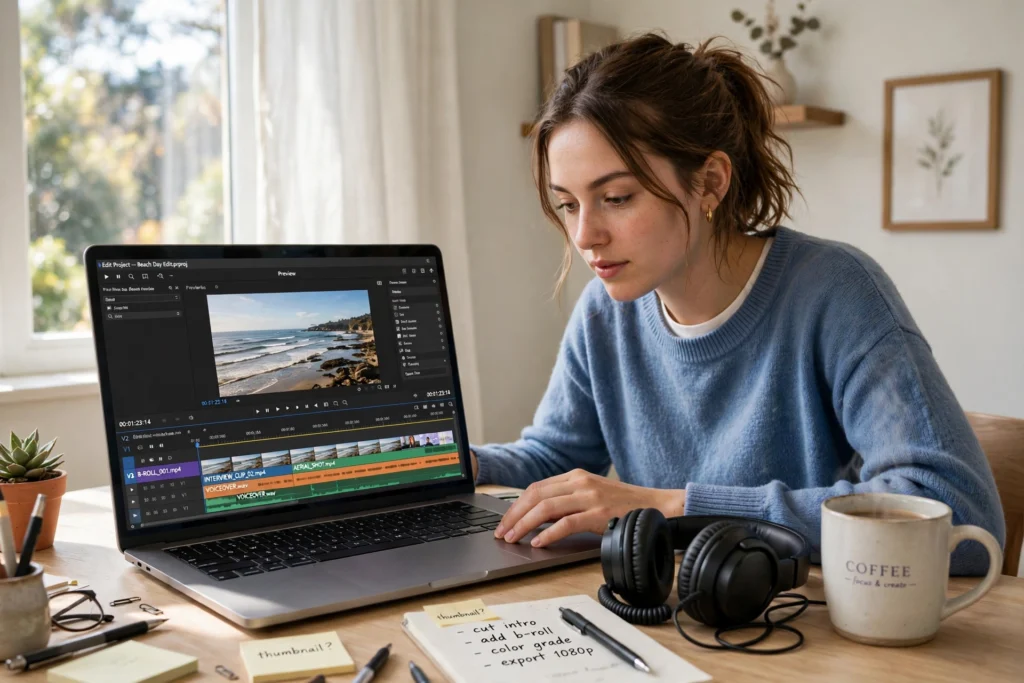
Yes — AI video editing can take a rough recording and turn it into a watchable first cut in minutes, trimming silences, adding captions and reframing shots for different screens. What it cannot do is decide what your video should say. The best results come when you treat the AI as an assistant editor, not a replacement for your own judgement.
Key Takeaways
- AI video editing tools transcribe your audio, spot scene changes and cut silences, filler words and dead air automatically.
- Transcript-based editing lets you delete a sentence from the text and remove the matching footage.
- Auto-captions, reframing and highlight-picking save the most time on talking-head videos and long recordings.
- The AI still makes mistakes: it cuts mid-gesture, misspells names and picks the prettiest shot instead of the most meaningful one.
- Always watch the draft through at normal speed before you export anything.
What does an AI video editor actually do?
Strip away the marketing and most AI video editors do the same handful of jobs. First, speech recognition turns everything said on camera into a written transcript, timed to the frame. That transcript becomes the backbone of the edit: delete a sentence from the text and the matching video disappears too. Second, computer vision scans the pictures, finding shot boundaries and following faces as they move. Third, smaller models handle the finishing touches: captions, colour fixes, noise removal and reframing a wide shot for a phone screen.
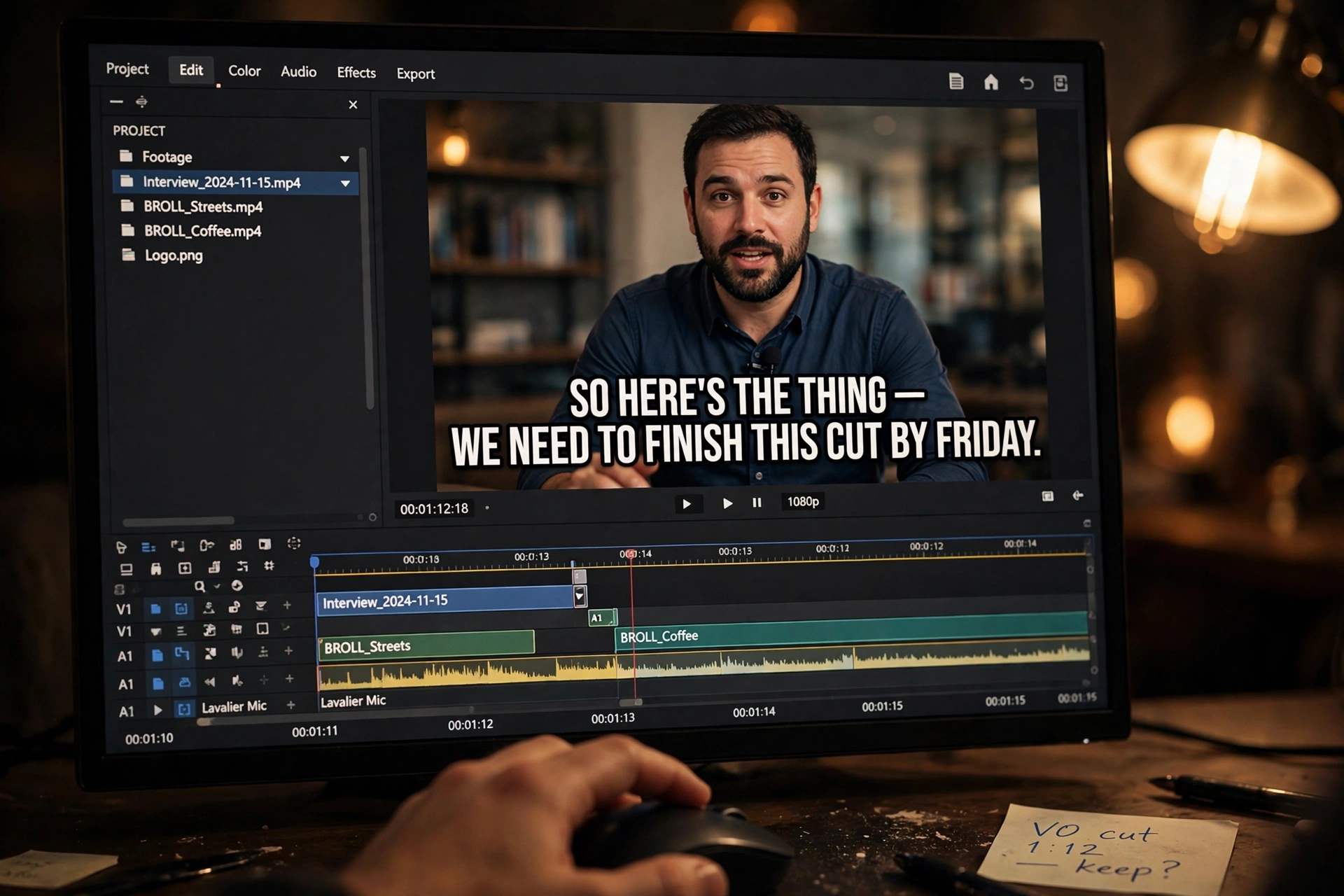
Some tools stop there and simply speed up the fiddly parts inside familiar editors. Others go further and build a whole first draft for you: upload a 40-minute recording, pick a style, and the software returns a cut-down version with music and titles. A feature that removes silences is a tool you control; a tool that chooses your highlights is making creative decisions on your behalf.
How does the AI decide where to cut?
It starts with the transcript. Pauses longer than a second or so are flagged as dead air, and filler words such as “um” and “er” are marked for removal. Scene detection runs in parallel: the model watches for changes in the picture, such as a new location or a different speaker, and splits the footage into shots.
The cleverer part is highlight detection. For a sports broadcast, the model has learned what a goal or a big save looks like, so it can pull those moments out of hours of footage within minutes of the final whistle. The software simply matches patterns it has seen before, so it works well on predictable material such as interviews, and far less well on a rambling vlog where the best moment is a quiet joke halfway through a story.
AI editing vs manual editing
The honest comparison is not which one is better, but which parts of the job each one should own. AI wins on speed and on boring repetition. A person wins on taste, story and context.
| Task | AI video editing | Manual editing |
|---|---|---|
| Removing silences and filler words | Excellent — seconds, not hours | Slow and tedious |
| Adding captions | Fast first draft, needs a spelling check | Accurate but slow |
| Reframing for vertical video | Good — tracks the subject automatically | Precise, but each clip takes time |
| Choosing the best take | Weak — picks the loudest, not the truest | You know which take landed |
| Pacing and rhythm | Generic — even cuts, flat energy | You feel where the beat should fall |
| Story and meaning | Cannot judge what matters | This is the whole job |
Where AI editing still goes wrong
The failures are predictable once you know what to look for. Captions are the most common: names, brand terms and slang come back misspelled, and a wrong word in a caption is worse than no caption at all, because viewers trust the text. Cuts land mid-gesture — a hand freezes in the air, or a sentence loses its last word because the model trimmed the pause that came after it. Auto-reframing can crop out the second person in a two-shot, or follow the wrong face across a crowded room. And highlight tools favour the obvious: the loudest cheer, the brightest shot, the most movement. A thoughtful pause before an important point rarely makes the cut.
There is also a quieter problem. Automatic edits tend to look alike: the same caption style, the same jump-cut rhythm, the same stock music bed. Changing the caption font, rethinking the music and re-cutting the opening yourself is often enough to make the result feel like yours again.
A worked example: turning a 40-minute talk into short clips
Say you recorded a 40-minute talk and want three short clips. Upload it, let the tool transcribe it, then delete the throat-clearing at the start, the long pause while you found the right slide, and the repeated answer. That alone takes the talk from 40 minutes to about 32. Ask for highlights, pick three moments — the opening story, the surprising statistic, the joke that got a laugh — reframe each one vertically, and let the AI add captions.
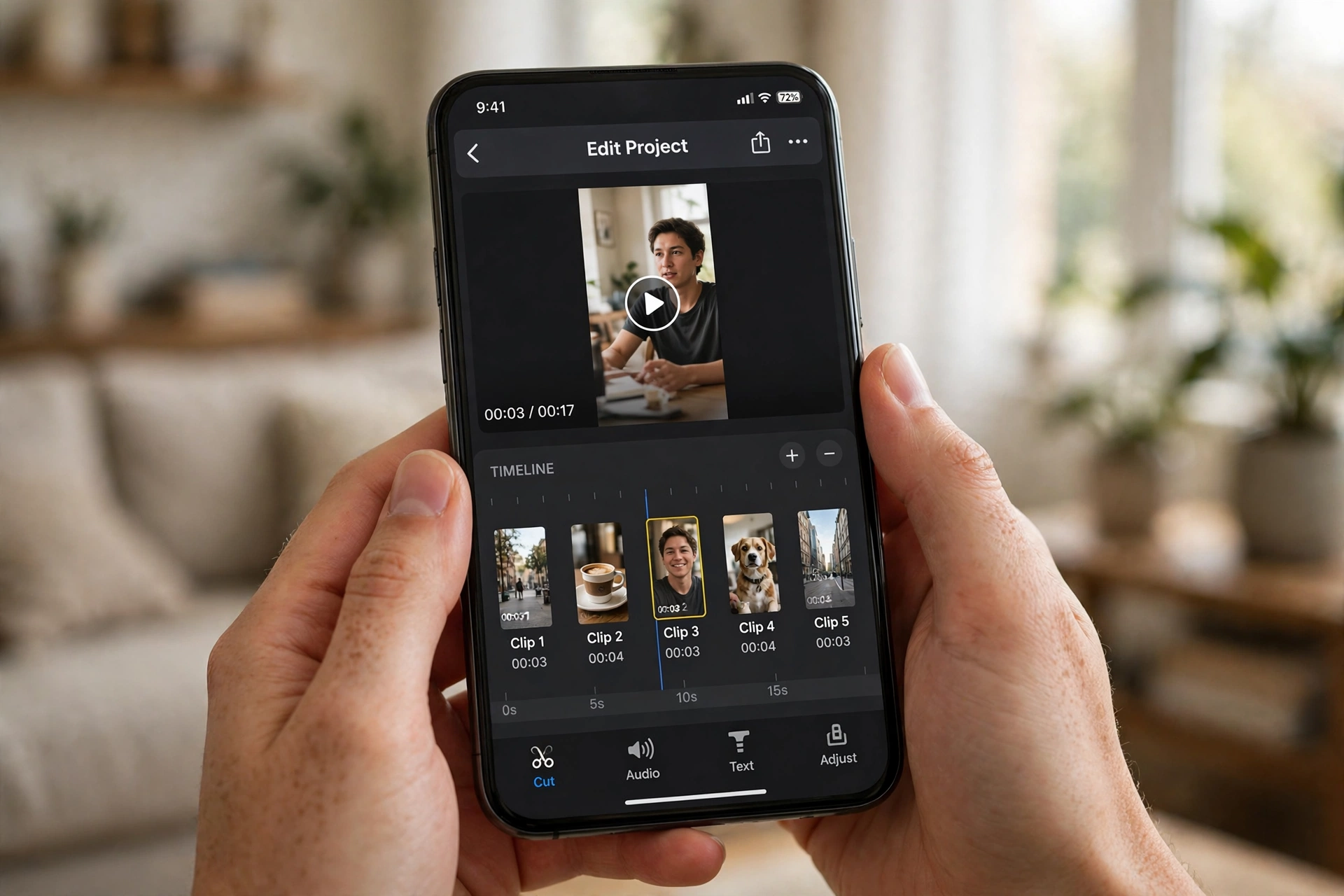
Finally, watch each clip through once at normal speed. This is the step people skip, and it catches the cut that chops a word in half, the caption that spells your product’s name wrong, and the clip that opens on your weakest sentence.
Is it worth paying for, or is the free tier enough?
For occasional use, the free tier of most tools is genuinely enough: silence removal, basic captions and a few exports a month. The paid plans start to make sense when you edit every week, because that is when the limits bite — watermarks on exports, a cap on minutes processed, or captions only in one language. Before you pay, check whether the tool lets you export the project file to a full editor, and whether its auto-features work on your kind of video, not just on the polished demo on its homepage.
FAQs
Can AI edit a video completely on its own?
It can produce a finished-looking cut, but the result is a first draft, not a finished video. Someone still needs to check the cuts, the captions and the opening line before it goes out.
Do I need a powerful computer for AI video editing?
Not usually. Most AI features run in the cloud, so a basic laptop and a decent internet connection are enough. The heavy lifting happens on the tool’s servers, not yours.
Will AI editing replace human video editors?
For simple, repetitive edits it already has. For work where story, taste and timing matter — documentaries, ads, anything with a point of view — the editor’s judgement is still the product.
Is my footage safe when I upload it to an AI editor?
It depends on the tool’s terms. Read the privacy policy before uploading anything sensitive, and avoid uploading unreleased work or footage of other people without their knowledge.
Can AI add captions in other languages?
Many tools can, though accuracy varies a lot by language. English captions are usually good; less common languages often need a careful manual pass.
Conclusion
AI video editing is at its best when you give it a clear, boring job: cut the silences, draft the captions, reframe the shot. It is at its worst when you hand it the whole story and walk away. So start small: take one recording you already have, run it through an AI editor, and watch the draft all the way through before you export. Fix the captions, re-cut the opening, and keep the decisions that matter in your own hands.
Further reading: Renderforest’s guide to auto-editing videos with AI (https://www.renderforest.com/blog/auto-edit-videos-with-ai) and the Ultralytics glossary entry on AI video editing (https://www.ultralytics.com/glossary/ai-video-editing).