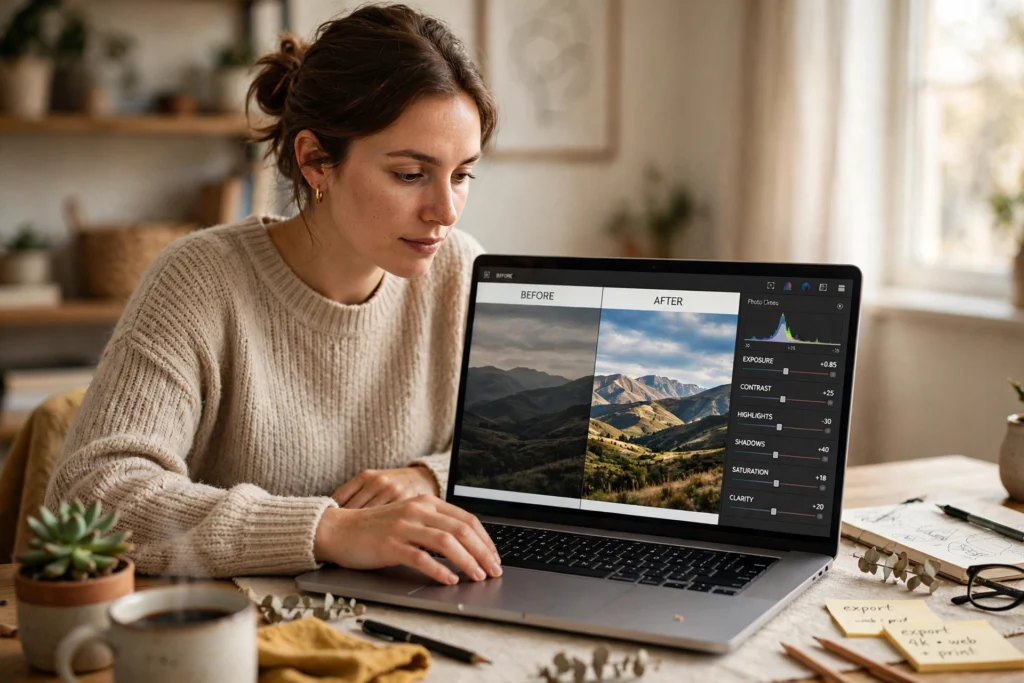
AI photo editing uses machine learning to improve a picture for you, instead of you adjusting every slider by hand. It can brighten a dull photo, remove a stranger from the background, or restyle an image in seconds — but it still needs a human eye to check the result.
Key Takeaways
- AI photo editing automates fixes like exposure, colour, and cropping, and it can remove objects or extend a scene.
- It recognises what is in a photo — faces, skies, objects — and applies changes learned from many example images.
- Results are fast, but not always accurate: hands, text, and fine detail can still come out wrong.
- AI edits can change what a photo shows, so honest labelling matters when a picture records something real.
- Use AI for the heavy lifting, then finish the details yourself.
What Does AI Photo Editing Actually Do?
Most AI photo tools do three kinds of job. First, they correct: a dark photo gets brighter, a yellow cast gets neutralised, and a tilted horizon gets straightened — jobs that used to take beginners the longest, now done in a single tap.
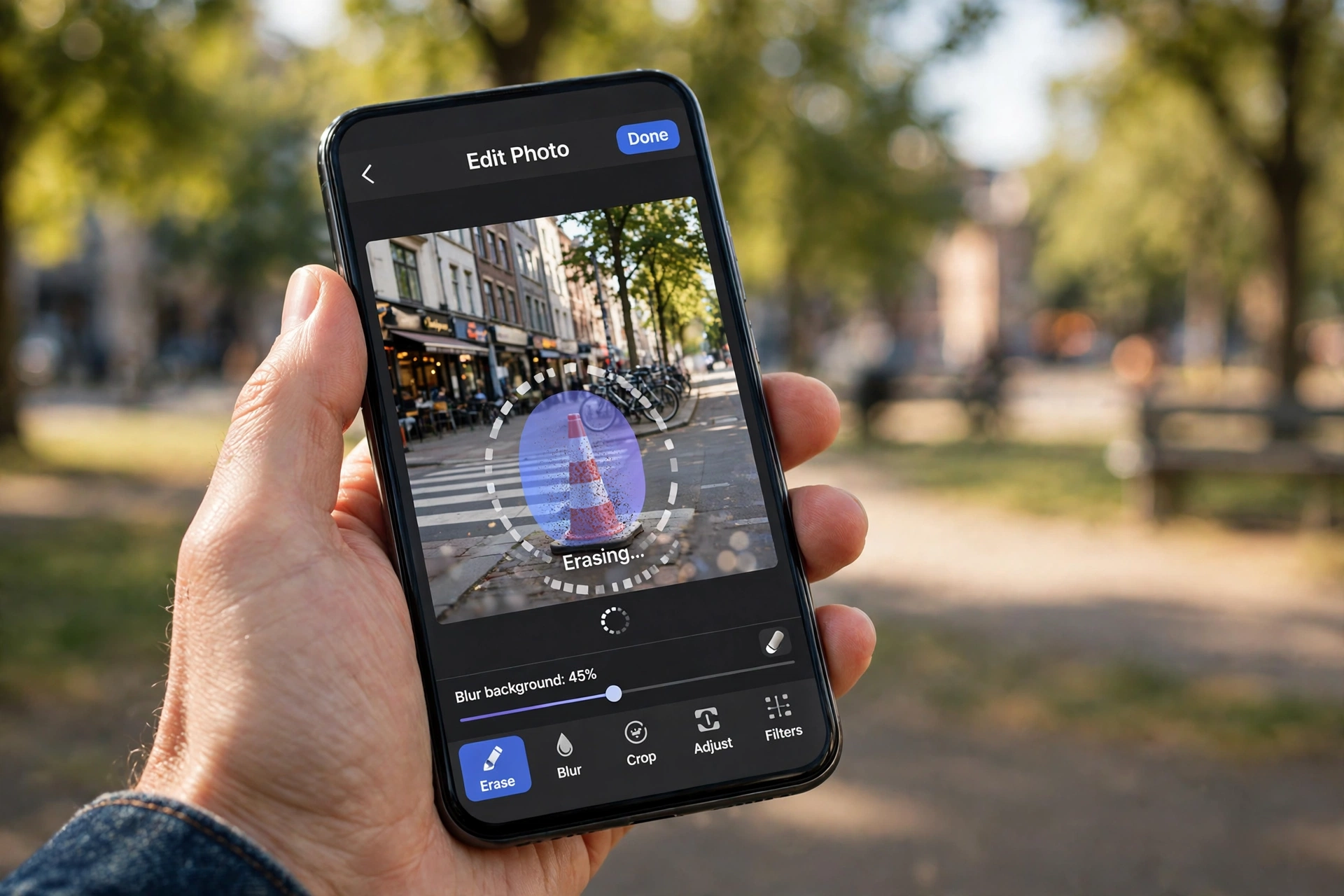
Second, they remove or replace. You can circle a bin, a passer-by, or a power line, and the tool fills the gap with background that looks natural. Some tools can also swap a grey sky for a blue one.
Third, they restyle: a photo can be turned into a sketch or a painting-style image. This is where generative AI comes in — the tool creates new pixels that were never in the original shot, using the same kind of computer vision that lets phones recognise faces. Our guide to what artificial intelligence is explains how these systems learn from examples.
How Does AI Know What to Change?
An AI editor starts by analysing the image: it finds edges, faces, and objects, and separates the foreground from the background. Then it guesses what a “better” version should look like, based on the many photos it was trained on.
That guess is the weak point. The tool has no idea what was really behind the object you removed, so it invents something plausible. Most of the time nobody notices, but zoom in and you may find a fence that does not quite line up, or a shadow pointing the wrong way.
What Can It Fix Well?
Everyday corrections are where AI editing shines. Exposure and white balance are usually handled well: a photo that is too dark needs more light, and one shot under warm indoor bulbs needs cooler tones.
Cropping is another strong point. AI can suggest a tighter crop that keeps the subject in frame, and some tools can even extend a photo’s edges when you need a different shape for a post or a print.
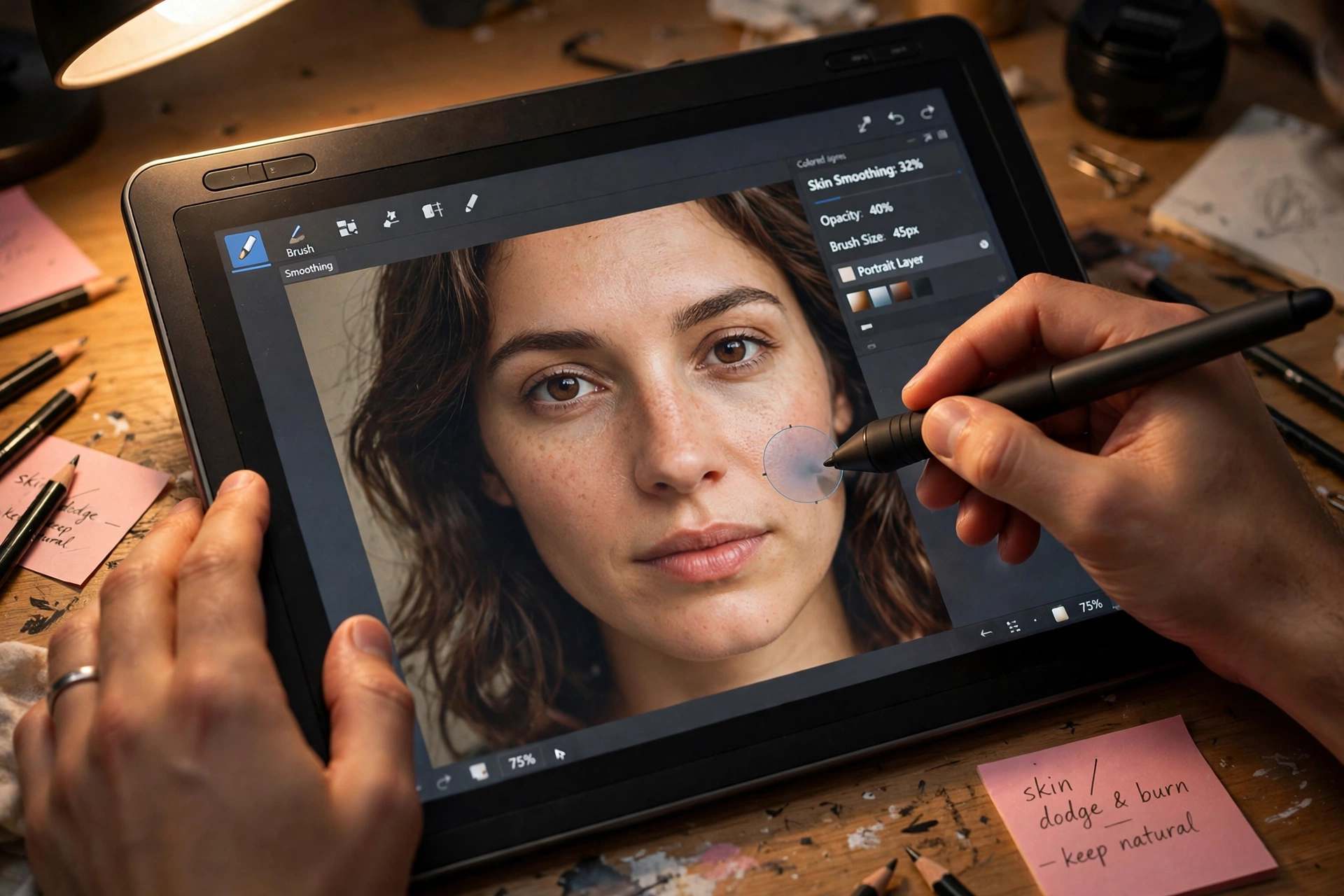
Object removal works well when the background is simple — a clear sky, a plain wall, or a stretch of grass gives the tool plenty of clues, while busy scenes give it little to work with. Portrait tools can brighten eyes and even out skin without turning a person into a wax figure, as long as you keep the strength low. Push the sliders too far and the result looks plastic, the most common beginner mistake.
Where Does It Go Wrong?
AI editors make confident mistakes. Text is a classic problem: a sign in the background may come back with letters that look right at a glance but spell nothing. Hands can melt into odd shapes, and repeating patterns such as brickwork often come out wobbly.
Many tools also apply a strong “auto” look by default — extra sharpness and saturation that can suit a social post but not a photo you want to keep as a record.
There is also a question of honesty. Once AI can add or remove people convincingly, a photo stops being reliable evidence on its own. Some cameras and apps now label AI-edited images, and it is good practice to say so yourself when sharing a heavily edited photo as if it were real. See the overview of image editing for background.
Is AI Photo Editing Good Enough for Professional Work?
For quick jobs, yes. Social posts, product shots for a small shop, and family photos all benefit, and the time saved is real. A batch of holiday photos that would have taken an evening to fix can be done in minutes.
For professional work, AI is a starting point rather than a finish. Photographers use it to clear the routine work, then do the careful part by hand. It also cannot recover detail that was never captured: a badly blurred face stays blurred, and a photo shot in near darkness will stay noisy no matter how much AI is applied.
How Do You Get the Best Results from AI Editing?
Start with the best original you can. A well-lit, sharp photo gives the AI good material to work with, and the edits stay subtle. A poor original forces the tool to guess more, and the guesses show.
Use AI for the first pass, then check the result at full size — zoom into faces, hands, and edges, and undo a single edit rather than the whole lot if something looks off. Keep the strength low on portraits, and save a copy of the original.
Finally, think about what the photo is for: a fun restyle for friends is one thing; a photo for a listing is another. The tool drafts, you decide — our guide on how AI helps with writing makes the same point about checking AI output before you publish it.
FAQs
Is AI photo editing free?
Many phone apps include basic AI editing for free — auto-fix, cropping, and simple object removal. More advanced tools, such as generative fill, usually sit behind a subscription, and free tiers often add a watermark or a monthly limit.
Does AI photo editing change the original photo?
Most modern editors work non-destructively, so your original stays saved and edits sit on top as a layer you can undo. Some simpler apps overwrite the file, so check your settings and keep a backup of photos that matter.
Can AI remove people from photos?
Yes — you brush over the person and the tool fills the space with background. It works best against simple backgrounds such as sky, sand, or a plain wall; against a crowd or a detailed street scene, the result may look smudged.
Will AI editing make my photos look fake?
It can, if you push it too far. Heavy skin smoothing, extreme sky swaps, and oversaturated colours are the usual giveaways, so keep corrections subtle and check the result at full size.
Is it okay to use AI-edited photos in a portfolio or listing?
For creative work, yes, as long as the result honestly shows what you are offering. Where accuracy matters — a property listing, a product photo, or a news image — disclose the edits and avoid changing anything a viewer would expect to find.
Conclusion
AI photo editing takes the slow, fiddly parts of editing — fixing light and colour, removing distractions, trying a new look — and turns them into a few taps. It is genuinely useful, and it keeps getting better. But it is still a guesser, not a witness: it invents what it cannot see, and it can overdo a good thing.
The practical next step is simple: pick one photo you like but have never quite fixed, run it through your phone’s AI editor, and compare the result with the original at full size. If it looks better, keep it; if something looks off, dial the edit back. That quick comparison will teach you more than any list of features — and it keeps you, not the tool, in charge of the final picture. For more on the technology, see the overview of generative artificial intelligence.