AI generate videos from a short written prompt, a still image, or both. The model reads your description, works out what the scene should contain, then builds the clip frame by frame, keeping objects, lighting, and movement consistent as it goes. Most clips last only a few seconds, and clear, specific prompts give the best results.
Key Takeaways
- AI video tools turn a text prompt or a still image into a short moving clip, usually 5 to 10 seconds long.
- Diffusion models build each frame from noise, guided by your words and by the frames that came before.
- Motion, hands, faces, and real-world physics are still the hardest parts to get right.
- Short clips, clear prompts, and a reference image give the most reliable results.
- Always check the tool’s usage terms and label AI-made video before you share it.
How does AI turn words into moving pictures?
It starts with a prompt, a sentence or two describing the scene you want: “a golden retriever running through autumn leaves at sunset”, for example. The model first has to understand that sentence — what appears, what it looks like, and what is moving. That understanding comes from artificial intelligence models trained on huge collections of captioned videos. Most modern tools are text-to-video models that also accept a starting image, animating a photo you supply. A five-second clip is 120 frames that must agree with each other, which is what makes video far harder than still images.
What is a diffusion model, and why does video need one?
Most AI video tools today are built on diffusion models, the same family behind how AI image generation works. A diffusion model learns by taking a clear picture, adding digital noise until it looks like static, then learning to reverse the process until the picture comes back. Once it can do that, it can start from pure noise and “clean it up” into a new image that matches a prompt. Video adds a dimension — time — so the model cleans up a whole sequence at once, keeping each frame close to the ones around it. This is where deep learning earns its keep, tracking how shapes move and how light shifts, so a walking person keeps the same stride. It does not understand physics; it has simply seen enough clips to imitate how things usually move.
How do AI videos keep motion smooth?
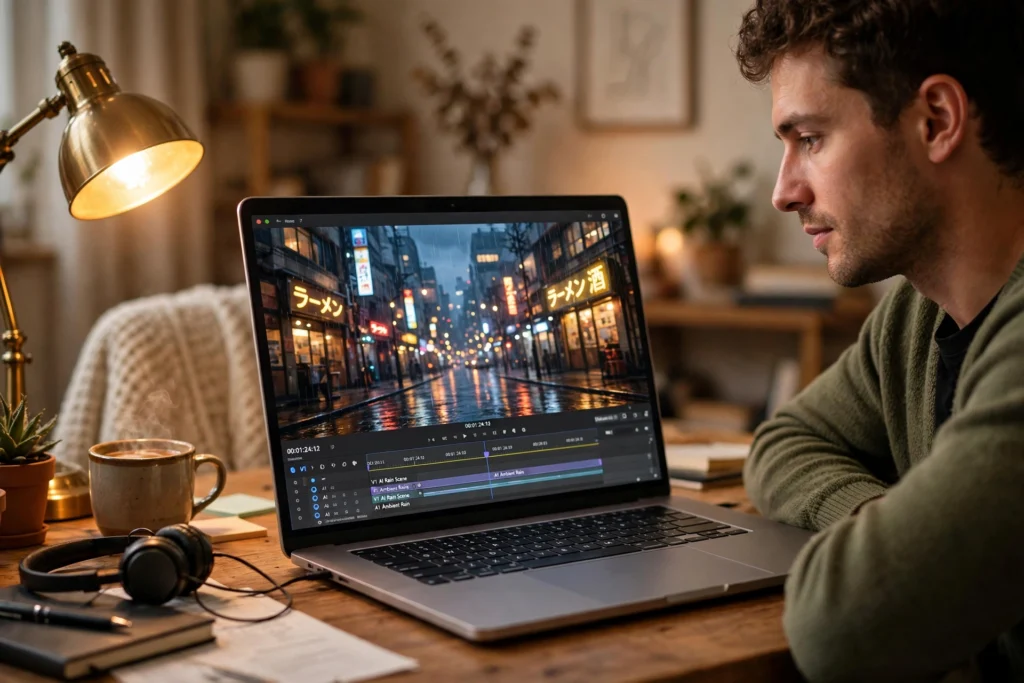
Smooth motion comes from the model paying attention across frames. Early video tools generated each frame almost independently, which is why people in old AI clips seemed to melt or flicker. Modern models use a technique often called temporal attention: when the model draws frame 40, it looks back at the frames before it and asks what was already there, and where it was heading. Camera movement helps too: a planned slow push-in or pan keeps the scene steady instead of jittering. Short, simple movements work best; a fast chase scene is much harder.
What can you actually make with AI video today?
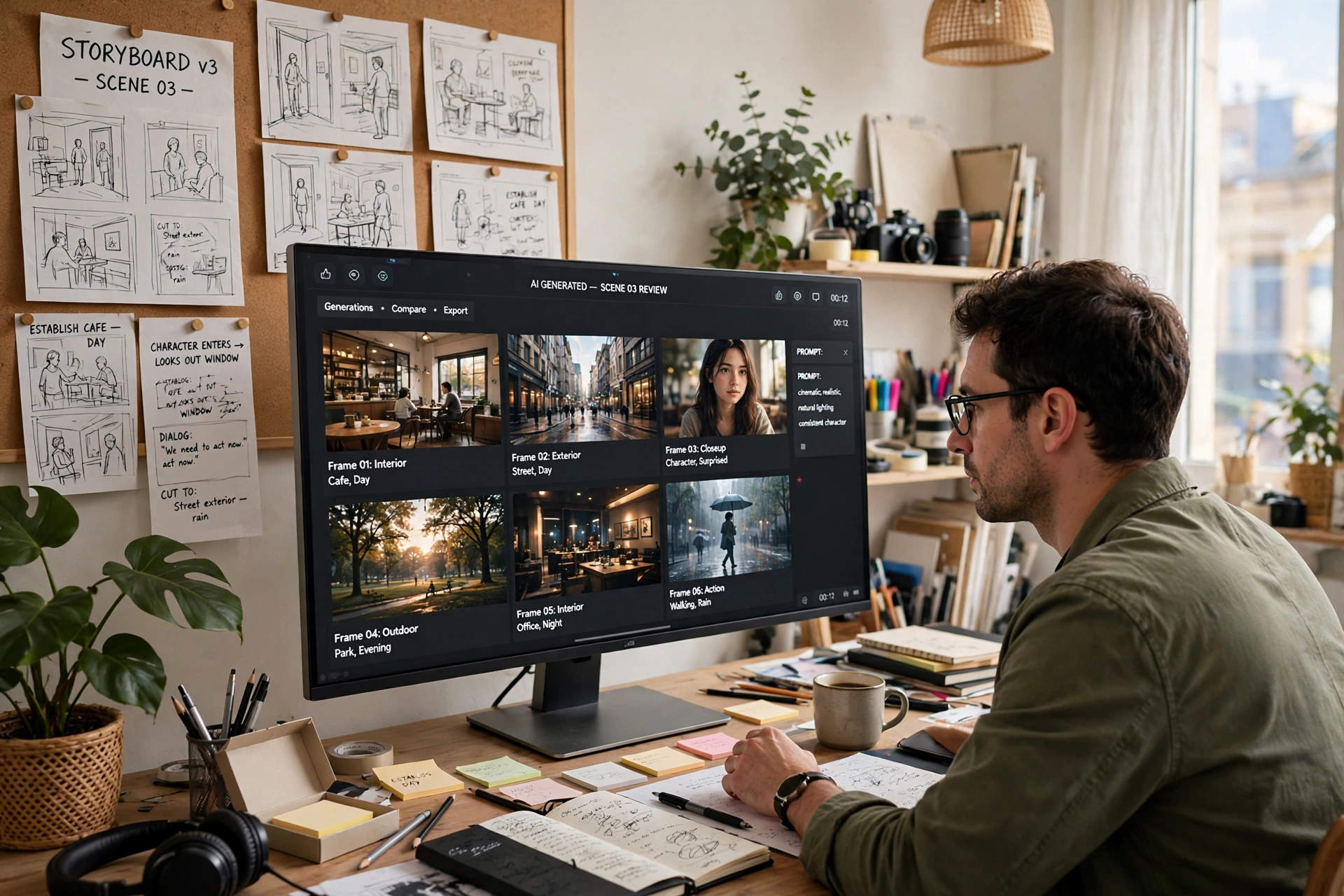
Short clips are the sweet spot: product shots, animated logos, social media teasers, background loops, and storyboard previews. A small business can turn a photo of a candle into a ten-second clip of the flame flickering beside a window, or turn a sketch into a moving concept for a client pitch. Well-known tools include Google’s Veo, Runway, and Kling. They share the same idea: describe the shot, and the model fills in the frames. Some also add sound, generating ambient noise, music, or dialogue to match the pictures. Longer videos are built from short clips stitched together in a normal editor.
Why do AI videos still look wrong sometimes?
Hands are the classic giveaway: fingers bend the wrong way, merge together, or change number between frames. Faces can drift too, with a person’s features shifting slightly from one second to the next, which feels uncanny even if you cannot say exactly why. Physics is another weak spot — liquid may pour upward, or a person may walk through a chair the model forgot was there — because the model imitates how motion looks rather than calculating how it works. Watch every clip through before you use it.
How do you write a prompt that works?
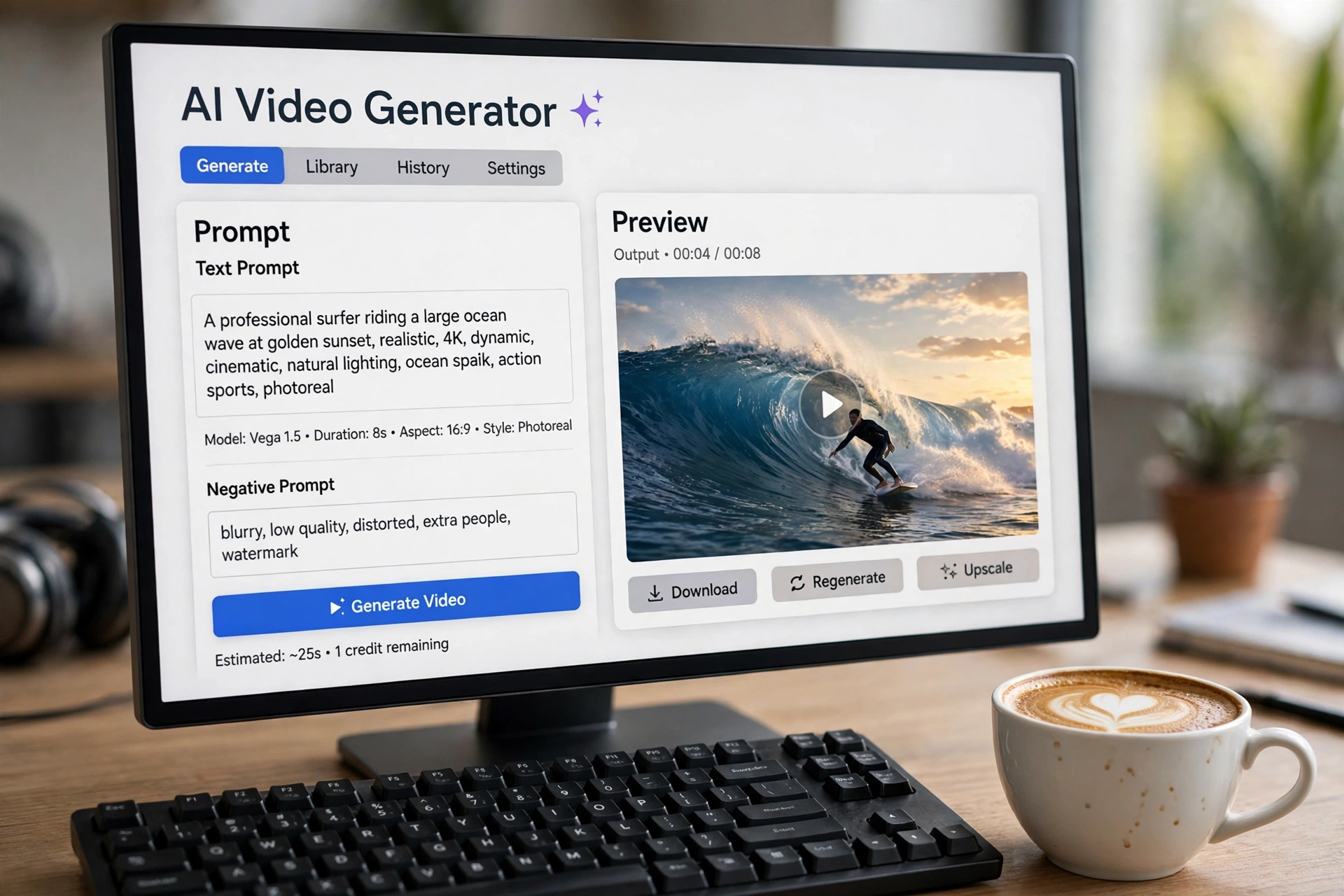
Good prompts are specific about four things: the subject, the action, the setting, and the camera. Compare “a dog in a park” with “a small brown spaniel trotting along a gravel path in a sunny park, camera following at a low angle”. The second gives the model far more to work with. Keep it short, though: one or two sentences is usually enough, since a long paragraph can confuse the model. Name the style plainly — “cinematic, warm evening light”, for example. If the first result misses the mark, change one thing at a time: the action, the lighting, or the camera.
What should you check before sharing an AI video?
First, read the tool’s terms. Some free plans allow personal use only, while commercial use needs a paid plan, so check before a clip goes into a client project or a monetised channel. Second, think about the people in the clip. Most reputable tools block prompts that try to recreate a real, recognisable person without permission: realistic fake video of a real person can mislead people and cause real harm. If your clip shows a person who looks real, label it as AI-generated — many platforms now ask for that disclosure. Finally, treat AI video as a starting point: trim it, add real sound, and cut around the flaws.
Frequently Asked Questions
How long can an AI-generated video be?
Most tools produce clips of 5 to 10 seconds per generation. Longer videos are made by generating several clips and editing them together.
Can AI video include sound and dialogue?
Some newer tools can, yes. They generate ambient sound, music, or speech that roughly matches the scene, and this is an area where multimodal AI is making fast progress. Many creators still add their own sound in an editor instead.
Is it legal to use AI-generated video commercially?
It depends on the tool’s terms and on the laws where you live. Most paid plans allow commercial use, but free plans often do not, and copyright rules are still being worked out.
Can AI video copy a real person’s face?
Some tools can animate a photo of a real person, but reputable services restrict this to stop misuse. Generating realistic video of someone without their consent can mislead people and may break the law in many places.
Do you need a powerful computer to generate AI video?
Usually not. Most popular tools run in the cloud, so your computer only needs a browser and a decent internet connection. The heavy work happens on the provider’s servers.
Conclusion
AI video generation has moved quickly from a curiosity to a genuinely useful creative tool. It turns a sentence into moving pictures and lets anyone test a visual idea in minutes. Its limits are real, but for storyboards, social clips, and product shots, it already earns its place. Start small: pick one short scene, write a two-sentence prompt covering the subject, action, setting, and camera, and generate a five-second clip. Watch it through and change one thing for the next try.