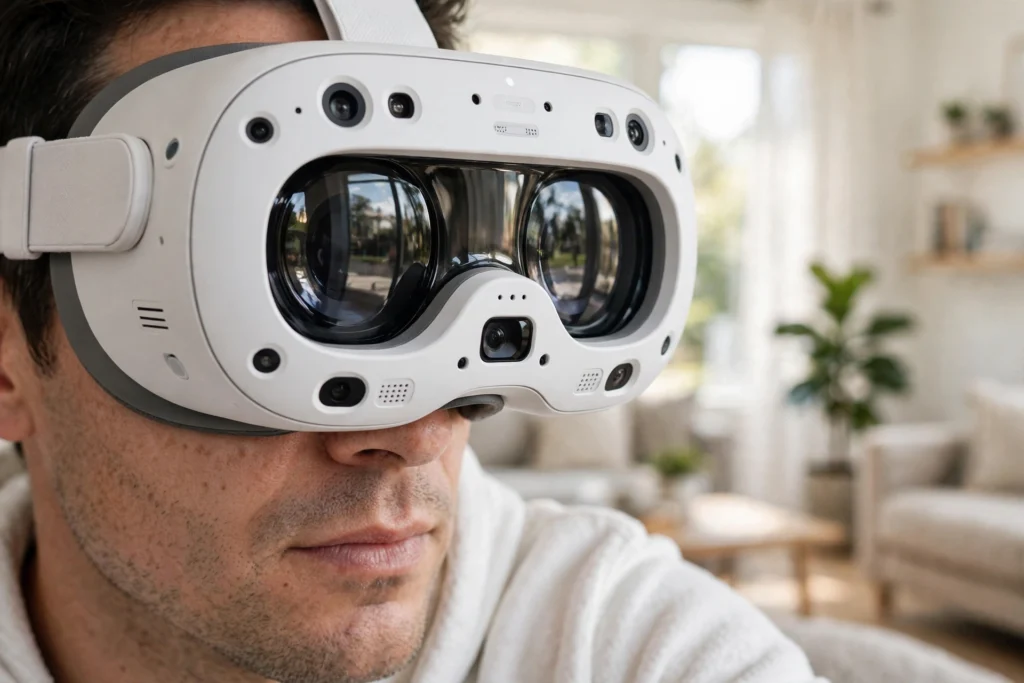
A VR headset display is a small, very sharp screen — usually one for each eye — placed just centimetres from your face and magnified by lenses so it fills your view. The headset shows two slightly different images, one per eye, and your brain blends them into a single three-dimensional scene that moves as you turn your head.
Key Takeaways
- A VR headset normally uses two separate views, one for each eye, to create depth.
- Per-eye resolution matters more than a single combined number on a spec sheet.
- Refresh rate affects smoothness, but it only helps if the headset can actually render that fast.
- Lenses, fit, and the distance between your eyes affect clarity just as much as the screen itself.
- The best check is still a real try-on: read small text, look at edges, and move your head slowly.
What does a VR headset display actually do?
Think of it less like a television and more like two tiny monitors strapped to your face. Each display shows the same virtual scene from a slightly different angle, matching the small gap between your eyes. That difference, called binocular disparity, is what your brain uses in everyday life to judge distance — a ball looks near because your left and right eyes see it from slightly different positions.
The lenses sit between the screens and your eyes. They bend the light so a screen only a few centimetres away looks as though it is much farther off, which is far more comfortable for focusing. They also spread that small image across a wide field of view, so the virtual world surrounds you instead of looking like a small rectangle floating in the dark.
None of this works on its own. The display, the lenses, the tracking system, and the graphics processor have to stay in step. If you turn your head and the picture lags behind, the illusion breaks quickly — and for some people, that mismatch is what brings on queasiness.
Why do you get two images instead of one?
You could, in theory, show the same flat image to both eyes. It would look like watching a film on a very close screen. It would not feel three-dimensional, because your brain would have no depth cues to work with.
Two images solve that. The headset renders the scene twice, once for a virtual camera where your left eye sits and once for a virtual camera where your right eye sits. Objects close to you shift more between the two views than objects far away, and your brain reads that shift as depth. It is the same trick used by 3D cinema, only the screens are much closer and the viewpoint updates every time you move.
This is also why a single display split down the middle is not quite the same as two separate panels. Some headsets do use one panel, with the left half feeding one eye and the right half feeding the other. Others use a dedicated panel per eye. Both approaches can look good. The practical difference is usually in resolution, brightness, and how the manufacturer handles the edges of the image, not in the basic idea.
What is resolution in VR, and why is per-eye resolution the number to check?
Resolution is simply how many pixels make up the picture. In VR, the headline figure can be misleading, because it is sometimes quoted as a combined total for both eyes. A headset advertised at, say, 4K combined may actually give each eye about half that — which is still decent, but it is not the same as a 4K television in front of you.
Per-eye resolution is the clearer comparison. It tells you how much detail each eye actually gets. Higher per-eye resolution usually means sharper text, cleaner edges on distant objects, and less of the faint grid pattern some users notice on older headsets.
But resolution alone does not decide clarity. A high-resolution screen viewed through poor optics, or with the headset sitting slightly off-centre, can still look soft. And because the lenses magnify the screen across a wide field of view, pixels are stretched further than they would be on a phone or monitor. That is why VR still does not look quite as crisp as a good television, even when the pixel count sounds impressive on paper.
LCD, OLED, or micro-OLED: what is the difference in plain terms?
Most current headsets use one of three screen types, and each trades brightness, colour, and cost against the others.
LCD panels are common, bright, and relatively affordable. They can look very clean in well-lit virtual scenes, such as a bright workshop or a sunny landscape. Their weakness is usually in dark scenes: blacks can look more like a dark grey, because the backlight is still working behind the panel.
OLED panels switch individual pixels on and off, so blacks can be genuinely dark and colours can look richer. That helps a lot in space scenes, night-time environments, and horror games, where darkness is part of the mood. OLED headsets have sometimes been more expensive, and older OLED panels could show a slightly more visible pixel pattern.
Micro-OLED is a newer, denser version of the same idea, with very small pixels packed tightly together. In practice, that tends to mean sharper text and a cleaner image, at a higher price. You will mostly find it in premium headsets for now, rather than in entry-level models.
None of these is automatically the right choice for everyone. If you mostly play bright, colourful games, a good LCD can be excellent. If you spend a lot of time in dark virtual environments, OLED’s deeper blacks may matter more to you. Spec sheets help, but they do not capture how a particular panel looks through a particular set of lenses.
What does refresh rate do, and is higher always better?
Refresh rate is how many times per second the display updates, measured in hertz (Hz). A 90 Hz display refreshes 90 times a second; a 120 Hz display refreshes 120 times. Higher rates generally feel smoother, especially when you turn your head quickly or move through a fast scene.
There is a catch, though. The display can only show a new frame as fast as the computer or headset processor can draw one. If the hardware is struggling to keep up, a 120 Hz panel will not magically make the scene smooth — it may just repeat frames or drop them, which can feel juddery. Smoothness in VR is a team effort between the display, the processor, and the software.
For most people, 90 Hz is a solid baseline, and 120 Hz feels noticeably smoother in fast movement. Beyond that, the gains get harder to notice, and the cost in processing power rises steeply. If you are choosing between a slightly higher refresh rate and a noticeably sharper display, the sharper display will usually matter more for reading text and noticing detail.
What is field of view, and how does it affect clarity?
Field of view is how much of the virtual world you can see at once, measured in degrees. Human vision covers roughly 200 degrees horizontally if you count peripheral vision, though the sharp central part is much narrower. Most consumer headsets offer somewhere around 90 to 110 degrees, with a few wider models going further.
A wider field of view feels more immersive, because the edges of the screen are further from the centre of your attention. But there is a trade-off: the same number of pixels spread across a wider view means fewer pixels per degree, so the image can look a little softer. A narrower headset can look sharper for the same resolution, simply because its pixels are packed into a smaller window.
This is another reason not to judge a headset by one number. Resolution, field of view, and lens quality all interact. A headset with a modest field of view and good lenses can look clearer than a wide-field headset with a similar panel.
Why can text still look blurry even on a sharp headset?
If you have ever tried a VR headset and found the centre sharp but the edges fuzzy, you have met the sweet spot problem. Lenses are sharpest in the middle, and the image softens toward the edges. Turning your head to look at something, rather than just moving your eyes, usually keeps it in that sharp centre.
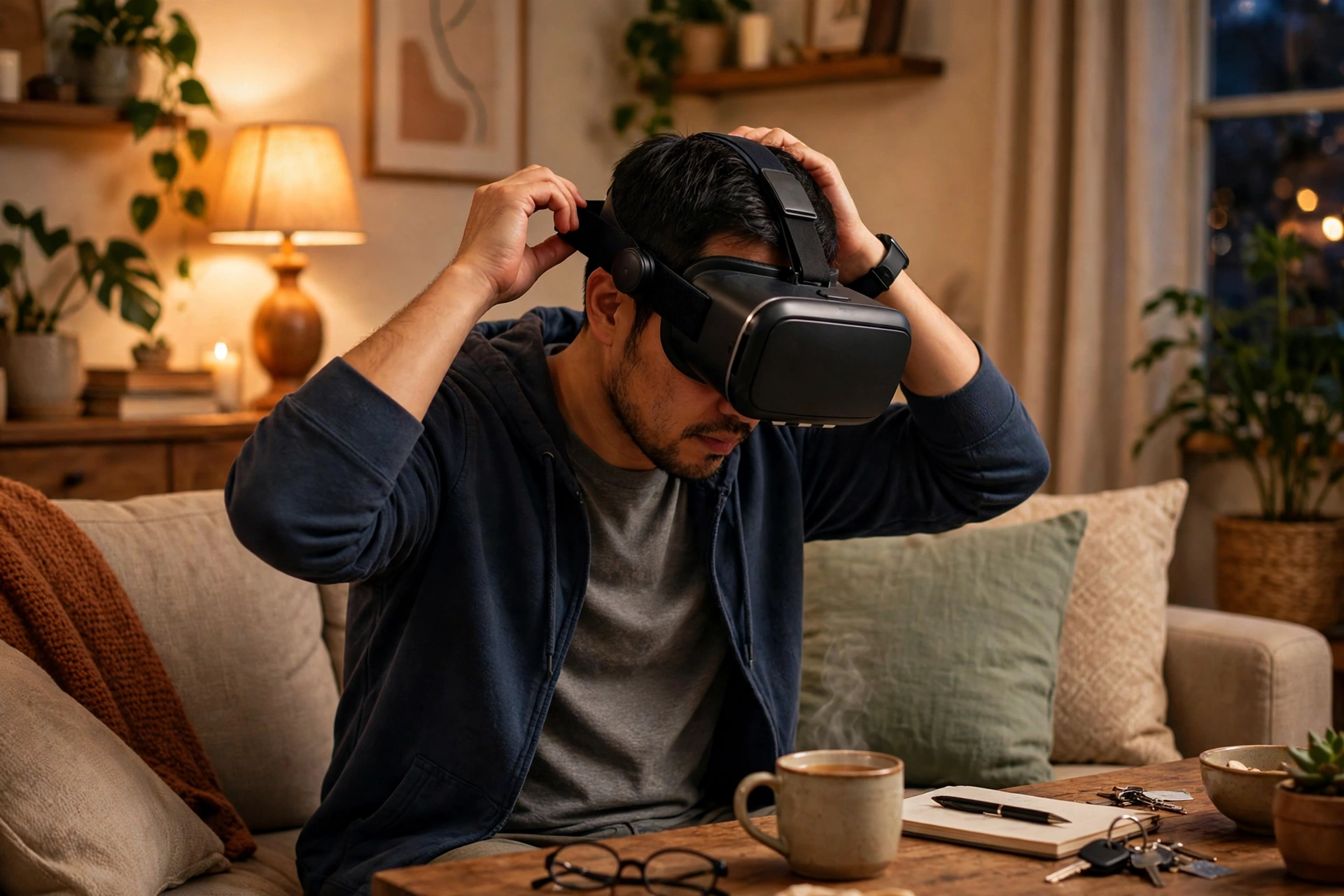
Fit matters just as much. If the headset sits too high, too low, or at a slight angle, one eye may be looking through the edge of a lens instead of the centre. Taking a few seconds to adjust the strap, centre the headset on your face, and set the lens spacing — the distance between the two lenses, often called IPD, for interpupillary distance — can transform the picture. Many headsets let you adjust this with a dial or a slider, or in software.
The screen-door effect is another older complaint that is fading but not gone. On lower-resolution headsets, the tiny gaps between pixels can be visible, like looking through a fine mesh. Higher-resolution panels, better lens design, and diffusion layers have made this much less noticeable on modern headsets, though you may still catch it on bright, flat surfaces if you look for it.
Finally, remember that your eyes are focusing very close, even though the lenses make the image feel distant. If you wear glasses, check whether the headset accommodates them or needs prescription lens inserts. Squinting through a headset that does not fit your vision will make even the best display look poor.
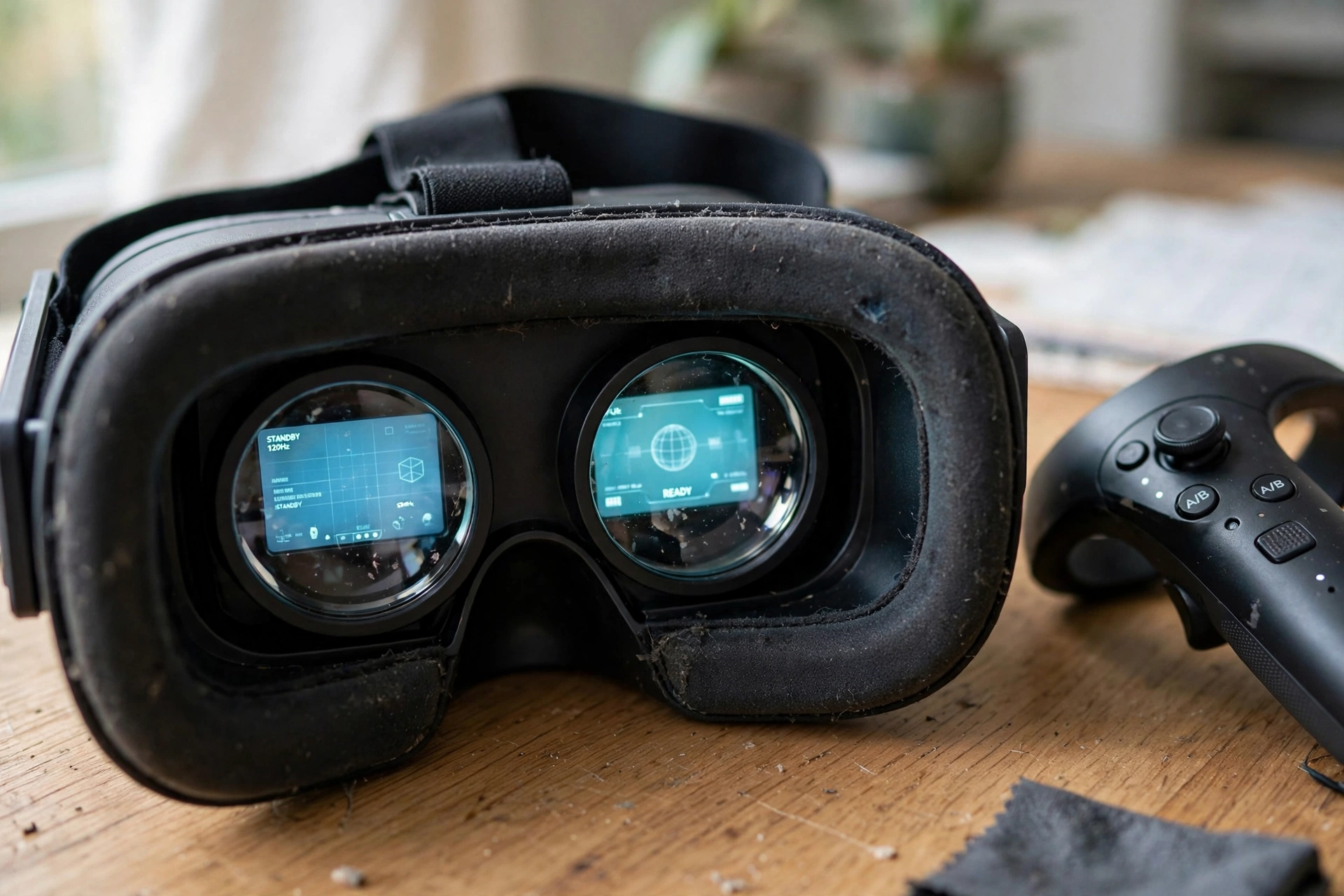
What should you check before buying?
Start with the per-eye resolution and the panel type, but do not stop there. Ask what refresh rates the headset actually sustains in the apps you plan to use, not just what its panel is capable of on paper. Check whether the lens spacing adjusts to your eyes, and whether the headset works comfortably with glasses if you need them.
If you can, try the headset on before buying, or buy from somewhere with a fair return policy. Read a paragraph of small text in a virtual menu, look at a distant object, then turn your head slowly from side to side. Note whether the centre stays sharp, whether the edges blur badly, and whether the motion feels smooth or slightly stuttery.
Also think about what you will actually do in VR. A headset for short, bright, social sessions has different priorities from one for long reading, design work, or flight simulation, where text clarity matters most. The most expensive display is not automatically the best fit for your use.
FAQs
Does a higher resolution always mean a sharper VR picture?
Not on its own. Per-eye resolution helps, but lenses, fit, field of view, and lens spacing all affect what you actually see. A well-fitted headset with good optics can look clearer than a higher-resolution one worn slightly off-centre.
What refresh rate should I look for in a VR headset?
For most users, 90 Hz is a good baseline and 120 Hz feels smoother in fast movement. Higher rates help only if the processor can draw frames fast enough to match them, so check real-world performance, not just the panel specification.
Is OLED better than LCD for VR?
OLED usually gives deeper blacks and richer colours, which suits dark scenes. LCD can be brighter and cheaper, and looks very good in bright scenes. The best choice depends on what you spend most of your time doing in VR.
Why does the edge of the picture look blurry?
Lenses are sharpest in the centre, so the edges naturally soften. Keeping objects in the centre of your view by turning your head, and adjusting the headset fit and lens spacing, usually improves this a lot.
Can I use a VR headset if I wear glasses?
Often, yes. Some headsets have room for glasses, some need a spacer, and others work best with prescription lens inserts made for that model. Check the manufacturer’s guidance for your headset before assuming your glasses will fit comfortably.
Conclusion
A VR headset display works by showing each eye its own slightly different view, magnified by lenses into a wide, three-dimensional world. Resolution, panel type, refresh rate, and field of view all matter, but so do the less glamorous details: lens quality, fit, and the spacing between the lenses.
If you remember one thing, make it this: check the per-eye resolution, try the headset on, and read some small text before you decide. That short, practical test will tell you more about a display than any single number on a spec sheet. For a broader look at the hardware around the screen, see our guides to how VR headsets work and how VR headset lenses work.