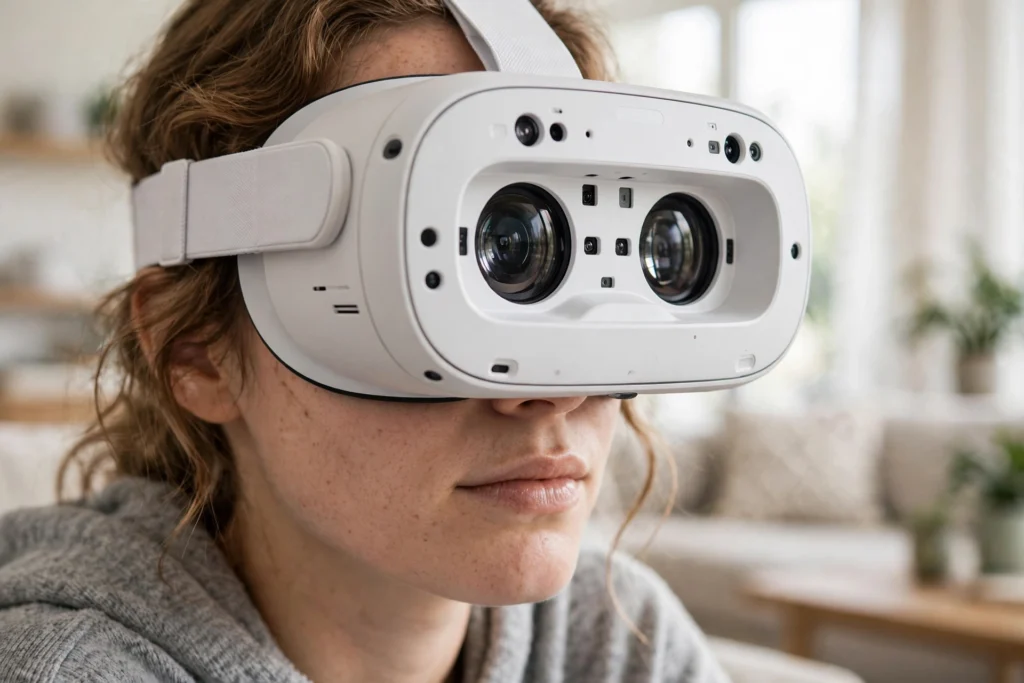
VR headset lenses work by magnifying a small screen placed very close to your eyes, so that screen looks like a large, distant view instead of a blurry panel inches away. Without them, you would see pixels and strain to focus. With them, the same screen can fill your field of view and feel like a room, a landscape, or a workshop you can look around.
Key Takeaways
- VR lenses bend light from a near screen so your eyes can focus on it comfortably.
- Fresnel lenses use ridged rings to stay thin and light, but can show glare and soft edges.
- Pancake lenses fold light back and forth, giving a slimmer headset and a sharper centre, often at the cost of brightness.
- IPD, the distance between your pupils, matters: if the lenses are not lined up with your eyes, the picture can look blurry or tiring.
- Most blur in a headset is fixed by fit and settings first — clean lenses, correct IPD, and a snug strap — not by buying a new headset.
Why does a VR headset need lenses at all?
Hold a phone a few centimetres from your face and try to read it. It goes blurry, because your eyes cannot focus that close for long. A VR headset faces the same problem, only more so: its screens sit just a few centimetres from your eyes, yet they need to look like a world metres away.
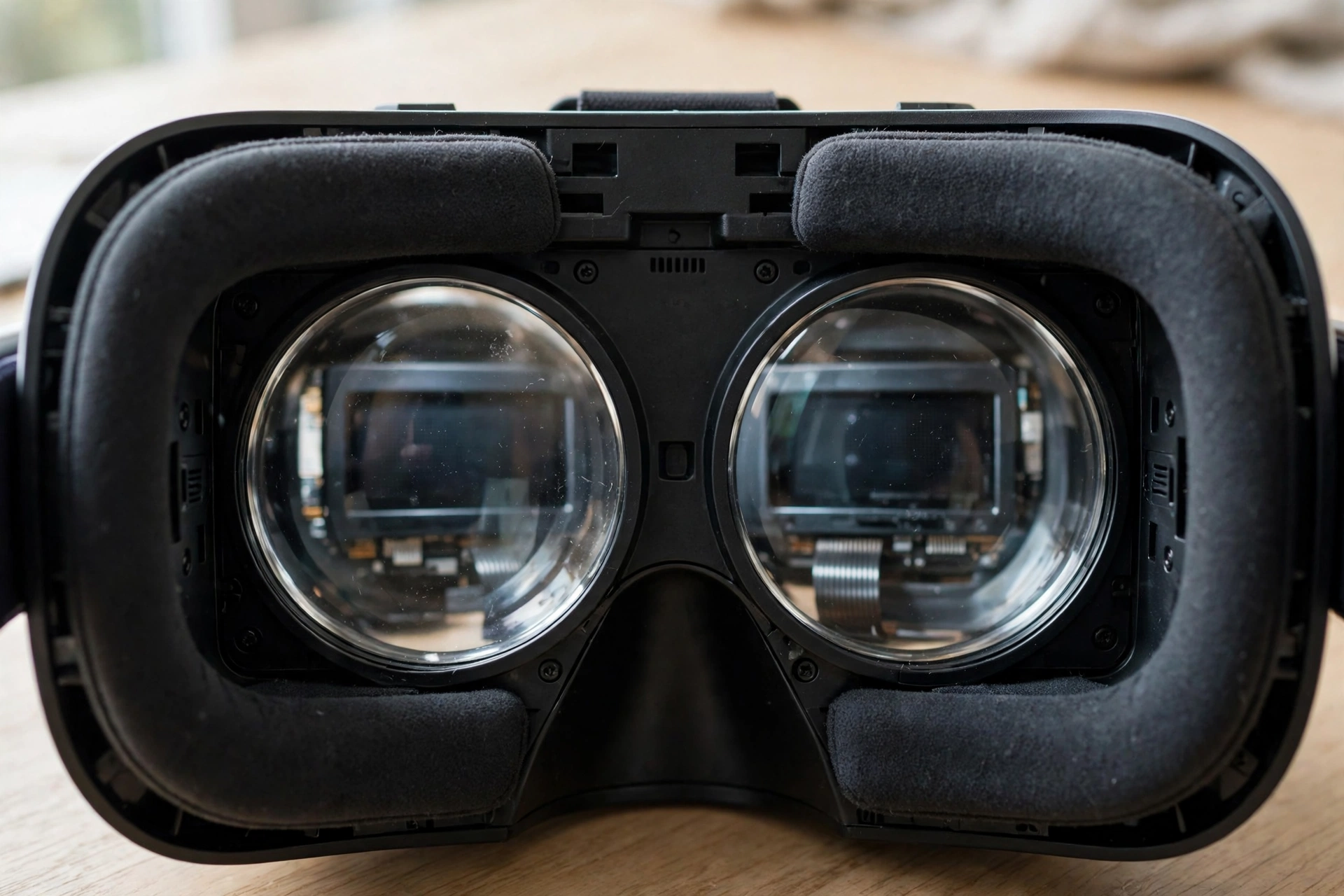
The lenses solve that by changing how light reaches your eyes. Each eye gets its own slightly different image, which is how depth works in VR, and each lens magnifies and refocuses that image. In simple terms, the lens takes a small, near picture and presents it as if it were bigger and farther away. That is also why the rest of the headset matters so much. If you want the full picture, start with how VR headsets work, which explains screens, tracking, and lenses together.
There is a trade-off hidden in that job. A lens that magnifies a lot can give you a wide view, but it can also stretch the edges of the picture, add glare, or make the centre sharper than the sides. Headset makers balance size, weight, sharpness, and comfort, and different lens designs strike that balance in different ways.
What is the difference between Fresnel and pancake lenses?
Fresnel lenses were the workhorse of early consumer VR. Instead of one thick, curved piece of glass, a Fresnel lens uses a series of thin, concentric ridges. Those ridges bend light in much the same way as a solid lens, but with far less material. That keeps the headset lighter and thinner, which matters when you wear something on your face for an hour.
The downside shows up in bright scenes. Light can bounce between those ridges and create a soft glow, sometimes called god rays, around bright objects on a dark background. Edges can also look less sharp than the centre, so text at the side of your view may be harder to read than text straight ahead.
Pancake lenses take a different route. They use polarised light and reflective layers to fold the light path back and forth inside a much shorter space. That is why headsets with pancake lenses can be noticeably slimmer, with the screens sitting closer to your face. The centre of the image is often very sharp, and the view can feel cleaner, with less of the ridged glare you get from Fresnel designs.
Pancake lenses are not a free win. Folding light loses some of it along the way, so the picture can be dimmer unless the screens are brighter to compensate. They can also be more expensive to make. Neither design is simply “better” for everyone: Fresnel headsets can still look great, especially in well-lit, colourful scenes, while pancake headsets tend to feel lighter and sharper in the middle of the view.
What is IPD, and why does it change the picture?
IPD stands for interpupillary distance — the distance between the centres of your pupils. Most adults fall in a fairly narrow range, but even a few millimetres of mismatch can matter in VR. If the lens centres sit too far apart or too close together compared with your eyes, each eye looks through the lens off-centre. The result is often a picture that feels slightly blurry, doubled at the edges, or tiring after a short while.
That is why many headsets let you move the lenses closer together or farther apart, either with a dial, a slider, or a setting in software. Some do it automatically; others ask you to measure your IPD first. A quick check is worth it: set the IPD, put the headset on, and look at some text in the middle of the view. Move the adjustment slowly until that text looks sharpest, then leave it there. If you share a headset, expect to redo this step — what is sharp for one person may be soft for the next.
Glasses wearers face an extra layer. Some headsets leave room for glasses, some offer spacer inserts, and some support prescription lens inserts that clip in over the built-in lenses. If your glasses press against the lenses, that is worth fixing, not ignoring: scratches on a VR lens are hard to undo, and a scratched lens will blur every scene you look at afterwards.
Why does the picture look sharp in the middle but soft at the edges?
Partly, that is lens physics. Most VR lenses are sharpest in a central “sweet spot” and soften toward the edges. The sweet spot is larger on some headsets than others, and pancake designs often widen it, but no current consumer headset is perfectly sharp corner to corner.
Fit plays just as big a role. If the headset sits too high, too low, or tilted, your eyes are no longer lined up with that sweet spot. A strap that is too loose lets the headset slip as you move, so the sharp centre drifts away from where you are looking. Tightening the strap a little, levelling the headset, and checking that it sits evenly can make a bigger difference than any setting menu.
Then there is VR rendering, which decides how each frame is drawn. A headset may render the centre of your view at full detail and the edges at lower detail to save power, a technique that pairs naturally with lenses that are sharpest in the middle anyway. When both line up, you may not notice the edge softness at all while you are looking around. When they do not — for example, if the headset has slipped — the softness becomes obvious.
How can you get a clearer, more comfortable view?
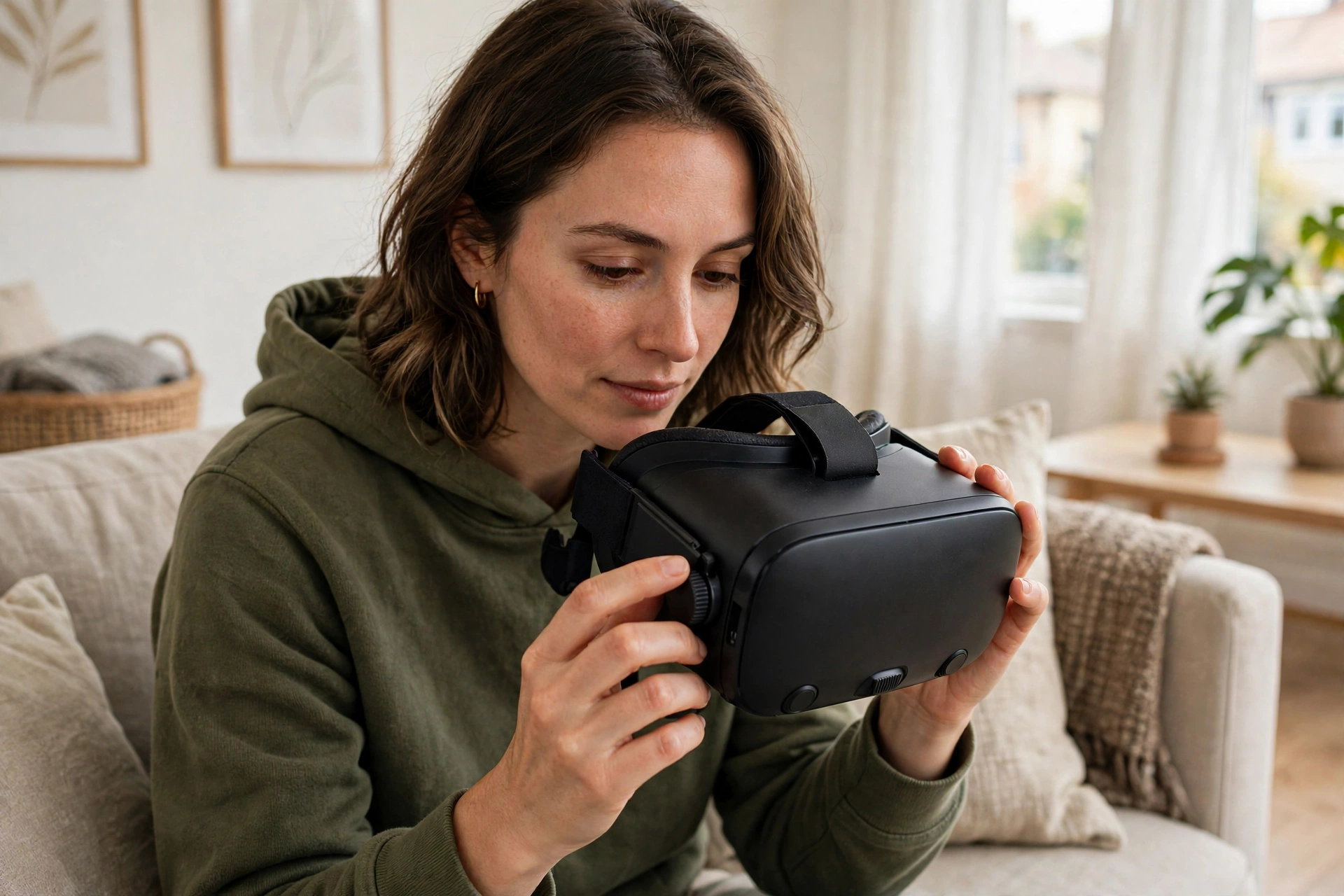
Start with the basics, in this order. First, clean the lenses gently with a dry microfibre cloth, the kind supplied for glasses. Avoid paper towels, sleeves, and household cleaners, which can scratch coatings. Second, set your IPD as described above. Third, adjust the strap so the headset feels snug but not tight, and level it so the picture is even across both eyes.
Next, check the focus and comfort settings your headset offers. Some have a focus wheel, some rely on IPD alone, and some let you adjust the distance between the lenses and your eyes. Moving the lenses slightly farther from your eyes can help if you wear glasses; moving them closer can widen the view if you do not. Take a minute with a menu screen that has clear text — menus are a better test than a fast-moving game, because you can stand still and judge sharpness.
If the picture still feels off, consider what is actually causing it. Blurry text in one eye only may mean the headset is tilted. A picture that is sharp but tiring after twenty minutes may mean your IPD is slightly off, or that you need a break. Eye strain and nausea have several causes in VR, and lenses are only one of them; how VR motion sickness happens explains the wider picture, including movement and frame rate. If discomfort persists, stop, rest your eyes, and check the fit again before your next session rather than pushing through.
Finally, keep the lenses protected when you are not using the headset. Sunlight focused through a VR lens can damage the screens behind it, so store the headset away from windows and direct sun, lenses facing down or covered. It is a small habit, but it protects the very part that makes the whole picture work.
FAQs
Do VR lenses work like reading glasses?
In a loose sense, yes: both bend light so a near object can be seen clearly. The difference is that VR lenses also magnify a screen and present a separate image to each eye, which is what creates depth. Reading glasses do not do that second job.
Are pancake lenses always better than Fresnel lenses?
Not always. Pancake lenses usually give a slimmer headset and a sharper centre, but they can be dimmer and pricier. Fresnel lenses can still look very good, especially in bright scenes, and they keep costs and weight down. The best choice depends on the whole headset, not the lens type alone.
Can I use a VR headset if I wear glasses?
Often, yes. Many headsets fit glasses, some need a spacer, and some support prescription inserts. Check your headset’s guidance for glasses before you buy inserts, and avoid letting glasses touch the VR lenses, which can scratch them.
Why does my VR picture go blurry when I move my head?
Usually the headset has slipped, so your eyes are no longer aligned with the lenses’ sweet spot. Pause, re-centre the headset, and tighten the strap slightly. If it keeps slipping, a different strap or fit may help more than any software setting.
Does eye tracking change how lenses work?
Eye tracking does not replace the lenses, but it can work with them. By knowing where you are looking, a headset can render that spot in full detail and even adjust focus in future designs. For now, most of the benefit is sharper rendering where you look, as explained in what VR eye tracking is.
Conclusion
VR lenses do a quiet, essential job: they turn a screen centimetres from your eyes into a world that feels metres away. Fresnel lenses do it with light, ridged optics; pancake lenses do it by folding light into a slimmer package. Neither is magic on its own — sharpness also depends on IPD, fit, clean lenses, and good rendering.
Your practical next step is simple. Next time you put your headset on, spend two minutes on fit before you start: clean the lenses, set your IPD, level the headset, and test it on a text menu. That short check is often the difference between a soft, tiring view and a clear one — and it costs nothing.
Further reading
For background on the technology, see Britannica virtual reality and Wikipedia virtual reality headset.