
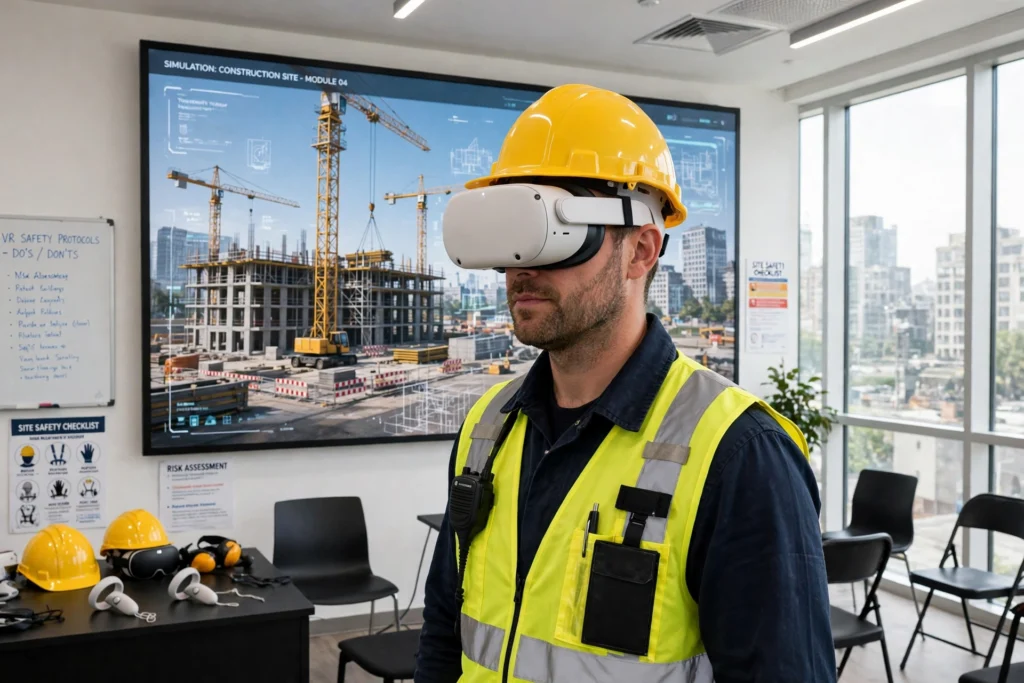
VR construction training puts workers on a building site that does not exist yet — a virtual one, inside a headset. They can practise crane lifts, walk scaffolding and run safety drills without any real risk, while the trainer watches, pauses the scene and replays mistakes until the right response becomes habit.
Key Takeaways
- VR construction training recreates a building site in a headset, with cranes, scaffolding, machinery and hazards to navigate.
- Workers practise dangerous tasks — working at height, crane lifts, heavy machinery — safely, and repeat them until they are confident.
- Trainers watch the session live, pause it, and replay mistakes with the trainee while the moment is still fresh.
- Hazard-spotting drills teach workers to notice risks, such as unguarded edges and moving vehicles, before they meet them for real.
- VR builds procedures and awareness, but real site experience and proper certification are still required.
What does a VR construction session look like?
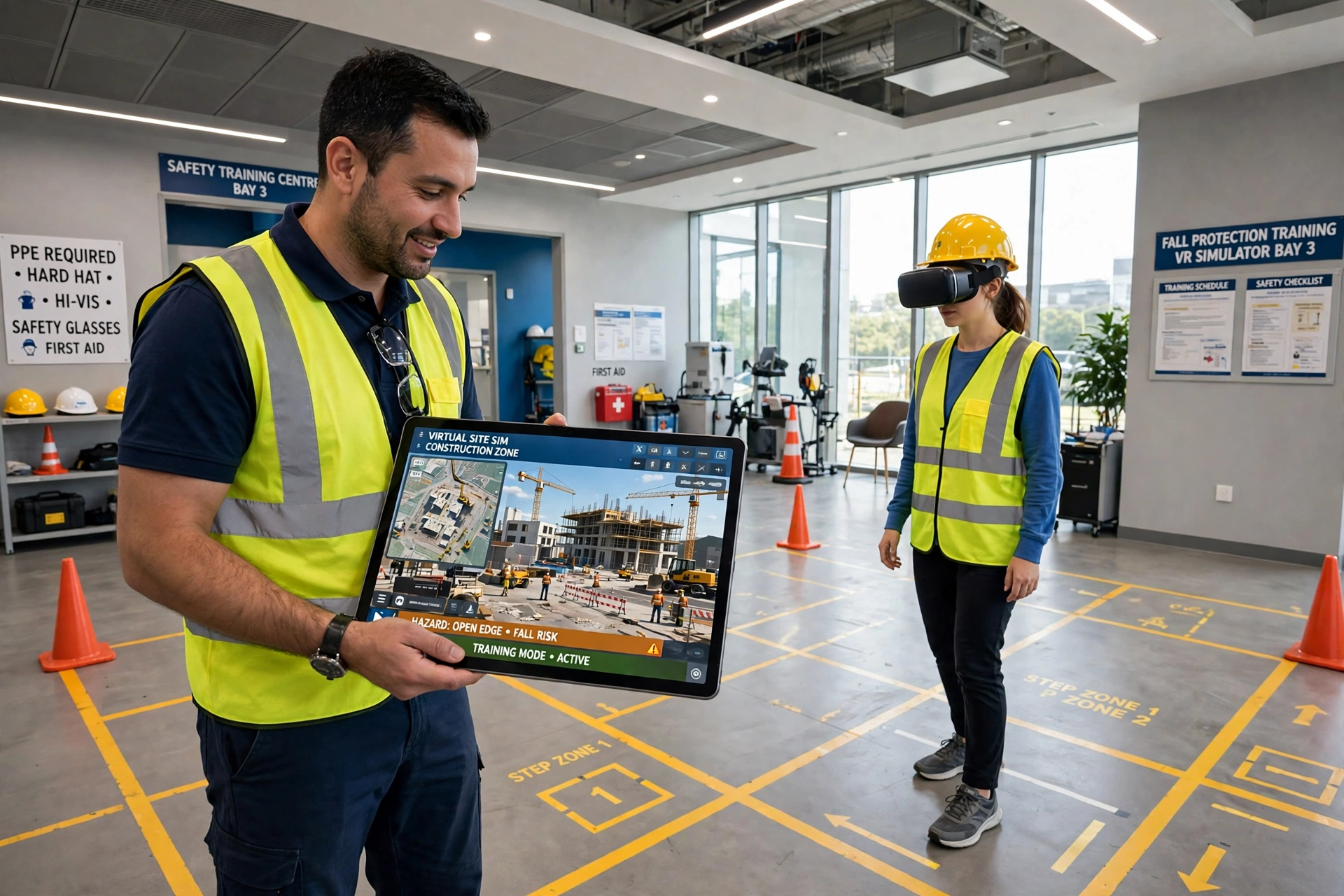
A session starts the way a real shift does: with a briefing. The worker puts on the headset and a hard hat, stands in a marked training area, and finds themselves on a virtual building site. Cranes swing overhead, scaffolding runs along a half-finished building, and workers and vehicles move around them. The trainer, watching on a tablet, can see exactly what the trainee sees.
The first task is usually simple: walk the site, look around, and get used to moving in VR. Then the real training begins. The trainee might be asked to guide a crane lift, inspect a scaffold, or carry out a safety check before work starts. Every step follows the same order it would on a real site, because the point is to build habits that transfer directly to real work.
Sessions are usually short — 15 to 30 minutes in the headset — followed by a debrief. The trainer can replay the session on a screen, point out what went well and what did not, and then run the scenario again. A trainee who fumbled a lift the first time can practise it five more times in a single afternoon, which would be impossible on a real site.
How do workers practise dangerous jobs safely?
This is where VR earns its place on a building site. Some of the most important skills in construction are also the most dangerous to learn by doing. Working at height, operating a crane, working near heavy machinery — a mistake in any of these can be serious, yet a worker needs to know exactly what to do when things go wrong.
In VR, the trainer can trigger the problems on purpose. A load starts to swing. A scaffold board is loose. A vehicle reverses into the work area. The trainee has to notice the problem, stop work, and follow the right procedure, all while the clock is running. Then they can do it again, with a different problem, until the response is calm and automatic rather than panicked.
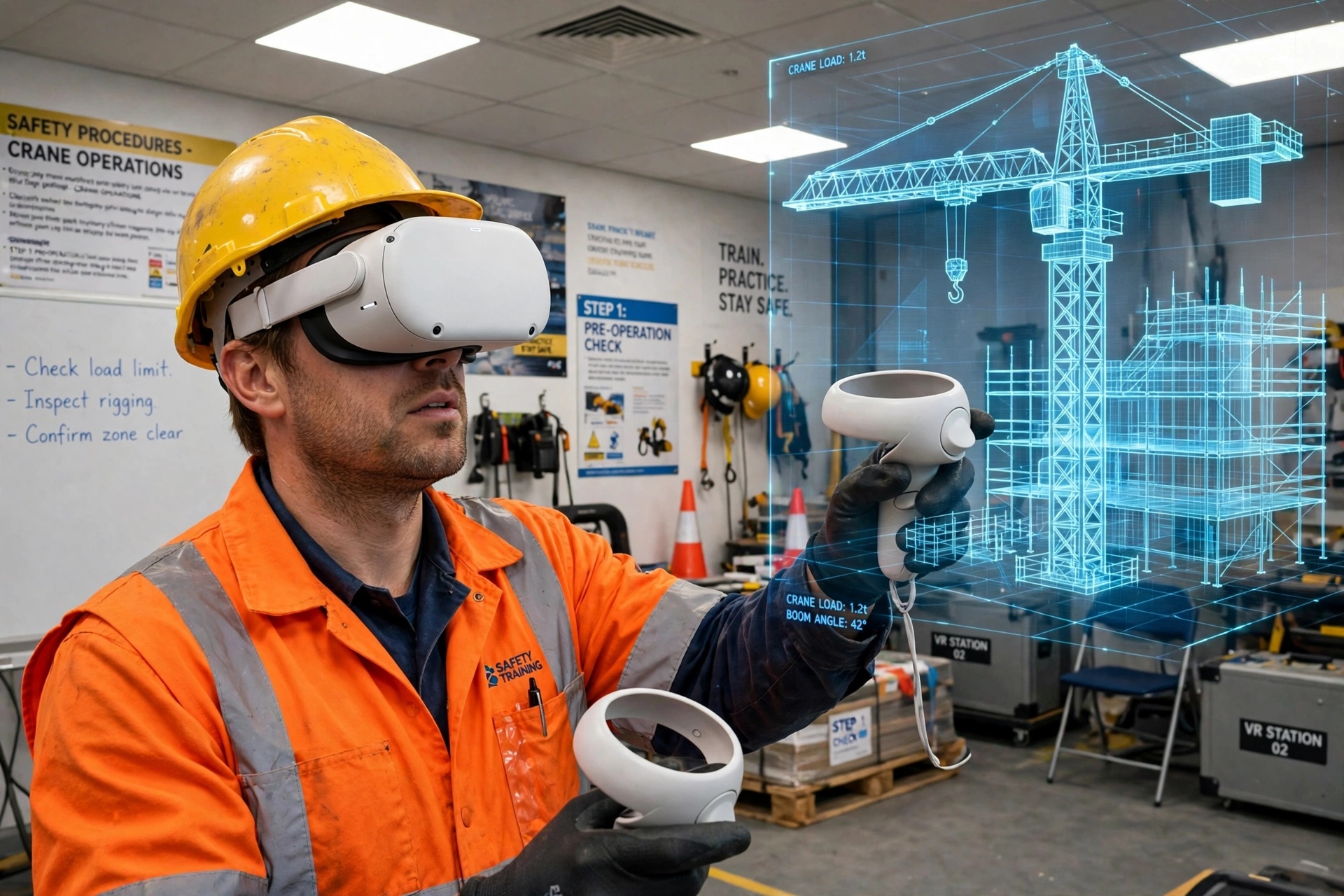
Crane operation is a good example. A real crane is expensive to hire, needs a qualified operator, and cannot be used for trial and error. In VR, a trainee can practise lifts again and again: judging distances, communicating with a banksman, and placing loads precisely.
How does hazard-spotting training work?
Most accidents on a building site do not come from a lack of skill. They come from not noticing a risk in time — an unguarded edge, a trailing cable, a vehicle moving behind you. Hazard-spotting drills in VR are designed to train the eye, not just the hands.
In a typical drill, the trainee walks a virtual site and has to find a set number of hazards: a missing guardrail, an overloaded scaffold, a worker without a harness, a fuel can stored next to a heater. Each hazard found earns a point; each one missed gets flagged in the debrief, with the trainer explaining why it matters. The same site can be run with different hazards each time, so trainees learn to look properly rather than memorising where the problems are.
That repetition is the point. A worker who has spent an hour hunting hazards in VR tends to walk onto a real site with their eyes open, noticing the loose board, the blocked walkway and the unmarked hole that are easy to walk past when you are thinking about the job rather than the site around you.
How does the trainer watch and help?
While the trainee is inside the headset, the trainer is watching the same scene on a tablet or monitor. They can see the virtual site, where the trainee is looking, and what they are doing with their hands. If the trainee walks towards an unguarded edge or forgets a step in a procedure, the trainer sees it as it happens.
Most systems let the trainer pause the scenario mid-task. That pause is where much of the learning happens: instead of debriefing an hour later from memory, the trainer can freeze the moment, point at the screen and ask, “What should you have checked before that lift?” The trainee can see their own mistake while it is still fresh, then resume and try the corrected version straight away.
What are the limits of VR construction training?
VR is a training aid, not a replacement for real site experience, and it helps to know where its edges are. The first limit is feel. A real site is heavy, noisy and physical: the weight of a tool, the vibration of machinery, the wind at height. VR can suggest some of this with controllers and sound, but it cannot reproduce the physical effort of the work. A trainee who has only ever lifted a virtual load may be surprised by the real thing.
The second limit is the field of view. A headset shows a wide scene, but not as wide as human vision, so checking over your shoulder or spotting a vehicle at the edge of your vision is harder than on a real site. The third is that VR cannot teach the social side of a site: the noise, the pace, the teamwork, and the pressure of a real deadline. Those only come from real work alongside real colleagues.
Finally, VR does not replace certification. Operating a crane, working at height, or handling certain machinery legally requires proper training and a recognised qualification. A VR session can prepare a worker for that training and make it more effective, but it does not hand out the certificate on its own.
Frequently Asked Questions
Can VR construction training replace on-site experience?
No. VR teaches procedures, hazard awareness and decision-making, but real site experience — the physical work, the teamwork and the pace — can only come from a real building site. VR is best used before and alongside real site work, not instead of it.
Do VR training hours count towards a construction qualification?
It depends on the qualification and the training provider. Some approved courses can credit certain VR-based practice, while others treat it as preparation only. Check with your training provider before relying on VR hours for a certificate.
How much does VR construction training cost?
It varies widely. A single headset and a training program can cost a few hundred pounds, while a full training-centre setup with several headsets and custom scenarios costs far more. Either way, it is usually much cheaper than hiring a real crane or shutting down a live site for training.
Will workers feel sick using VR?
Some people feel queasy at first, especially if the picture lags behind their head movements. Most trainees adjust after a few short sessions. Taking breaks, keeping sessions short and using a well-fitted headset all help.
What should a new worker practise first in VR?
Start with the basics: a site walkaround, hazard spotting, and the safety checks before work begins. Once those feel natural, move on to specific tasks such as crane lifts, working at height and emergency procedures.
Conclusion
VR construction training works because it turns the riskiest parts of learning on a building site — working at height, crane lifts, hazard spotting — into things you can practise safely, cheaply and as often as you like. The headset puts you on the site, the scenarios give your judgement a proper workout, and a trainer can pause and replay every mistake until it is fixed.
It will not hand you a qualification, and it should not be sold as a replacement for real site experience. But as a way to arrive on your first real site already knowing the hazards, the checks and the feel of a lift, it is hard to beat. If your company is considering it, start with a short trial session for a small group — and judge it by how those workers behave on the real site afterwards. For background on the technology, see Britannica’s overview of virtual reality and Wikipedia’s article on virtual reality.