
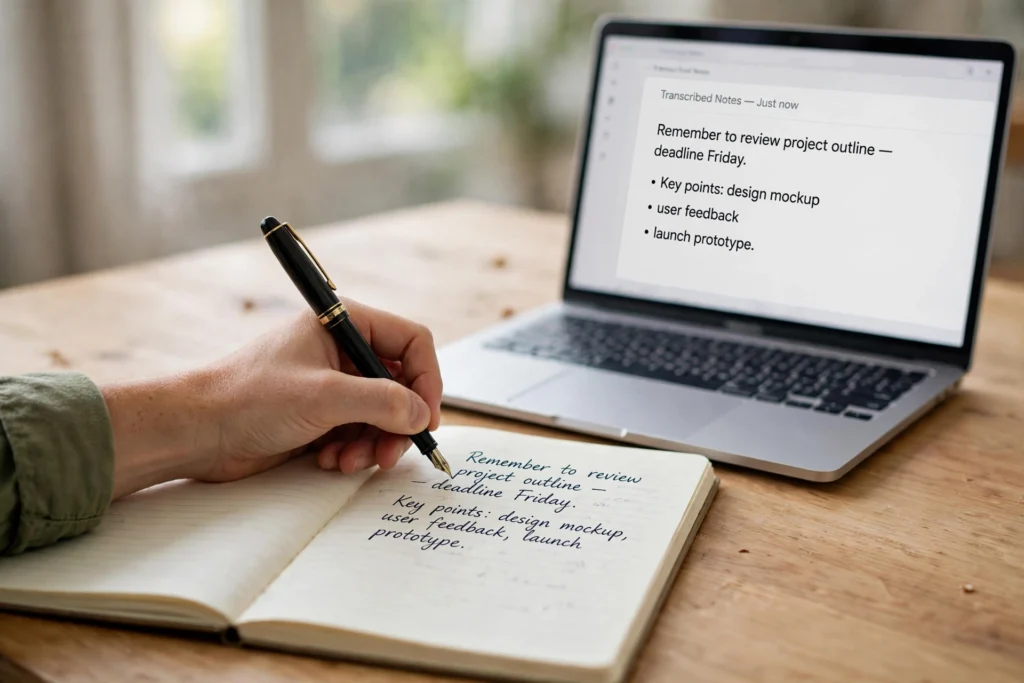
AI handwriting recognition is software that reads handwriting — on paper, in a photo, or written with a stylus — and turns it into editable typed text. It scans or photographs the page, spots the letters and words, then uses its knowledge of language to work out what was written, even when the writing is messy, slanted, or joined up in cursive.
Key Takeaways
- AI handwriting recognition converts handwritten words into typed, searchable text.
- It works in stages: the page is cleaned up, lines and words are found, letters are recognised, and a language model checks the result makes sense.
- It handles neat print well, but cursive, unusual spellings, and damaged paper are harder.
- It is used for notes, forms, receipts, and digitising old archives.
- Good lighting, a flat page, and a quick proofread make a big difference to accuracy.
How does AI read handwriting step by step?
Think of the job as a chain, where each step hands a slightly cleaner result to the next one. If any step goes wrong, the mistake usually carries through to the end.
First, the system takes in the image — a phone photo, a scan, or strokes captured live from a stylus — and tidies it up: straightened, contrast improved, smudges toned down so the writing stands out.
Next comes layout. The software finds the lines of writing, then splits each line into words, and sometimes into individual letters. This is trickier than it sounds. In cursive, letters run together, and one person’s “m” can look like another person’s “rn”.
Then the recognition itself happens. Modern systems use neural networks — the same family of models behind computer vision — trained on huge collections of handwriting samples. Rather than matching each letter against a fixed template, the model looks at the shape of a whole word or line and predicts the most likely sequence of characters. That is why it can cope with handwriting it has never seen before.
Finally, a language model checks the result, nudging any wobbly word towards something that fits the sentence. This is where natural language processing comes in — the system weighs which words make sense together, not just the shapes it sees. The same pairing of a vision model and a language model also powers systems that recognise faces in photos.
What is the difference between handwriting recognition and OCR?
People often use the two terms as if they mean the same thing, but they are not identical. OCR, or optical character recognition, was built for printed text. Printed letters are regular: every “a” in a font looks the same, the spacing is even, and the lines are straight.
Handwriting breaks all of those assumptions: letters change shape depending on the writer, the pen, and the speed of writing. So handwriting recognition needs models that handle variation, not templates that expect uniformity.
In practice the line has blurred, and many tools now handle both in one pipeline. When choosing one, ask whether it was trained on handwriting and copes with cursive — a tool built only for printed invoices will often fail on a handwritten note. Handwriting recognition is one small corner of a much bigger field — our complete guide to artificial intelligence explains how the pieces fit together.
Where is handwriting recognition used today?
The most familiar use is personal notes. Apps on phones and tablets let you scribble a shopping list or a meeting note with a stylus and then search it later as text. The writing stays looking handwritten on screen, but underneath it the system has already converted it, which is what makes search possible.
Forms are another big one. Clinics, schools, and small businesses still receive plenty of paper forms; instead of typing every field by hand, staff photograph the form and let the software pull out names, dates, and amounts. Receipts and expense claims work the same way.
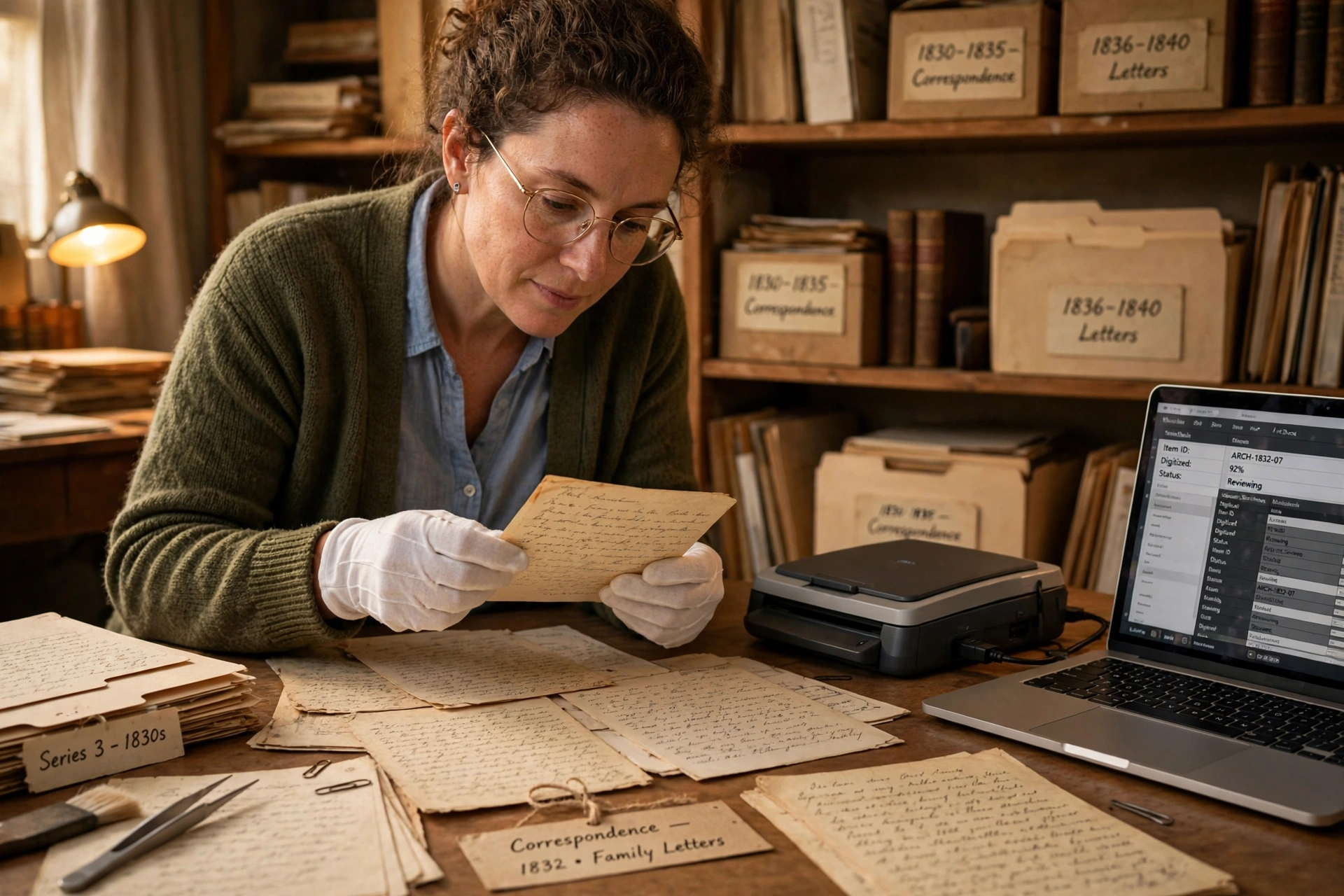
Then there is digitising archives. Libraries and museums hold letters, diaries, and records that exist only on paper, some centuries old. Handwriting recognition turns those pages into searchable text, so a researcher can find every mention of a name across thousands of documents.

Why does AI still struggle with some handwriting?
Handwriting is genuinely hard, and some kinds will probably always need a human eye. First, variation: a model trained mostly on neat, modern handwriting will stumble on a doctor’s rushed prescription or a child’s first joined-up attempts. Slang and made-up shorthand make it worse, because the language model has no sensible guess to fall back on.
Second, the writing itself: faded ink, yellowed paper, words crossed out and rewritten, notes squeezed into margins. Old documents are the hardest of all, because spelling and letter shapes have changed over the centuries.
Third, context. A word that looks like “clear” in one sentence might be “dear” in another, and only the surrounding words can tell. A lone word on a form gives the system far less to work with, so errors creep in.
None of this means the technology is unreliable — for clean, modern handwriting it is often very accurate. It means using it with a quick check afterwards, especially when the text matters, like a medical note or a legal form.
How can you get better results from a handwriting app?
A few small habits make a noticeable difference, and they cost nothing. Give it a good photo: flat paper, even light, no shadows, and the page filling the frame. A creased page photographed at an angle is the most common cause of bad results.
Write a little more clearly than usual when you know the page will be scanned — just separate your words slightly. If the app lets you pick a language, set it before you scan, because the language model works far better when it knows what to expect.
Proofread the result before you trust it, watching for the classic mix-ups: numbers that look like letters and words it has “corrected” into something sensible but wrong. And keep the original — a photo of the handwritten page is your backup if the text ever looks doubtful.
Frequently Asked Questions
Can AI read cursive handwriting?
Yes, usually. Modern systems are trained on cursive as well as print and read whole words rather than letter by letter, which helps with joined-up writing. Neat cursive works well; very loose or hurried cursive is less reliable.
Is handwriting recognition the same as OCR?
Not quite. OCR was designed for printed text, where every letter is regular. Handwriting recognition handles the variation of human writing, using models trained on many samples plus a language model to check the result.
Can AI read handwriting in a photo?
Yes, if the photo is clear: flat page, good light, and the page filling the frame. Blurry photos, shadows, and steep angles all reduce accuracy.
How accurate is AI handwriting recognition?
For neat, modern handwriting it is often very accurate, but no single number applies everywhere — it depends on the writing, the paper, and the tool. Treat the output as a strong first draft.
Can AI read old handwritten documents?
It can help, but old documents are the hardest case: faded ink, damaged paper, and spelling and letter shapes that have changed over time. Archives often mix software with human review for the trickiest pages.
Conclusion
AI handwriting recognition turns handwriting into typed, searchable text by cleaning up the image, finding the words, recognising the letters, and checking the result against what makes sense. It is at its best with clear, modern writing — notes, forms, and receipts — and still needs a human check for messy or historic pages.
If you have a pile of handwritten notes, try it on one page first: photograph it flat in good light, run it through a handwriting app, and proofread the result. That one test will tell you more than any feature list — and the original page stays safe as your backup.
Further reading: Wikipedia — Handwriting recognition (https://en.wikipedia.org/wiki/Handwriting_recognition); Google Cloud — Document AI overview (https://cloud.google.com/document-ai/docs/overview)