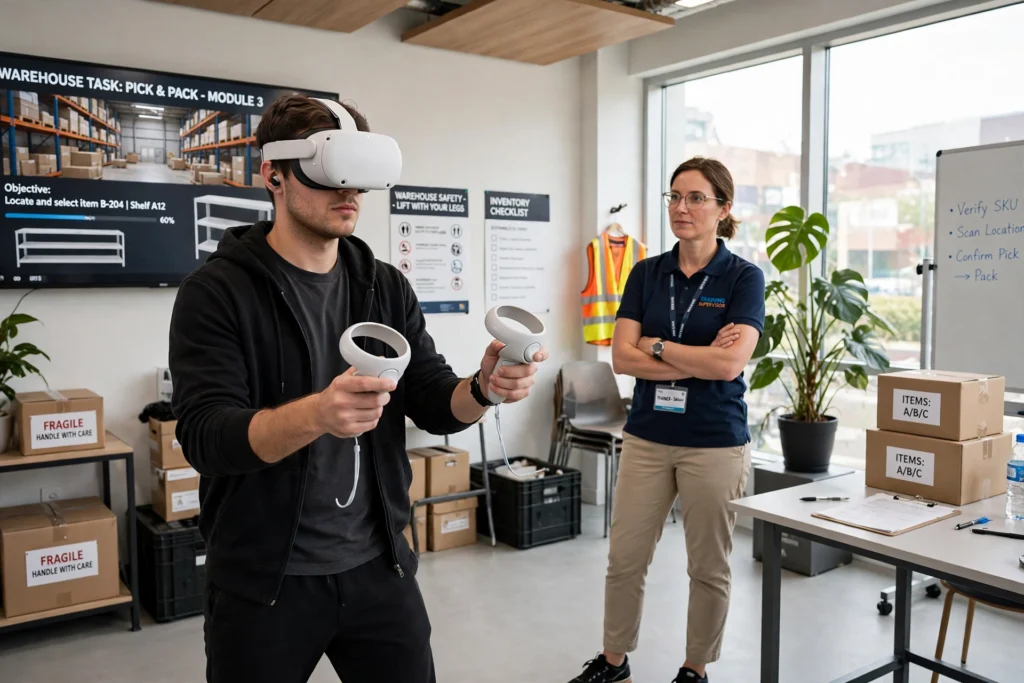
VR job training puts a trainee inside a virtual workplace, where they can practise a task, make mistakes, and try again — without stopping real work, damaging equipment, or putting anyone at risk. Instead of only reading a manual or watching a video, the learner picks up virtual tools, follows a realistic sequence, and gets feedback straight away.
Key Takeaways
- VR job training turns a work task into a repeatable, hands-on simulation.
- It is most useful for tasks that are risky, expensive, rare, or hard to practise on the job.
- Headset tracking, controllers, and instant feedback are what make the practice feel real.
- It works best alongside real-world coaching, not as a complete replacement for it.
- Comfort, clear goals, and a short trial session matter more than fancy graphics.
What happens in a VR job training session?
A session usually starts with a short briefing: what you will practise, what good looks like, and how long it will take. Then you put on the headset, pick up the controllers, and step into a virtual version of the workplace — a warehouse aisle, a workshop bench, a hotel room, or a customer-service desk, for example.
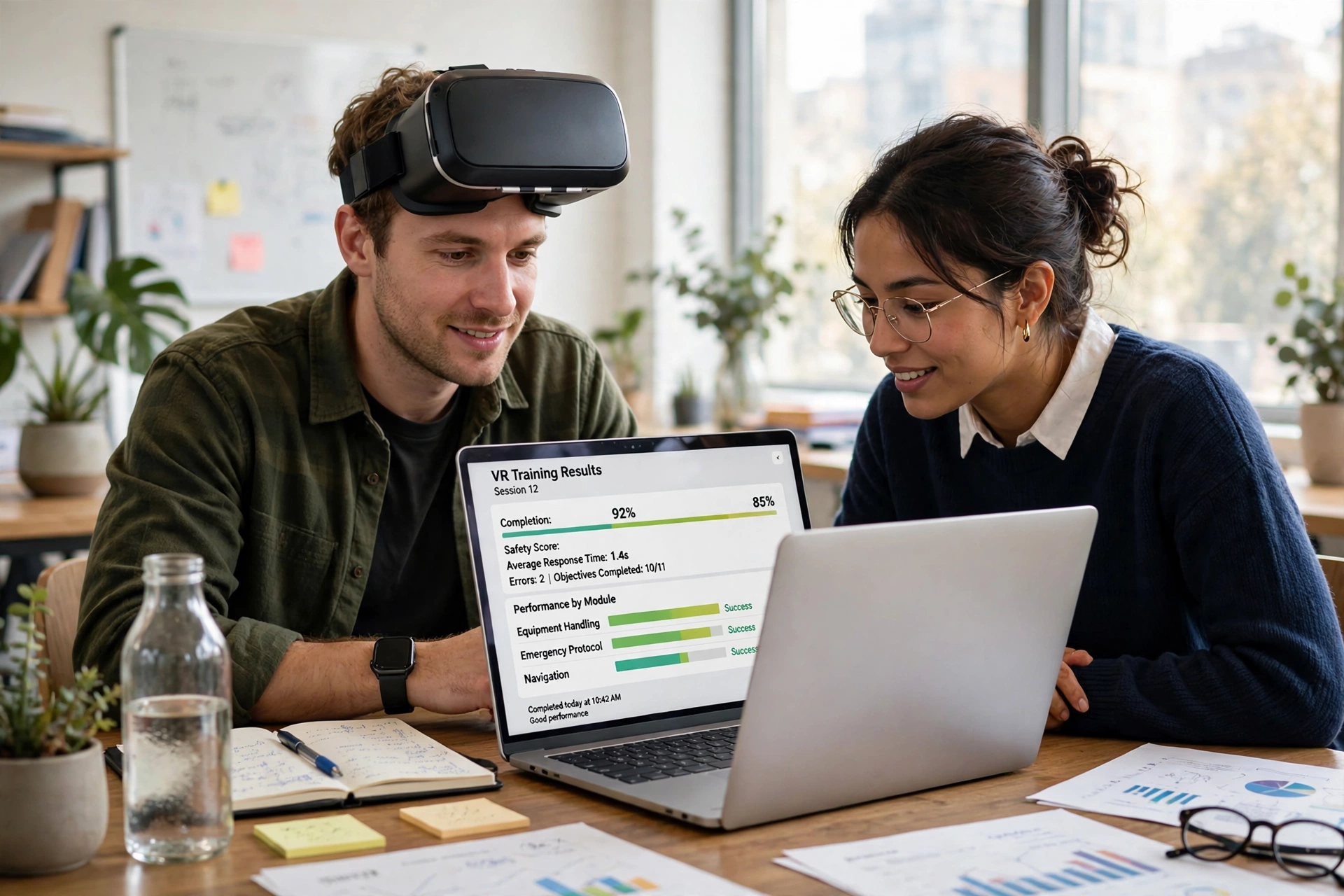
Inside, the system gives you a task in steps. You might check a list, pick the right item, use a tool in the right order, or respond to a customer. If you choose the wrong item or skip a safety step, the simulation can pause, show what went wrong, and let you redo that step. Many programmes end with a simple score or summary: tasks completed, errors made, and time taken. A trainer can then talk through the result, just as they would after a real shift.
How does VR turn a headset into a workplace?
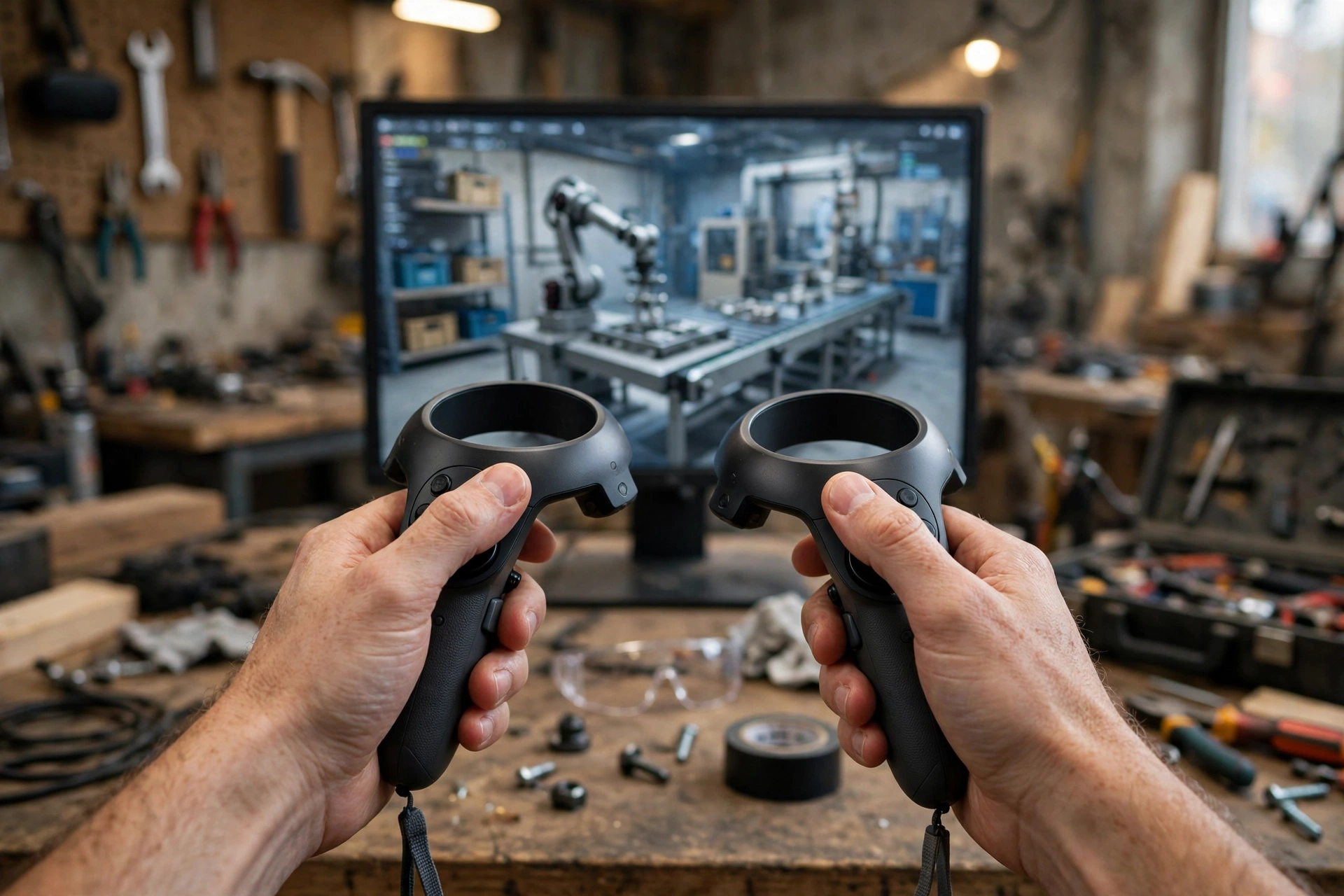
The headset shows a slightly different image to each eye, which gives a sense of depth, and sensors track head movement so the view changes as you look around. Controllers track your hands, so reaching, grabbing, and pressing buttons feel closer to the real action. Some systems add sound, vibration, or a defined floor area so you can walk a few steps safely.
None of this needs to be perfect to be useful. What matters is that the sequence, the tools, and the decisions match the real job closely enough that the learner builds the right habits. A picking task, for instance, should teach checking the location, scanning the item, and confirming the pick — not just pointing at boxes.
What skills can VR job training actually build?
VR is strongest for skills you learn by doing. That includes following a safety procedure, operating equipment in the right order, handling a difficult customer conversation, or finding your way around a new site. It can also help with confidence: a new starter can repeat an awkward first task several times before doing it in front of customers or colleagues.
It is less useful on its own for skills that depend on real touch, weight, smell, or teamwork under pressure. Lifting a heavy box in VR will not build the same strength as lifting a real one, and a virtual customer will not react quite like a real person. Good programmes are honest about those limits and pair VR practice with supervised, real-world experience.
How does VR make practice safer?
In a virtual setting, a mistake costs time, not safety. A trainee can practise an emergency shutdown, a spill response, or working near moving equipment without any real danger. Trainers can also create situations that rarely happen at work — a fire alarm during a busy shift, a faulty machine, or an unhappy customer — so staff are less surprised when something unusual happens for real.
That does not mean VR removes risk from training altogether. Sessions should still include breaks, a clear play area, and a way to stop quickly if someone feels dizzy or uncomfortable. Anyone with a history of motion sickness, epilepsy, or a similar condition should check the programme’s guidance and talk to a trainer first.
What equipment and space do you need?
Most workplace programmes use a standalone headset and two controllers, which keeps setup simple. Some use a PC-connected headset for more detailed graphics, or add a laptop so a trainer can watch what the trainee sees. The room needs enough clear floor space for the task, good lighting for tracking, and no tripping hazards.
Before a session, check the headset fit, lens clarity, battery level, and controller tracking. A few minutes of setup can prevent a frustrating session where the learner spends more time fighting the equipment than practising the job. Keep sessions fairly short at first — often 15 to 30 minutes — and build up as people get used to the headset.
How is progress measured in VR training?
A useful programme measures more than completion. Look for results that show whether the learner followed the right sequence, avoided safety errors, and improved over repeated attempts. Time alone can mislead: a fast run with several skipped steps is not better than a slower, careful one.
Trainers should use those results as a starting point for conversation, not as a final verdict. Ask what the learner found confusing, which step they would do differently, and what they still want to practise in real life. That debrief is often where the learning sticks.
What are the limits of VR job training?
VR cannot replace every part of a job. It may not capture the weight of tools, the noise of a busy site, or the pressure of a real deadline. Some people feel dizzy or tired in a headset, and not every task translates well into a virtual scene. Content also needs updating: if a procedure changes, the simulation should change too, or it will teach the old way.
Cost is another limit. Headsets are more affordable than they once were, but creating a custom simulation for one specific workplace can still be expensive. For common tasks, ready-made programmes may be a better starting point than building something from scratch.
How do you choose a VR training programme?
Start with the job, not the headset. Write down the exact task, the mistakes that matter most, and how you will know the training worked. Then try a short pilot with a small group and compare it with your current training: do learners feel more confident, make fewer errors in supervised practice, or need less time to get up to speed?
Also check the practical details. Can the programme run on headsets you already have? How are results stored and shared? How often is content updated? And can learners practise in short sessions without a trainer standing over them the whole time? A clear answer to those questions usually matters more than a long feature list.
FAQs
How long does a VR job training session usually last?
Many sessions last 15 to 30 minutes, especially for new users. Shorter, repeated sessions tend to work better than one long session, because they reduce fatigue and give learners time to reflect between attempts.
Do you need to be good at video games to use VR training?
No. Most workplace programmes use simple controls — point, grab, and press — and start with a guided introduction. If you can use a phone or a remote control, you can usually learn the basic VR controls in a few minutes.
Can VR training replace on-the-job training completely?
Not usually. VR is best for safe repetition and building confidence before real work. Most jobs still need supervised practice with real tools, real customers, and real conditions before someone works alone.
Is VR job training safe for everyone?
Most people can use VR safely for short sessions, but some feel dizzy, tired, or uncomfortable. Sessions should include breaks, a clear space, and a quick way to stop. Anyone with a relevant medical condition should follow the programme’s guidance and ask a trainer first.
What should a company check before buying VR training?
Check that the content matches the real procedure, that results are easy to review, and that the programme works on your headsets. Run a small pilot first, and compare learner confidence and supervised-practice errors with your current training before rolling it out widely.
Conclusion
VR job training works when it gives people a safe place to practise the real decisions, steps, and mistakes of a job — then connects that practice back to real work. Start small: pick one task that is risky, rare, or hard to practise, try a short pilot with a few learners, and judge it by supervised performance, not by how impressive the headset looks. If the pilot helps people practise more often and with more confidence, it is worth expanding; if not, fix the task design before buying more headsets.
Related reading
- How Do VR Headsets Work?
- How Do VR Controllers Work?
- How Does VR Room Mapping Work?
- Virtual Reality Beyond Gaming
- Britannica virtual reality
- Wikipedia virtual reality
Further reading: Britannica virtual reality and Wikipedia virtual reality (external links above), plus related Techserps VR guides linked in the article.