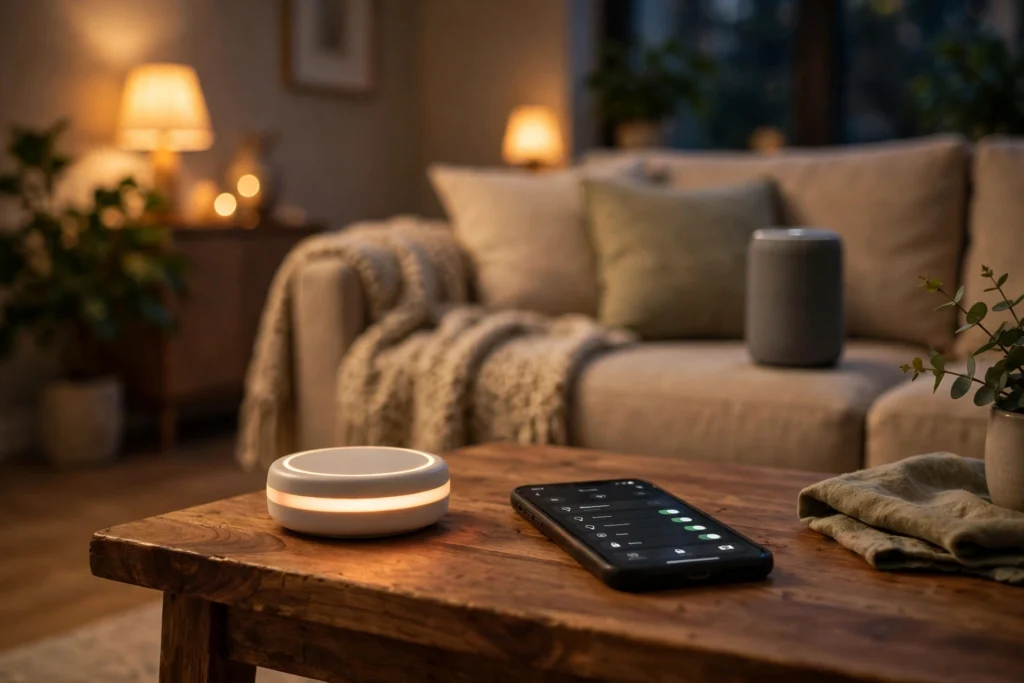
A smart home hub works as a translator and traffic controller for your connected devices. It takes a command from your phone, voice assistant, or a schedule, translates it into the language each device understands, and sends it on — so one tap can dim the lights, lock the door, and turn the heating down at the same time.
Your bulbs, lock, thermostat, and speakers all speak slightly different wireless languages, and most can’t talk to each other directly. The hub sits in the middle, understands all of them, and keeps track of what’s on and what’s off. Without one, you’d be juggling a separate app for every gadget in the house.
Key Takeaways
- A smart home hub connects devices that use different wireless protocols and lets you control them from one app or voice command.
- It translates between Wi-Fi, Zigbee, Z-Wave, Bluetooth, and Matter, so gadgets from different brands can work together.
- Hubs run routines — chained actions like “good night” that lock doors, switch lights off, and lower the heating in one step.
- Some hubs work locally and keep working when the internet drops; others depend on the cloud for most commands.
- Before buying, check which devices and protocols a hub supports, because a hub that can’t talk to your gadgets won’t help.
What exactly is a smart home hub?
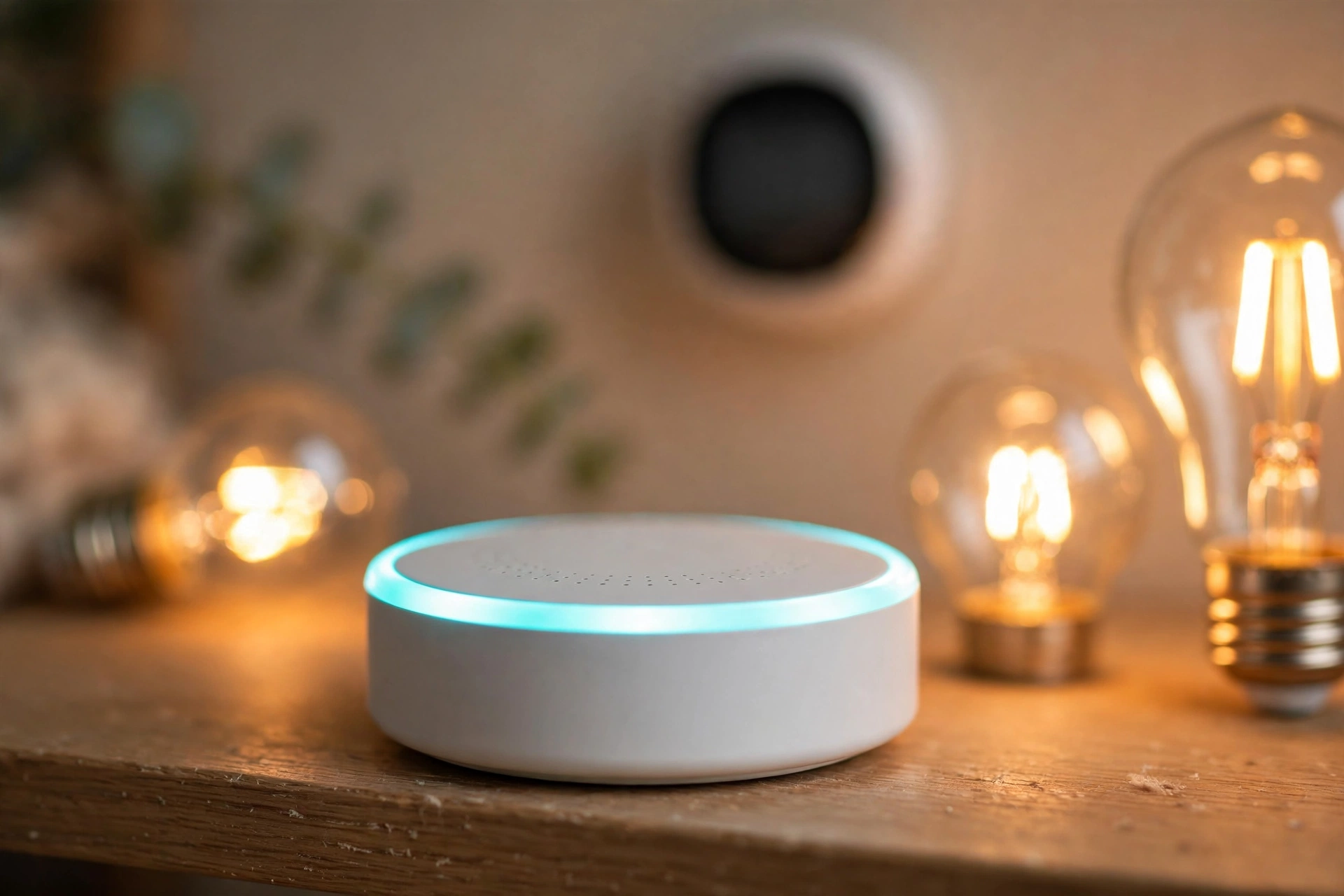
A smart home hub is a small device — sometimes a puck, sometimes a box, sometimes built into a speaker — that manages communication between your smart devices. It connects to your home network, usually by Wi-Fi or an Ethernet cable, and keeps a constant, low-power conversation going with everything paired to it.
Most hubs do three jobs. First, they pair new devices — the setup step where a bulb or sensor joins your home network. Second, they relay commands to the right device in the right format. Third, they store routines and schedules, so a timed action can fire even when your phone is switched off.
Many smart speakers now include hub radios inside them, so the speaker on your kitchen counter may already be acting as a hub. Home automation covers any system that monitors or controls lighting, climate, security, and appliances in a home — the hub is the part that ties those pieces together.
How does a hub talk to your devices?
This is where the hub earns its keep. Smart devices don’t all use the same radio, and a hub’s main skill is speaking several of them at once.
Wi-Fi is the one most people know. It’s fast and already in every home, but it can be power-hungry, which is why battery devices rarely use it, and a house full of Wi-Fi gadgets can crowd your router.
Zigbee and Z-Wave are low-power mesh protocols built for smart homes. Each mains-powered device passes messages along to the next, like a relay race, so the network reaches further than any single radio could. They’re popular for bulbs, sensors, and locks because they sip battery power.
Bluetooth is short-range and common in locks and sensors. Then there’s Matter, a newer standard backed by the Connectivity Standards Alliance, designed so devices from different brands can work together over Wi-Fi and Thread. It aims to end the old problem of buying a bulb that only works inside one company’s app.
A good hub supports more than one of these. When you tap “turn the hall light on”, the hub checks which protocol that bulb uses and sends the command through the right radio. You never see any of that — you just see the light come on.
Do you actually need a hub?
Not always. If you own two Wi-Fi bulbs and a smart plug from the same brand, their app probably does everything you need. A hub starts to make sense once you have devices from different brands, or devices using Zigbee, Z-Wave, or Thread radios your phone can’t talk to directly.
A hub also helps when you want automations that run without your phone. A motion sensor that switches a light on at 2 a.m. needs something always awake to hear the sensor and send the command — that’s the hub’s job. The same goes for an arrival routine: your smart lock can tell the hub you’ve arrived, and the hub can switch the hall light on.
There are two broad types to know about. Cloud-dependent hubs send most commands through the manufacturer’s servers, so they need the internet to work and can feel slow when your connection is busy. Local hubs process commands inside your home, so basic routines keep working during an internet outage and usually respond faster. Local control also means less of your household data leaves the house.
What should you check before buying one?
Start with compatibility, not price. Look up the devices you already own — or plan to buy — and check whether the hub supports them, and which protocols it speaks. A hub that only does Zigbee won’t help a house full of Z-Wave sensors.
Next, check Matter support. A hub that supports Matter is more likely to keep working with new devices you buy in a year or two, because Matter is the standard most brands are building toward. It doesn’t guarantee every device will work, but it widens your options considerably.
Then think about privacy. Some hubs need a manufacturer account and send device data to their cloud; others can run without one. Turn off data sharing you don’t want, use a strong password with two-factor authentication, and keep the hub’s software updated.
Finally, check voice control. Many hubs use a smart speaker as the voice front end, so pick a hub that works with the voice assistant you already use.
How do you set a smart home hub up?
Place the hub centrally in your home, close to your router, and plug it in. Most hubs connect by Ethernet for reliability, though many work over Wi-Fi too.
Then open the hub’s app, create an account if one is needed, and add your devices one at a time, usually by putting each device into pairing mode and letting the hub find it. Give every device a clear name and a room, because “hall light” is far easier to control by voice than “bulb 7”. Once devices are paired, build one or two simple routines and test them while you’re standing in the room.
Add devices gradually: pair the lights first, then the thermostat, then the lock. If something goes wrong, you’ll know which step caused it.
FAQs
Can a smart home hub work without the internet?
It depends on the hub. Local hubs keep basic routines running during an outage, because commands stay inside your home. Cloud-dependent hubs usually stop working until the connection returns. Check the specs for “local control” before you buy.
Is a smart speaker the same thing as a smart home hub?
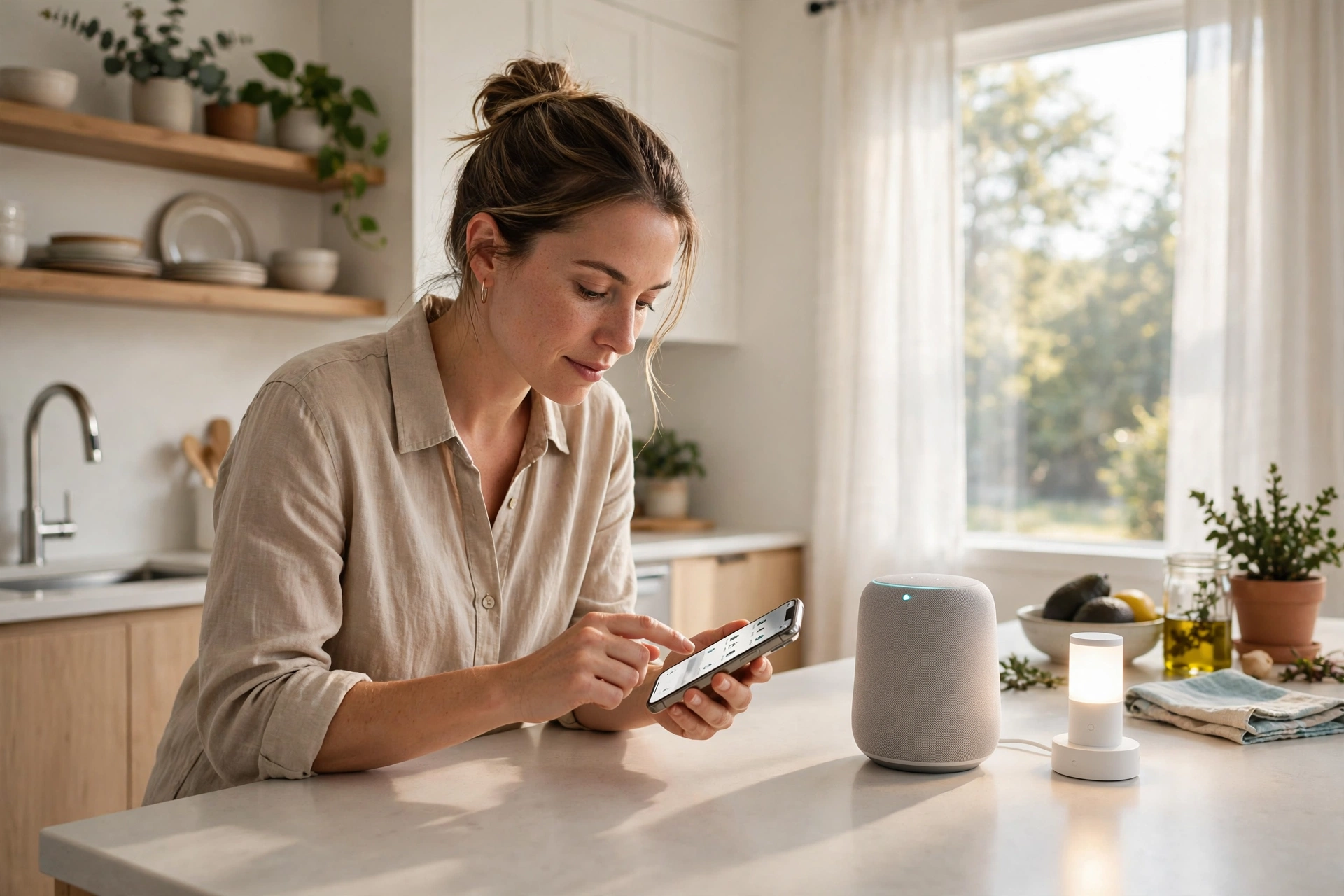
Not quite, though the two often overlap. A smart speaker is mainly a voice interface — it hears you and plays audio. A hub is the device manager that talks to your gadgets. Many modern speakers contain hub radios, so one box can do both jobs.
How many devices can one hub handle?
Most consumer hubs support dozens of devices comfortably — often 50 or more. Zigbee and Z-Wave mesh networks get stronger as you add mains-powered devices, since each one relays messages.
Does a smart home hub slow down my Wi-Fi?
A little, but usually not noticeably. Most smart home traffic is tiny — a command here, a status update there. Moving sensors and bulbs onto Zigbee or Thread through the hub actually takes pressure off your Wi-Fi.
What happens to my devices if the hub breaks?
Devices usually keep their basic functions — a smart bulb still works as a bulb, a lock still locks with a key or a code. What you lose is central control, routines, and cross-brand automations until the hub is replaced. Some hubs let you back up their settings, which makes a replacement far less painful.
Conclusion
A smart home hub is the quiet middle layer that makes a mixed collection of gadgets behave like one system. It translates between protocols, runs your routines, and keeps track of what every device is doing. You may not need one for a couple of bulbs — but once your home holds devices from several brands, a hub stops them feeling like strangers sharing a roof.
If you’re thinking about it, start small: pick a hub that supports Matter and the protocols your current devices use, pair your lights first, and build one routine you use every day. Once that routine works without a second thought, you’ll know whether the rest of the house is worth connecting.