AI image generation turns a written prompt into a brand-new picture. The system has studied millions of captioned photos and artworks, learned how words connect to shapes, colours and styles, and then builds an image step by step from random noise until it matches your description. The result is new, not a copy of any single photo it has seen.
Key Takeaways
- AI image tools learn patterns from captioned images, then create new pictures from a text prompt.
- Most modern tools use diffusion: starting from noise and cleaning it up in small steps.
- The prompt matters most — detail, style and subject all steer the result.
- Generated images can look convincing but still contain mistakes, especially with hands and text.
- Check the rules before commercial use, and say an image was AI-made when it matters.
How does an AI learn to make pictures?
It starts with training, and training is mostly about looking. A model is shown millions of captioned images and gradually learns the links between words and pictures. Nothing is stored as a photo library; what the model keeps is a set of patterns — a compressed understanding of how images are put together.
This is where artificial intelligence meets a very specific job, and the general idea is the same one behind machine learning: find the patterns in the examples, then use them on something new. Under the hood, deep learning networks do the work, with layers that notice different things — edges and colours first, shapes and scenes later. It is all part of generative AI, tools that create new text, images and video rather than just sorting what already exists.
What is diffusion, and why does it work so well?
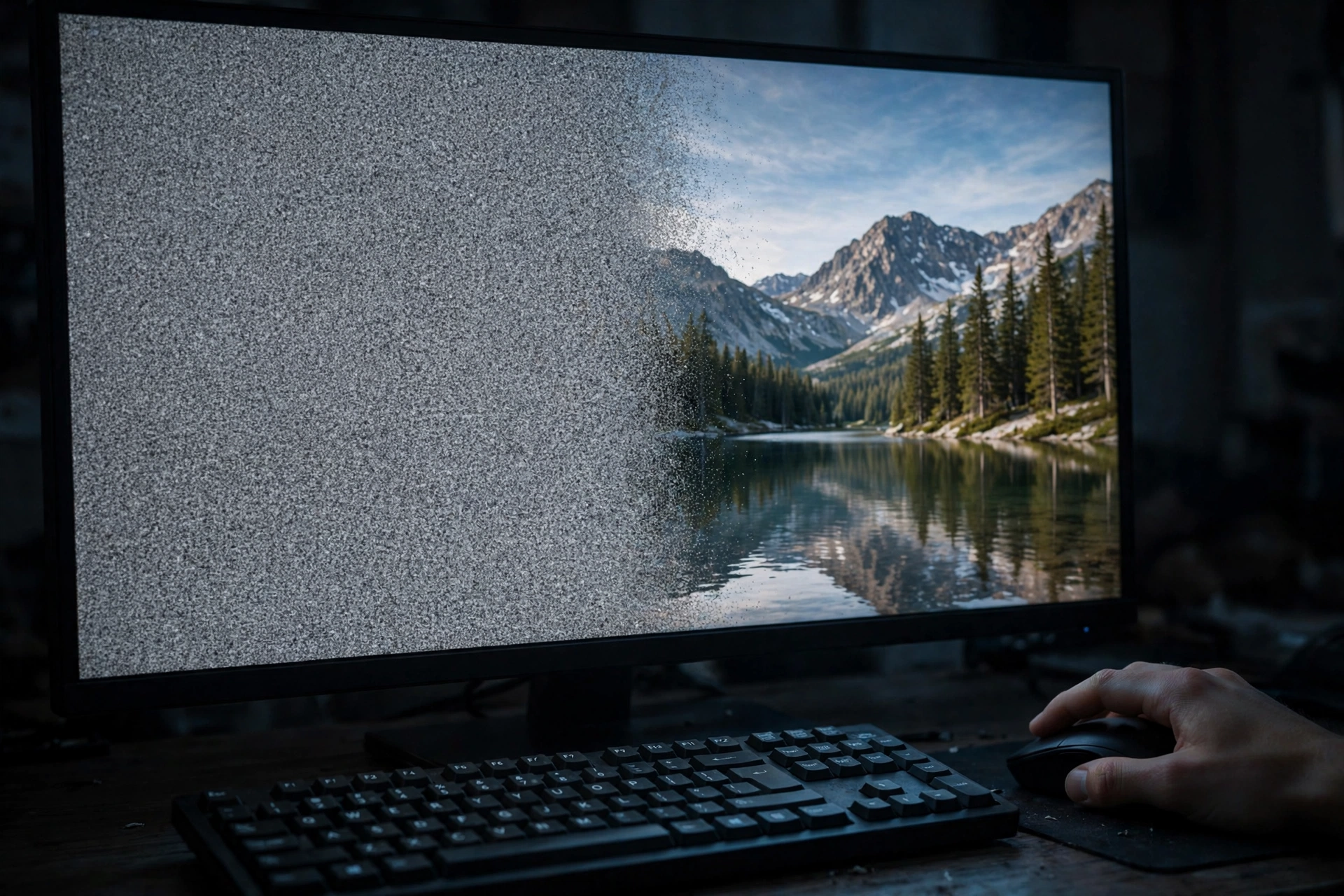
Most image tools today are built on an idea called diffusion. Picture a television screen full of static, slowly clearing until a photo appears. That is roughly what the model does, guided at every step by your prompt. During training, the model was shown the process in reverse: a clear image gradually buried in noise, so it learned to predict what the noise was hiding. Once trained, it runs the process backwards — start with pure noise, guess a slightly less noisy version, and repeat until a finished picture emerges.
Diffusion won out because it is steady and flexible. It handles detailed prompts well and can be steered mid-process, which is why tools can change one part of a picture while keeping the rest. For the technical background, the text-to-image model page on Wikipedia gives a clear overview of how these systems are put together.
What makes a good prompt?
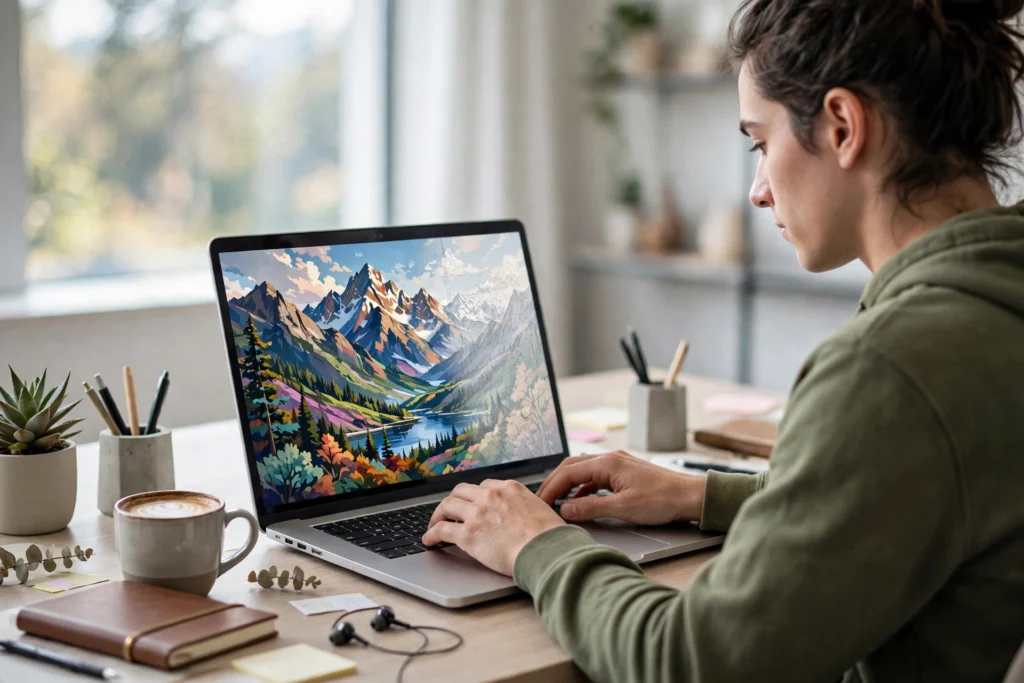
The prompt is the steering wheel, and small changes to it make a big difference. A vague prompt like “a dog” leaves the model to fill in nearly everything: the breed, the setting, the light, the mood. A specific prompt like “a muddy golden retriever puppy in autumn leaves, soft morning light, photo taken at eye level” gives the model far more to work with.
Build a prompt in layers: subject, then setting, then light and style. Style words matter: “photograph”, “oil painting” and “cinematic” each push the image in a different direction. If the first result is not right, treat it as a draft and change one thing at a time. DALL·E 3, one of the best-known tools, is built around this kind of back-and-forth, where a short chat refines the picture step by step.
Why do AI pictures sometimes look wrong?
Anyone who has tried these tools has seen the odd results: hands with too many fingers, text that looks almost right but spells nothing, faces that seem slightly off. The model does not understand the world the way we do. It knows what a hand usually looks like in a photo, but it has no real sense of how many fingers a hand should have, or how letters combine into words. It matches patterns; it does not reason about anatomy or spelling.
Text is the clearest example: a model can draw something that looks like a shop sign, but the letters often come out jumbled, because it learned the shape of text without learning to read. Fine detail suffers the same way. The model can also only work with what it was trained on, so rare subjects come out as plausible guesses — fine for a blog illustration, but a problem if accuracy matters.
Where can you use AI-generated images?
For everyday creative work, the uses are wide open: blog illustrations, social posts, slides, storyboards and concept art. They are fast and easy to redo.
There are limits, though, and they are worth taking seriously. The first is honesty. If an image is meant to show a real event, a real person, or a real product, an AI picture is the wrong tool, because it is invented, not observed. News, reviews and anything where a reader expects the truth should use real photos. The second is the rules of the tool you used: some services allow commercial use, some do not, and some ask you to credit the tool. The third is the training data — models learned from real photographers’ and artists’ work, and whether that use was fair is still being argued. Use them for illustration and ideas, not to copy a living artist’s style, and say an image was AI-generated when it matters.
Frequently Asked Questions
Is an AI-generated image a copy of a photo from the training data?
No, not in the usual sense. The model does not store the photos it trained on, and it does not paste them together. But it can sometimes land very close to a well-known image, which is one reason the legal questions are still open.
Do I need to know how to draw to use an AI image tool?
No. That is much of the appeal: you describe what you want in words, and the tool does the drawing. A little photography vocabulary helps — light, angle, style — but no drawing skill is needed.
Why does the same prompt give a different picture each time?
Because the process starts from random noise, and each run begins from a different random starting point. Some tools let you fix a “seed” number to repeat the same starting point.
Can AI image tools make photorealistic pictures?
Yes — the best ones are hard to tell from real photos at a glance. But the small mistakes, hands, text, fine detail, often give them away. Photorealistic does not mean accurate.
Is it free to use AI-generated images?
Many tools offer a free tier with a limited number of images. But “free to generate” is not the same as “free to use anywhere” — check the tool’s terms and the platform’s rules before publishing.
Conclusion
AI image generation works by learning patterns from millions of captioned pictures, then building a new image from noise, guided by your words. Diffusion does the heavy lifting, and your prompt does the steering. The results can be striking, but they are still pattern-matching, not understanding, so hands, text and fine detail can go wrong — and an invented picture should never stand in for a real one.
Try it yourself: pick a subject, add a setting and a style, and generate four versions. Change one thing and generate again. After a few rounds you will know when a generated image is the right tool and when a real photograph is the honest choice.