
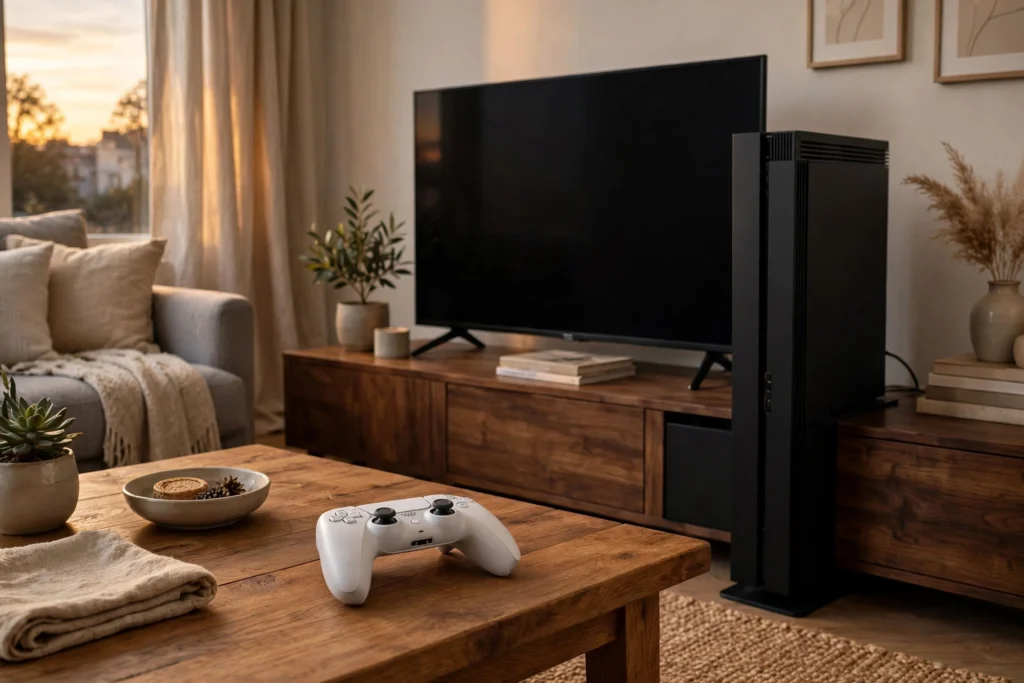
A game console works by running game software on a small, purpose-built computer. Its processor reads the game’s code, its graphics chip draws each frame, and its memory and storage keep the game world ready. Press a button, and the console updates the game and sends a new picture to your TV in a fraction of a second.
Key Takeaways
- A game console is a specialised computer built to run games smoothly on a TV.
- The processor handles the game’s logic, while the graphics chip draws the picture.
- Memory holds the parts of the game you need right now; storage holds the whole game.
- The controller turns your button presses into signals the game can understand.
- A fan and heatsink keep the chips cool, and most consoles download games over the internet.
What is a game console, exactly?
A video game console is a small computer designed to play games on a television or monitor. Unlike a desktop PC, you cannot swap its parts or install any software you like. The maker chooses every component in advance, so every console of the same model behaves the same way — and game developers know exactly what hardware they are building for.
Most home consoles sit beside the TV and connect with an HDMI cable; handhelds build the screen and controls into the same body.
What parts are inside a game console?
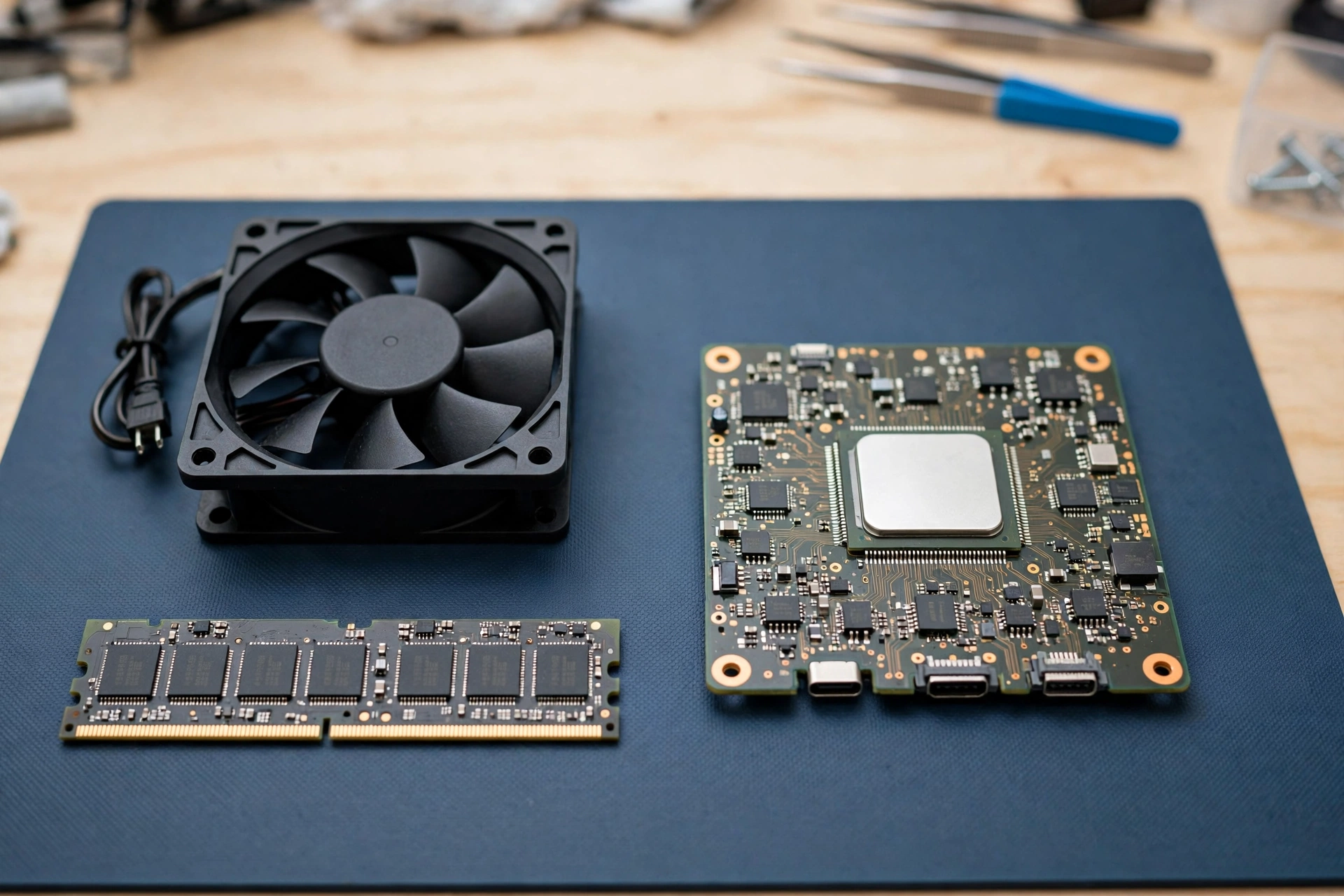
Inside a console you will find one main board holding most of the parts. The central processor, or CPU, is the console’s brain: it runs the game’s code, working out where your character stands, what the enemies do next, and what happens when you press jump.
Next to it sits the graphics processing unit, or GPU, which draws the game world as a flat picture made of millions of coloured dots, many times per second. On a desktop PC, a graphics card does the same drawing job as a separate, replaceable part.
Memory, or RAM, is the short-term workspace: it holds the level you are playing and the textures and sounds you might need in the next few seconds. Storage is the long-term cupboard: an SSD holds the games, your saved progress, and downloaded updates. Solid-state storage is much faster than the spinning hard drives older consoles used, so modern games load a new area in seconds.
How does a game go from a button press to the screen?
It starts with you. When you press a button or tilt a stick, the controller measures that movement and sends it to the console, usually over Bluetooth or a cable. The processor reads the input and updates the game: your character moves, a door opens, a shot fires.
Then the graphics chip builds the next frame — the picture for that exact moment — working out where every object is and how the light falls on it. A smooth game draws a new frame 30 or 60 times every second. The finished frame travels through the HDMI cable to your TV. A computer monitor follows the same basic idea. For a fuller walkthrough of the parts and the history behind them, HowStuffWorks explains how video game systems work in more detail.
You rarely notice the delay between pressing a button and seeing the result. That delay is called input lag, and console makers work hard to keep it small.
Why do consoles need fans?
All that calculating creates heat, and heat is the enemy of chips. If a processor gets too hot, it slows itself down to protect itself — and your game starts stuttering. So consoles include a cooling system: a metal heatsink pulls heat away from the chip, and a fan blows the warm air out. Keep the vents clear and the console out of a closed cupboard.
How do games get onto a console?
The earliest consoles played games from cartridges you slotted in. Later ones moved to discs, and today most games arrive as downloads. You buy a game from the console’s online store, it downloads to the SSD, and the console checks your licence each time you play.
Being online also means the console can update games after release. Developers fix bugs, add new levels, and balance gameplay with patches that download in the background.
What about the controller?
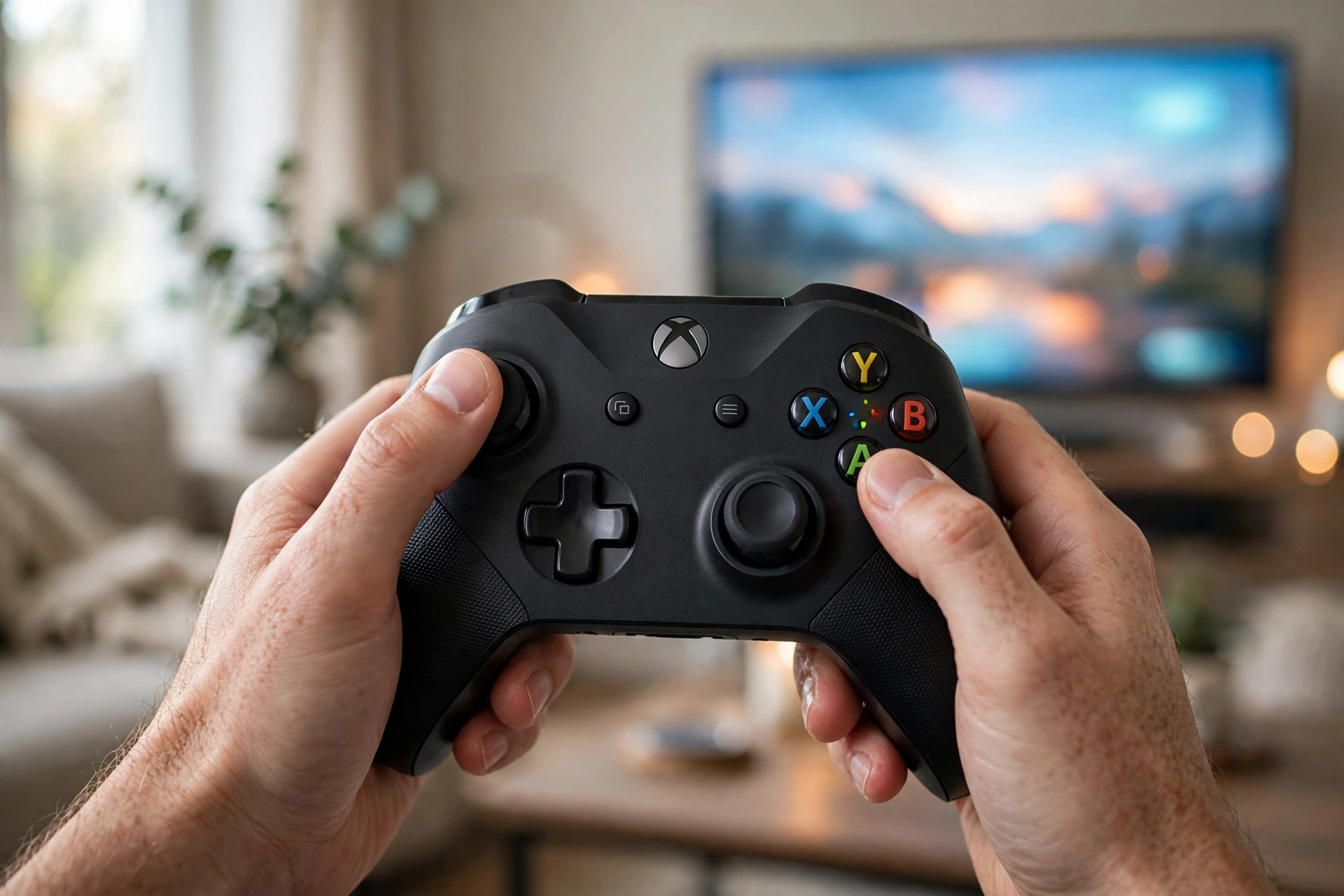
The controller is the part you actually touch. Two thumbsticks measure direction, buttons and triggers register presses, and a small battery powers the whole thing. Many controllers also vibrate in your hands — a rumble when you crash, a gentle buzz when you pick something up.
Newer controllers add finer tricks, such as triggers that resist your finger when you draw a bowstring or squeeze a brake. Tiny sensors inside track the controller’s movement and tilt. The controller talks to the console over a short-range wireless link, and it charges over USB.
How is a console different from a gaming PC?
A console and a gaming PC share the same basic parts, but they are built with different priorities. A PC is flexible: you can upgrade its graphics card, add memory, and swap a mechanical keyboard for any model you like. A console trades that freedom for simplicity. You plug it in, it works, and every game made for it is guaranteed to run.
Consoles are also usually cheaper up front than a PC with similar performance, partly because makers earn more from game sales than from the hardware. The trade-off is choice: you cannot upgrade a console’s graphics chip, and you are tied to one maker’s store. For many people, that simplicity is exactly the appeal.
What should you check before buying a console?
Start with the games. Each console family has its own exclusive titles, so the games you want to play matter more than the raw specifications.
Check the storage size too. Modern games are large, and a console with a small drive fills up fast. Some consoles let you add storage with a compatible drive or memory card. Finally, remember that online play usually needs a paid subscription on top of the console itself, so factor that into the cost.
FAQs
Do game consoles need the internet to work?
Not always. Most games can be played offline once downloaded or installed. But downloading games, installing updates, and playing online all need the internet.
Why do console games sometimes need big updates?
Developers keep improving games after release, fixing bugs and adding content. Those patches can be large because they often replace whole files.
Can a game console overheat?
It can if its vents are blocked or it sits in a hot, enclosed space. The console will usually slow down or shut itself off to protect the chip.
How long does a game console last?
Consoles are typically sold in generations lasting several years, and a well-looked-after console can keep working for many years after that.
Is a console better than a PC for gaming?
It depends on what you value. A console is simpler, cheaper up front, and guaranteed to run its games. A PC costs more but gives you more choice and upgradable parts.
Conclusion
A game console is a focused little computer: a processor runs the game, a graphics chip draws it, memory and storage keep it ready, and a controller turns your hands into the game. If you are thinking of buying one, start with the games you actually want to play and check the storage size.