
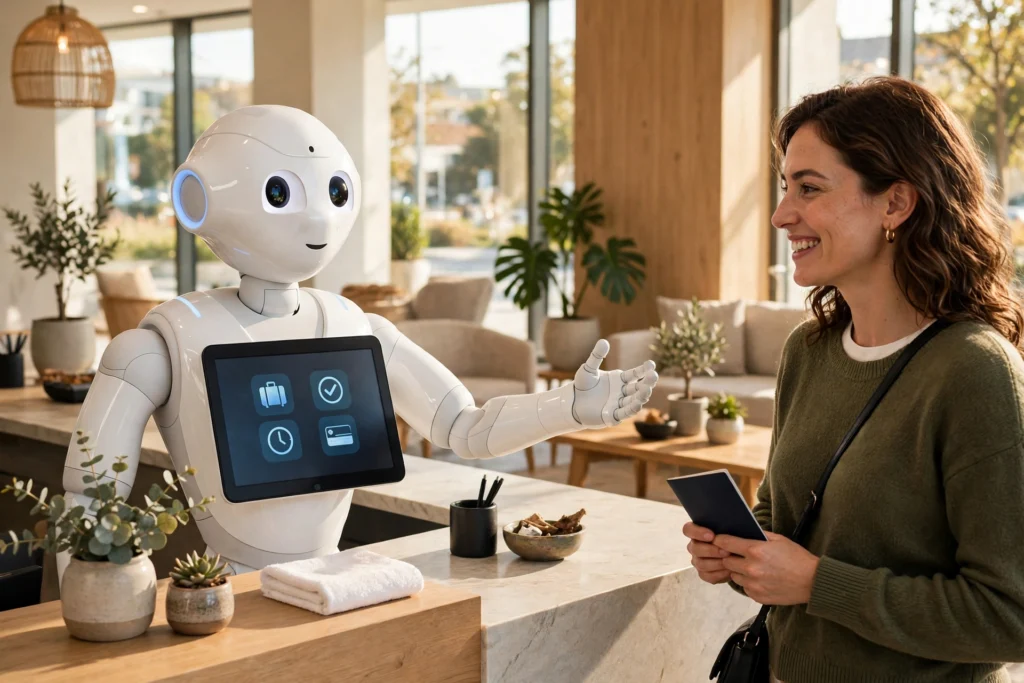
Reception robots work by combining cameras, microphones, a touchscreen, and mapping software to greet visitors at a front desk, check them in, answer common questions, and guide them to the right room or lift — with a human colleague nearby for anything unusual.
Key Takeaways
- Reception robots greet visitors, handle simple check-ins, answer routine questions, and guide people to rooms or lifts.
- They use cameras and microphones to spot a visitor and respond on screen or out loud.
- They navigate with a building map, plus sensors that stop them bumping into people or furniture.
- They hand over to a human whenever a request is unclear, sensitive, or outside their script.
What does a reception robot actually do?
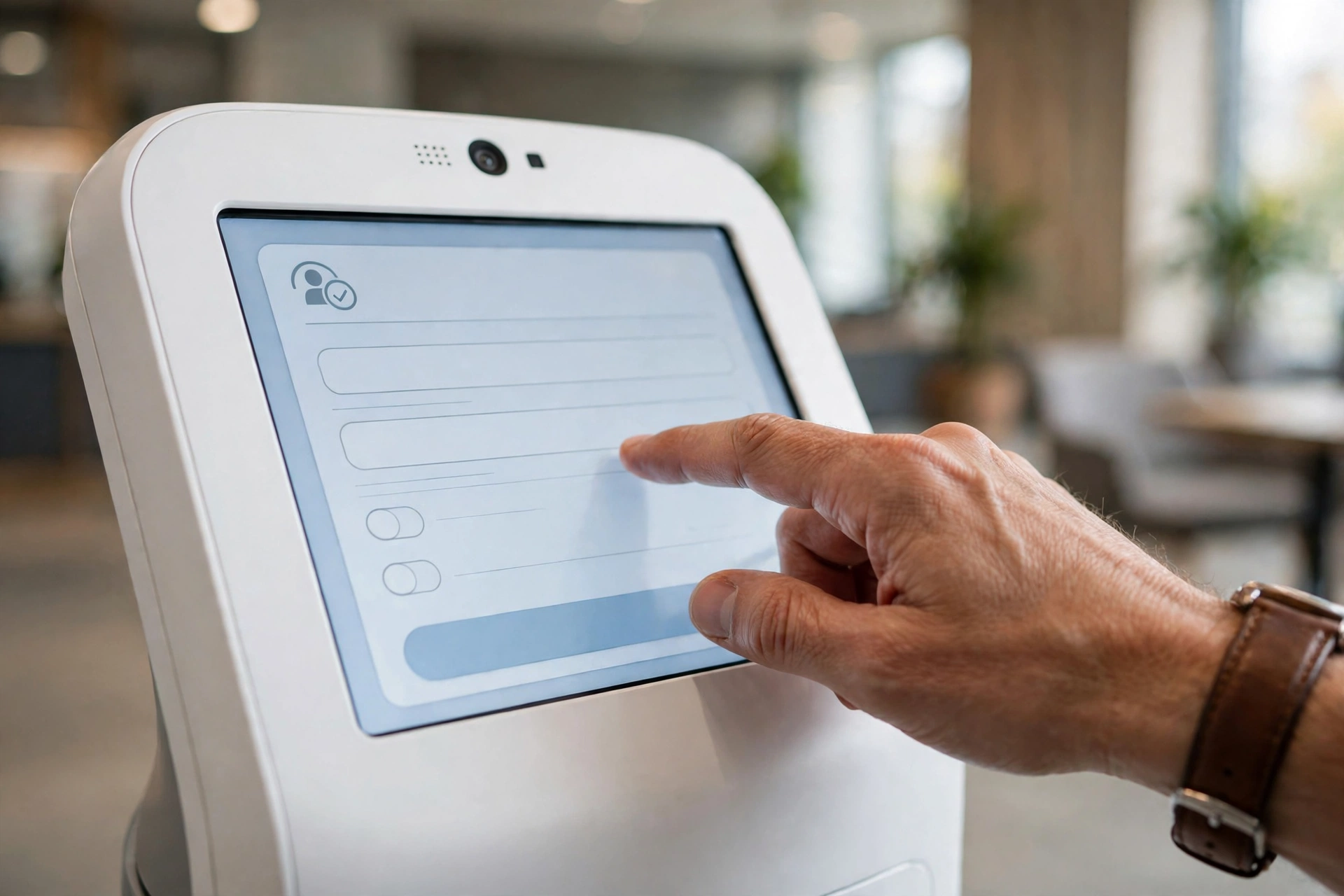
Think of a reception robot as a friendly front-desk kiosk that can move and talk. When someone walks in, it notices them, says hello, and offers help on its screen or through a speaker. A visitor can tap the screen to check in, look up a meeting room, or ask where the toilets are.
In a hotel, that might mean confirming a booking and issuing a key card. In an office, it might mean calling the person you came to see. In a hospital, it can point a patient toward the right clinic.
The robot follows a set routine for each job: it asks a short series of questions, checks the answer against a booking list or a directory, and then gives the next step. Anything it cannot match — a name spelled oddly, a meeting that moved rooms — gets passed to a person.
Reception robots are close cousins of the machines covered in our guide to how hotel robots work. The difference is the job: a reception robot stays near the entrance and deals with people, while a hotel delivery robot spends its time moving around the building. They are one kind of service robot — machines built to help people with everyday tasks — and they rely on the same sensors and control systems described in Britannica’s overview of robotics.
How does a reception robot recognise a visitor?
It starts with its cameras. A depth camera and a regular camera watch the lobby, and when a person comes close, the robot turns toward them and wakes up its screen. Some models use face detection to tell that a person is there — not to identify them by name, just to know someone is present and start a conversation.
Microphones pick up the visitor’s voice, and speech software turns it into text the robot can work with. It matches the words against phrases it knows, like “I have an appointment” or “Where is the lift?” If nothing matches, it asks the visitor to repeat, offers options on screen, or calls a member of staff.
A touchscreen is the backup for noisy lobbies: if the robot cannot hear properly, the visitor taps instead of talking. On privacy, a good robot only listens once someone steps up to it and should not keep recordings of lobby chats — ask the supplier exactly what is recorded and how long it is kept.
How does it check someone in?
Check-in is a short, scripted exchange. The robot asks for a name, a booking reference, or a QR code, looks it up in the day’s list, and confirms the details on screen — name, host, and time — for the visitor to confirm.
For a hotel guest, the next step might be a key card or a code for the room door. For an office visitor, it might be a printed badge or a message sent to the host saying their guest has arrived.
Behind the screen, the robot talks to the same booking or visitor-management system a human receptionist would use. It reads the live list, so a cancelled meeting shows up correctly — and if the Wi-Fi drops, most models switch to a simple “please wait, a member of staff is on the way” message rather than guessing.
How does it guide visitors around a building?
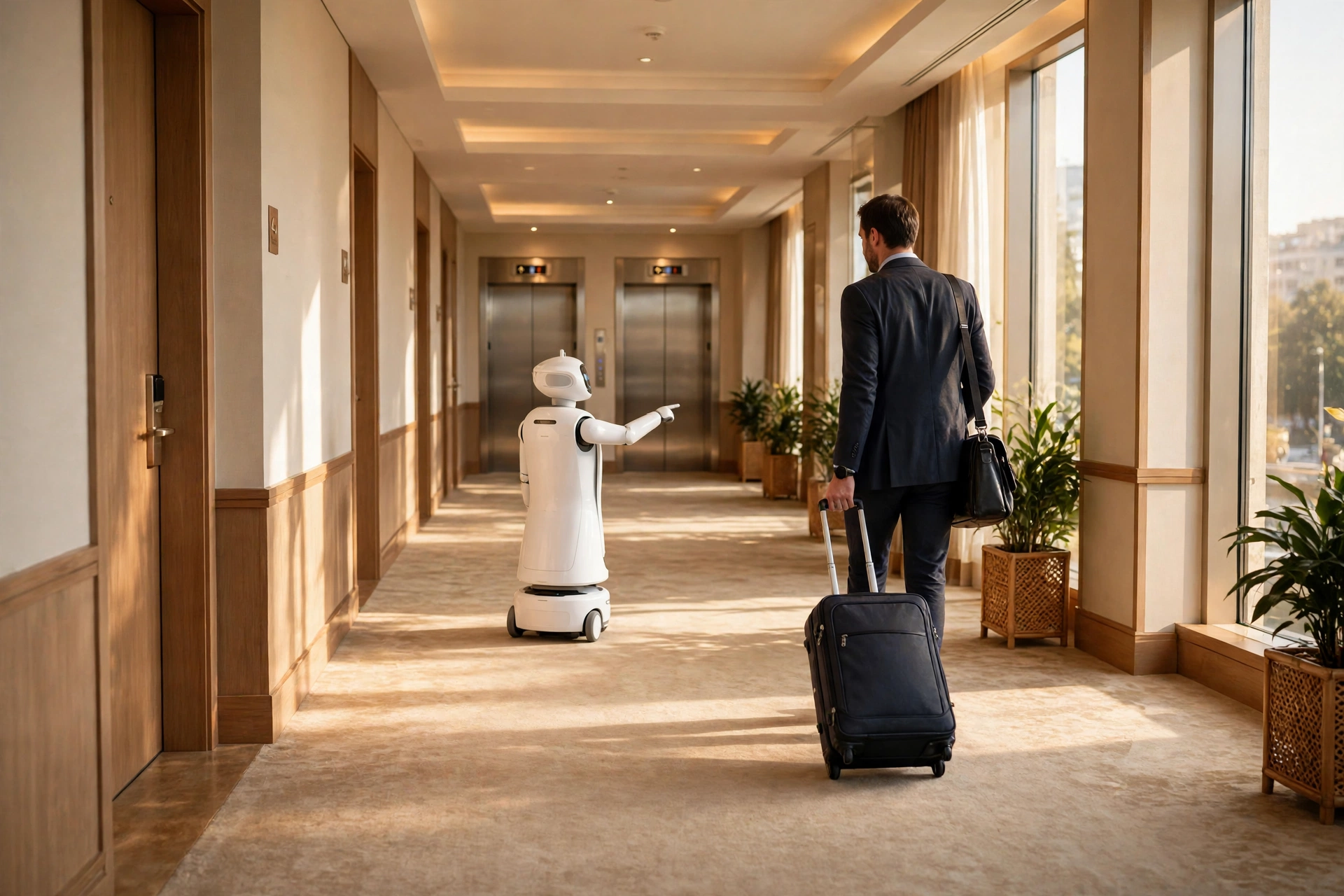
Once check-in is done, the robot can lead the way. It uses a map of the building made when it was first installed, usually by wheeling it around the floors so its sensors could record walls, doors, and corridors. From then on, it plans a route to the room or lift the visitor needs and follows it at walking pace.
The same kind of sensors that keep a robot vacuum from falling down the stairs keep a reception robot on course: depth cameras and small laser or ultrasonic sensors watch for people, bags, and furniture, and the robot slows down or stops when something blocks its path. If the corridor is crowded, it waits rather than pushing through.
Some robots only guide as far as the lift; others can ride it themselves, using a wireless link to call it and select a floor. Either way, the robot returns to its post at the entrance when the job is done.
What happens when it gets stuck or does not understand?
Reception robots are built to admit defeat gracefully. If a visitor asks something outside its script, it says so and offers the choices it does know, or it calls a human. If its path is blocked, it stops, says it is waiting, and asks the person nearby to clear the way.
Most models also have a remote help button. Pressing it connects to a member of staff, or to a support team that can see what the robot sees and take over from another screen. That is the safety net for anything odd — a visitor in distress, a booking that cannot be found, or a child pressing every button at once. When the charge runs low, the robot finishes its current conversation if it can, then drives itself back to a charging dock and says it will be back shortly.
Where are reception robots used, and what are their limits?
Hotels were early adopters, because check-in is repetitive and guests arrive at all hours. Offices use them to greet visitors and call hosts, hospitals use them to direct patients, and showrooms and universities use them to answer the same handful of questions all day. They work best where the questions are predictable and the layout does not change often — a robot in a small office with two meeting rooms will look polished, while one in a site office with temporary corridors and a different guest list every week will struggle.
A reception robot cannot read a room the way a person can. It does not notice that a visitor is upset or in a hurry unless they say so in words it recognises, and it cannot improvise — a guest who asks for a quiet room, or a patient who needs a wheelchair, needs a human.
They also need upkeep: the map has to be updated when furniture moves, and the software needs updates. A robot that has not been maintained starts giving wrong directions, which is worse than giving none at all. And some visitors simply do not like talking to a machine — older guests, people who speak a language the robot does not cover, and anyone already stressed will often walk straight past it to a person. The smartest setups treat the robot as the first greeter, not the only one.
The arm that waves or points is the same kind of mechanism described in our guide to how robot arms work — joints and motors, used here for greeting rather than lifting. And like the machines in our guide to how delivery robots work, a reception robot’s real skill is careful navigation around people.
Frequently Asked Questions
Do reception robots replace human receptionists?
No — not in any setup that works well. They take over the repetitive jobs, like greeting, basic check-in, and directions, so the human on duty can deal with the unusual requests and the decisions that need judgement. Most venues keep at least one person nearby during busy hours.
Can a reception robot speak more than one language?
Many can, most commonly offering two or three languages on the touchscreen, with spoken replies in the same languages. Check which languages are included before you buy, because adding another one later can mean extra work from the supplier.
What about privacy — is the robot recording me?
It uses its cameras and microphones to spot you and hear your request, which is how it works at all. What matters is what it keeps: a well-set-up robot only starts listening when you step up to it and does not store recordings of lobby chatter. Ask the venue or supplier what is recorded and how long it is kept.
What happens if the power or Wi-Fi fails?
Most reception robots switch to a polite “please wait” message and call a member of staff. They cannot check anyone in without a connection to the booking system, so a venue should always have a paper list or a person as a fallback.
Conclusion
Reception robots work by combining a few proven ideas — cameras and microphones to notice and hear a visitor, a touchscreen and a booking system to handle check-in, and a building map with sensors to guide people where they need to go. They are at their best with predictable, repetitive jobs, and they hand over to a person whenever things get complicated.
If you are thinking about one for your own venue, start small: write down the five questions your front desk answers most often, and ask a supplier to show you the robot answering exactly those five. If it handles them smoothly, with a human nearby for the rest, you have a setup that helps visitors instead of frustrating them.