
AI trip planning takes a few details — your dates, budget, interests, and pace — and turns them into a day-by-day itinerary in seconds. It suggests flights, stays, and sights. It is a fast starting point, not a finished trip: prices shift, small places get missed, and the best plans still need a human check before you book.
Key Takeaways
- AI trip planning builds a full itinerary from your dates, budget, interests, and pace.
- It is best at the boring parts: sorting options, checking distances, and keeping the schedule realistic.
- Prices and opening hours change often, so an AI plan can be out of date within days.
- It favours popular sights and well-reviewed hotels, and can miss small, local places.
- Treat the plan as a draft: check every booking yourself, and keep an offline copy.
What does AI trip planning actually do?
At its simplest, AI trip planning is a smarter version of searching. Instead of opening ten tabs for flights, hotels, and things to do, you describe the trip you want — “four days in Lisbon in May, mid-range budget, love food and walking” — and the tool returns a plan that ties those pieces together.
Behind the scenes it does three jobs at once. First, it reads your request and works out what matters: the dates, the budget, the kind of traveller you are. Second, it pulls in information from booking sites, maps, and review platforms. Third, it arranges everything into a sensible order, so you are not crossing the same city three times in one day.
The result usually includes flights or train times, a place to stay, a day-by-day list of sights, and a rough cost. Some tools add visa requirements, the best time to visit, or what to pack. The idea is not to replace travel planning entirely — it is to do the first, slowest pass, the one that used to take an evening of tab-hopping, in under a minute.
This is where artificial intelligence earns its keep in travel: not by knowing more than a good guidebook, but by sorting far more options, far faster, than a person would.
How does it build an itinerary?
Most AI trip planners start with a short conversation. You give the basics — where, when, how long, how much — and the tool asks a few follow-ups. One base or moving around? Travelling with children? Museums, beaches, or food markets?
From there, it works a bit like recommendation systems do for films or shopping. It looks at what similar travellers liked, weighs it against your preferences, and ranks the options. A food lover gets the market tour on day one; a family with small children gets shorter days and a hotel near the park.
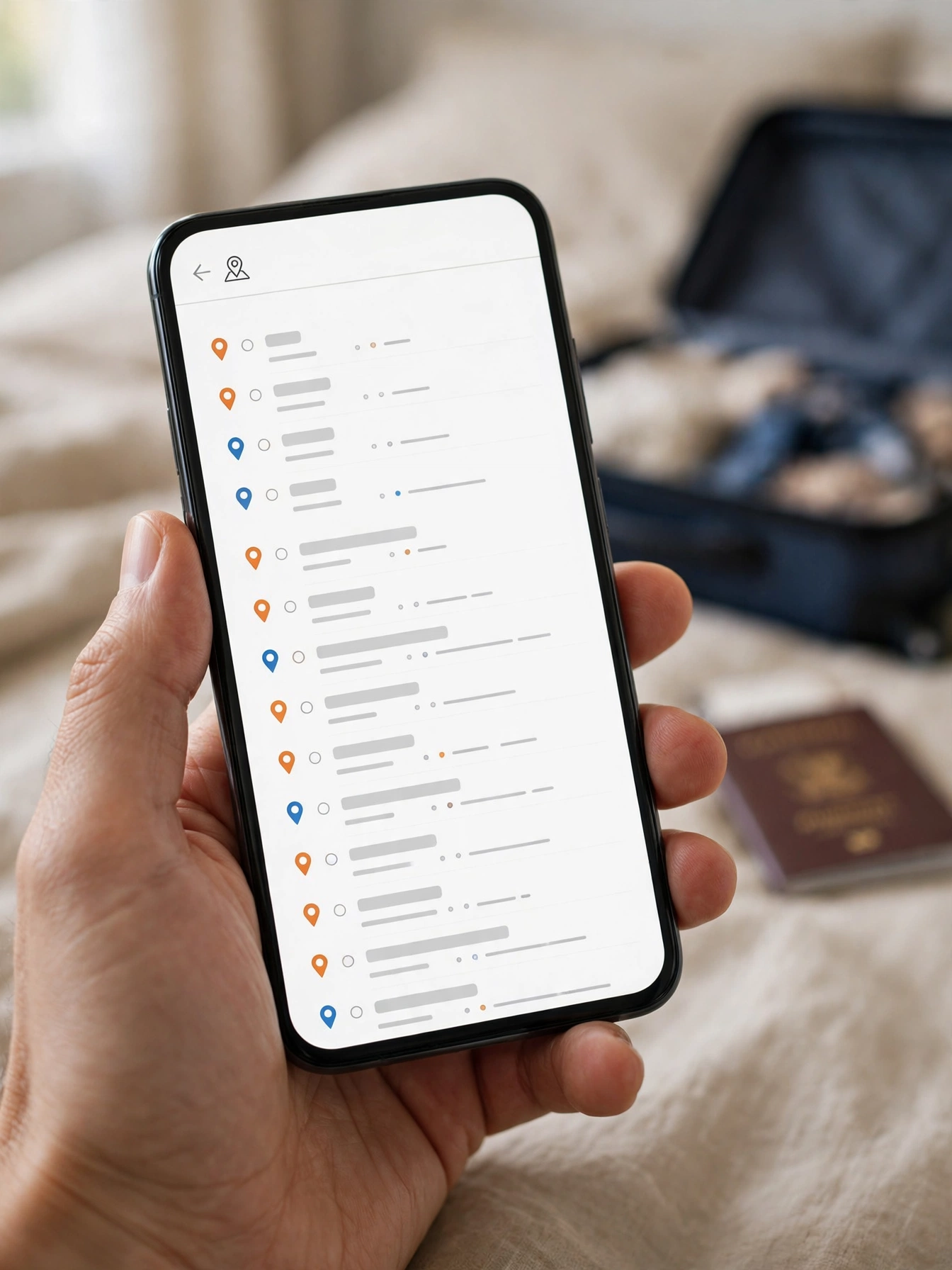
Then comes the geography. The tool plots everything on a map and groups nearby sights together, so Tuesday is spent in one neighbourhood and Wednesday in another. It checks opening days and travel times between stops, and leaves gaps for meals and rest. A good planner also watches the budget, swapping a pricey hotel for a cheaper one if the total creeps too high. Some tools keep working while you travel, suggesting a new first-day plan if a flight is delayed.
What can it get wrong?
AI trip planning is useful, but it has blind spots, and they matter most exactly when the stakes are highest — when money is about to change hands.
Prices are the biggest one. An itinerary may quote a hotel at £80 a night, but that price was captured days ago, or it was for a different room type, or it excluded taxes. Flights are worse: fares can move several times a day. Never trust a price in an AI plan until you have clicked through to the booking site and seen it yourself.
Opening hours and closures are the second trap. A restaurant the AI loved may have closed last month; a viewpoint may be shut for repairs. The model works from information that was true when it was collected, and travel information goes stale faster than almost anything else.
The third problem is subtler: sameness. Because these tools learn from what most people liked, they tend to recommend the same ten sights in every city. That is fine for a first visit, but the small family-run guesthouse or the quiet beach rarely makes the list. And some planners earn a commission when you book through their links, which can quietly push certain hotels or tours to the top — worth a second opinion, even if the suggestion itself is sound.
How do you check an AI-made plan before booking?
Think of the AI plan as a draft written by a keen but forgetful assistant. Your job is the editing, and a quick check takes about fifteen minutes.
Start with the map. Open the sights for each day and look at the distances. If day two asks you to be in two places an hour apart with a lunch in between, the schedule is too tight.
Next, check the bookings themselves. Click through to the hotel and flight sites and confirm the price, the dates, and what is included. Look for the cancellation policy in particular — a cheap non-refundable room is only a bargain if your plans are certain.
Then check the details that matter to you. If you need step-free access, a quiet room, or a kitchen, confirm it directly with the property. AI tools sometimes guess at these things from photos or reviews, and a guess is not a guarantee.
Save the plan somewhere you can reach it without the internet. Download the itinerary, screenshot the confirmations, and keep the hotel address in your phone. A quick search for recent reviews will often catch a closure the AI missed. Travel technology has made planning faster, but local knowledge still wins on freshness.

When should you plan the trip yourself instead?
AI trip planning shines for straightforward trips: a city break, a beach week, a first visit somewhere well covered by guides. The more unusual the trip, the more you should lean on your own research.
Multi-stop journeys with tight connections are one example. So are trips with special needs — a wheelchair user, a severe food allergy, a baby in tow — where a wrong guess has real consequences. Remote places are another: the less a destination appears in online guides, the thinner the AI’s information.
Even then, you do not have to choose one or the other. Let the AI build the first draft — the route, the order of days, the rough budget — and do the details yourself.
While you are travelling, AI can still help in smaller ways: it can translate signs and menus on the spot, and it can summarise reviews of a restaurant before you walk in. Those smaller jobs, with a quick check, are where it is most reliable.
FAQs
Can AI book flights and hotels for me?
Some tools can, through partner booking sites, but most only link you to the booking page. Even when booking is built in, check the price, dates, and cancellation terms before you pay, and keep the confirmation email.
Does AI trip planning work offline while I am travelling?
Usually not. Most planners need an internet connection to fetch prices and maps. Download your itinerary, maps, and booking confirmations before you leave, so a dead signal does not leave you stranded.
Is my travel data private?
It depends on the tool. Read its privacy page before typing in dates or budgets — and never enter passport numbers, payment details, or your exact home address into a planning chatbot.
Can it plan for a group or a family?
Yes, and this is one of its stronger uses: it can balance different interests and keep the schedule realistic for the slowest traveller. Tell it the ages and needs in the group up front, and check the walking distances it suggests.
Will AI find the cheapest prices?
Not reliably. It compares the prices it can see, but fares and room rates change constantly, and some deals only appear on the airline’s or hotel’s own site. Use the AI plan as a starting price, then compare on one or two booking sites before you pay. Google Travel is one place to cross-check flights and hotel prices.
Conclusion
AI trip planning is at its best when you treat it as a fast first draft: give it your dates, budget, and interests, let it build the route, then check the prices, the map, and the details yourself before you book anything. It keeps getting better at the sorting and the scheduling, but it cannot yet know whether a hotel is quiet, a restaurant is still open, or a day is too packed for your family. That judgement is still yours.
Your next step is simple: pick a trip you are actually considering, ask an AI planner for a three-day itinerary, and spend fifteen minutes checking it against a map and two booking sites.