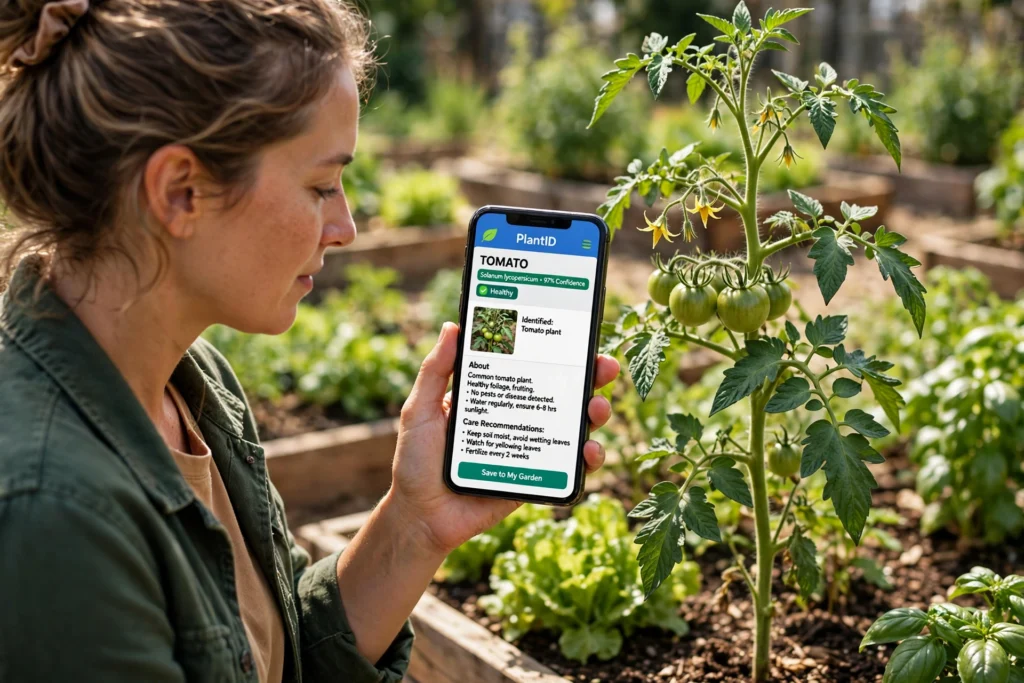
AI help with gardening starts with your phone camera. Point it at a plant, and an app can name the species, flag a pest, or suggest when to water — in seconds, not after an afternoon of flipping through books. It will not replace a gardener’s eye, but for beginners it turns guesswork into a decent first answer.
Key Takeaways
- Plant ID apps name common plants from one photo, with a confidence score — check it before you act.
- Pest tools match leaf patterns to known problems, but can mistake sun damage or a nutrient gap for disease.
- Watering planners use weather and soil data to suggest a schedule, not to give orders.
- Free apps cover the basics; paid plans add disease checks, reminders, and unlimited IDs.
- Your judgement still decides what gets pulled, sprayed, or planted.
How does AI identify a plant from a photo?
A plant ID app is a trained image-recognition model — the same kind of computer vision behind our guide to artificial intelligence, applied to the garden. Trained on millions of labelled plant photos, it compares leaf shape, flowers, stem, and growth pattern against what it has seen and returns its best matches with a confidence score.
That score matters. A 97% match on a tomato plant is a safe bet. A 52% match on a weed you have never seen is a hint, not an answer. Good apps show several candidates side by side, which is how you catch lookalikes — it might suggest a harmless seedling when you are looking at a young nettle.
Photograph in daylight, fill the frame, and include a flower or leaf close-up as well as the whole plant. Blurry or backlit photos are the most common cause of a wrong ID. And if the app names something edible, double-check with a trusted guide before eating it.
Can AI really spot pests and diseases?
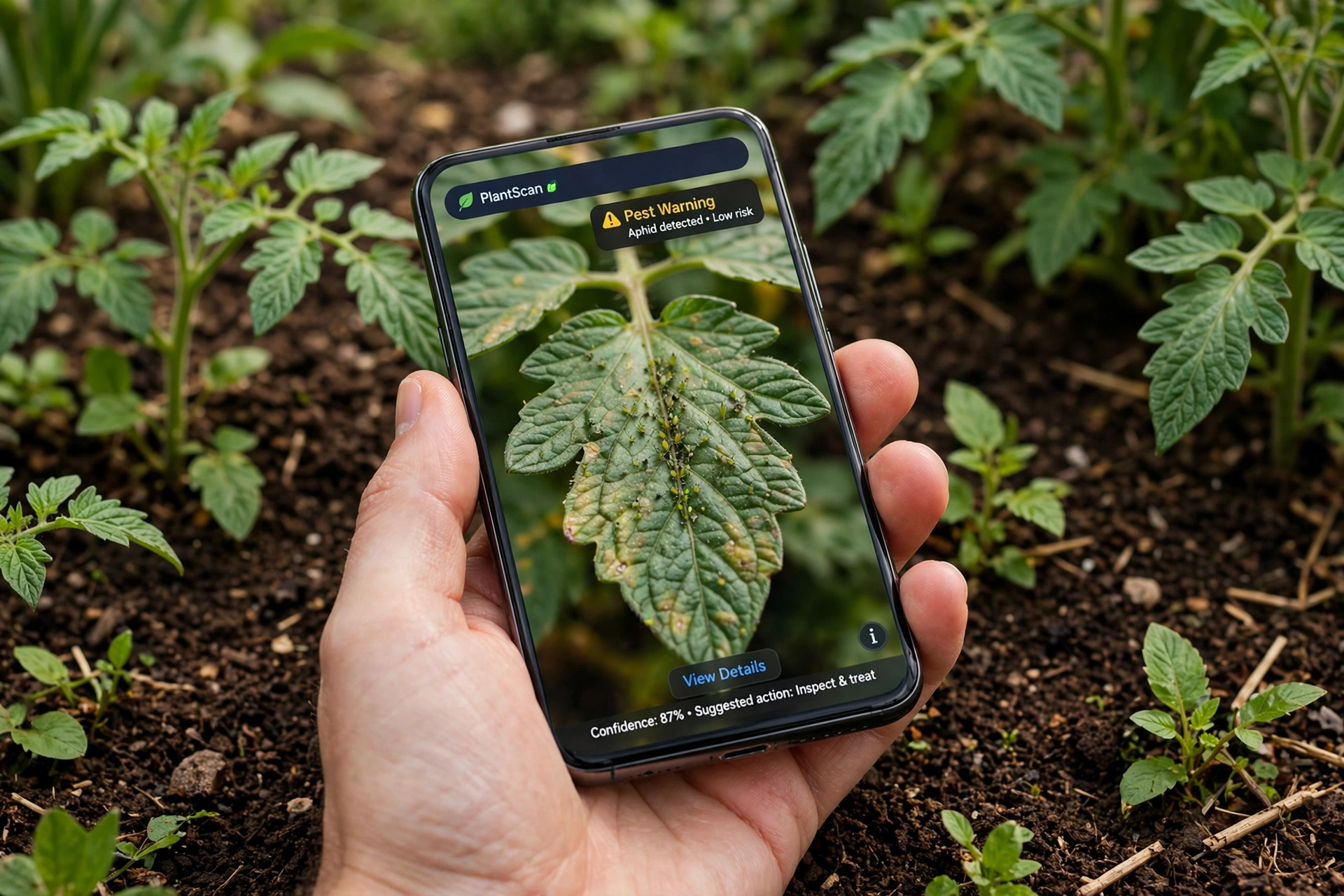
Yes, within limits. These tools match patterns — spots, curling, holes, discolouration — against a library of known problems. Point your phone at a tomato leaf dotted with tiny green aphids and a good app will flag them and suggest what to do next, from a jet of water to removing the worst leaves.
Where it struggles is the overlap. Yellow leaves can mean overwatering, a nitrogen shortage, or a fungal problem, and the photo alone often cannot tell them apart. Treat it as a shortlist: read the top two or three suggestions, then check the plant yourself. Are the roots soggy? Is the damage on new growth or old leaves? Those two questions rule out half the list.
Most tools are trained on common garden plants. A rare shrub may come back with a confident-sounding answer that is simply wrong. When the stakes are high — a prized tree, or anything you plan to eat — ask a local nursery to confirm.
How does AI plan watering and planting?
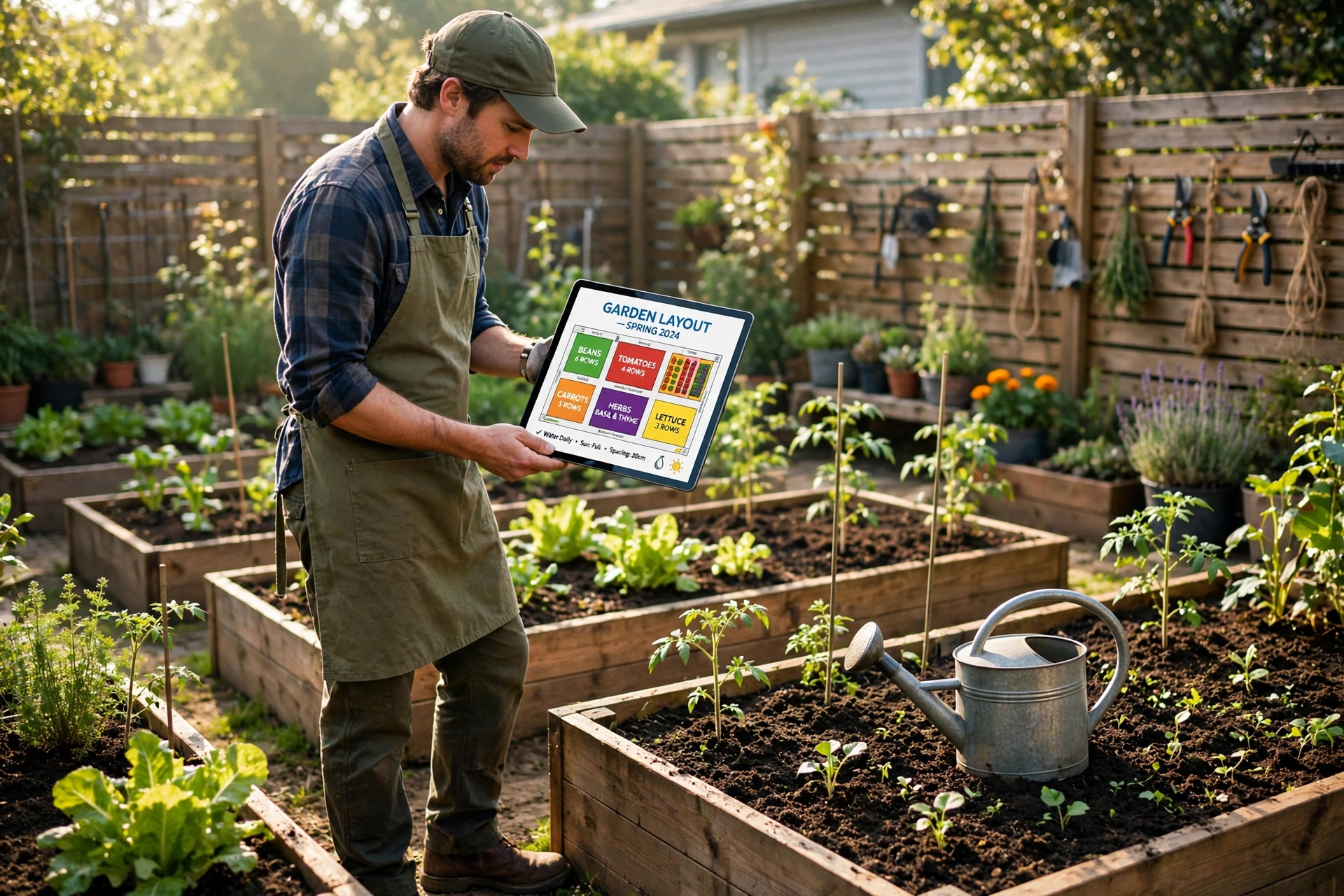
Planning tools pull together more than a photo. They combine your location, weather forecasts, soil type, and the plants you are growing, then suggest when to water and when to sow. A soil sensor adds live moisture readings, so the schedule adjusts after rain instead of watering on a timer. On a larger scale, the same idea is called precision agriculture.
The payoff is modest but real: instead of watering every bed each evening, you water the thirsty ones and leave the rest. For planting, the app can warn you that a cold snap is coming and suggest holding off on tender seedlings, or that your soil is warm enough for beans at last.
None of this removes the need to look. A forecast is a guess about your street, not your garden: a sheltered corner stays damp longer than an exposed bed. Use the plan as a starting point, then adjust it to what you see.
What tools are worth trying first?
Start free. Most plant ID apps identify a handful of plants a day without paying — enough to find out whether you like the workflow. Pl@ntNet is a solid free starting point, built around a community who help confirm tricky IDs.
For disease checks and watering reminders, compare paid plans on two things: monthly IDs, and whether the advice fits your region. An app trained mostly on North American plants will be less useful in a British or South Asian garden, and vice versa. The same image-recognition idea also powers AI photo editing, if you want to tidy up garden photos afterwards.
Skip the gadgets at first. Sensors and automated valves suit a large plot or a greenhouse, but for a few raised beds your finger in the soil is still the cheapest moisture sensor you own.
Where does AI still get gardening wrong?
Three places, mostly. First, lookalikes: many plants share leaf shapes, and the app cannot smell or feel the difference the way you can. Second, context: it cannot see that your rose struggles because the neighbour’s wall shades it after 2pm. Third, confidence: an app that sounds certain is not necessarily right.
There is also a privacy angle. Garden photos are usually harmless, but some apps keep your uploads and location to improve their models. Check the settings and turn off location sharing if you would rather not have your home garden mapped.
Frequently Asked Questions
Is AI plant identification accurate?
For common plants in good light, yes — usually well over 90% on the top match. Accuracy drops for rare species, seedlings, and poor photos. Check the confidence score and compare the suggested photos with your plant.
Do I need to pay for a gardening AI app?
Not to start. Free versions cover basic plant ID and a few disease checks. Paid plans add unlimited IDs, detailed care plans, and reminders. Try the free tier for a fortnight before deciding.
Can AI gardening tools work offline?
Most need the internet, because identification happens on the app’s servers. Some apps let you download a small offline plant pack, but the full library and disease checks stay online.
Will AI replace a gardener’s experience?
No. It is good at naming things and spotting patterns, and poor at judgement calls — whether a plant is worth saving, or a treatment worth the effort. Think of it as a knowledgeable neighbour, not a head gardener.
Is my garden data safe with these apps?
Usually, but read the privacy settings. Most apps store your photos and location to improve their models. If that bothers you, turn off location access and pick an app with a clear data policy.
Conclusion
AI help with gardening is at its best doing the tedious parts: naming the mystery plant, flagging aphids early, and reminding you the beans need water. It is at its worst when you follow it blindly — and the fix is simple. Check the confidence score, look at the plant with your own eyes, and let your judgement make the final call. The same approach helps in the kitchen too, where AI turns a glut of courgettes into a meal plan instead of a compost heap.
A good next step costs nothing: pick one free plant ID app, photograph five plants in your garden this weekend, and note which IDs you agree with and which you do not. By the fifth plant, you will know exactly how much to trust it.