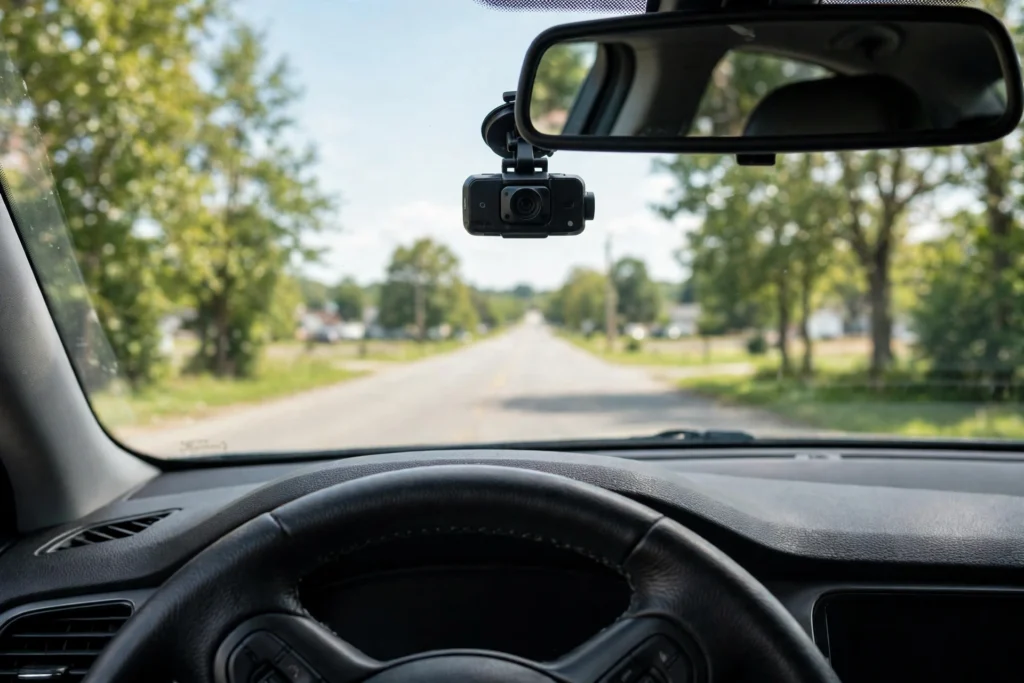
A dash cam works by filming the road ahead non-stop while you drive, saving the video in short clips on a memory card. In short, dash cam work is simple: the camera records in a loop, locks the clip when it senses a bump, and can keep watching your car after you park.
Key Takeaways
- A dash cam is a small camera on your windscreen that records the road while you drive.
- It records in a loop, overwriting the oldest clips so the card never fills up.
- A G-sensor locks the current clip when it feels a sudden bump or hard braking.
- Parking mode wakes the camera if something disturbs your parked car.
- GPS, Wi-Fi, and a rear camera are extras; clear video at the right moment is the core job.
What does a dash cam actually record?
A dash cam, short for dashboard camera, is a small camera fixed to the inside of your windscreen, usually just behind the rear-view mirror so it stays out of your line of sight. It films the traffic ahead, road signs, lane markings, and number plates. Most record in 1080p, with better models offering 1440p or 4K, and a wide-angle lens of around 140 to 170 degrees catches cars pulling in from the side. Each clip is stamped with the date and time, plus speed and location if the camera has GPS.
What sits inside a dash cam?
Inside every dash cam are four parts doing the work: a lens, an image sensor, a processor, and storage. The lens gathers the light, the sensor turns it into a digital picture, and the processor compresses it into video files for the memory card. Storage is almost always a microSD card you buy separately, and it needs to be fast enough to keep up, so a card rated for continuous recording is worth the small extra cost. Power comes from the car’s 12-volt socket or a hardwired connection, and many models carry a small battery or capacitor that gives the camera a few seconds to save the current clip cleanly when you switch the engine off.
How does loop recording work?
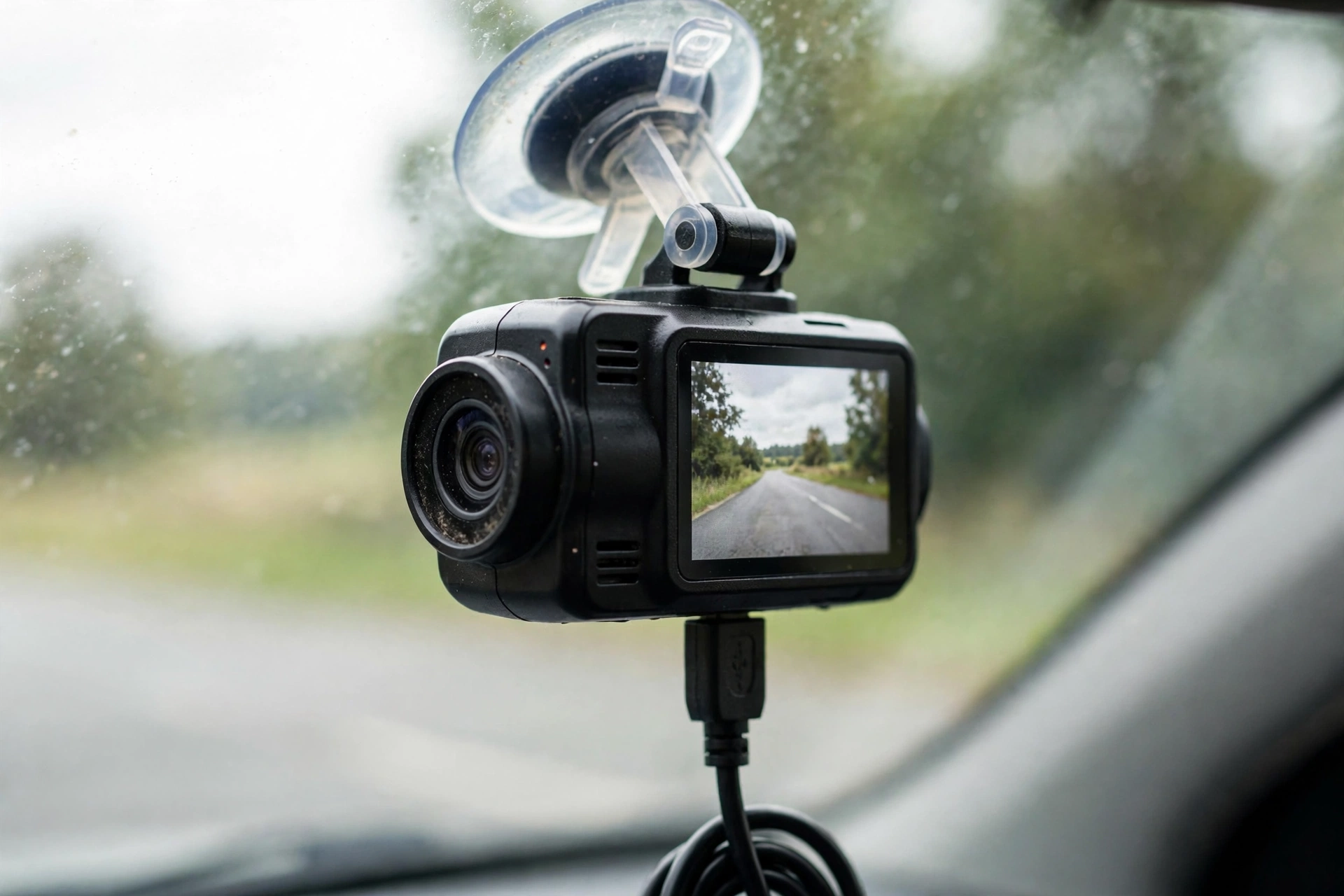
Loop recording is the trick that lets a small memory card run forever. The camera saves video in short chunks, usually one, three, or five minutes long. When the card fills up, it deletes the oldest ordinary chunk and records over it, so you never have to empty the card by hand. When the camera detects something important, it marks that chunk as locked, and loop recording skips locked files until you delete them yourself. As a rough guide, a 64 GB card at 1080p holds several hours of driving.
What does the G-sensor do?
The G-sensor is a small motion sensor that measures sudden changes in force. When you brake hard, swerve, or hit something, it feels the jolt and tells the camera to lock the current clip. You can usually adjust how sensitive it is. Set it too high and every pothole locks a clip, slowly filling the card. Set it too low and a gentle parking knock might not trigger it at all. A middle setting works for most drivers, and some cameras also let you lock a clip by pressing a button.
How does parking mode work?
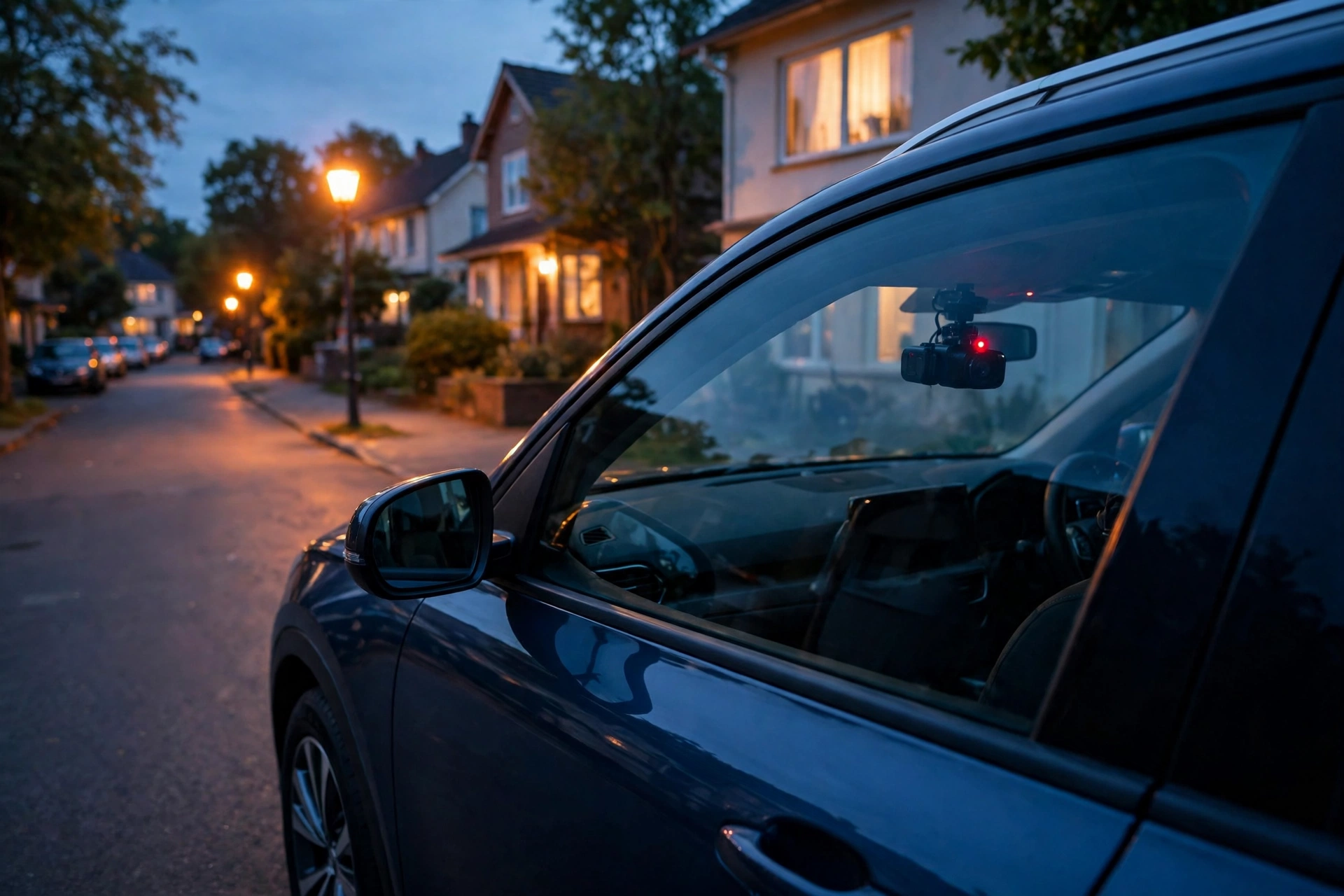
Parking mode is the dash cam’s night shift. When you switch the engine off, a camera with parking mode does not simply go to sleep. If it is hardwired to the car’s battery, it stays alert on very low power and starts recording when its motion sensor or G-sensor notices something: a bump, a person walking close, or movement in front of the lens. Most parking modes record only short clips around the trigger event, and many watch the battery’s voltage and shut down before it gets too flat to start the car. Think of it as a lighter version of a home security camera for your car.
What about GPS, Wi-Fi, and apps?
GPS adds your location and speed to each clip, which can help show exactly where something happened. Wi-Fi lets the camera talk to your phone, so you can watch clips and download a video without taking the card out. Bluetooth is used on some models for hands-free control or a small remote button. None of these extras changes the core job, which is recording clear video at the right moment, and night quality deserves a close look: a camera that copes well in low light will still read a number plate under street lights.
Is a dash cam legal where you drive?
Dash cams are legal for personal use in many countries, including the UK and the US, but the details vary. Some places restrict audio recording, and some restrict sharing footage of people online without blurring faces and number plates. Check the rules where you live and where you plan to drive before you fit one. Two habits keep you on the safe side almost everywhere: mount the camera where it does not block your view, and blur faces and plates before you post any footage publicly.
How do you choose one and set it up?
Start with the basics and work outwards. Look for clear 1080p video at minimum, good night performance, a reliable G-sensor, loop recording, and a capacitor rather than a small battery if you drive in hot weather. Then decide whether you want GPS, Wi-Fi, a rear camera, or parking mode, and pay only for the extras you will actually use. A rear camera is worth adding if you want cover for rear-end collisions. If you are still weighing it up, reading about whether you should buy a dash cam can help you decide what matters for your driving.
Fitting one takes about ten minutes: mount it behind the mirror, angle the lens so the horizon sits near the middle of the frame, format the card in the camera, and take a short test drive to check the footage.
FAQs
Does a dash cam record all the time?
Yes, while the car is running it records continuously in a loop. When the engine is off it stops, unless you have parking mode and a hardwired power connection.
Will a dash cam drain my car battery?
Not while you are driving. In parking mode it draws a little power, but a proper hardwire kit cuts off before the battery gets too flat to start the car.
How long does footage stay on the memory card?
Ordinary clips are overwritten once the card fills up. Locked clips from bumps or manual saves stay until you delete them.
Can dash cam footage be used for an insurance claim?
Often, yes. Many insurers accept dash cam footage as evidence of what happened, and it can help settle who was at fault. Keep the original file unedited.
Do I need a rear camera too?
It depends on your driving. A front camera covers the most common incidents; a rear camera is worth adding for rear-end collisions or busy parking.
Conclusion
A dash cam is a simple idea done well: a small camera that records the road, saves the moments that matter, and quietly watches your car when you are not there. Pick one with clear video, reliable loop recording, and a G-sensor you can trust, fit it behind the mirror, and test it once before you rely on it. The practical next step is a ten-minute test drive and a quick look at the footage.