
AI customer service uses chatbots and smart software to answer routine questions, sort support tickets, and give human agents the context they need to solve harder problems faster. It works around the clock, but the best setups still hand tricky or emotional cases to a person.
Key Takeaways
- AI customer service handles repetitive work: order tracking, password resets, and simple returns.
- Chatbots understand intent, not just keywords, so they cope with different phrasings.
- AI sorts tickets by topic and urgency, then routes each to the right team.
- A good handoff passes the full conversation to the agent, so customers never repeat themselves.
- Limits matter: AI can misread tone, so a clear route to a human is essential.
What does AI actually do in customer service?
Picture the support inbox of an online shop on a busy Monday morning. Hundreds of messages arrived overnight: “Where is my order?”, “How do I return these shoes?”, “My discount code won’t work.” Most are variations on the same handful of questions, and most have straightforward answers.
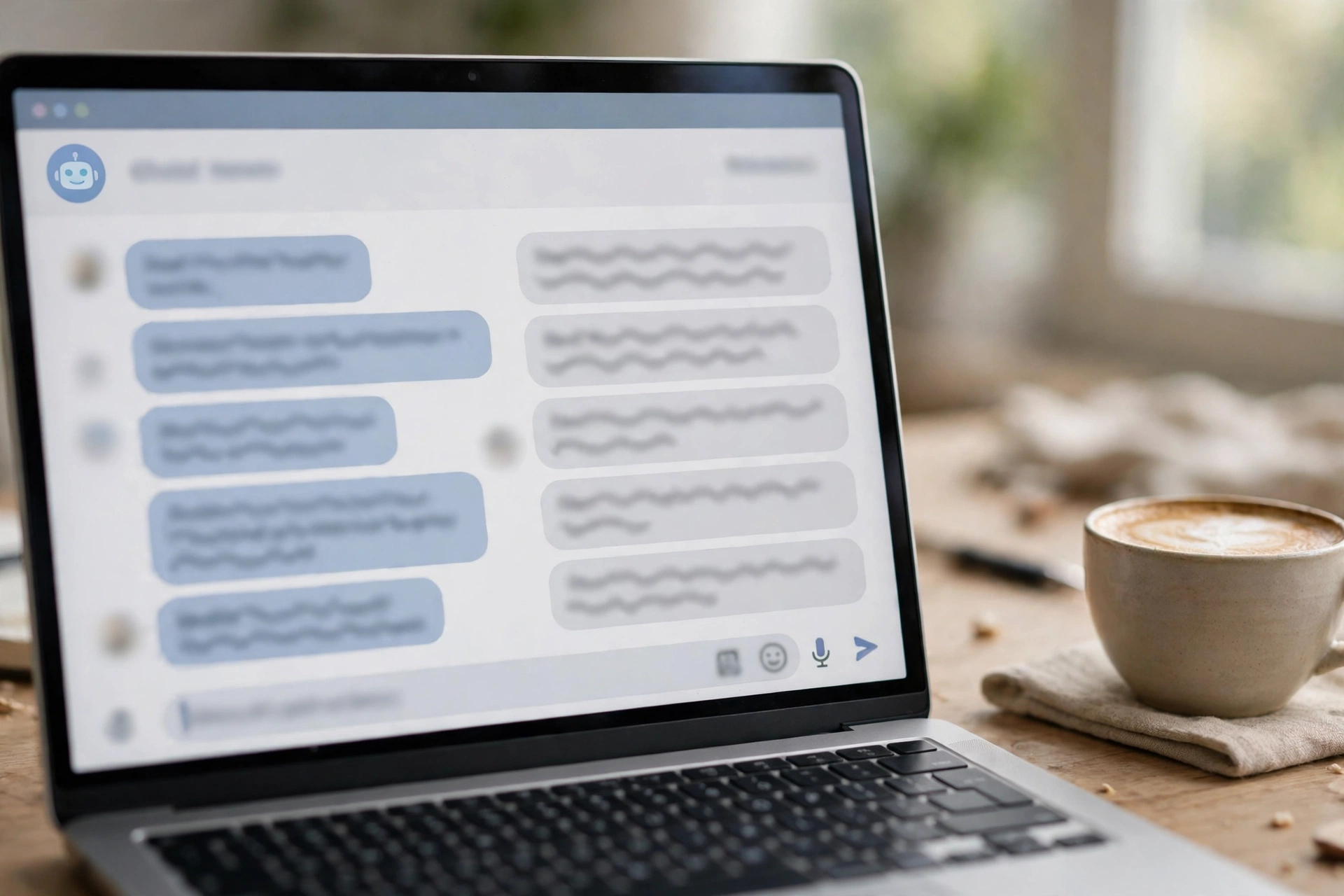
That is where AI customer service earns its keep. Software reads each message first. A chatbot answers the ones it can handle on its own, such as tracking a parcel or explaining a returns policy. The rest get sorted, labelled, and sent to the right team with a short summary attached. Human agents then spend their time on cases that need judgement: a damaged delivery, a billing dispute, or an upset customer who needs reassurance.
It is not thinking the way a person thinks — it recognises patterns in language and follows rules about when to act and when to step aside.
How do AI chatbots understand what customers want?
Older chatbots were little more than menus. You typed a number, picked an option, and hoped your problem fitted one of the choices. Modern AI chatbots work differently because they are built on natural language processing, the same family of technology that lets a phone understand a voice command.
When a customer types “my parcel still hasn’t turned up and it was due yesterday”, the chatbot does not just look for the word “parcel”. It works out the intent behind the sentence — checking a delivery — and pulls out useful details, such as the date mentioned. It can then ask for the order number and reply with the tracking status. Our guide to natural language processing explains how machines make sense of human language.
How does AI sort and route support tickets?
Not every customer writes to a live chat window. Many send emails, fill in contact forms, or message a company on social media. AI helps behind the scenes by reading each request and deciding what it is about and how urgent it is.
A message about a charge the customer does not recognise can be flagged as a billing issue and marked high priority. A question about opening hours can be answered automatically. A complaint in angry language can be bumped up the list so a person sees it quickly. In a team handling hundreds of tickets a day, that triage is the difference between a customer waiting ten minutes and waiting two days.
What happens when a chatbot hands over to a human?
The handoff is where many AI support setups succeed or fail, and it is the part customers remember. A bad handoff feels like starting over: the customer explains the problem to the bot, then explains it again to the agent, who asks for the order number a third time. A good handoff feels seamless.
In a good setup, the chatbot passes along the whole conversation, the customer’s details, and what it has already tried. The agent opens the ticket and sees the order number, the delivery address, and the fact that the customer already tried resetting their password twice. They can pick up mid-conversation instead of going back to the beginning. The best systems also tell the customer what is happening: “I’m connecting you with a support agent now — they can see our conversation so far.”

AI agents go a step further than chatbots, handling multi-step tasks such as processing a return.
Where does AI customer service work best — and where does it fall short?
AI shines on high-volume, low-complexity work. Tracking orders, resetting passwords, explaining a returns policy, booking an appointment — these are the jobs where speed and consistency matter most, and where a chatbot can genuinely beat waiting in a phone queue.
It is weaker in three places. First, anything emotional: an angry customer or someone who has lost money to a scam needs empathy, not a script. Second, anything unusual: a problem the company has never seen before will not be in the chatbot’s knowledge base. Third, anything where the stakes are high and the answer must be exactly right, such as medical or legal advice — here AI should point to a qualified person rather than guess. Privacy matters too: chatbots may handle order numbers and addresses, so companies must be careful what data they store, and customers should be told when they are talking to AI.
How can a small business start using AI customer service?
You do not need a big support team or a big budget to get started. Most small businesses begin with one channel — usually the chat window on their website — and one job, such as answering delivery questions or taking bookings outside office hours.
A sensible first step is to write down the ten questions customers ask most often, then build the chatbot’s answers around those. Keep the answers short, link to the relevant help page, and always include a clear route to a human: a button that says “Talk to a person” beats a hidden email address every time. See also our look at AI for small businesses, the complete guide to artificial intelligence, AI voice assistants for phone support, and Zendesk’s guide to AI in customer service. Start small, watch the conversations the bot cannot handle, and improve those answers first.
Frequently Asked Questions
Can AI customer service fully replace human agents?
No. AI handles routine questions well, but emotional, unusual, or high-stakes cases still need a person. Most businesses use a mix of both.
Is AI customer service available 24/7?
Yes, that is one of its main advantages. A chatbot can answer questions at 3 a.m. just as easily as at 3 p.m., which helps customers in other time zones. Complex cases still wait for working hours.
Does AI customer service work for small businesses?
Yes. Simple chatbot builders with monthly pricing are aimed at small teams, and starting with one channel and the ten most common questions keeps it manageable. Keep a clear path to a human.
What happens to my data when I chat with an AI support bot?
It depends on the company, but the chat usually records your messages and may store order numbers or contact details you share. Avoid sending passwords or full card numbers in a chat window.
How do I get to a human when the chatbot can’t help?
Look for a “talk to an agent” or “chat with a person” button. If there is none, try typing “agent” or “human” — many bots recognise that as a handoff request. Otherwise, use the company’s phone number or email.
Conclusion
AI customer service works best as a first line of defence: fast, always available, and good at the routine questions that fill most support queues. It falls short when a situation needs empathy, judgement, or a genuinely new answer — and that is exactly where human agents should step in.
If you run a business, start here: list your ten most-asked support questions, set up a chatbot to answer those on one channel, and make the handoff to a human obvious and easy. Then review the conversations the bot could not resolve each week and improve them one at a time.