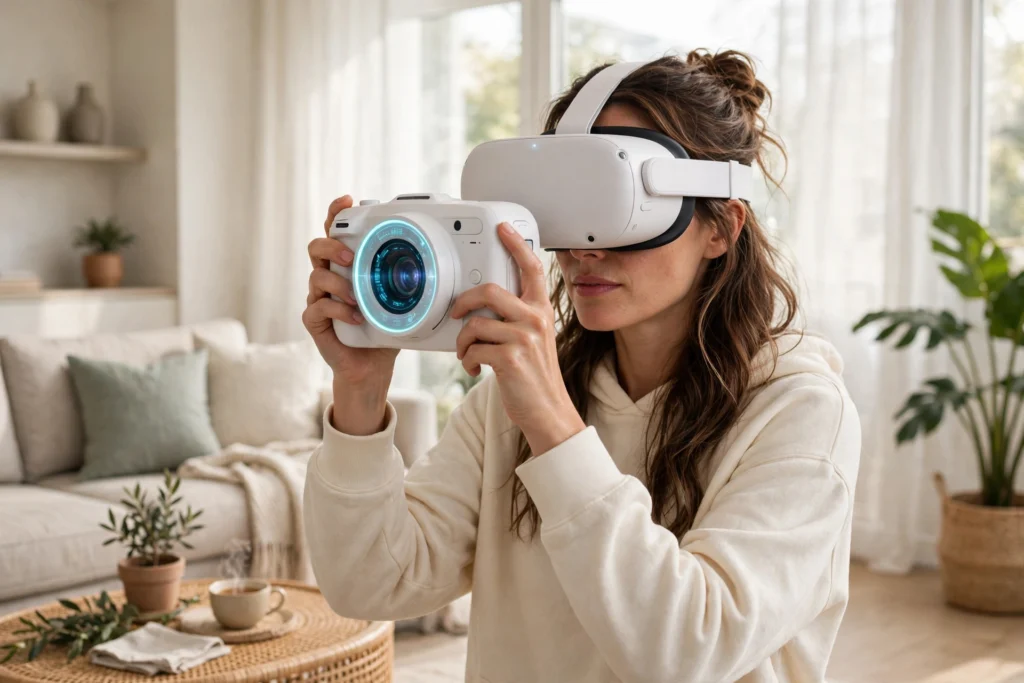
VR photography lets you pick up a virtual camera inside a headset and practise taking pictures in a world that does not exist yet. You frame a shot, adjust the light, and press the shutter without leaving your living room. It is no replacement for a real camera, but it is a good way to learn how photography works.
Key Takeaways
- VR photography puts a working virtual camera in your hands inside a 3D scene.
- You can practise composition, light, and camera settings without buying gear or travelling.
- Virtual scenes let you repeat the same shot as many times as you like.
- It teaches the eye and the habits of a photographer, but not the feel of a real camera or real light.
- Start with a free or low-cost app, keep sessions short, and take what you learn outside.
What is VR photography, exactly?
VR photography covers two different things. The first is taking photos inside virtual reality: you wear a headset, hold a virtual camera, and photograph a computer-made scene. The second is using VR to learn photography, which is where most people will meet it.
In a VR photography app, the camera behaves like a simplified real one. You can change the aperture, shutter speed, and focus, and see the effect straight away. Open the aperture and the background softens. Slow the shutter and a moving subject blurs. That instant feedback is the whole point: on a real camera, the same lesson might take an afternoon, while in VR it takes a few minutes.
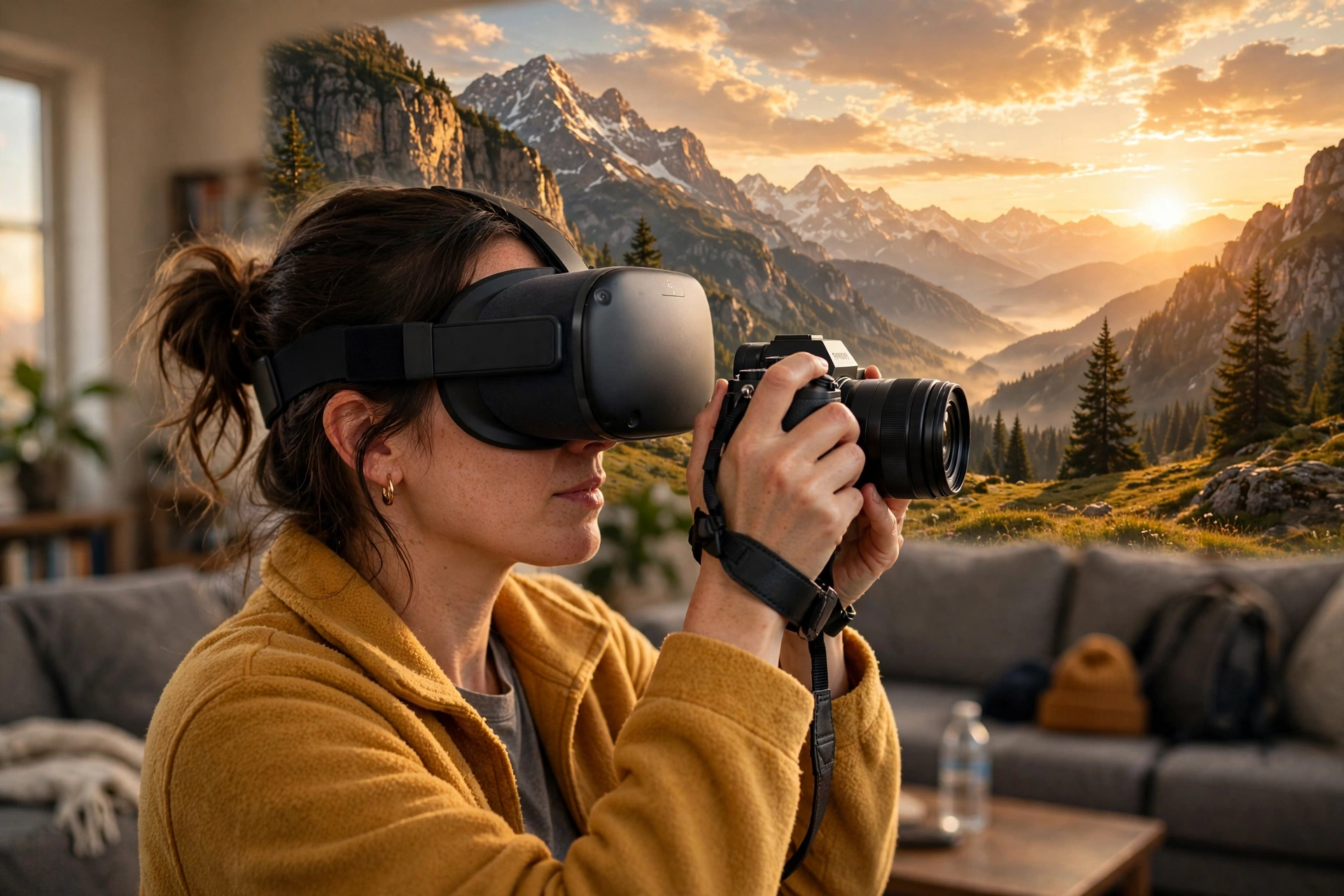
Some apps build whole scenes for you to shoot — a mountain valley at golden hour, a busy street at night, a portrait studio. Others let you walk through a 360-degree photo and practise framing inside it. Either way, you are learning to see, which is the part of photography that matters most.
How does a virtual camera work inside a headset?
A virtual camera is software pretending to be hardware. When you raise it to your eye, the headset shows you the scene through its viewfinder. Your controllers become the dials: one button changes the aperture, another the shutter speed, and a squeeze of the trigger takes the shot.
The headset’s tracking does the rest. It knows where your head is pointing and where your hands are, so the camera moves the way a real one would. Lean in and the frame tightens. Step sideways and the perspective shifts. That sense of moving through a scene is something a flat screen cannot copy.
What you do not get is weight, resistance, or the small physical habits of real shooting: the click of a dial, the balance of a lens. Those only come from holding a real camera. VR teaches the decisions; the real camera teaches the handling.
If you are new to headsets, our guide to how VR headsets work explains the screens, lenses, and tracking behind the view, and how VR room mapping works explains how the headset understands your space.
What can you actually learn from VR photography?
Composition is the biggest win. The rule of thirds, leading lines, framing, and negative space all work the same in a virtual scene as they do in a real one, and you can try ten versions of the same shot in two minutes and compare them side by side.
Light is the second lesson. Many apps let you move the sun or change the time of day, so you can watch a portrait change as the light moves, or see a landscape transform at sunset — control that is hard to get outdoors.
Camera settings are the third. Because the virtual camera shows you the result instantly, the link between a setting and its effect becomes obvious fast: a wide aperture suits a portrait, a fast shutter freezes motion.
What are the limits of learning photography in VR?
The honest answer is that VR is a practice room, not the real thing. A virtual scene only contains what someone built into it, while real light is messier and real subjects move when you do not expect it.
Image quality is another limit. The photos you take inside VR are screenshots of a rendered scene, not photographs in the usual sense. They will not match what a real camera produces, and they are no substitute for a portfolio of real work.
There is also comfort. Long sessions in a headset can cause eye strain or motion sickness, so keep practice to twenty or thirty minutes, take breaks, and stop if you feel unwell. The headset’s own safety guidance, such as the advice in the Wikipedia’s virtual reality overview, is worth reading before a long session.
How can you practise photography in VR without wasting time?
Treat it like a real photo walk, not a game session. Pick one thing to work on before you put the headset on: leading lines today, backlighting tomorrow, portraits the day after. Spend ten minutes on that one idea, then stop and look at what you shot.
Save your favourite virtual shots and compare them with real photos you admire — that comparison is where the learning happens. And do not stay inside forever. Practise a technique in VR on a rainy evening, then try it with a real camera or even a phone camera the next day: the virtual practice makes the real attempt feel familiar, and the real attempt is where the skill sticks.
FAQs
Do I need a real camera to learn VR photography?
No. The whole point is that the camera is virtual — you need a VR headset and a photography app, and nothing else. A real camera becomes useful later, when you want to take what you practised and use it outside.
Can VR photography replace a photography course?
It can replace some of the practice, but not the teaching. A good course gives you feedback from a person who can see what you are doing wrong — VR gives you the place to practise, a teacher gives you the feedback.
Are photos taken in VR real photographs?
Not in the usual sense. They are images of a computer-made scene, captured from inside a headset. They can look lovely and show off your composition skills, but they are not photographs of the real world.
How long should a VR photography session last?
Twenty to thirty minutes is a good length. Short, focused sessions beat long ones and are easier on your eyes — take a break, look at what you shot, and come back fresh.
What headset features matter most for VR photography?
Sharp displays and good tracking matter most: sharp displays let you judge focus and detail, and good tracking keeps the virtual camera steady. Features like VR eye tracking and precise VR controllers help too.
Conclusion
VR photography is a practice room for your eye. It will not turn you into a photographer on its own, and it cannot replace the feel of a real camera or the surprise of real light. But it gives you something real cameras cannot: a world you can reshoot as many times as you like, with the sun on a dial and nobody watching.
If you are curious, start small: pick one scene and spend twenty minutes on a single idea — a leading line, a backlit portrait, a frame within a frame. Then take that idea outside with whatever camera you have, even a phone, and see how it holds up. That loop, from virtual practice to real photograph, is where VR photography earns its place. For a broader look at the technology, the Britannica virtual reality overview is a solid place to start.