

AI voice assistants work in three quick stages: they turn your speech into text, work out what you mean, and then act on it or answer you out loud. A microphone captures your voice, speech-recognition software transcribes it, language models interpret the words, and a spoken reply is generated in under a second or two.
Key Takeaways
- A voice assistant listens for a wake word, then records your request and turns it into text.
- Language models work out your intent, not just the individual words you said.
- The assistant then runs a task, looks up information, or generates a spoken reply.
- They are strongest at short, clear requests and weakest at vague or multi-step ones.
- Review and delete stored voice recordings in the assistant’s privacy settings.
How does a voice assistant hear you?
It starts with the microphone, which is always partly listening. That sounds alarming, but the device is not recording everything you say: a tiny on-device model only listens for its wake word, such as “Hey Siri” or “Alexa”, and nothing is sent to the cloud until that word is detected.
Once you say the wake word, the assistant starts recording. Your voice is a sound wave, so the first job is speech recognition: software breaks the audio into tiny slices and matches them against patterns it learned from thousands of hours of recorded speech.
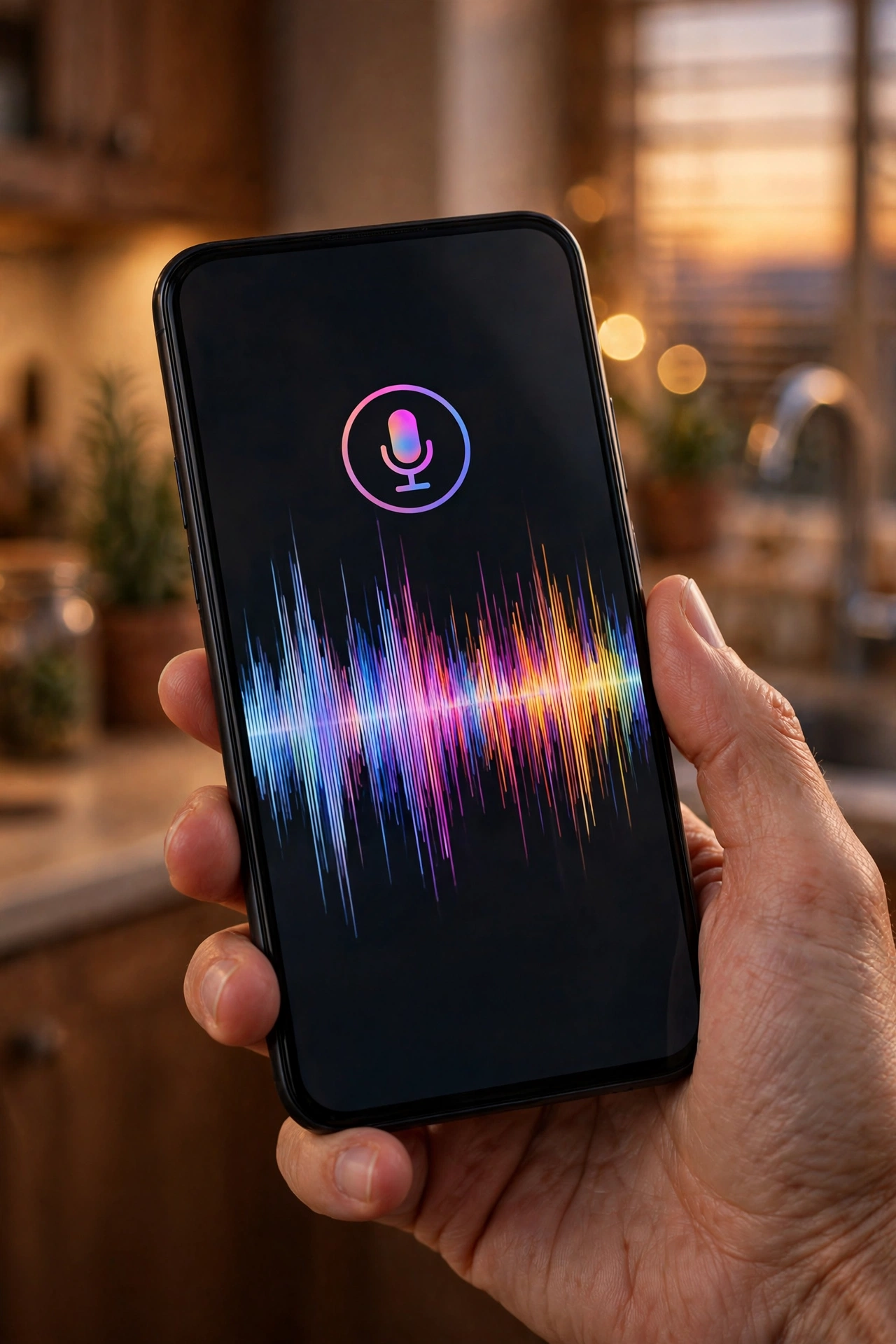
Modern systems use deep learning to predict the most likely sequence of words from context, so they can often recover the right words even when a syllable is unclear. IBM’s overview of speech recognition explains how acoustic models, pronunciation dictionaries, and language models work together to turn audio into text.
How does it understand what you mean?
Transcription is only half the job. Knowing you said “set a timer for ten minutes” is easy. Working out whether “book a table for Friday” means this Friday or next, and for how many people, takes more work.
This is where natural language processing comes in. The assistant picks out the action, the thing, and the details — booking, a table, Friday — then matches that pattern to an intent it knows and fills in any gaps, sometimes by asking a follow-up question.
For open-ended questions, many assistants now lean on large language models, the same technology behind AI chatbots. The trade-off is that generated answers can be confidently wrong, so it is worth double-checking anything important rather than taking the spoken answer at face value.
How does it decide what to say back?
Once the assistant knows your intent, it picks one of three routes. If the request maps to a built-in action, like setting an alarm or playing a song, it runs that action directly. If it needs fresh facts, such as the weather, it looks up the facts and reads out the result. And if the question is open-ended, it generates a reply from a language model. Under the surface, all of this is artificial intelligence at work — software trained on vast amounts of language and audio rather than hand-written rules.
The spoken reply is produced by text-to-speech software, which has improved enormously. Early synthetic voices sounded flat and robotic; today’s voices use learned patterns of pitch, rhythm, and emphasis, so they sound far more natural.
Where do AI voice assistants work best?
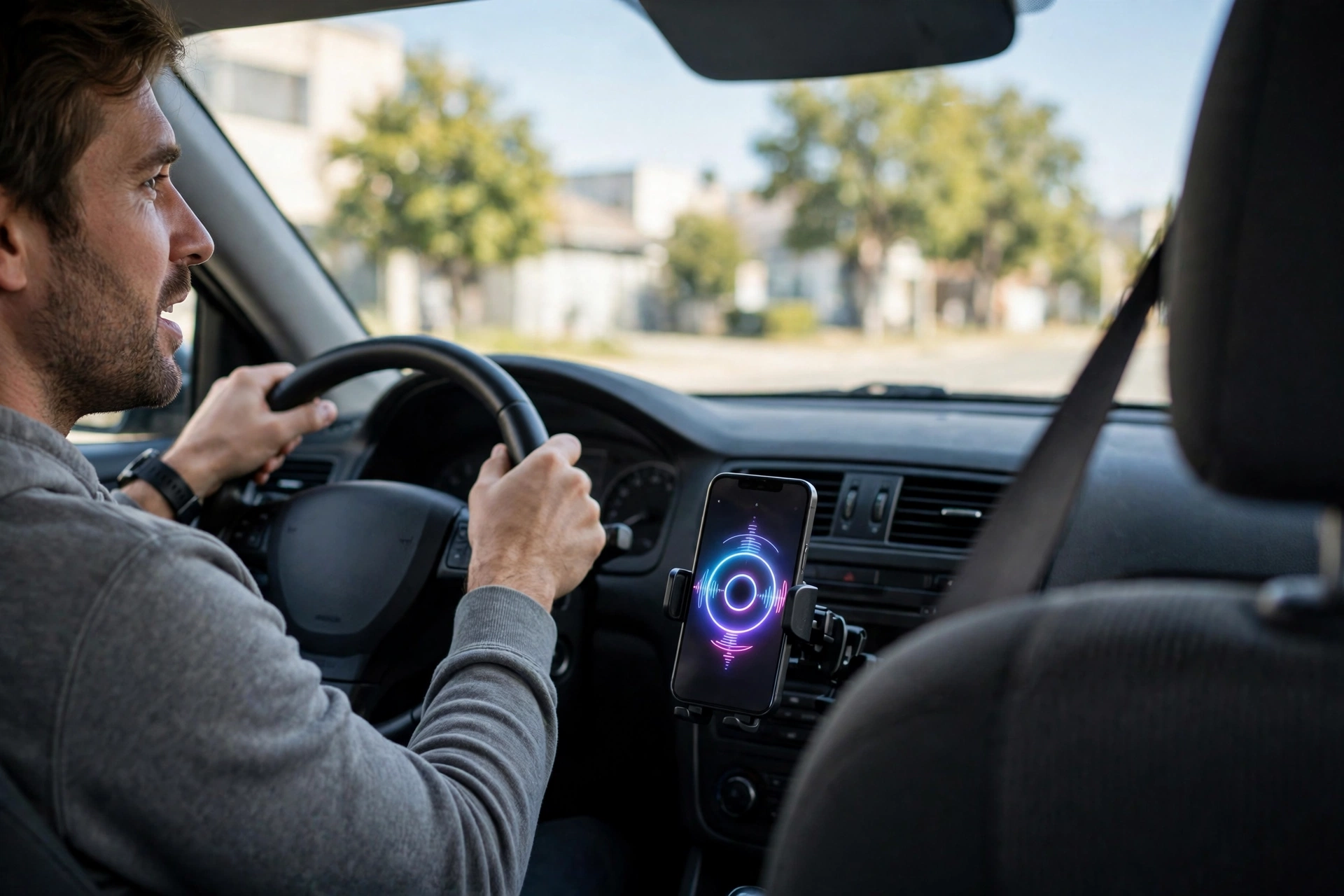
Virtual assistants now come built into phones, speakers, cars, and even appliances. They shine when your hands or eyes are busy. Driving is the classic case: asking for directions or a new playlist without touching the phone is safer than tapping a screen. Cooking is another — a timer set by voice and a recipe read out step by step both work well when your hands are covered in flour.
They are also genuinely useful for accessibility. People with limited mobility or poor eyesight can send messages, control lights, and make calls entirely by voice — for many, that is the main way they use their phone or smart speaker.
Short, concrete requests work best: “What’s the weather tomorrow?”, “Remind me to call Mum at six”, “Play something relaxing”. Each has one clear intent and a simple answer.
What are their limits?
Voice assistants still struggle with the things humans find easy. They can lose track in a long, winding request, mishear names and uncommon words, and get confused when two people talk at once. A request like “book the usual table, but not the one from last time” packs in shared history and an exception — and most assistants will handle only part of it.
They also have no real common sense. An assistant can tell you the capital of France, but it may not realise that “turn the heating down” at 2 a.m. probably means something different from the same words on a cold evening. And because they rely on cloud services, they stop working properly when the internet drops out.
Privacy is the other limit worth knowing about. Recordings are often stored to improve the service, and human reviewers have, in the past, listened to samples. Most providers now let you stop that and delete recordings — but the defaults are not always the most private option.
What should you check in the privacy settings?
Open the assistant’s app and look for the privacy or voice-history section. Three settings matter most. First, whether your voice recordings are saved at all, and for how long. Second, whether recordings can be used to improve the service, which often involves human review. Third, whether the assistant can access personal details such as your messages, calendar, and location.
It is also worth knowing how to delete what is stored. Most assistants offer a voice command of their own, such as “delete everything I said today”, as well as a manual delete-all option in settings. Doing this occasionally is good hygiene, especially on a shared household speaker, where anyone in the room can ask about your calendar or messages.
Frequently Asked Questions
Is a voice assistant always recording me?
No. It listens locally for its wake word and only starts recording once it hears it. That said, it can mishear a similar-sounding phrase and start recording by mistake, so sensitive conversations are best kept away from a live microphone.
Why does my assistant misunderstand my accent?
Speech-recognition models are trained mostly on common accents, so less common ones can be harder for them. Speaking a little more slowly, and rephrasing rather than repeating the same words louder, usually helps.
Do voice assistants work without the internet?
Only partly. The wake word and a few basic commands can run on the device, but understanding full sentences and fetching information almost always needs a cloud connection. Without it, most assistants can do little more than tell you they are offline.
Can a voice assistant tell different people apart?
Many can, once voice profiles are set up. Each household member records a short sample, and the assistant then matches new requests to the closest profile. It is useful for personal results, but it is not a security feature — a good imitation can still fool it.
Are voice assistants safe for children?
They can be, with limits. Most offer a child mode, purchase controls, and filtered answers, and it is worth turning those on before handing a speaker to a child. Check the voice history now and then to see what has been asked.
Conclusion
AI voice assistants work by chaining three skills together: hearing your words, understanding what you mean, and acting or answering in spoken language. They are at their best for short, hands-free requests and far less reliable for vague or multi-step ones. If you use one every day, the most useful next step is a five-minute privacy check: open the settings, review what is stored, delete what you do not need, and turn off any sharing you are not comfortable with. The assistant will keep working just fine — you will simply know what it remembers.