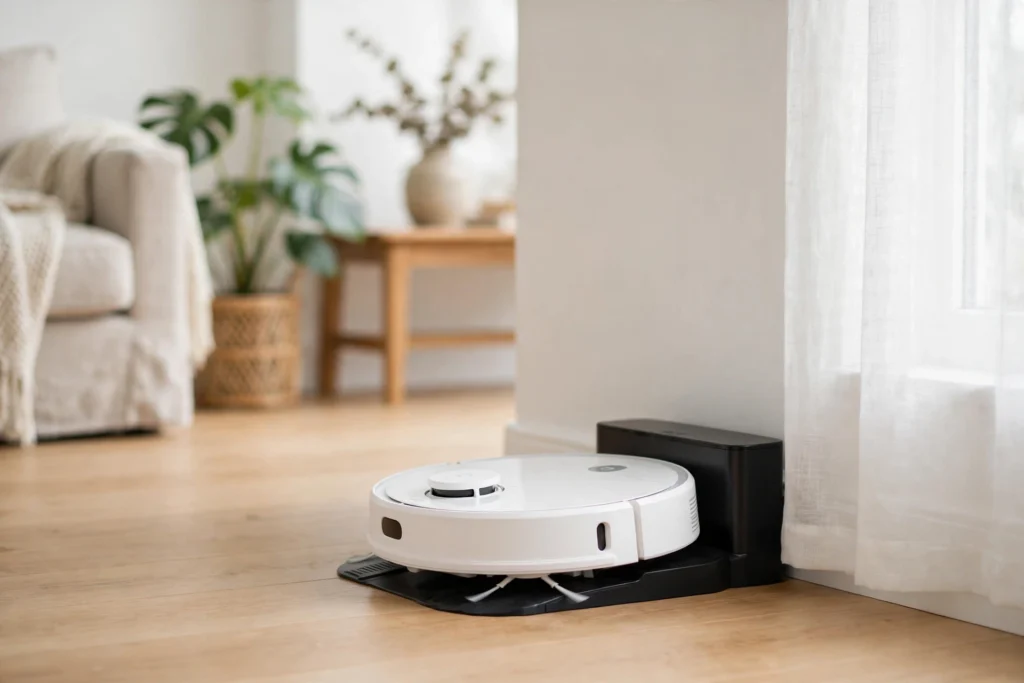
Robots charge themselves by watching their own battery level, driving back to a charging dock when it runs low, and lining up with the dock’s contacts or wireless pad until the battery is full again. Bigger robots may swap in a fresh battery instead. Either way, nobody has to plug the robot in by hand.
Key Takeaways
- Most robots charge themselves by returning to a dock when their battery drops to a set level.
- Docking uses the robot’s map and sensors to line up charging contacts, or a wireless pad.
- Big warehouse and factory robots often use swappable batteries so work never stops for charging.
- Smart power management decides when to charge, how fast, and when to pause a job.
- A robot that can’t reach its dock will usually stop safely and wait for help.
How does a robot know when it needs charging?
A robot keeps an eye on its own battery the same way your phone shows a percentage in the corner of the screen. Its battery management system measures how much charge is left, then compares that number with a threshold the designers set — often somewhere around a fifth of the battery remaining.
That threshold matters. If the robot waited until the battery was nearly empty, it might not have enough power left to drive home. So it heads back early, with a safety margin. Some robots also factor in the distance to the dock: a robot working at the far end of a warehouse turns back sooner than one parked right next to its charger.
How does a robot find its charging dock?
Finding the dock is a navigation problem, and robots solve it with the map they already use for their normal work. A robot vacuum that has mapped your living room knows exactly where its dock sits against the wall, so it can plan a route straight back to it.
For the final approach, most robots switch to a short-range guide. The dock may carry a small infrared beacon or a patterned target the robot’s camera can recognise. The robot creeps forward, adjusts its angle, and lines up its charging contacts with the dock’s.
This is also why placement matters at home. If you move a robot vacuum’s dock behind a door or into a cluttered corner, the robot may struggle to reach it at all.
What is the difference between plug-in charging and wireless charging?
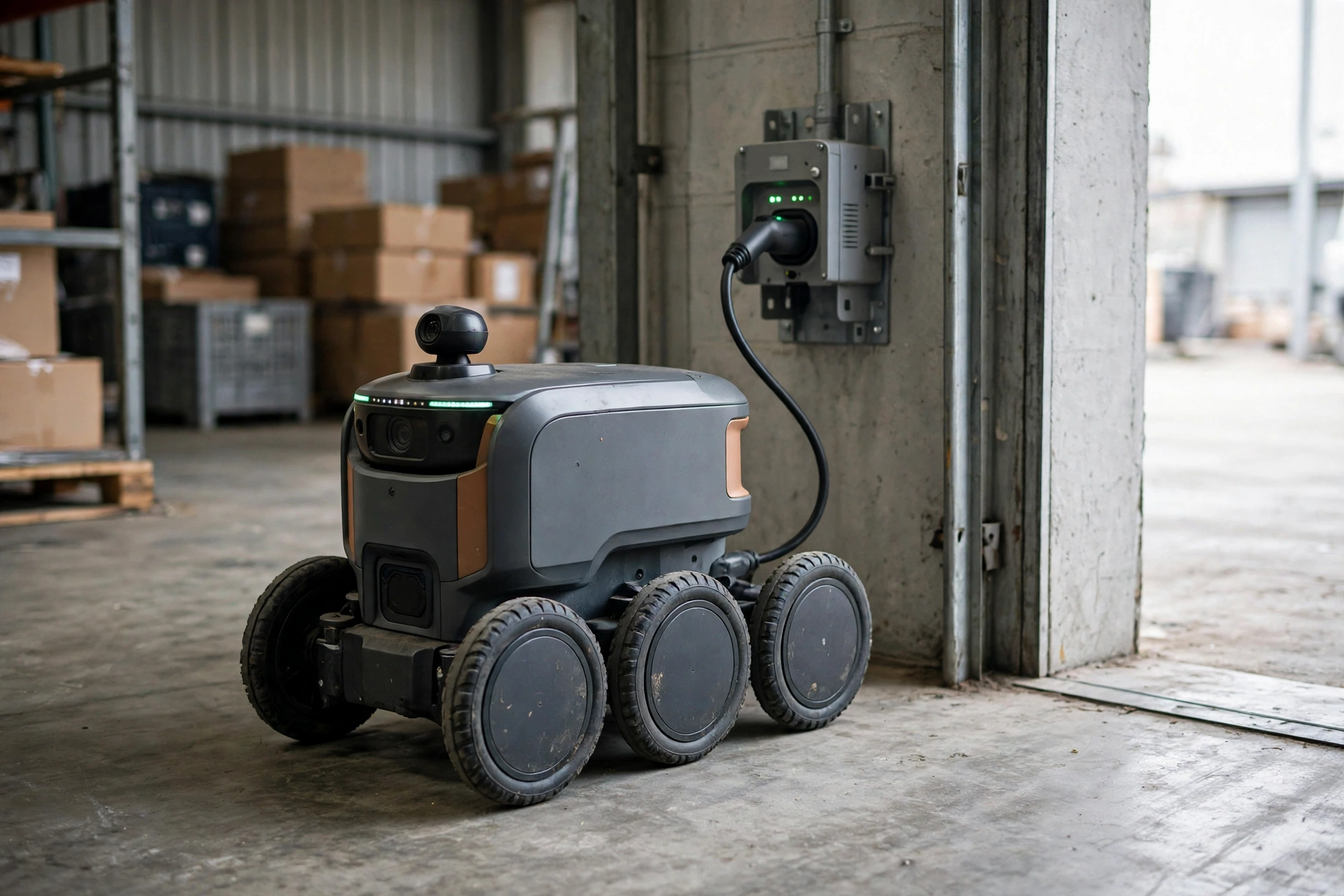
Plug-in charging works through metal contacts. The robot touches two metal pads on the dock, and current flows into the battery. It’s simple and efficient, and it’s common in home robots and warehouse robots alike. The downside is wear: contacts can get dirty over time, and a robot that docks slightly off-centre may not make a clean connection.
Wireless charging skips the contacts altogether. A coil in the dock creates a magnetic field, and a coil inside the robot picks that energy up — the same basic idea behind phone charging pads. Wikipedia’s inductive charging overview explains how the two coils transfer power without any metal touching. The robot only needs to park roughly in the right place, which makes docking easier, though some energy is lost as heat.
Which one a robot uses depends on its job. A small home robot benefits from the forgiving alignment of wireless charging, while a heavy-duty machine that needs a fast, full charge often sticks with contacts.
Why do some robots swap batteries instead of charging?
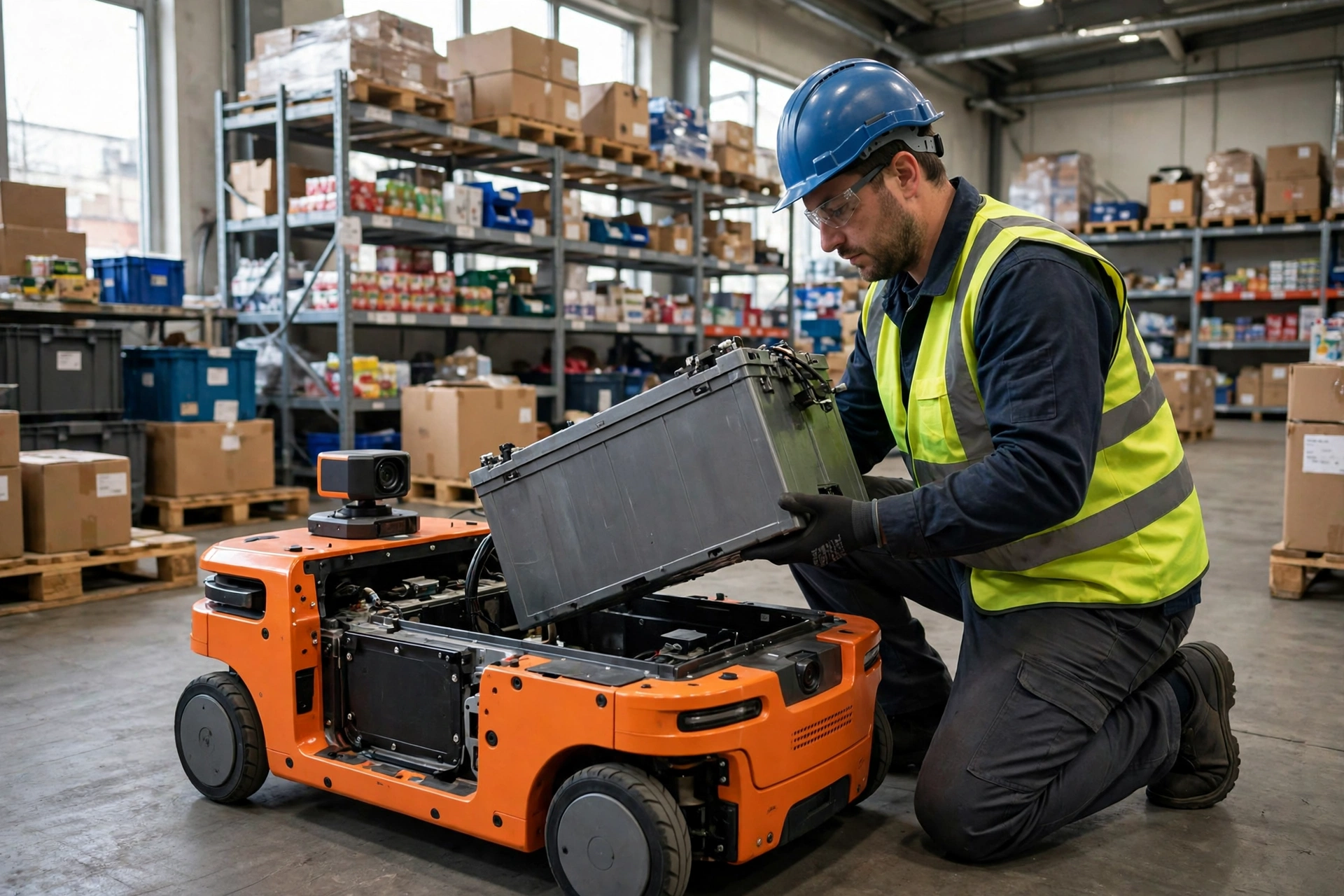
Charging takes time, and time is money in a busy warehouse. A robot that stops to charge for a couple of hours is a robot that isn’t moving shelves. Battery swapping fixes that: the robot drives into a swap station, a mechanism lifts the spent battery out and slots a fresh one in, and the robot is back at work within minutes.
This is the same trade-off you see with delivery fleets — swap when uptime matters, plug in when it doesn’t. Swapping needs extra hardware and spare batteries, so it only makes sense where robots run long shifts. A home vacuum that cleans for an hour and charges while you’re at work doesn’t need a spare battery.
How do robots manage their power during a job?
Good power management is about more than returning to the dock. Robots plan their work around their battery, breaking big jobs into chunks that fit between charges. A warehouse robot might finish one delivery run, top up for a few minutes, and then start the next — a habit often called opportunity charging.
Robots also slow down or shed load to save power. A delivery robot heading home on a low battery might dim its lights or reduce its speed. And when a robot has to pause mid-task, it remembers exactly where it stopped, so it can pick up the same job after charging instead of starting over.
What happens when a robot runs out of power?
Sometimes things go wrong: a dock is blocked, a sensor misreads the battery, or the robot gets stuck under a sofa. In that case, the robot’s last act is usually to save its state — its map, its current task, and where it was — then shut down safely.
Most robots are built to fail gracefully. A warehouse robot stops where it is and sends an alert to a supervisor rather than drifting into a walkway. A home robot simply switches off and waits to be carried back to its dock. Once power returns, the robot wakes up, reloads its saved state, and carries on. A battery management system also guards against overcharging and overheating while all of this happens.
If your home robot keeps running flat away from its dock, check the basics first: is the dock plugged in, is there clear floor space in front of it, and are the charging contacts clean? Nine times out of ten, the problem is the dock’s surroundings, not the robot.
FAQs
Do robots charge themselves without any human help?
Most do, yes. Home robots dock themselves automatically, and warehouse robots drive to charging stations on their own schedule. Humans only step in when something blocks the dock.
Can a robot charge while it is still working?
Not usually in the full sense, but many robots use opportunity charging — short top-ups between jobs. A robot might pause at a charging pad for a few minutes while it waits for its next task.
Why does my robot vacuum keep missing its dock?
The most common causes are a moved dock, clutter in front of it, or dirty charging contacts. Give the dock a clear stretch of floor and wipe the contacts with a dry cloth.
Are wireless charging pads safe for robots?
Yes, for the designs that use them. The pads are built for the robot’s power level, and the robot’s battery system monitors temperature and charge level. Keep metal objects and liquids away from the pad.
What should I check before buying a robot that charges itself?
Look at how it docks, how long a charge lasts for your space, and whether it resumes a job after charging. For bigger machines, ask whether batteries can be swapped.
Conclusion
Robots charge themselves by combining three simple ideas: watch the battery, navigate back to a dock or swap station, and manage power so the job never runs dry. The details vary — contacts or wireless pads, docks or battery swaps — but the goal is the same: a robot that keeps working with as little human help as possible.
If you own a robot that charges itself, the practical next step is a quick dock check. Make sure the dock has power, a clear approach, and clean contacts, then let the robot do the rest. For a closer look at how robots are built and what they can do, Britannica’s robotics overview is a solid starting point. And if you’re curious how these machines move around in the first place, read our guide to how robot arms work — the same sensors and motors that move a robot also steer it home to charge.