VR in education puts students inside the lesson instead of in front of it. With a headset on, a class can walk through ancient Rome, handle a virtual molecule, or practise a lab experiment that would be too costly or risky in real life.
Key Takeaways
- VR in education works by replacing what students see and hear with a 3D lesson they can explore and interact with.
- Its strongest uses are field trips, science labs, skills practice, and subjects where seeing something in three dimensions helps understanding.
- It works best in short, teacher-led sessions with a clear learning goal, not as a replacement for discussion, reading, or hands-on work in the real world.
- A clear play space, charged headsets, and a backup plan matter more than having the newest headset.
- Cost, motion sickness, and age guidance are the main things schools should check before buying in.
What does VR in education actually mean?
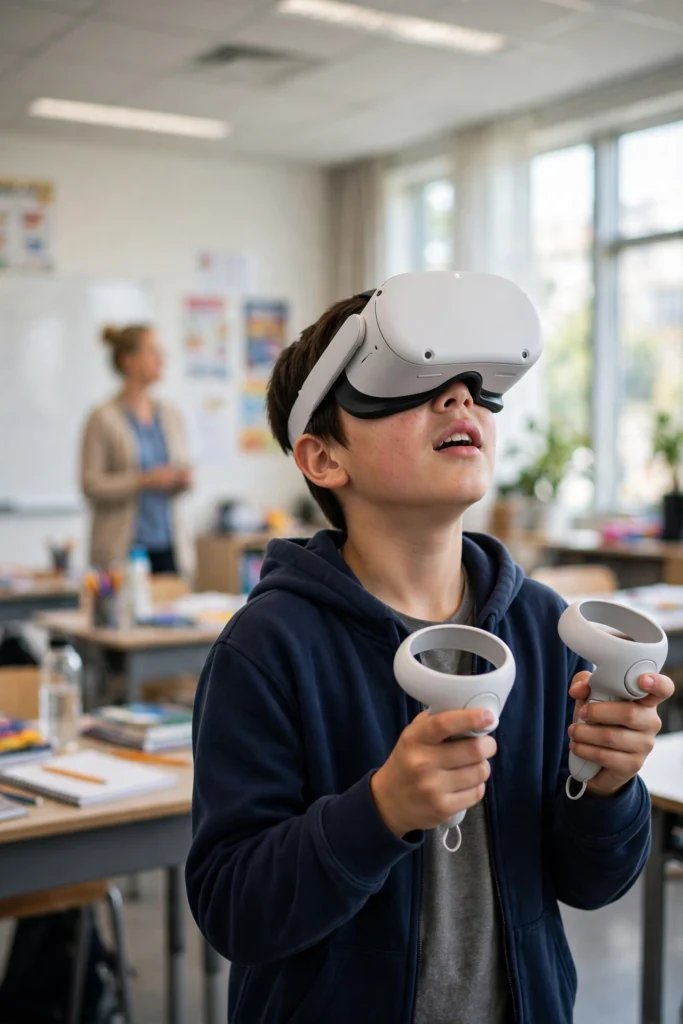
In a classroom, VR usually means a standalone headset — the kind with its own screen, cameras, and processor, with no PC or cables needed. The teacher loads a lesson, students put the headsets on, and they step into a shared virtual place: a museum, a rainforest, the inside of a cell, or a workshop floor.
That is different from watching a video. In VR, turning your head changes the view, walking a few steps moves you through the scene, and controllers let you pick things up, point, or answer questions. The lesson reacts to the student, which is why it can hold attention in a way a flat screen often does not.
It does not mean every lesson should be in VR. A good rule is simple: use VR when being inside the subject teaches something a textbook or video cannot — scale, depth, place, or practice — and use ordinary teaching for everything else.
How does a VR lesson work in a classroom?
Most school VR lessons follow the same pattern. First, the teacher introduces the topic normally, so students know what to look for. Then students take turns in headsets, often in small groups, while classmates work on a related task, watch a cast view on a screen, or discuss what they expect to see.
Inside the headset, the lesson might be guided or free. A guided tour moves students from point to point with narration, which suits younger classes and tight lesson time. A free exploration lets older students wander, open labels, and try tasks at their own pace. Either way, the teacher stays in charge of timing: most sessions run 10 to 20 minutes in the headset, then the class comes back together to talk about what they found.
That debrief is where much of the learning happens. A student who has just “stood” inside a volcano or a heart can describe it far more vividly than one who only read about it — but only if the teacher asks them to explain, compare, and connect it back to the lesson.
What subjects benefit most from VR?
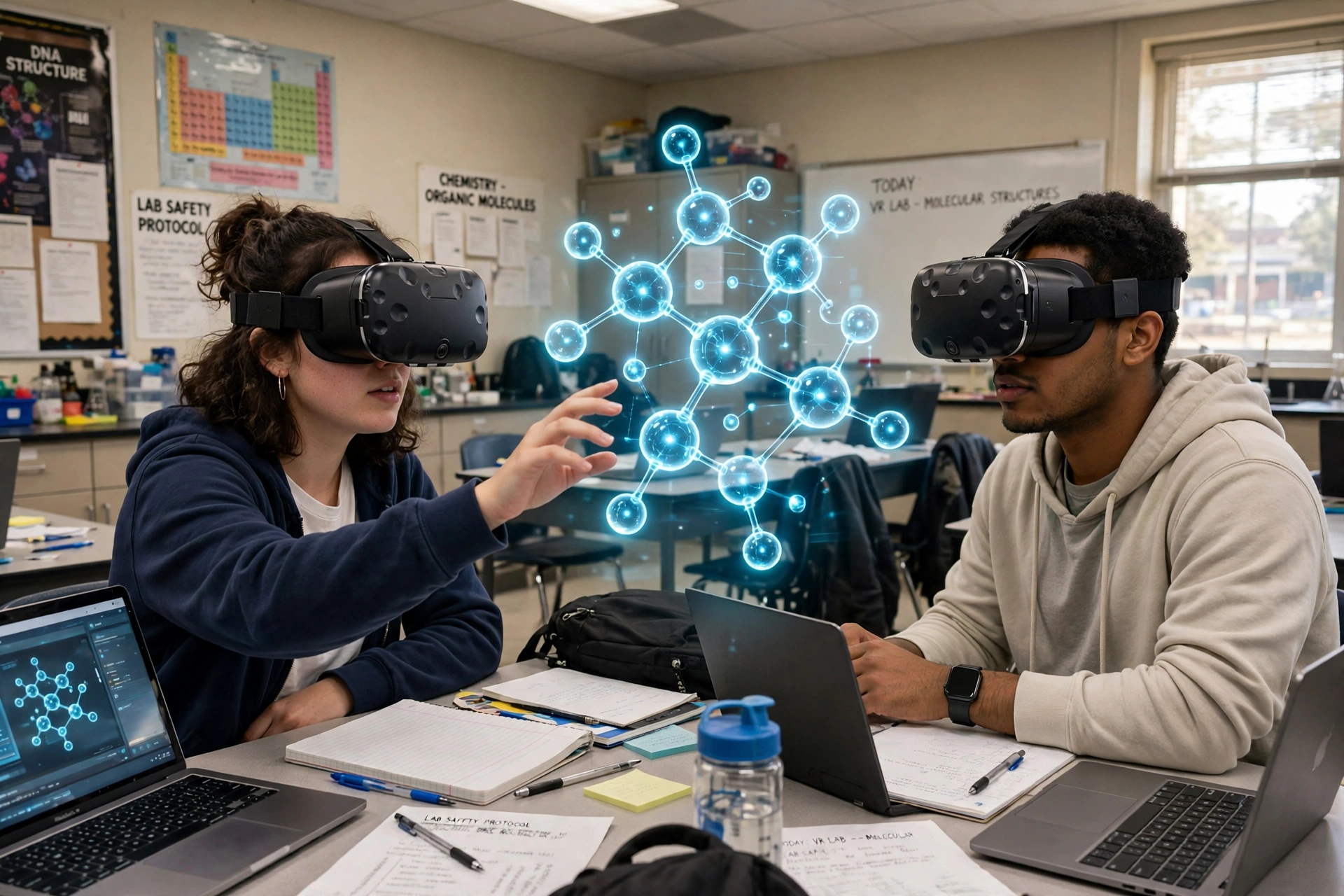
Science is the obvious starting point. Chemistry students can build molecules, biology students can explore organs in 3D, and physics students can watch forces play out instead of just reading equations. Virtual labs also let students repeat an experiment, make mistakes safely, and try again without wasting materials.
History and geography come next. A virtual field trip can take a class to a Roman forum, a glacier, or a coral reef that no school trip budget could reach. UNESCO, for example, has used a VR journey through Central Asia’s glaciers as an education tool, helping students see a landscape and a climate story they would otherwise only read about.
Skills training is a third strong area. Medical, engineering, and trade students can practise procedures step by step in VR before they touch real equipment. That does not replace real practice, but it gives them confidence and repetition first. Language and social learning can benefit too, when students practise conversations or presentations in a low-pressure virtual setting.
What equipment does a school actually need?
For most schools, a small set of standalone headsets is enough to start. One headset per student is rarely needed; a class set shared in rotation, with a charging trolley and wipe-clean face pads, is the usual setup. A teacher device or laptop to start lessons and cast a student’s view to the classroom screen helps a lot, because it lets the teacher see what students see and guide them without guessing.
Space matters as well. Students need a clear area to stand or sit safely, with furniture moved back and a boundary set inside the headset. Our guide to how VR room mapping works explains how headsets draw that safe boundary, and our first-time setup guide covers fit, focus, and comfort checks that are worth doing before the first lesson.
Schools should also check the headset maker’s age guidance and their own safeguarding rules. Some makers set a minimum age for headset use, and younger children may be better served by a teacher-led cast view on a screen, with only short turns in the headset, if they use one at all.
What are the limits and problems to watch for?
VR is not a magic fix for learning, and its limits are worth stating plainly. First, motion sickness affects some students, especially in lessons where the virtual world moves while the student stays still. Short sessions, seated lessons, and steady movement help, and any student who feels dizzy should take the headset off straight away.
Second, headsets cost money, need charging, updates, and occasional repairs, and not every lesson app is well made. A flashy app with weak content will teach less than a good textbook chapter. Teachers should try an app themselves first and check that it matches the curriculum, not just that it looks impressive.
Third, access is uneven. If only some students get regular VR time, or if headsets are kept in one department, the benefit stays narrow. A rota, shared class sets, and lessons that work with and without a headset keep things fairer. Finally, VR should not crowd out reading, writing, discussion, and real-world practical work — those are still where most learning is consolidated.
How can a teacher run a first VR lesson well?
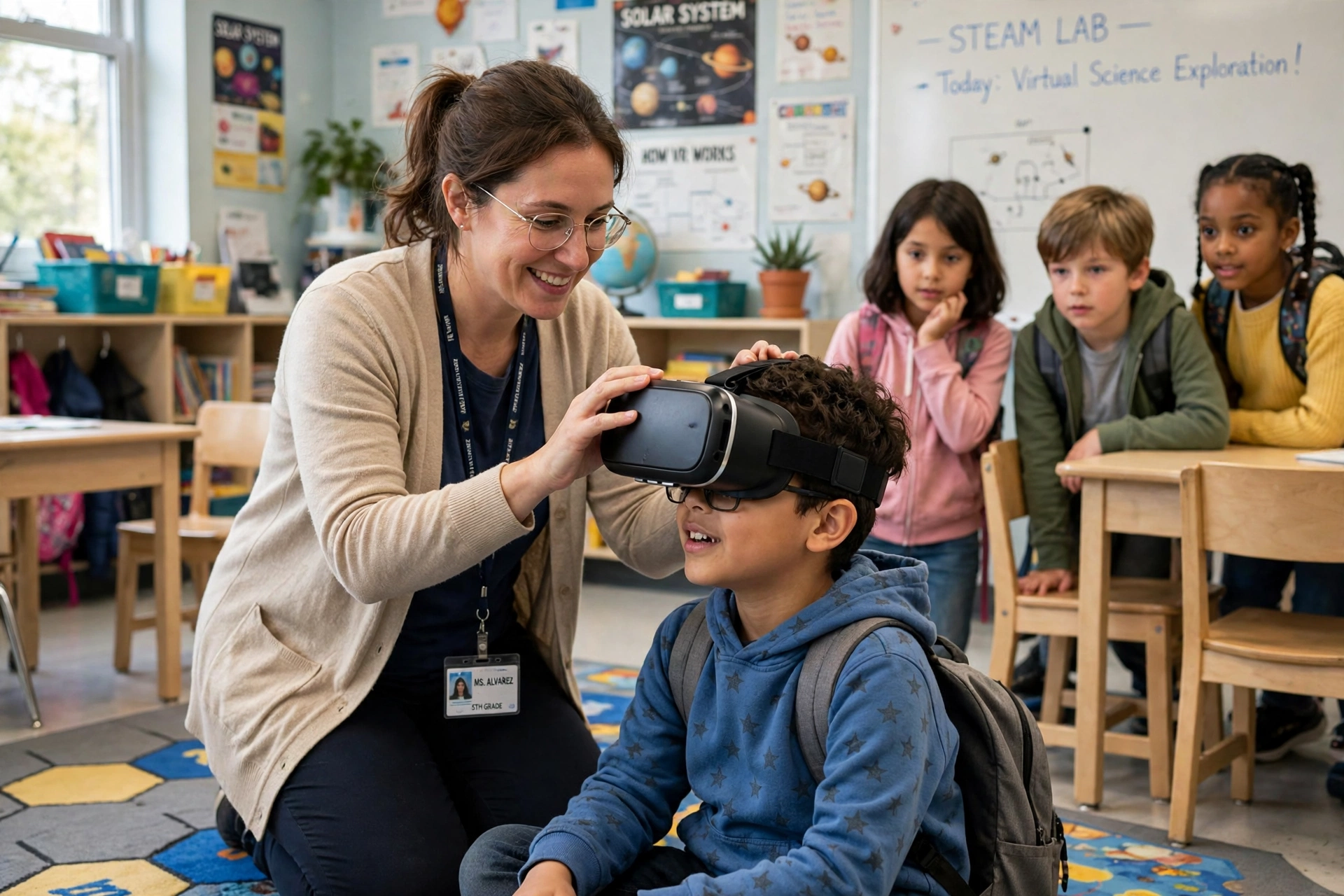
Start small. Pick one lesson with a clear goal — for example, “students can describe the parts of a cell” — and one app that directly serves it. Try the full lesson yourself first, including putting the headset on, finding the controls, and timing how long each part takes.
On the day, introduce the topic, show the controls, and set expectations: stay inside your boundary, take the headset off if you feel unwell, and be ready to share what you saw afterwards. Keep the first session short, have a non-headset version of the task ready for anyone who cannot or does not want to use a headset, and finish with a class discussion and a short written or spoken task. That closing task turns an exciting experience into evidence of learning.
It also helps to keep notes after the first few lessons: which apps worked, how long setup took, what went wrong, and what students actually remembered a week later. Those notes are more useful than any sales claim when deciding whether to expand VR use.
FAQs
Do students need a powerful computer for VR lessons?
Not usually. Most classroom VR runs on standalone headsets that need no PC. A teacher laptop helps for managing lessons and casting a view, but students do not each need a gaming computer.
Is VR safe for school children?
It can be, with short sessions, a clear space, adult supervision, and the headset maker’s age guidance followed. Students should stop if they feel dizzy or unwell, and schools should have a non-headset alternative for any student who cannot use a headset.
Does VR replace teachers or textbooks?
No. VR is a teaching tool, like a lab or a field trip. It works best when a teacher introduces the topic, guides the session, and leads the discussion afterwards. Textbooks, reading, and discussion still carry much of the learning.
How long should a VR lesson last?
Most school sessions keep headset time to about 10 to 20 minutes, within a normal lesson. Longer sessions increase tiredness and motion sickness risk, and leave less time for discussion and written work.
What if a school can only afford a few headsets?
Rotate students in small groups, cast one student’s view to the classroom screen, and pair headset time with a related task for the rest of the class. A few headsets used well, on a rota, beat a large set that sits unused because setup is too complex.
Conclusion
VR in education works when it gives students an experience they could not otherwise have: standing inside a historical site, handling a molecule, or practising a skill safely before the real thing. It works less well as a novelty, a replacement for teaching, or a purchase made before anyone has tried the lessons.
If your school is curious, start with one clear lesson, one tried app, and a short, teacher-led session — then judge it by what students can explain afterwards, not by how excited they looked in the headset. Your practical next step is simple: pick that one lesson, trial it with a small group, and decide from the debrief whether VR earns a regular place in your timetable.
Further reading: How Do VR Headsets Work? | How Does VR Room Mapping Work? | How Do VR Controllers Work? | How to Set Up a VR Headset for the First Time | Britannica virtual reality | UNESCO VR glacier education project