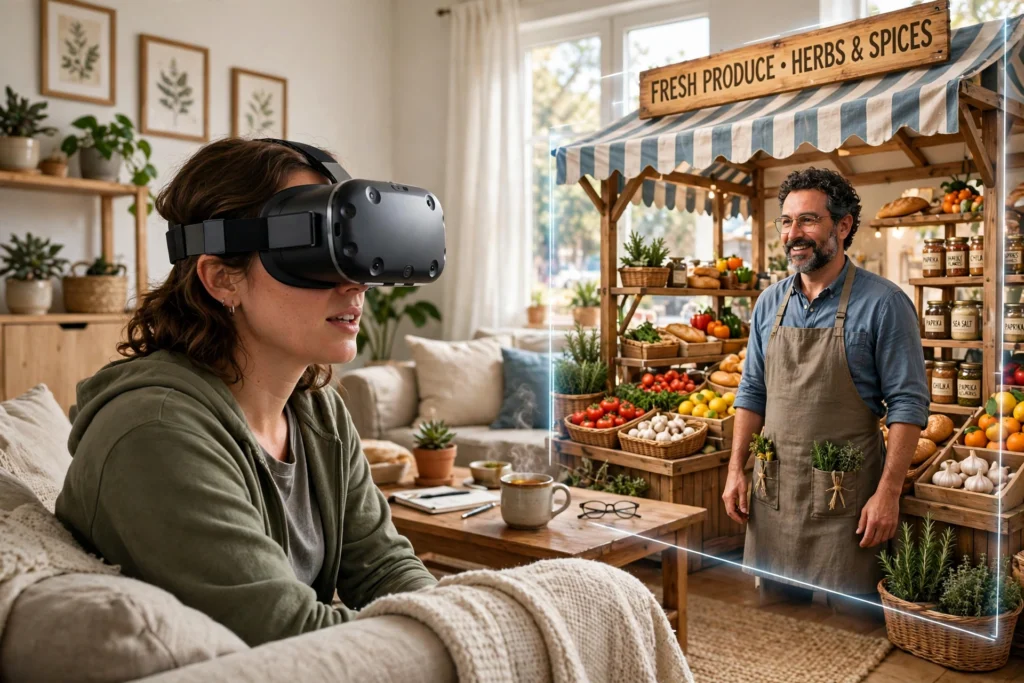
VR language learning puts you inside a scene where you have to use the language, not just study it. You might order food in a virtual café, ask for directions on a virtual street, or practise a job interview in a virtual office. The headset tracks your head and hands, the software listens to your speech, and you get gentle corrections right away, so practice feels closer to a real conversation than a textbook exercise.
Key Takeaways
- VR turns language practice into a situation: ordering, asking, explaining, and listening in context.
- Speaking out loud matters more than silent tapping, and VR gives you a low-pressure place to do it.
- Instant feedback on pronunciation and word choice helps you fix mistakes while you still remember them.
- Short, regular sessions usually beat one long session, especially for speaking confidence.
- VR works best alongside real conversation, reading, and listening, not as a replacement for them.
What happens inside a VR language lesson?
A typical lesson starts in a simple scene. You might stand in a market, a train station, or a classroom. Characters in the scene speak to you, and you answer by speaking, pointing, or choosing an action. If you don’t know a word, you can often tap an object to hear and see it, which links the word to something you can picture later.
That link is the point. In a normal app, “apple” is a word on a card. In VR, you pick up a virtual apple, hear the word, and hand it to a shopkeeper. You’re using the word to get something done, which is much closer to how language works outside a lesson.
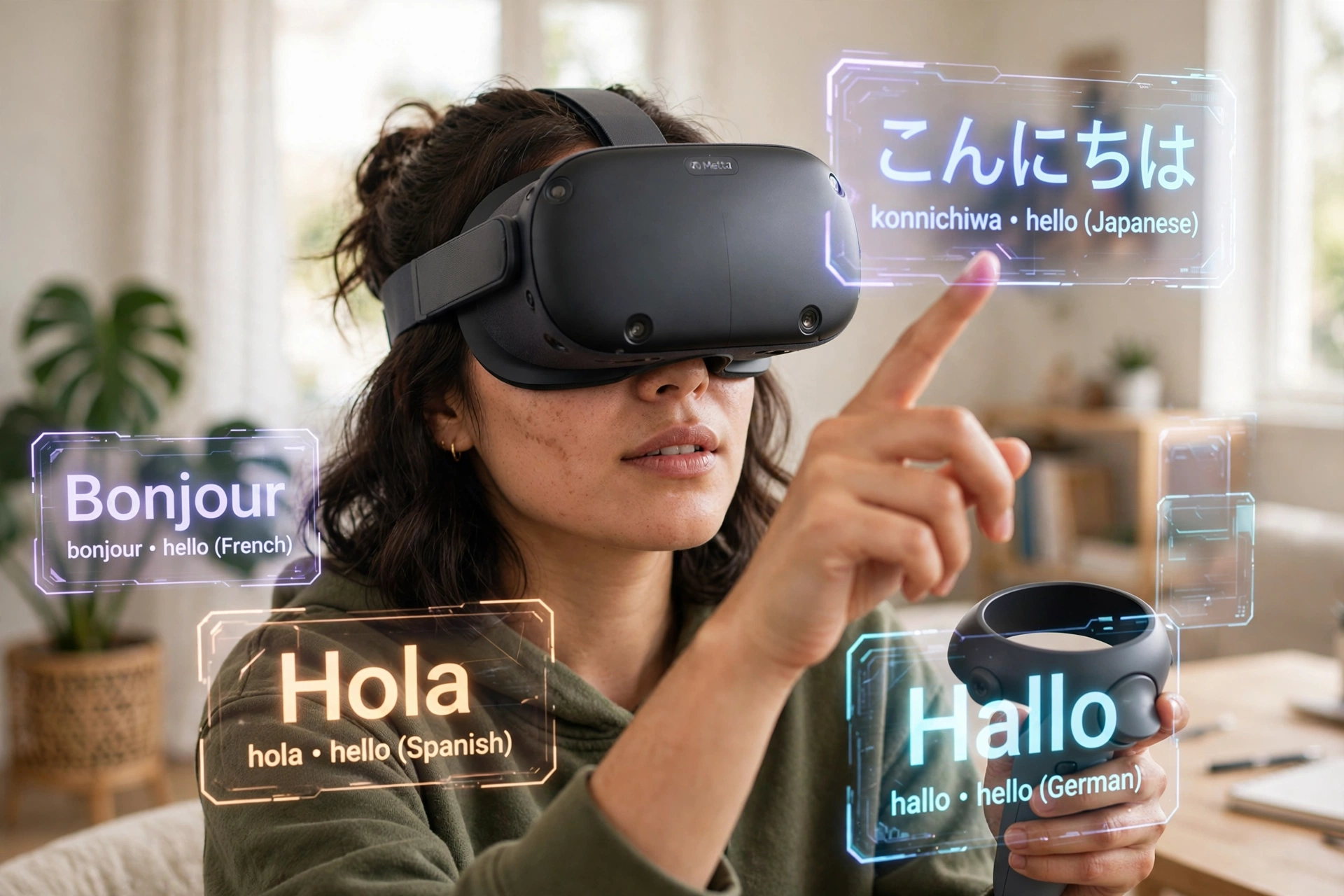
How does VR help with speaking confidence?
Many learners understand more than they can say. They freeze because they’re worried about mistakes, accents, or being judged. A virtual character doesn’t sigh, laugh, or rush you. You can repeat a sentence three times without embarrassment, and you can try a harder version when you’re ready.
That safety net matters, but it has limits. A virtual shopkeeper is patient in a way real people sometimes aren’t, and it won’t use slang, mumbling, or background noise the way a busy café will. So treat VR as rehearsal. Use it to build the habit of speaking, then test that habit with real people when you can.
What does the headset actually track?
A VR headset tracks where you’re looking and how your head moves, while controllers or hand tracking follow your hands. In a language lesson, that tracking lets you point at objects, pick things up, and gesture while you speak, just as you would in real life.
Some lessons also use speech recognition to check what you said. It may highlight a word you mispronounced, suggest a more natural phrase, or ask you to try again. It isn’t perfect, and accents can trip it up, so don’t treat every correction as final. If a correction feels wrong, say the phrase again slowly, or check it in a dictionary or with a teacher.
If you want the basics of the hardware first, see How Do VR Headsets Work? and How Do VR Controllers Work? — they explain screens, lenses, tracking, and controllers in plain language.
Can VR teach grammar, or just vocabulary?
VR is strongest for vocabulary and everyday phrases, because objects and actions are right in front of you. Grammar sneaks in through use: you learn “I would like” because you keep ordering, not because you memorised a table first.
For trickier grammar, a short explanation still helps. A good lesson pairs a scene with a quick note — why a verb changes, or when to use a formal word instead of a casual one — and then lets you practise that pattern straight away. If a lesson only shows flashcards in 3D, it’s not really using VR’s strength. Look for lessons where you have to speak and make choices, not just watch.
How is VR different from a language app on your phone?
A phone app is quick and convenient, and for many learners it’s the easiest way to keep a daily habit. VR adds a sense of place. You’re not just choosing the right answer; you’re standing somewhere, facing someone, and responding in the moment.
That sense of place can also make practice more tiring. Headsets are heavier than phones, sessions need space, and some people feel dizzy after a while. If you feel uncomfortable, stop, take the headset off, and rest. Short sessions of 15 to 20 minutes are a sensible starting point, and you can build up from there.
Room setup matters too. How Does VR Room Mapping Work? explains how a headset maps your space so you can move safely, which is worth reading before you try a lesson that asks you to walk around.
Who is VR language learning best for?
It’s a good fit if you already know some basics and want more speaking practice, or if you’re shy about speaking and want a private place to start. Travellers can rehearse the exact situations they’ll face — checking in, ordering, asking for help — before they go. That kind of rehearsal is one reason VR travel experiences feel so practical; see How Does VR Work for Travel? for how virtual trips are built.
It’s less useful as a first step if you know almost no words yet, because you’ll spend more time figuring out the scene than learning. In that case, start with a regular course or app to build basic vocabulary, then add VR once you can hold a very simple conversation.
Children, beginners, and anyone prone to motion sickness should start slowly, with seated lessons and a clear, open space. If a lesson feels overwhelming, switch to a simpler scene rather than pushing through.
How do you choose a good VR language lesson?
Start with the language and level, not the graphics. A pretty scene with no real conversation won’t teach much. Check whether the lesson asks you to speak full sentences, whether it gives feedback you can understand, and whether it lets you repeat or slow down a conversation.
Also check what it tracks and stores. Some lessons record your voice to check pronunciation. That’s normal for speech practice, but read the privacy settings before you start, and use a guest or limited profile if you’re unsure. You don’t need to share more than the lesson needs.
Finally, think about cost and comfort. You don’t need the most expensive headset to try this, and a free trial or short lesson is a better first test than a long subscription. Comfort, clear audio, and a scene you actually enjoy matter more than fancy effects.
How much practice do you actually need?
There’s no magic number, and anyone promising fluency in a fixed number of VR sessions is overselling it. What helps most is regularity: a short speaking session a few times a week, plus listening and reading outside VR.
A practical routine might look like this: one VR conversation session, one day of listening to real speech in the language, and one short writing or review session each week. Keep notes on phrases you struggled with in VR, and practise those phrases again the next day. Progress in speaking is often slow to notice day by day, but obvious after a month of steady practice.
FAQs
Do I need to be good at technology to use VR for language learning?
No. Most lessons guide you step by step, with voice prompts and simple controls. If you can use a phone app, you can usually follow a VR lesson, though the first session may feel strange. Start with a guided, seated lesson and give yourself time to get used to the headset.
Will VR fix my accent?
It can help you hear and practise sounds more clearly, but it won’t erase your accent, and it shouldn’t need to. The goal is to be understood, not to sound like a native speaker. Focus on clear pronunciation of key sounds, and don’t worry about a perfect accent.
Can I practise with real people in VR?
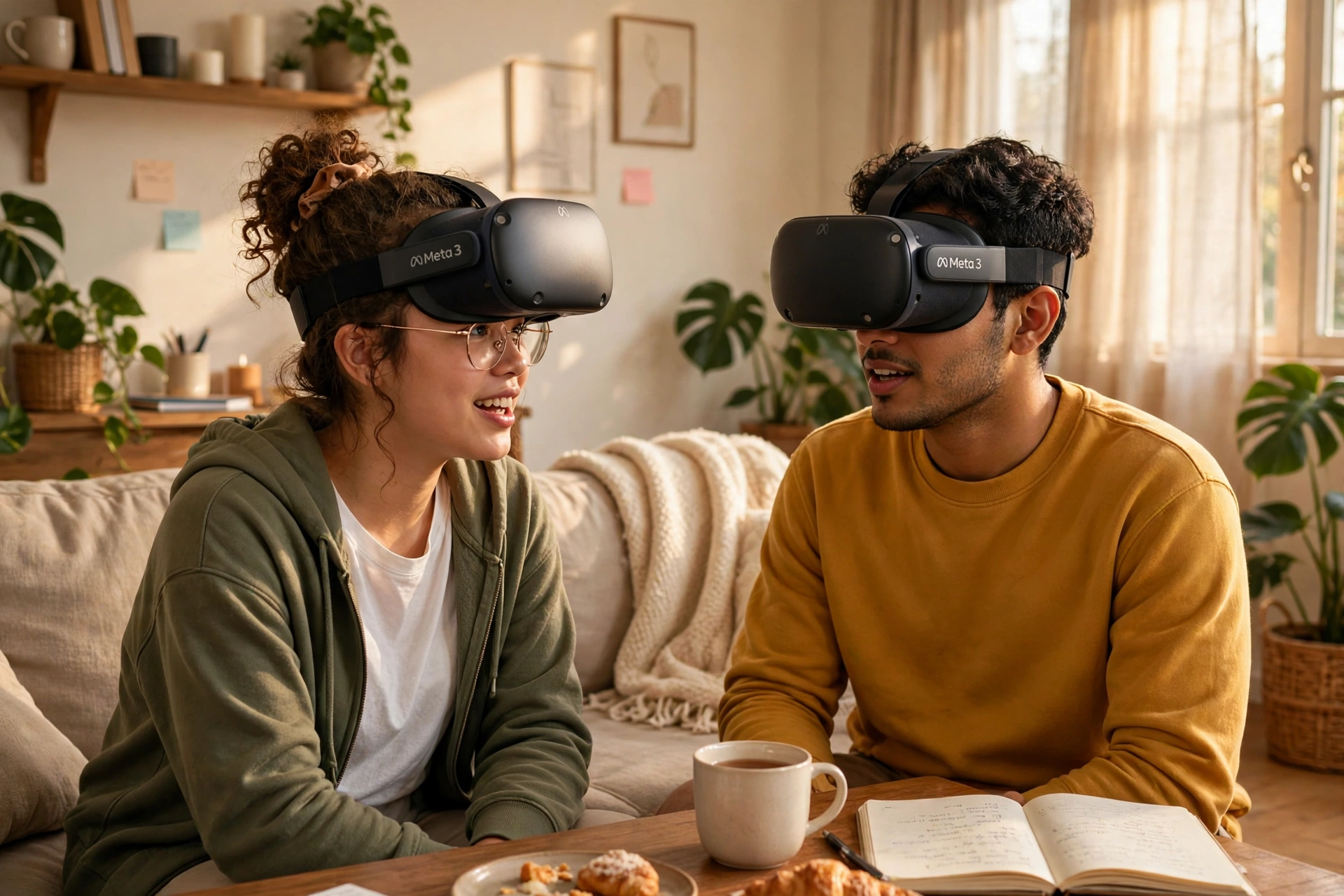
Yes, some platforms offer live group lessons or conversation rooms with other learners and tutors. These can be a great next step after solo practice, because real people react unpredictably. Check the platform’s moderation and safety settings first, especially for group rooms.
Does VR language learning work for all languages?
Not equally. Widely taught languages usually have more lessons, scenes, and speech recognition support. Less common languages may have fewer options, or lessons that rely more on text than speech. Check the lesson list for your language before buying a headset or subscription for this purpose.
Is VR language learning safe for children?
It can be, with supervision, time limits, and age-appropriate content. Keep sessions short, make sure the play space is clear, and stop if the child feels dizzy or tired. Check the headset maker’s age guidance as well, since recommendations vary by device.
Conclusion
VR language learning works best when it gives you something real to do with the language: order, ask, explain, and listen in a scene that feels alive. It won’t replace real conversation, but it can make the step toward real conversation much less scary.
A practical next step: pick one situation you actually need — ordering food, greeting a colleague, or asking for directions — and practise it in VR three times this week, for 15 minutes at a time. Note the phrases you stumble on, look them up, and try them again. Then use one of those phrases with a real person, even in a short exchange. That’s how VR practice turns into real confidence.