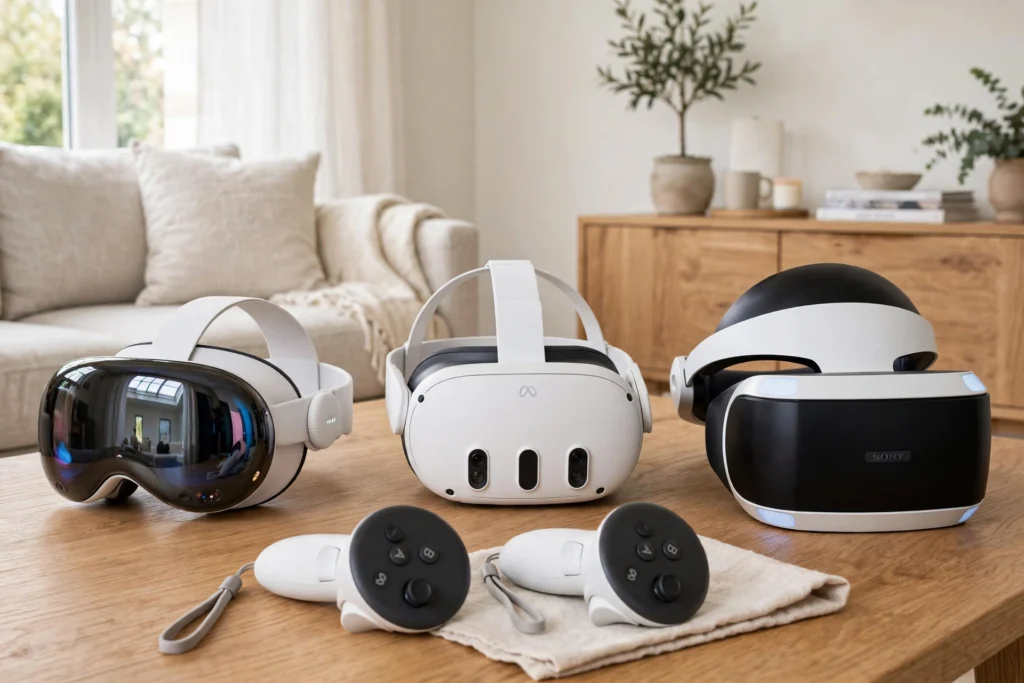
Buying your first VR headset comes down to four questions: what will you use it for, what hardware do you already own, how much space do you have, and what is your budget? Answer those first, and the right headset usually picks itself.
Key Takeaways
- Standalone headsets are the simplest starting point: no PC or console required.
- PC and console headsets offer sharper graphics but cost more and need other hardware.
- Comfort matters as much as specs — a headset you enjoy wearing gets used far more.
- Check the app library before buying, since games and apps do not always carry across brands.
- Try a headset in a store first if you can, and buy from a retailer with a fair return policy.
Standalone, PC, or Console: Which Type Suits You?
Standalone headsets have everything built in: processor, battery, storage, and tracking cameras. You put one on and you are playing within minutes, with no cables and no extra hardware. For most first-time buyers, this is the sensible default. The trade-off is graphics power — standalone headsets are less powerful than a gaming PC, so visuals are simpler, though still convincing.
PC-connected headsets plug into a gaming computer and use its power for richer, more detailed worlds. They suit people who already own a capable PC and want the best-looking experiences, such as detailed simulators or high-end games. The downsides are cost, cables, and setup: you need the PC, the right ports, and space for both.
Console headsets pair with a specific games console. They are a good pick if you already own that console and mostly want to play its games, but they lock you into one platform’s library.
If you are unsure, start standalone. You can always add a PC headset later if VR becomes a serious hobby, and a standalone headset keeps working as a second device for travel or casual sessions.
What Actually Matters in the Specs?
Headset specs can feel overwhelming, so focus on the handful that affect everyday use:
Display clarity. Higher resolution and a wider field of view make the virtual world look sharper and more natural. You do not need the highest numbers on the market, but avoid the cheapest end if you plan to read text or work inside VR.
Tracking. Most modern headsets track your head and controllers with built-in cameras, so no external sensors are needed. Controller-free hand tracking is a bonus, not a must-have, for a first headset. Our guide to how VR controllers work explains what the controllers in your hands actually do.
Refresh rate. A higher refresh rate means smoother motion, which also helps comfort. Look for at least 90 Hz; higher is nicer, but 90 is a solid floor for a beginner headset.
Storage. Games vary in size, but 128 GB is plenty to start with unless you plan to install dozens of large titles at once. Some headsets offer a larger-storage version for a higher price — only pay for it if you know you need it.
Battery life. Standalone headsets typically run for around two hours of active use per charge. That sounds short, but it matches a natural session length, and a spare strap battery or a charging break solves the rest.
For a deeper look at the hardware itself, read our guide to how VR headsets work.
Comfort: The Spec Nobody Puts on the Box
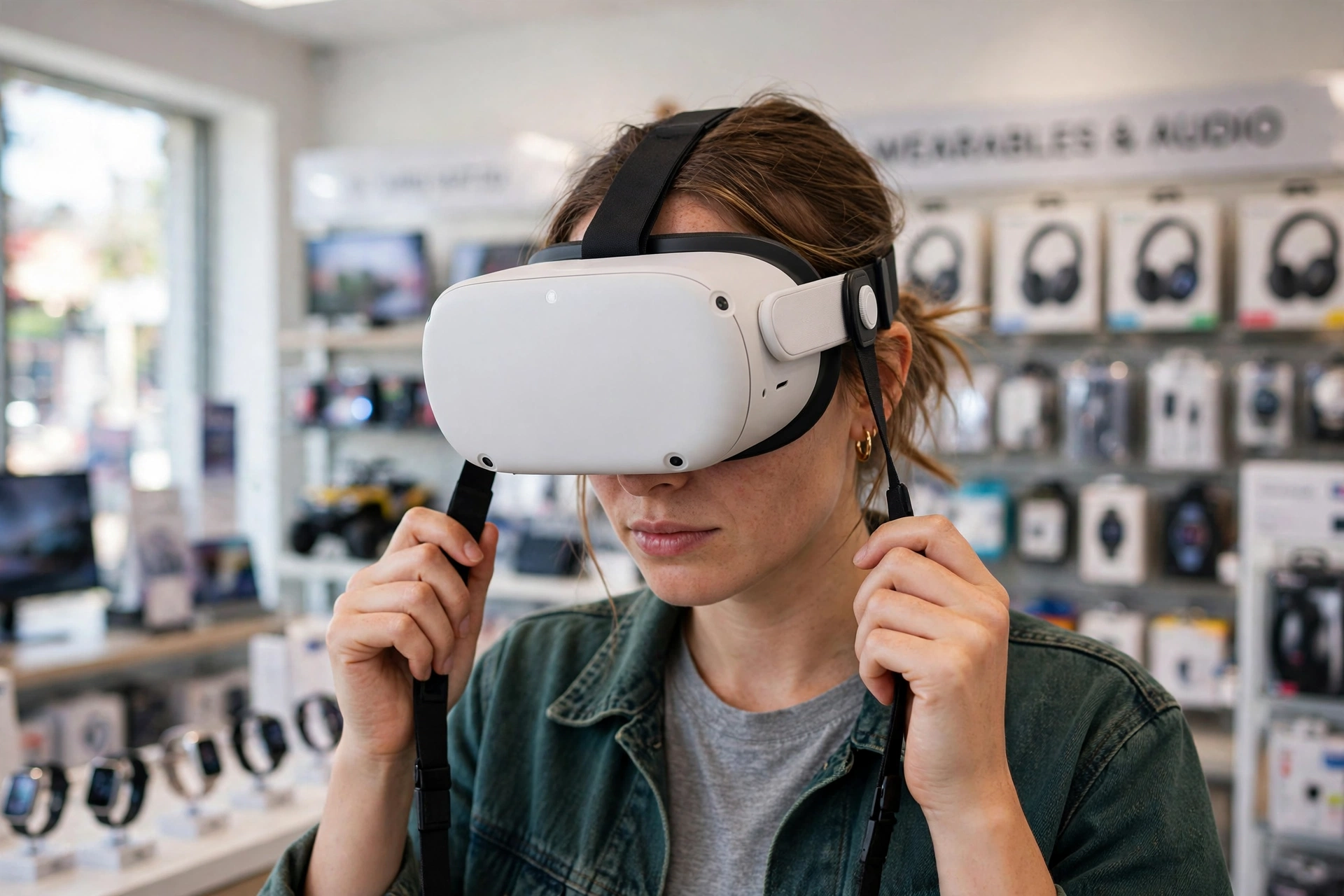
A headset lives on your face, so comfort decides whether you actually use it. Weight balance matters more than raw weight: a front-heavy headset strains your neck, while a well-balanced one with a good strap feels fine for an hour or more.
If you wear glasses, check whether the headset fits over them or offers prescription lens inserts — many do, and this is worth sorting out before you buy rather than after. A wipeable face cushion helps if you share the headset or use it for workouts, and an adjustable strap makes a real difference for longer sessions.
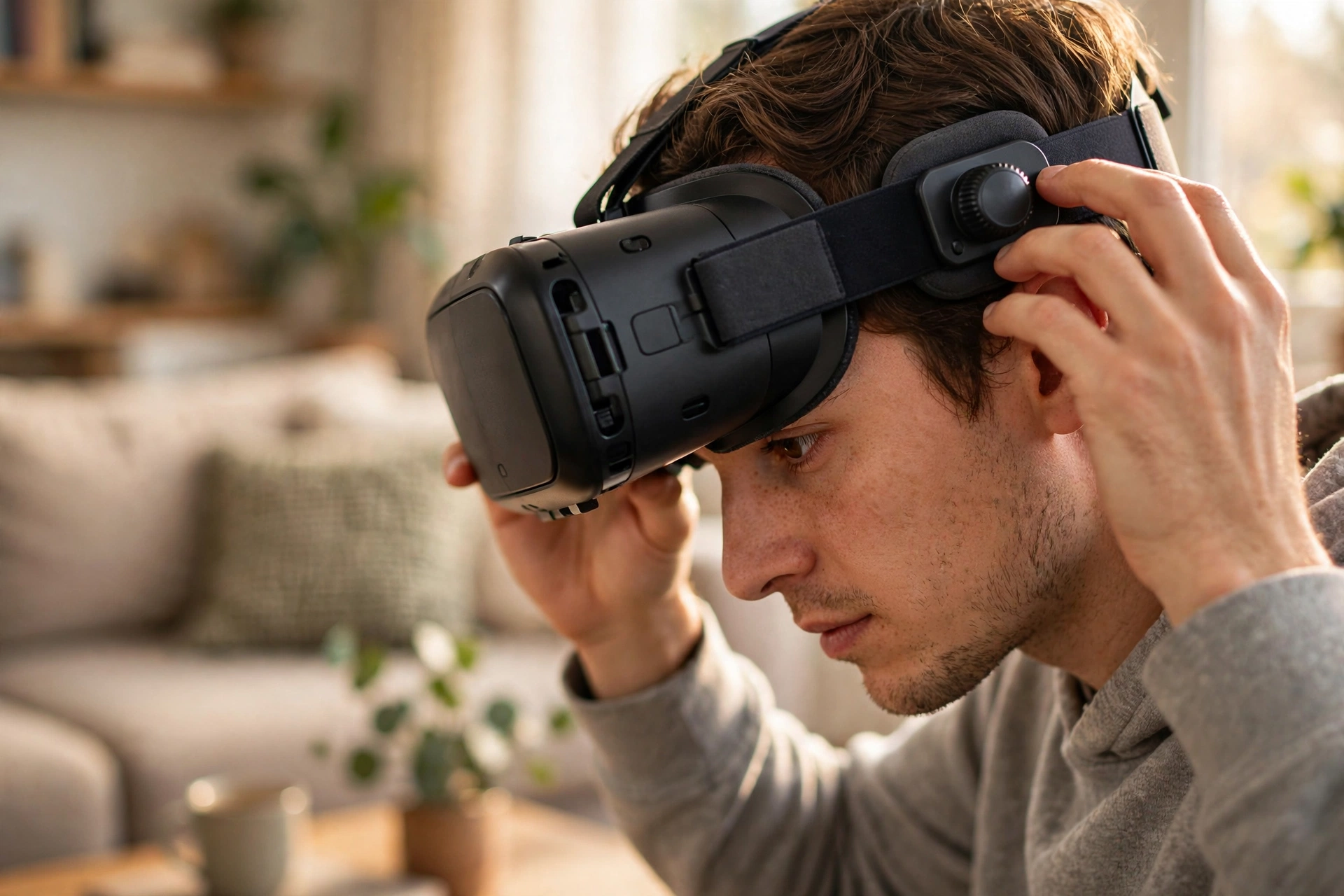
This is the one area where trying before buying pays off most. A ten-minute demo in a store tells you more about comfort than any spec sheet. Pay attention to pressure on your forehead and cheeks, and whether the image stays sharp when you move your head.
Check the Apps Before You Check Out
A headset is only as good as what you can do with it, so browse its app store before buying. Make a short list of what you actually want: games, fitness, travel experiences, social apps, or work tools. Then check that those apps exist on the headset you are considering.
App libraries differ between brands, and purchases usually do not transfer from one brand to another. If a friend owns a headset, ask what they play — shared apps make multiplayer sessions and recommendations much easier.
Also check whether the headset needs an account with the maker, and whether it works without a constant internet connection. Some features, like downloading games, need Wi-Fi, but single-player sessions should work offline once installed.
Space, Safety, and Setup Costs
Before you buy, measure your play space. Most headsets ask you to set a boundary — a virtual fence that warns you when you approach furniture or walls. Our guide to how VR room mapping works explains how headsets scan and remember your room.
A space about 2 metres by 2 metres covers most games, while seated and stationary experiences need far less. If your room is small, favour apps designed for stationary play and keep fragile items out of arm’s reach.
Budget for more than the headset itself. You may want a better head strap, a carrying case, lens inserts if you wear glasses, and a spare battery for longer sessions. None of these are required on day one, but they are the extras most owners end up buying, so factor in a little headroom in your budget.
A Simple Decision Path
If you want the easiest start and no extra hardware, buy a standalone headset. If you already own a gaming PC and want the best graphics, consider a PC headset. If you own a compatible console and mainly play its games, a console headset is the natural fit. Then, within that type, pick the model whose comfort, app library, and price feel right — and check the return policy before you commit.
Once you have a headset, the fun part starts: exploring what it can do beyond games, from virtual travel experiences to fitness apps and virtual meetups. The headset you choose matters less than actually using it, so do not spend months comparing — pick well, then play.
Frequently Asked Questions
Do I need a gaming PC for VR?
Not for a standalone headset, which works entirely on its own. You only need a gaming PC if you choose a PC-connected headset, and you only need a console for a console headset.
How much should a first VR headset cost?
It varies widely by type, but a mid-range standalone headset is the usual starting point for beginners. Set your budget to include a strap upgrade or case if you want them, and avoid paying for top-end specs you may not notice yet.
Can I use a VR headset if I wear glasses?
In most cases, yes. Many headsets fit over smaller glasses frames, and several makers sell prescription lens inserts. Check the maker’s guidance for your frame size before ordering.
Is VR safe for children?
Headset makers set minimum age recommendations, and younger children should only use VR with adult supervision and short sessions. Check the guidance for the specific headset you are considering.
Should I wait for a newer model?
If a new model has just been announced, waiting a few weeks can save money or get you better hardware. But if nothing is announced, there is little reason to wait — today’s mid-range headsets are already very capable for a first-time buyer.
Conclusion
Choosing a VR headset is simpler than the spec sheets make it look. Start with the type that fits your existing hardware — standalone for most beginners — then weigh comfort, the app library, and your budget. Try one on if you can, buy from a retailer with a fair return policy, and set up a clear play space before your first session.
Your practical next step: write down the three things you most want to do in VR, check which headsets run those apps, and shortlist one standalone model to try. That short list turns a confusing market into a single, confident decision.
Further reading: Britannica’s overview of virtual reality and Meta Quest.