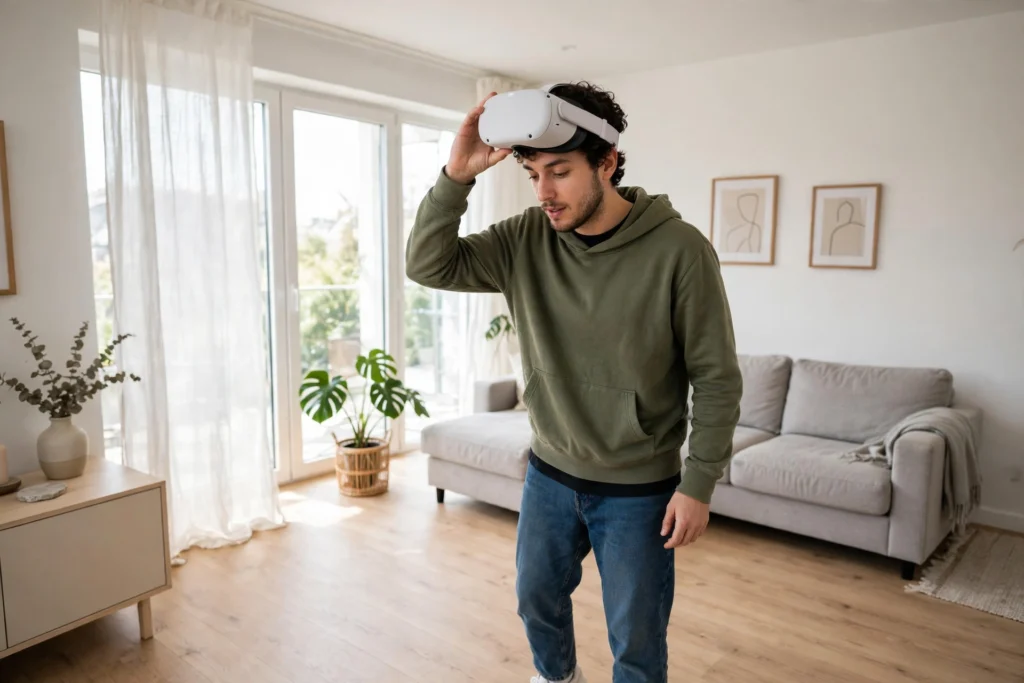
Setting up a VR headset for the first time takes about twenty minutes in the right order: charge everything, clear a safe space, fit the headset, draw your boundary, then learn the controllers before trying anything fast-moving. Skip the preparation and your first session will likely be a blurry picture, a loose strap, or a warning that you are too close to the sofa.
Key Takeaways
- Charge the headset and controllers before you start, and install any software update the headset asks for.
- Clear a flat, well-lit space and keep pets, cables, and low furniture out of it.
- Fit comes first: a snug, level headset beats a tight one, and blur is usually a fit problem.
- Draw your play boundary carefully, because it keeps you from walking into real objects.
- Start seated or standing still, with a calm first app, and take a break if you feel queasy.
What should I do before I put the headset on?
Charge the headset and controllers, and update the software if prompted. A headset that dies halfway through setup is annoying, but a controller that dies mid-game is worse, because you lose your hands in the virtual world. While things charge, read the quick-start card in the box.
Next, clear your space. You do not need a huge room. A clear patch of floor where you can stretch your arms out without hitting anything is enough for most first sessions, and many people start seated. Move coffee tables, floor lamps, and trailing cables away, and shut the door if a pet or small child might wander in. If your headset uses cameras to track its position, keep the room reasonably well lit, but avoid direct sunlight on the lenses, which can damage them and confuse tracking.
How do I fit the headset so the picture looks sharp?
Put the headset on loosely first, then adjust. The display should sit level in front of your eyes, not tilted up or down, and the strap should feel snug rather than tight. If the picture looks blurry at the edges, try sliding the headset slightly up or down on your face before touching any settings. A surprising number of “broken” headsets are just sitting a centimetre too high.
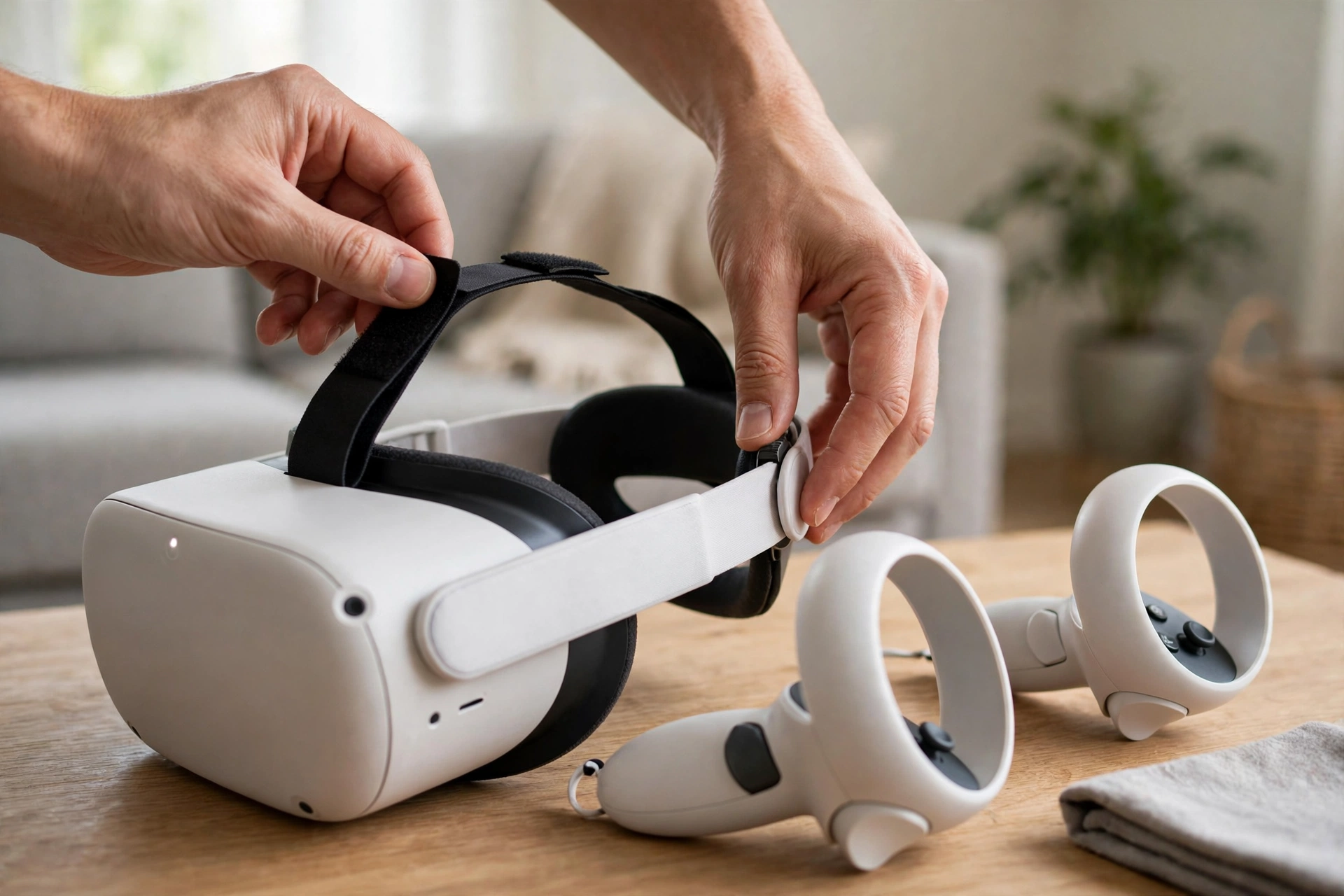
Many headsets let you adjust the distance between the lenses, called the interpupillary distance, or IPD. Move it slowly while looking at text in the headset until it looks crisp. If you wear glasses, check whether your headset supports glasses, a glasses spacer, or prescription lens inserts, and use the spacer if one is included. Pressing glasses hard against the lenses can scratch them. Do not overtighten the strap to fix blur.
What is a guardian boundary, and how do I draw one?
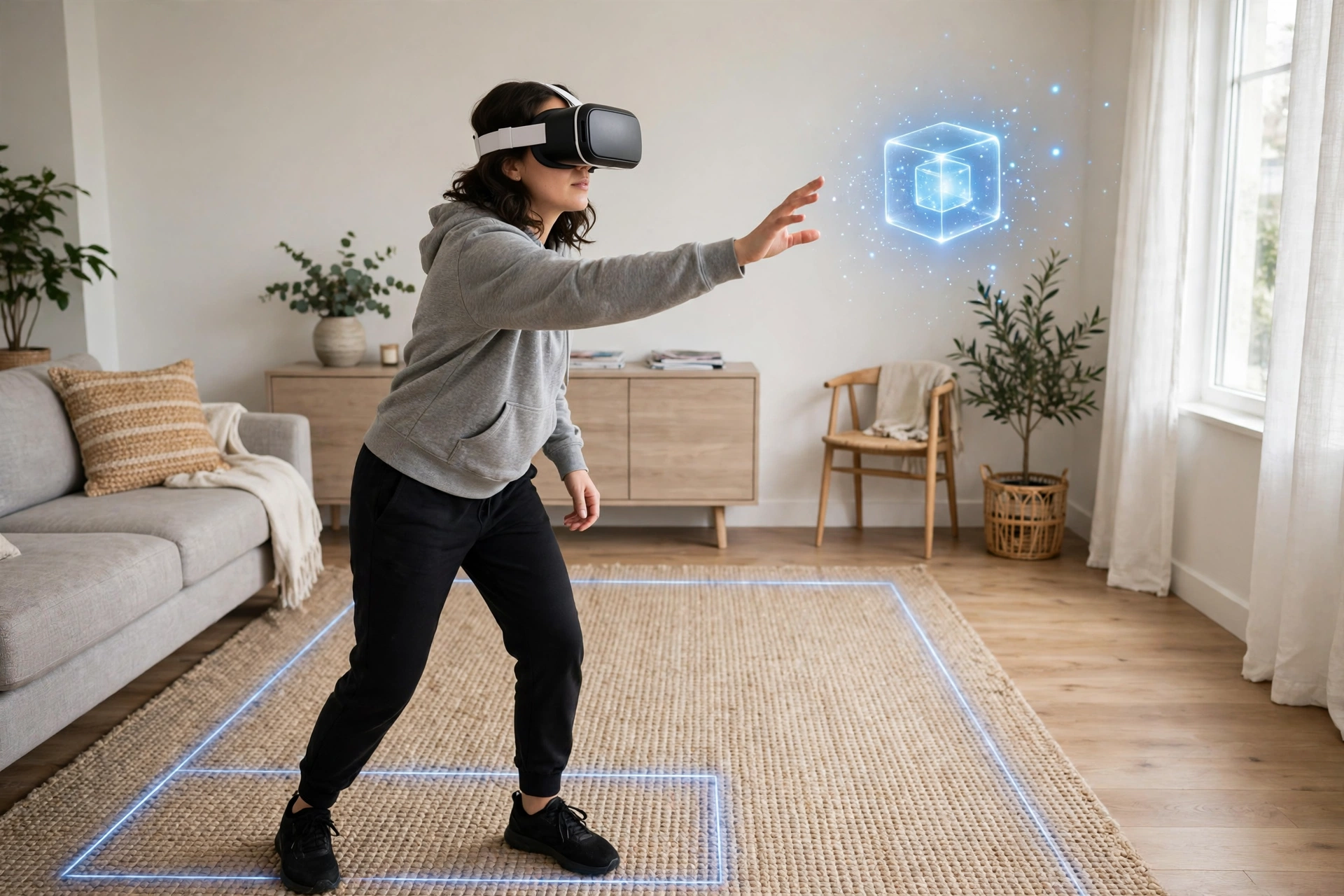
A guardian boundary, sometimes called a playspace boundary, is the virtual fence your headset draws around your safe area. When you walk toward the edge, the headset shows you a grid or wall so you know to stop. It is the main thing standing between you and the coffee table, so take it seriously.
Stand in the middle of your cleared space and follow the on-screen steps. Most headsets ask you to trace the edge of your area by pointing a controller at the floor and walking around it, or to confirm a suggested rectangle. Leave a margin: draw the boundary a little inside the furniture, not right up against it, because your arms reach beyond your feet. If you move furniture or take the headset to a different room, redraw the boundary rather than trusting the old one. Our guide to How Does VR Room Mapping Work? explains what the headset senses when it scans a room.
How do I learn the controllers without getting confused?
Run the first-time tutorial. Nearly every headset includes one, and it is genuinely worth doing. It teaches you the grip button, trigger, thumbstick, and menu button, usually by asking you to pick up objects and move around a quiet virtual room. You will learn more in ten minutes in the tutorial than in an hour of guessing in a game.
Hold the controllers loosely, with the wrist straps on. The straps are not decoration: a controller slipped from a sweaty hand can fly across the room. Learn where the menu button is before you need it, so you can pause or quit without fumbling. If an app feels too fast, use that button and step out. For a closer look at buttons and tracking, see How Do VR Controllers Work?, and for screens, lenses, and tracking, see How Do VR Headsets Work?.
What comfort settings should I change first?
Treat the defaults as a starting point, not a rule. The most useful settings for beginners are movement and turning. Many games offer teleport movement, where you point and jump to a spot, instead of smooth walking, which can feel queasy at first. Snap turning, which rotates your view in fixed steps, often feels steadier than smooth turning. Try the gentler options first and change them only when you feel ready.
Learn how to turn on passthrough mode, which shows your real room through the cameras, so you can find your water or the door without taking the headset off. Take short sessions in your first week, perhaps twenty to thirty minutes, with a break in between. If you feel dizzy or slightly sick, stop, take the headset off, and sit still until it passes. Pushing through it tends to make it worse.
What should my first session actually be?
Pick something calm: a tutorial, a gentle exploration app, or a slow puzzle, rather than a fast racing game or horror title. Your goal for session one is learning how to move, grab, pause, and quit without thinking about it.
Britannica’s overview of virtual reality gives useful background on the technology, and the Meta Quest pages show what current standalone headsets offer. Keep your first week simple, and change one thing at a time if something feels off.
FAQs
Do I need a big room to set up a VR headset?
No. A small, clear area is fine for seated and standing experiences. Room-scale games need more room, but you do not have to start there.
Should I set up VR standing or sitting?
Either works. Sitting is a good choice for your very first session, especially if you are prone to dizziness. Standing gives more freedom, but only once your boundary is drawn and your space is clear.
Why does my VR picture look blurry?
It is usually fit, not a fault. Adjust the headset’s position on your face, check the lens-spacing setting if your model has one, and make sure the lenses are clean. If you wear glasses, use the spacer or inserts your headset supports.
How often should I redraw my guardian boundary?
Whenever the room changes. Move furniture, change rooms, or notice the boundary warning in the wrong place, and redraw it. A fresh boundary takes a minute and prevents most bumps.
Is it normal to feel queasy the first time in VR?
Yes, it is common, especially in apps with smooth movement. Short sessions, gentler movement settings, and breaks usually help. Stop if you feel unwell, and try again another day rather than pushing through it.
Conclusion
A good first VR setup is not complicated: charge everything, clear a safe space, fit the headset so the picture is sharp, draw a careful boundary, and learn the controllers in the tutorial before you play anything demanding. Your practical next step is simple: charge the headset tonight, clear your space, and run the tutorial tomorrow with a calm first app, adjusting one comfort setting at a time until VR feels natural.