
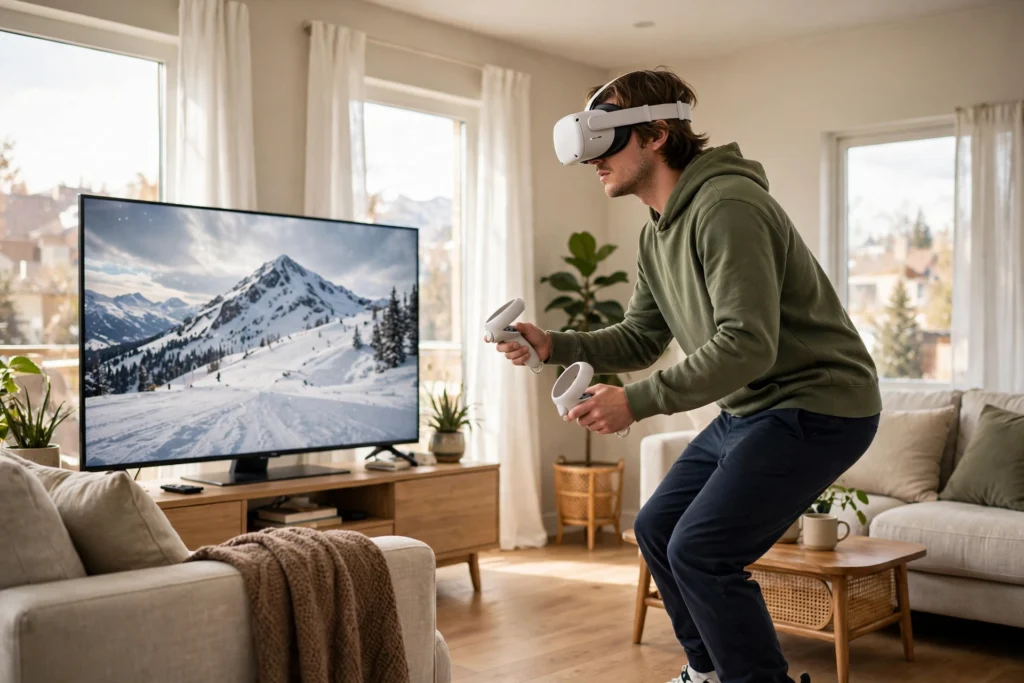
VR snowboarding puts you on a virtual mountain with a headset and two controllers, no lift pass or cold weather required. You stand sideways, lean into turns, and race downhill while your living room stays exactly where it is.
Key Takeaways
- VR snowboarding uses a headset and hand controllers to mimic carving, turning, and tricks on a virtual slope.
- The leading game is Carve Snowboarding on Meta Quest, made by Chuhai Labs with Giles Goddard, creator of the Nintendo 64 classic 1080° Snowboarding.
- Your feet are not tracked, so steering comes from body rotation and hand position, not real edge control.
- It can build balance, timing, and route-reading, but it will not teach you how to fall safely on real snow.
- A clear play space, a seated first run, and short sessions keep motion sickness in check.
What does VR snowboarding actually feel like?
The first thing you notice is the speed. A good VR snowboarding game sells the rush of a downhill run through wind sound, a wide field of view, and a slope that drops away beneath you. VR headsets track your head movements, so looking down the mountain to pick your line feels natural, almost like scanning a real piste.
Then comes the strange part: your feet do nothing. You are standing on your living room floor, not on a board, yet the board on screen carves left and right. Your brain accepts the trick quickly, because the headset fills your vision and your body is doing something close to the real stance — knees bent, weight shifting, shoulders turned. It is also a light workout in disguise: holding that crouched stance works your legs and core, much like the balance and grip work in VR rock climbing.
How do the controls work when your feet aren’t tracked?
A VR headset tracks your head and your hands, not your feet, so snowboarding games translate upper-body movement into board control. In Carve Snowboarding, you stand sideways with your front arm pointing down the slope and rotate your body to steer. The VR controllers in your hands act as your balance and trick tools: squeeze a grip button to grab the board, flick a hand to spin, and hold a trigger to tuck for speed.
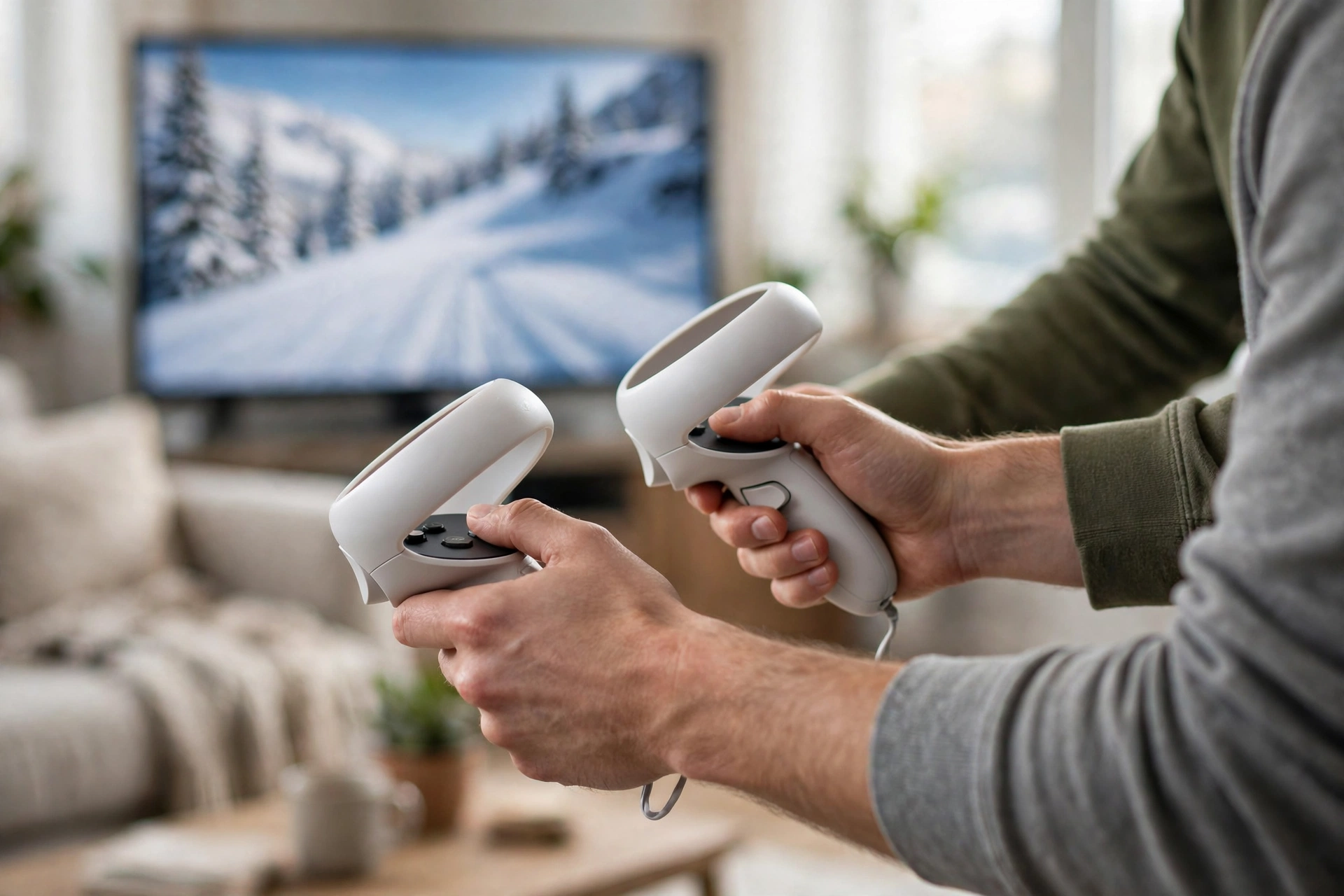
It sounds awkward on paper, and reviewers agree the first hour is the hardest part. UploadVR’s review of Carve Snowboarding calls it a steep learning curve that is well worth mastering, and notes the hand-led controls take a few sessions to click. Once they do, the game opens up: more than 100 tricks, Time Attack and Freestyle modes, and leaderboards to chase. The trade-off is honest: you learn the rhythm of turning and the timing of tricks, but not edge pressure, because there is no edge under your feet.
Can VR snowboarding teach you anything real?
It can teach you some things, and it cannot teach you others — a distinction that matters if you hope a winter of VR sessions will prepare you for a real mountain.
| Skill | VR snowboarding | Real snowboarding |
|---|---|---|
| Reading a line down the slope | Yes — you scan ahead and pick routes constantly | Yes, with real consequences for a wrong pick |
| Timing turns and tricks | Yes — rhythm and sequencing transfer well | Yes, and your edges decide whether it works |
| Balance and core strength | Partly — stance and torso control help | Fully — your feet and edges do the real work |
| Falling safely | No — there is no fall to practise | Essential, and best learned with an instructor |
| Cold, lift queues, and tired legs | None of it | All of it, and part of the fun |
The most useful transfer is probably route-reading. In VR you get dozens of runs in an evening, so you practise choosing a line, committing to it, and adjusting mid-run far more often than a real trip allows. A fair comparison is VR surfing: both give you the sensation and the timing of a board sport, and both leave the hardest physical part — the board under your feet — to the real thing.
What do you need to start?
You need less than you might expect. A standalone headset such as a Meta Quest 3, the Carve Snowboarding game, and a clear patch of floor are enough. The game costs $19.99 on the Meta Store, supports sitting, standing, and room-scale play, and needs no internet connection once installed.
A sensible first session looks like this: clear a space about two metres square, push the coffee table aside, and put anything breakable out of reach. Start seated if you feel unsure — the game supports it, and sitting takes the balance worry away while you learn the controls. Run the tutorial, then try one easy course in Time Attack mode. Keep it to about 20 minutes: long enough to learn the steering, short enough to stop before tired legs or queasiness set in. If you enjoy it, two 20-minute weekday sessions plus one longer weekend run chasing leaderboard times makes a good routine. Wear grippy socks or shoes if you play standing — bare feet on a smooth floor and sudden sideways leans are a bad combination.
How do you stay safe and avoid motion sickness?
VR snowboarding is a fast downhill game, and fast downhill games are the ones most likely to unsettle your stomach. The game moves at up to 50 km/h on screen while your body stands still, and that mismatch is what causes the queasy feeling.
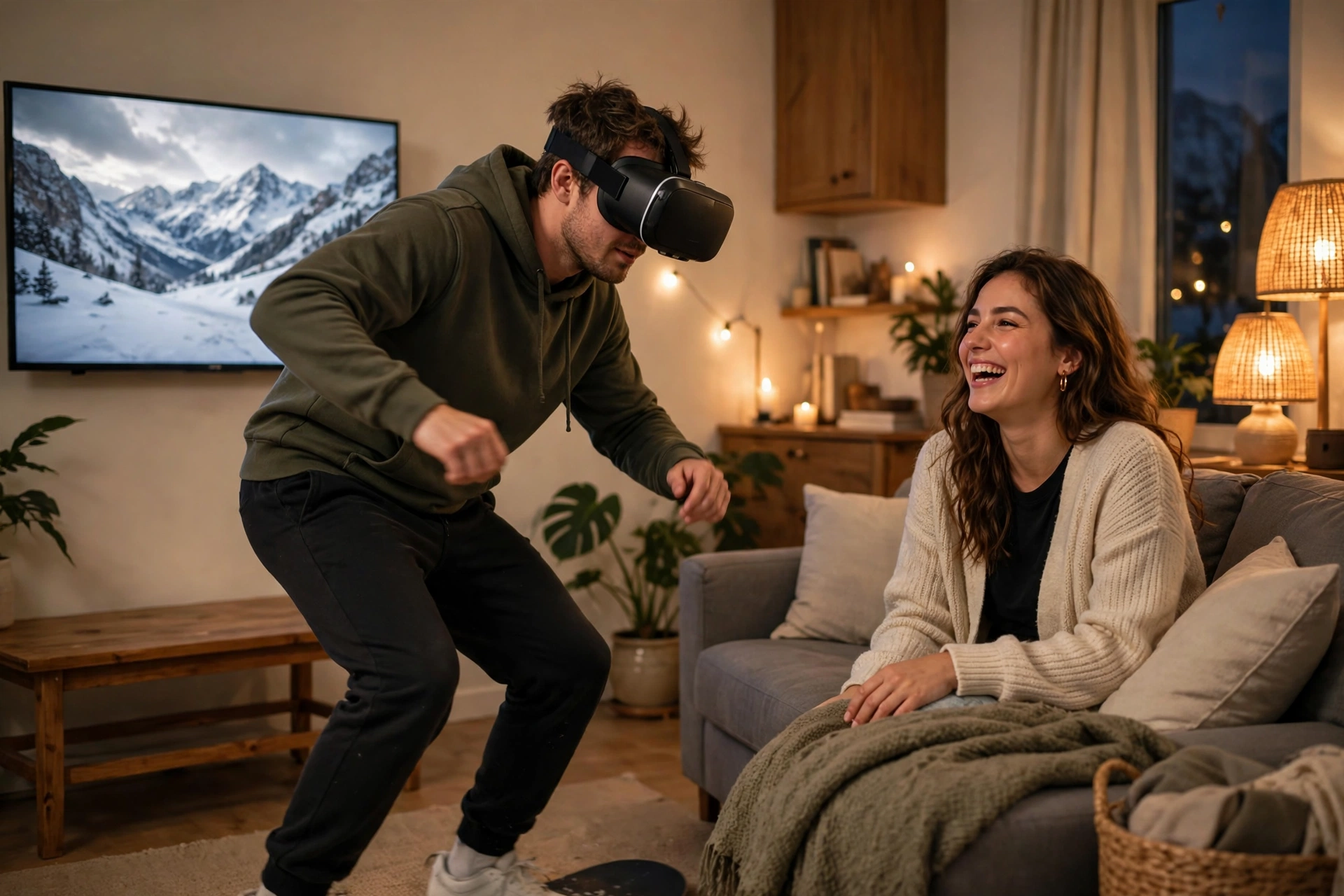
Start with the comfort settings. Turn on the vignette option, which narrows your view during fast movement, and keep your first runs short. Sit down for the opening session if you are prone to motion sickness, and stand only once the steering feels second nature. Take the headset off between runs rather than pushing through discomfort — motion sickness gets worse the longer you ignore it, not better.
Your room matters as much as the settings. Clear the floor, mark your play boundary, and make sure nobody walks into your space mid-run. A sideways stance means your arms sweep wide, so lamps and drinks at elbow height are at risk. If you share the room, a friend watching on the TV — the headset can cast its view to a screen — doubles as a spotter.
Frequently Asked Questions
Do I need a real snowboard to play VR snowboarding?
No. You play with a VR headset and two hand controllers, standing or sitting in your living room. Some players use a balance board for extra immersion, but the game does not require one, and a board under your feet can be a trip hazard in a small room.
Is Carve Snowboarding the only VR snowboarding game?
It is the best-known one on Meta Quest. A few winter-sports collections include snowboarding mini-games, but Carve Snowboarding is the full experience, with six courses, tricks, and leaderboards.
Can VR snowboarding help me learn to snowboard for real?
It can help with timing, route-reading, and confidence, but it cannot teach edge control or how to fall safely, because your feet are never on a board. Treat it as a fun warm-up for a real trip, not a replacement for a lesson with an instructor.
Why do I feel sick playing VR snowboarding?
The game shows fast downhill movement while your body stays still, and that mismatch can cause motion sickness. Short sessions, comfort settings such as vignettes, and sitting down for your first runs usually help. If you still feel ill, stop and try again another day rather than pushing through.
How much space do I need for VR snowboarding?
About two metres square of clear floor is enough for standing play, and less if you play seated. The key is not the size of the space but that it is empty: no coffee table edges, no low lamps, and nobody walking through while you lean into a turn.
The verdict: a slope in your living room, with limits
VR snowboarding is at its best when you take it for what it is: a fast, fun, surprisingly physical game that captures the rush of a downhill run without the lift queues or the cold. Carve Snowboarding is a solid place to start, with a fair price, a real learning curve, and enough depth to keep you coming back for faster times and cleaner tricks.
It will not make you a snowboarder on its own. Your feet never touch a board, and nothing in a headset teaches you how to fall on ice. But as a way to spend a winter evening — or to keep your balance and timing sharp between real trips — it earns its place in the headset. Clear the floor, start seated, and keep the first session short.
Further reading: UploadVR’s Carve Snowboarding review and Meta’s launch post for Carve Snowboarding.