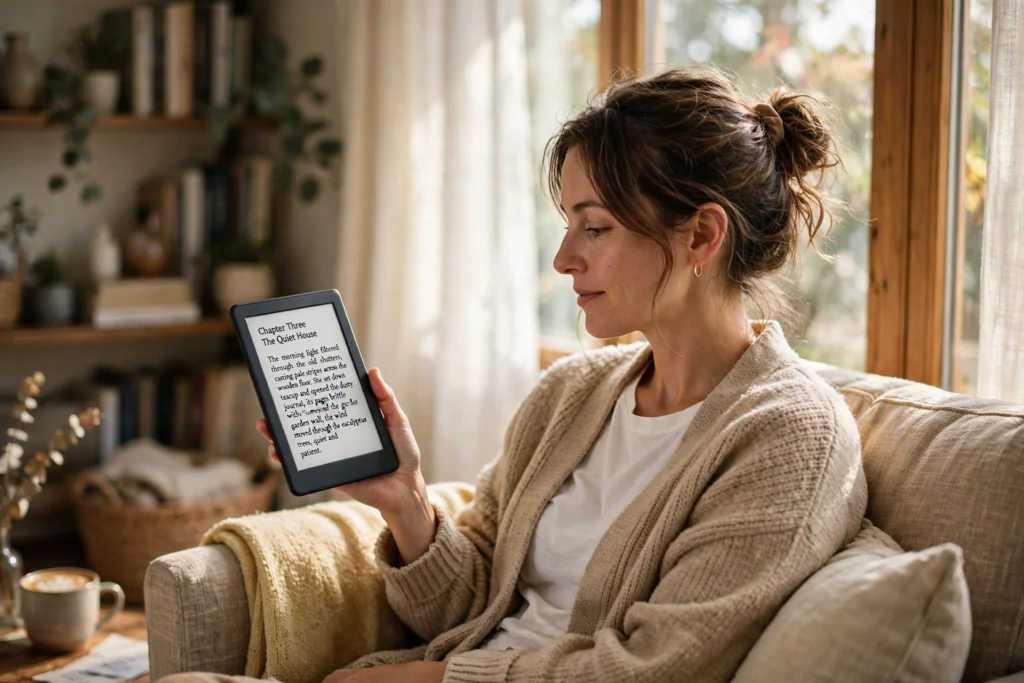
An e-reader works by showing text on a paper-like screen that only uses power when the page changes. Tiny charged particles inside the screen move to form letters, then hold still until you tap for the next page. Books live as files in the device’s memory, and a front light lets you read in the dark without a phone’s glare.
Key Takeaways
- An e-reader turns a digital book file into pages on an E Ink screen, which reflects light like paper instead of shining it at you.
- The screen only draws power when it changes, so a charge can last for weeks.
- A front light shines sideways across the screen, so you can read at night without a lamp.
- Books arrive over Wi-Fi, through a cable, or from a library loan, and one device holds thousands of them.
- Page flashes, slow refreshes, and muted colour are normal limits of the screen, not faults.
What is inside an e-reader?
There are far fewer parts inside an e-reader than inside a phone: a screen, a small processor, a battery, some storage, a Wi-Fi chip, and a touch layer. No camera, no big speakers, no powerful graphics chip. Every part exists to serve reading.
The processor is modest because its job is simple: open a book file, lay out the text in your chosen font and size, and tell the screen which particles to move. It also handles the shop, your library, and small jobs like bookmarks. Because it never runs games or video, it sips power and stays cool.
Storage is usually 8 GB or 16 GB, and a typical novel is only a few megabytes, so even the smallest model holds a few thousand books.
How does the E Ink screen make letters?
The screen is filled with millions of tiny capsules, each about the width of a human hair. Inside every capsule float two kinds of pigment: white particles with one charge and black particles with the opposite charge, suspended in a clear fluid.
When the processor wants to draw a letter, it applies a small voltage to the electrodes behind each capsule. The charge pulls the black particles to the top where the letter should be dark, and pushes the white ones up where the page should stay pale. Once in place, the particles stay put, with no current needed to hold them — which is why the page looks the same whether the device is on, asleep, or even out of battery. Our guide to how E-Ink displays work goes deeper into the physics.
Colour models add a filter over the black-and-white particles. They can show muted colour for covers and comics, but the result is softer than a tablet screen — a fair trade for the paper feel.
Why does the battery last for weeks?
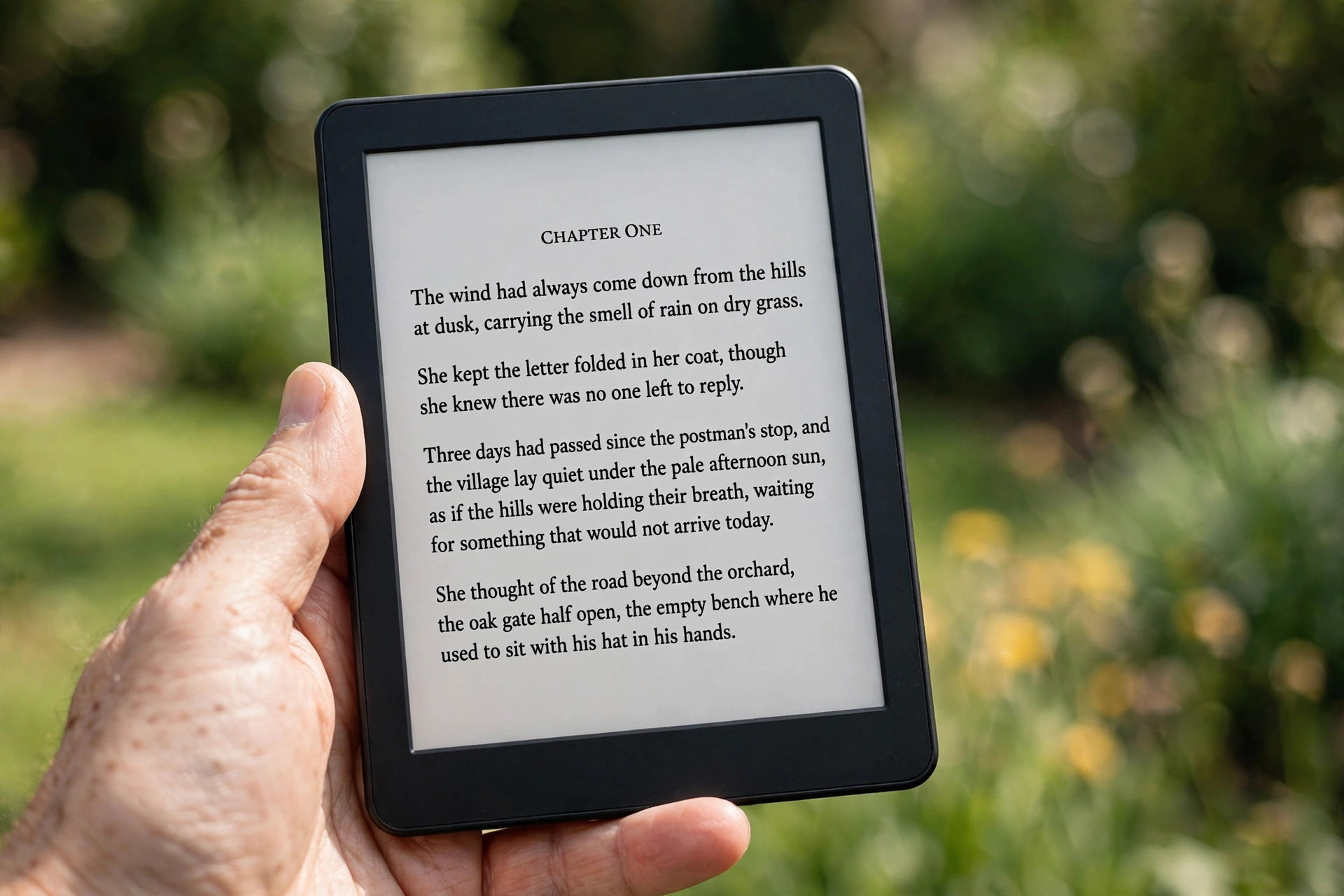
A phone screen burns power every second it is on. An e-reader screen does not. It spends energy only in the brief moment a page turns, then rests until your next tap. That single difference explains the weeks-long battery life.
| Feature | E-reader | Tablet | Phone |
|---|---|---|---|
| Screen type | E Ink, reflective | LCD or OLED, glowing | LCD or OLED, glowing |
| Battery life while reading | Weeks | Around 10 hours | A day, shared with everything else |
| Reading in bright sunlight | Easy, like paper | Often washed out | Often washed out |
| Weight | About 150–200 g | About 400–500 g | About 170–200 g |
| Best for | Long reading sessions | Video, browsing, apps | Everything, briefly |
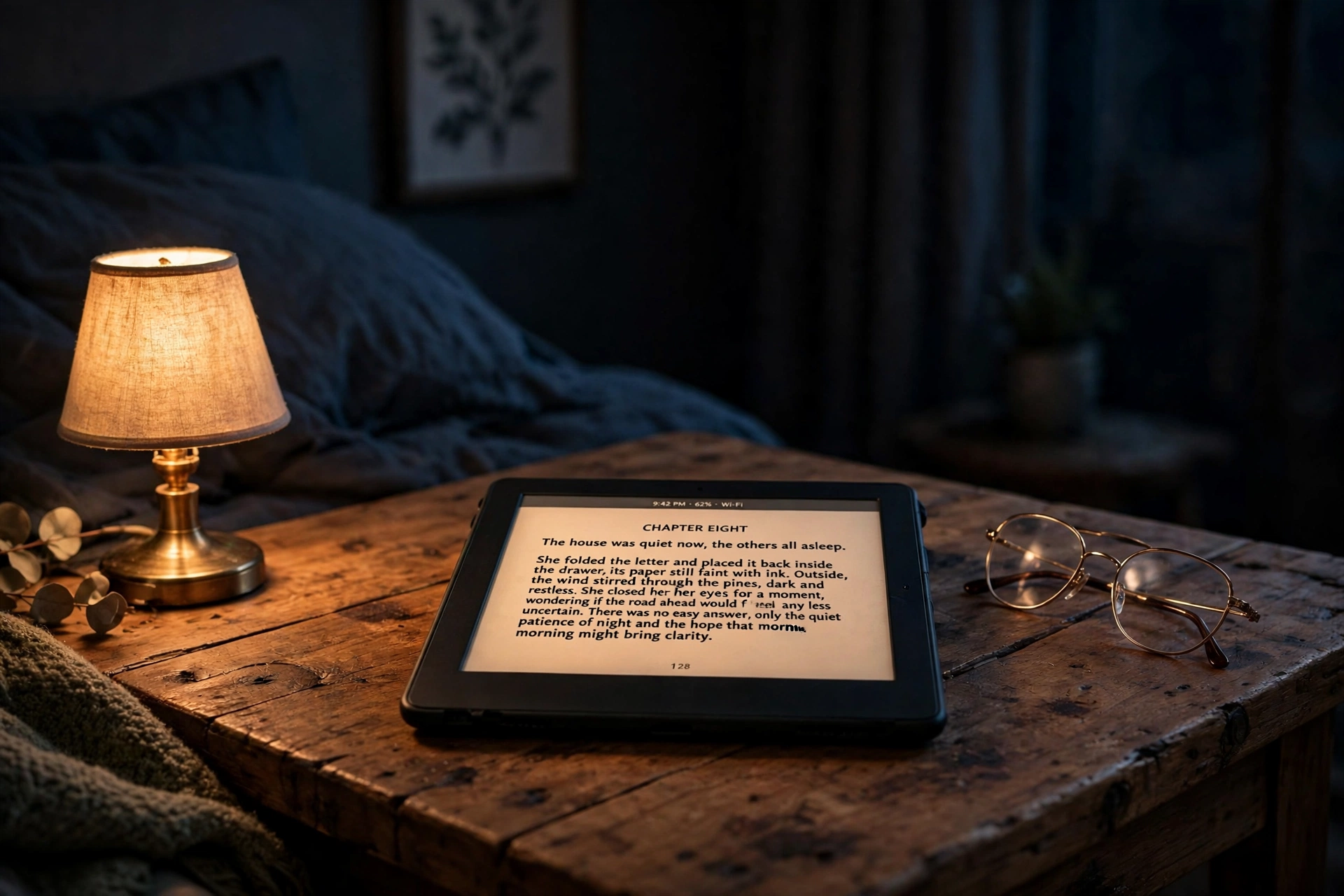
The front light uses a little power too, but not much. It is a row of small LEDs along the edge of the screen, aimed sideways across the surface rather than into your eyes. Turn it down in a bright room and you may not need it at all; turn it up at night and the page glows softly.
How do books get onto an e-reader?
Most books arrive over Wi-Fi. You buy or borrow a book in the device’s shop or library app, and it downloads in seconds. Your reading position, bookmarks, and notes sync the same way.
You can also plug the e-reader into a computer with a USB cable and copy book files across directly — the route for books you already own as files, and for documents such as PDFs. The format matters: most e-readers read EPUB and PDF, while Amazon’s Kindle uses its own formats, so a file that opens on one brand may need converting for another.
Library loans work through apps that lend e-books for a couple of weeks, just like borrowing a paper book. When the loan ends, the file simply stops opening.
Why do pages sometimes flash black?
If you have used an e-reader, you have probably seen it: every few page turns, the whole screen blinks black for a fraction of a second. It looks like a glitch, but it is housekeeping. Tiny traces of the old page can linger as faint ghosts, because not every particle moves perfectly. A full refresh clears the screen and redraws it from scratch, wiping the ghosts away.
Most e-readers let you choose how often this happens. Refresh every page and the text stays crisp, but turns feel slower. Refresh rarely and turns feel instant, with a faint shadow of the last page creeping in. The touchscreen adds another layer: a tap or swipe tells the processor to turn the page, and the same touch layer handles highlights and dictionary taps.
Is an e-reader better than a tablet for reading?
For novels and long non-fiction, usually yes: lighter in the hand, kinder in sunlight, and no notifications pulling you away mid-chapter. For comics, colour textbooks, or anything with video, a tablet is the better tool. Some models add Bluetooth for audiobooks, so the same device can read to you on a walk.
FAQs
Do e-readers need Wi-Fi to work?
No. Wi-Fi is only needed to download new books and sync your position. Once a book is on the device, you can read it anywhere, including on a plane with wireless switched off.
Can an e-reader show colour?
Some newer models can, using a colour filter over the E Ink layer. The colours are soft and muted compared with a tablet, so covers and comics look pleasant but not vivid.
How many books fit on an e-reader?
Thousands. A typical novel is a few megabytes, so 8 GB of storage holds roughly 2,000 to 3,000 books.
Why does my e-reader feel slow when turning pages?
The screen takes a moment to move its particles into place. It is slower than a phone screen because the particles move physically, not just electrically. A full refresh makes it slower still, but keeps the text clean.
Can I read library books on an e-reader?
In many places, yes. Library apps lend e-books that open on most e-readers, and the loan expires on its own. Support varies by brand and country, so check your library’s app before buying.
Conclusion
An e-reader works by moving tiny charged particles to form letters on a paper-like screen, holding them there for free, and lighting them gently from the side when it gets dark. That simple trick is what gives it weeks of battery, a screen you can read in full sun, and a library that fits in one hand.
If you are thinking of trying one, borrow a single e-book from your library and read a chapter outside in daylight and a chapter in bed on a demo device. How the screen feels in those two places will tell you more than any spec sheet. For the science behind the screen, see Wikipedia’s E Ink overview, and for the device’s history and formats, Wikipedia’s e-reader page.