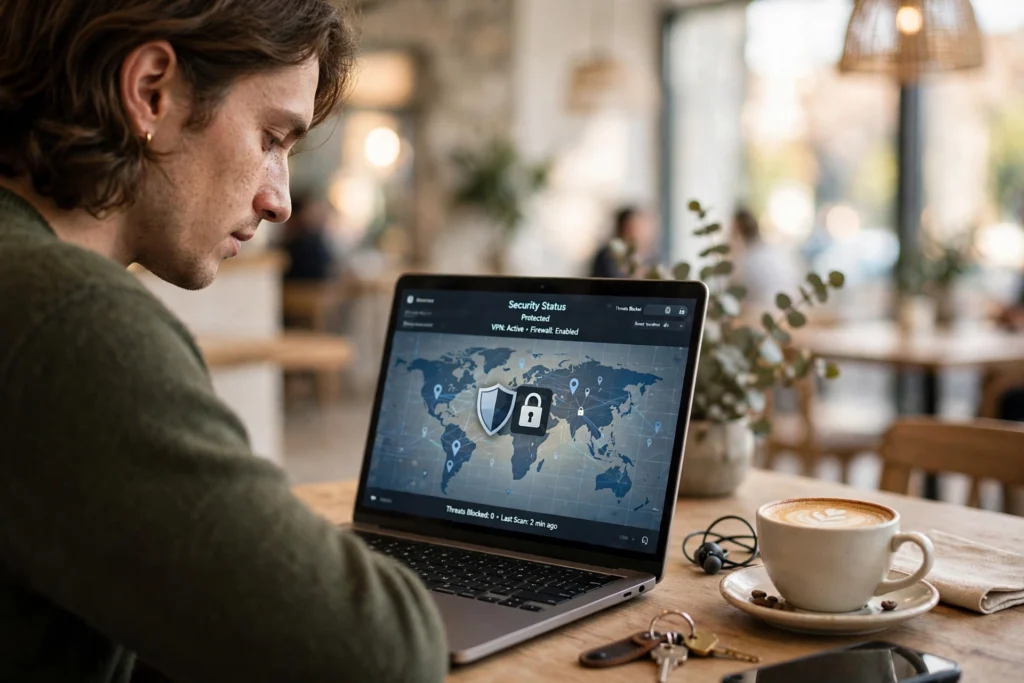
How a VPN works is simple: it encrypts the traffic leaving your device and routes it through a VPN server, so your internet provider and anyone on the same Wi-Fi network see scrambled data instead of the sites you visit.
Key Takeaways
- A VPN builds an encrypted tunnel to a VPN server, hiding your traffic from the network.
- Websites see the server’s IP address instead of yours.
- A VPN does not make you anonymous: sites can still track you with cookies and logins.
- Public Wi-Fi is the clearest use case, but a VPN also helps at home and work.
- Pick a VPN on its logging policy, speed, and independent audit.
What does a VPN actually do?
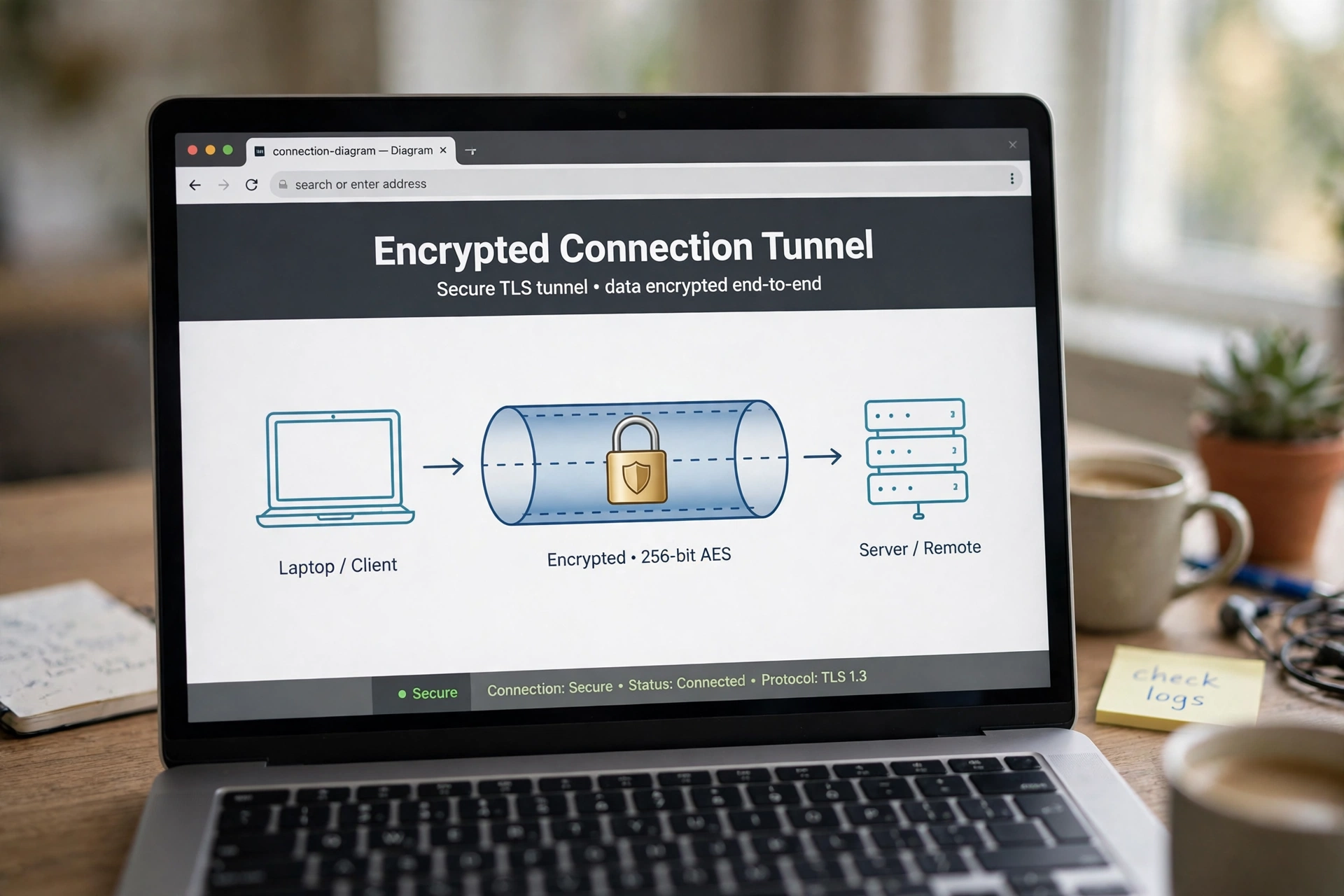
VPN stands for virtual private network: a private connection across a public network. When you connect, your device and the VPN server agree on encryption keys, and everything your device sends travels inside an encrypted tunnel to that server, which passes your requests on and sends the replies back.
That has two effects. Nobody between you and the server can read what you’re doing — not the café Wi-Fi owner or your provider. And sites see the VPN server’s IP address instead of yours, so your location looks like the server’s. Pick a server abroad, and sites will treat you as browsing from there.
It isn’t an invisibility cloak: it doesn’t block malware, stop phishing emails, or hide you from a site once you’ve logged in. Think of it as a private road to the internet, not a new identity. For a second, plainer take on what a VPN is, ExpressVPN’s guide walks through the same basics with examples.
How does VPN encryption work?
Encryption does the heavy lifting. Before your traffic leaves your device, the VPN app scrambles it with a key only your device and the server share. Anyone intercepting those packets sees meaningless noise; the server unscrambles them and scrambles the replies on the way back.
Most modern VPNs use AES-256 encryption, the standard banks use, with a protocol such as WireGuard managing the tunnel. A good VPN also has a kill switch: if the tunnel fails, it blocks your internet until the VPN reconnects. You don’t need to understand the maths — what matters is that encryption is on by default.
What happens when you connect to a VPN server?
Connecting takes a few seconds: the app contacts a VPN server, the two sides verify each other, and they agree on encryption keys. Your device then routes all its traffic through that server. Your provider can see you’re connected to a VPN server, but not which sites you visit.
The server you choose matters. A nearby server is usually faster, and a server abroad changes the location websites see. For most people, a nearby standard server is the right default.
Speed is the trade-off: encryption and the extra hop add a little delay. On a fast connection you may not notice; on a slow one, you will. If a VPN halves your speed, try a nearer server.
What can a VPN hide — and what can’t it?
A VPN hides your browsing from your internet provider and the local network you’re on. That’s genuinely useful on public Wi-Fi, where anyone on the same network could otherwise watch unencrypted traffic.
What it can’t hide is just as important. Your VPN provider itself can see your traffic — though with HTTPS the provider sees only the domains you visit, not the pages inside. Sites you log into still know who you are, and a VPN does nothing about malware already on your device. It’s one layer, not the whole answer: pair it with a password manager and two-factor authentication rather than treating it as a cure-all.
When is a VPN worth using?
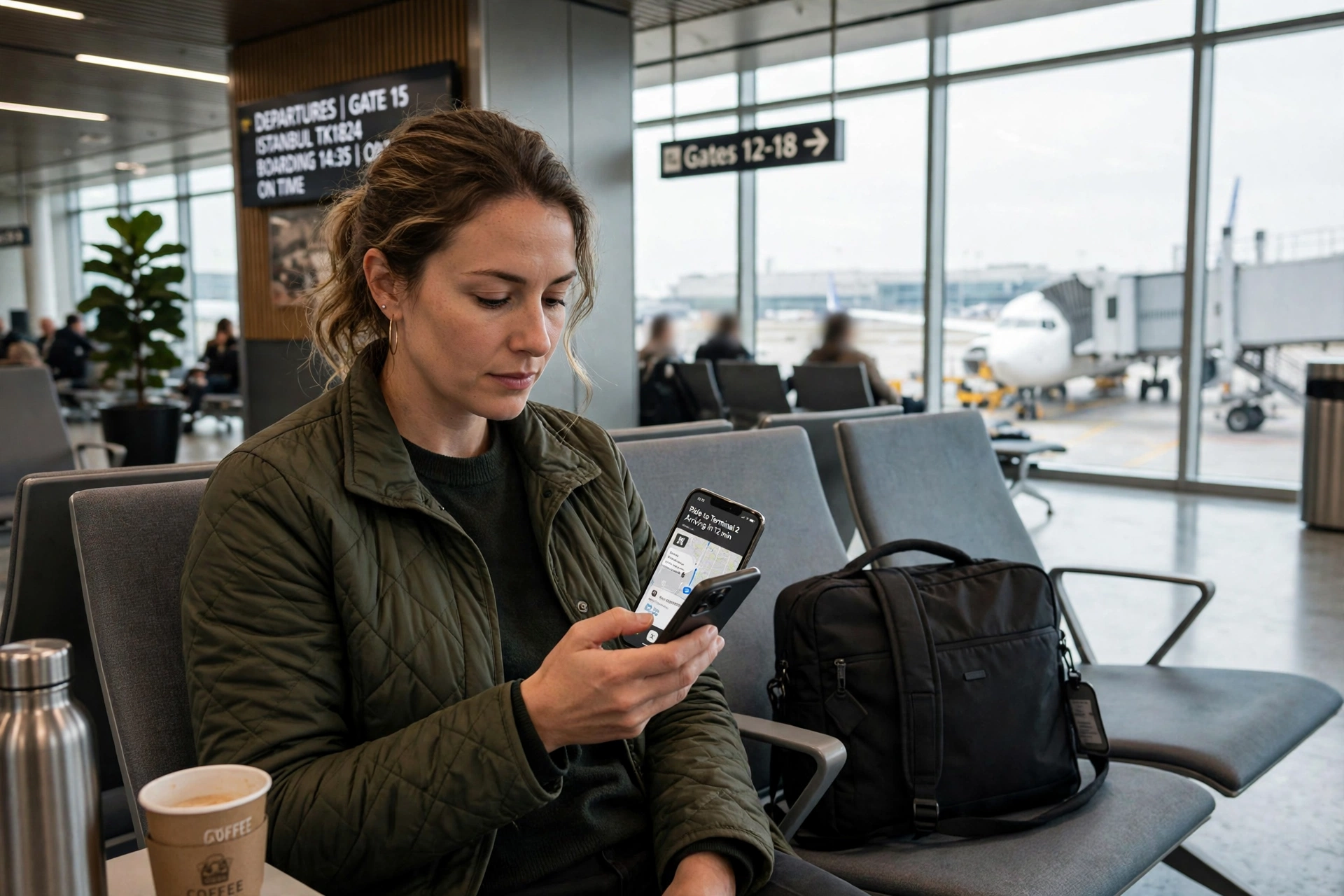
The clearest case is public Wi-Fi: airports, hotels, cafés, and trains. These networks are shared with strangers, and some are barely secured. Turn the VPN on before you check email or log into your bank, and the network around you becomes far less of a risk.
It’s also useful at home if you don’t want your provider logging the sites you visit — the same connection your smart lock, TV, and mesh Wi-Fi setup use. Remote workers use one to reach a company network safely.
There are times it isn’t needed. On your own trusted home network, a VPN adds little, and if your main worry is advertisers tracking you, tracker blocking matters more than a VPN. Use it where the risk is real.
What should you check before choosing a VPN?
Start with the logging policy. A VPN provider can see your traffic, so the whole point rests on trusting them not to keep records. Look for a no-logs policy checked by an independent audit, not just claimed on a marketing page. If a provider is vague about what it stores, move on.
Then check the practical things: does it support every device you use? Is the speed good on a nearby server — test it during the trial period. Does it have a kill switch, on by default?
Price is a poor guide on its own. Very cheap or free VPNs have to pay their bills somehow, and sometimes that means logging and selling data. A modest fee from a provider with an audited no-logs policy beats a free one with a murky business model.
Frequently asked questions
Does a VPN slow down my internet?
Usually a little. Encryption takes processing power, and your traffic takes an extra hop. On a fast connection the difference is hard to notice; on a slow one, a nearby server helps.
Is using a VPN legal?
In most countries, yes. A few restrict them, so check local rules before you travel — and a VPN doesn’t make illegal activity legal anywhere.
Can a VPN hide me from my internet provider completely?
Not completely. Your provider can see you’re connected to a VPN server, but not which sites you visit. The content is hidden; the connection isn’t.
Do I need a VPN on my phone as well as my laptop?
If you use your phone on public Wi-Fi, yes. Phones carry the same sensitive traffic, and most providers cover several devices under one account.
Will a VPN stop websites from tracking me?
No, not on its own. Websites can still track you with cookies and logins, so you also need tracker blocking.
Conclusion
A VPN is a simple idea with a real payoff: it encrypts your traffic and routes it through a server you choose, so the network you’re on can’t read what you’re doing. On public Wi-Fi and anywhere you don’t fully trust the network, it’s one of the easiest privacy wins available.
The practical next step is small: pick a provider with an audited no-logs policy, install its app on your phone and laptop, and switch it on before your next public Wi-Fi network. After a week, you’ll know whether the trade-off is worth it — and for most people, on networks they don’t control, it is.