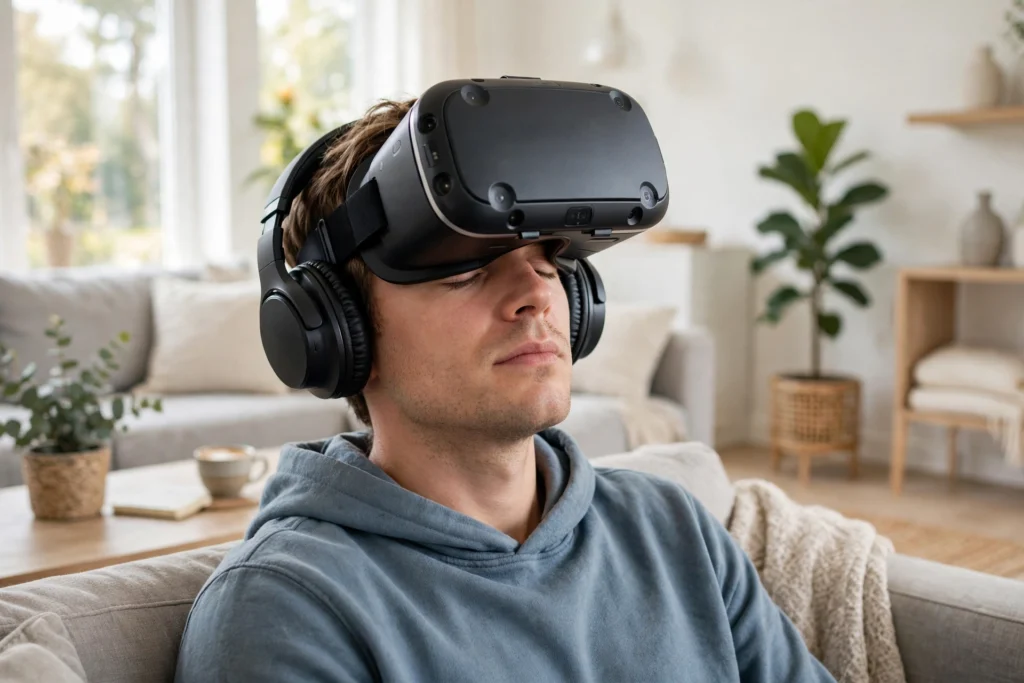
VR audio works by placing sounds in 3D space around you and updating them instantly as you move your head. Instead of one stereo track, the system calculates where each sound should seem to come from and renders a slightly different signal for each ear, so a footstep behind you genuinely sounds behind you.
Key Takeaways
- VR audio uses head tracking, distance, and ear-based filtering to place sounds in 3D space.
- Your brain locates sounds mainly from tiny timing and volume differences between your ears.
- Headphones usually give the most precise effect, while built-in speakers trade some precision for comfort.
- Room effects, occlusion, and volume falloff help sounds feel like they belong in a virtual place.
- Simple setup steps — a good fit, balanced volume, and updated software — make a noticeable difference.
How does your brain locate a sound in real life?
You locate sounds without thinking about it, and VR audio copies the clues your brain already uses. If a sound comes from your left, it reaches your left ear a fraction of a second sooner and a little louder than your right ear. Your head also shadows the sound, changing its tone slightly. Together, these timing, loudness, and tone differences tell your brain where to look, even before you turn.
What is spatial audio, and how is it different from stereo?
Stereo gives you two channels, left and right, and places sounds somewhere along a line between your ears. Spatial audio, sometimes called 3D audio, places sounds on a sphere around you. A sound can sit above your head, below you, behind you, or at any angle in between, and it can move smoothly as you walk or turn.
The system behind this uses a head-related transfer function, or HRTF. In plain terms, an HRTF is a set of filters that describe how your head, ears, and shoulders change a sound before it reaches your eardrums. VR software applies those filters to each sound source, so a virtual bird overhead does not just sound louder — it sounds shaped the way a real overhead sound would be shaped by your ears.
How does head tracking keep sounds in place?
Head tracking is the part that makes spatial audio feel real. A VR headset tracks the rotation and, in many systems, the position of your head many times per second. When you turn left, the audio engine recalculates every sound’s direction relative to your new facing, so a sound that was in front of you is now on your right.
Speed matters here. If the picture updates but the sound lags behind, your brain notices the mismatch, and the scene feels less solid. That is one reason VR systems aim for low audio latency: the sound should move with your head, not chase it a moment later. You can test this yourself in a quiet scene. Stand still, close your eyes, and turn your head slowly toward a steady sound, such as running water or a humming machine. In a well-tuned system, the sound stays anchored in the world while your head moves through it.
Do you need headphones, or are built-in speakers enough?
Both options work, and the best choice depends on what you value most. Headphones — especially over-ear or in-ear models that seal well — usually give the sharpest spatial effect, because each ear gets its own clean signal with little leakage between them. They also block some room noise, which helps you notice quiet details.
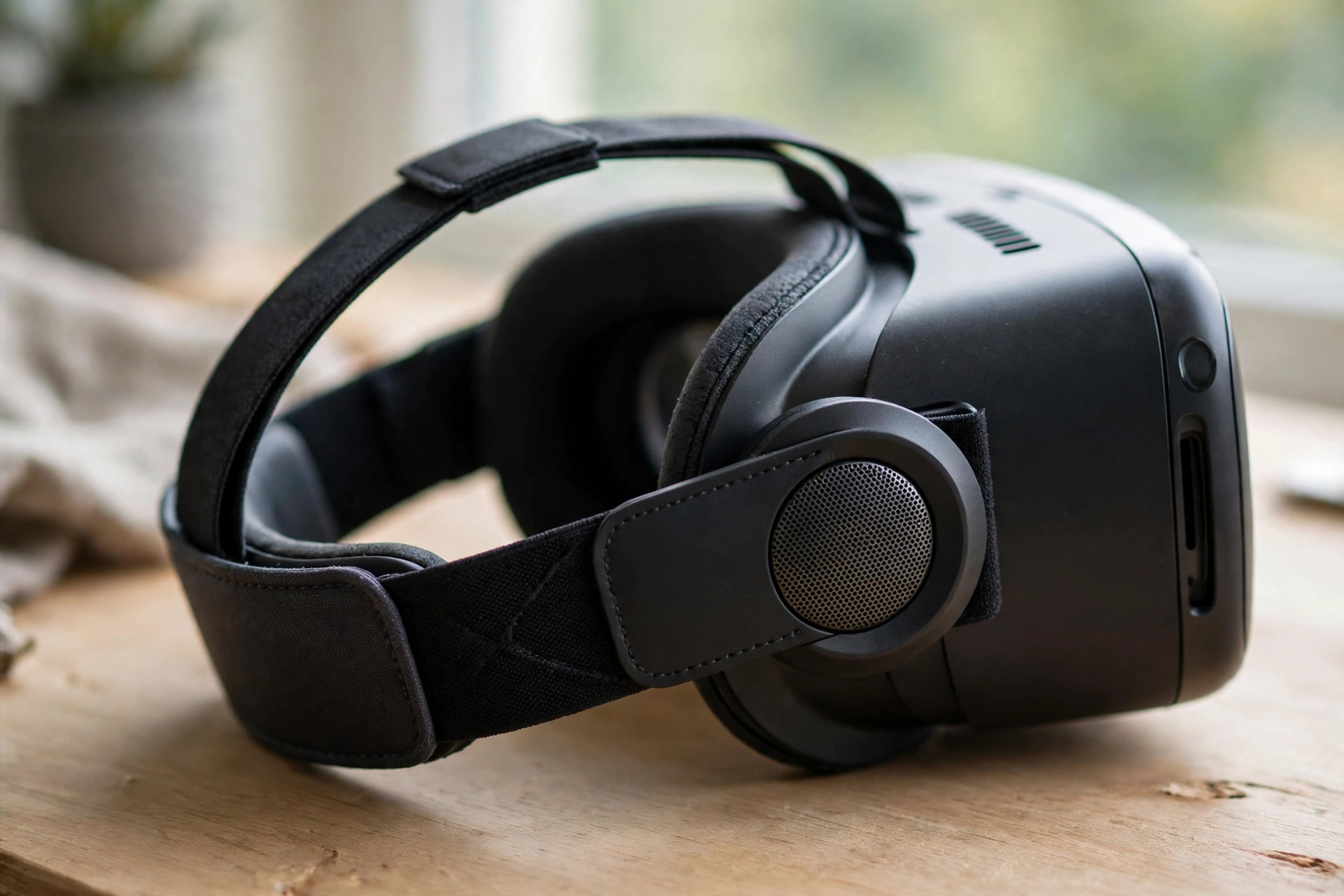
Built-in headset speakers, sometimes called off-ear speakers, sit just in front of your ears rather than over them. They are more comfortable for long sessions, they let you hear someone calling your name, and they avoid the sweaty, closed-in feeling some people dislike. The trade-off is precision: with sound reaching both ears more freely, the direction of a sound can feel a little softer or wider.
A practical rule is simple. Use headphones when direction matters most — a puzzle that hides clues in sound, a training exercise, or a story where whispers and footsteps carry meaning. Use built-in speakers for relaxed, social, or longer sessions, where comfort matters more than pinpoint accuracy. Whichever you choose, make sure the headset fits snugly and sits level; a headset that slips when you turn will shift the speakers and blur the sound.
Why do virtual rooms sound different from each other?
A bare virtual hall and a small virtual cabin should not sound the same, and in a good VR experience they do not. Audio engines add reflections and reverberation — the echoes and lingering sound that tell your brain how big a room is and what its surfaces are like. A large hall adds a longer, more open tail to a clap or a voice. A small room keeps sounds tighter and drier.
Distance plays a part as well. Sounds naturally get quieter as you move away, and high frequencies fade faster than low ones over distance. VR audio models that falloff, so a distant conversation sounds distant rather than just quiet. Add occlusion — a wall muffling a voice, a door closing off a room — and you get a soundscape that matches the space you see, which is what makes a virtual place feel like a place rather than a backdrop.
How can you get better VR audio at home?
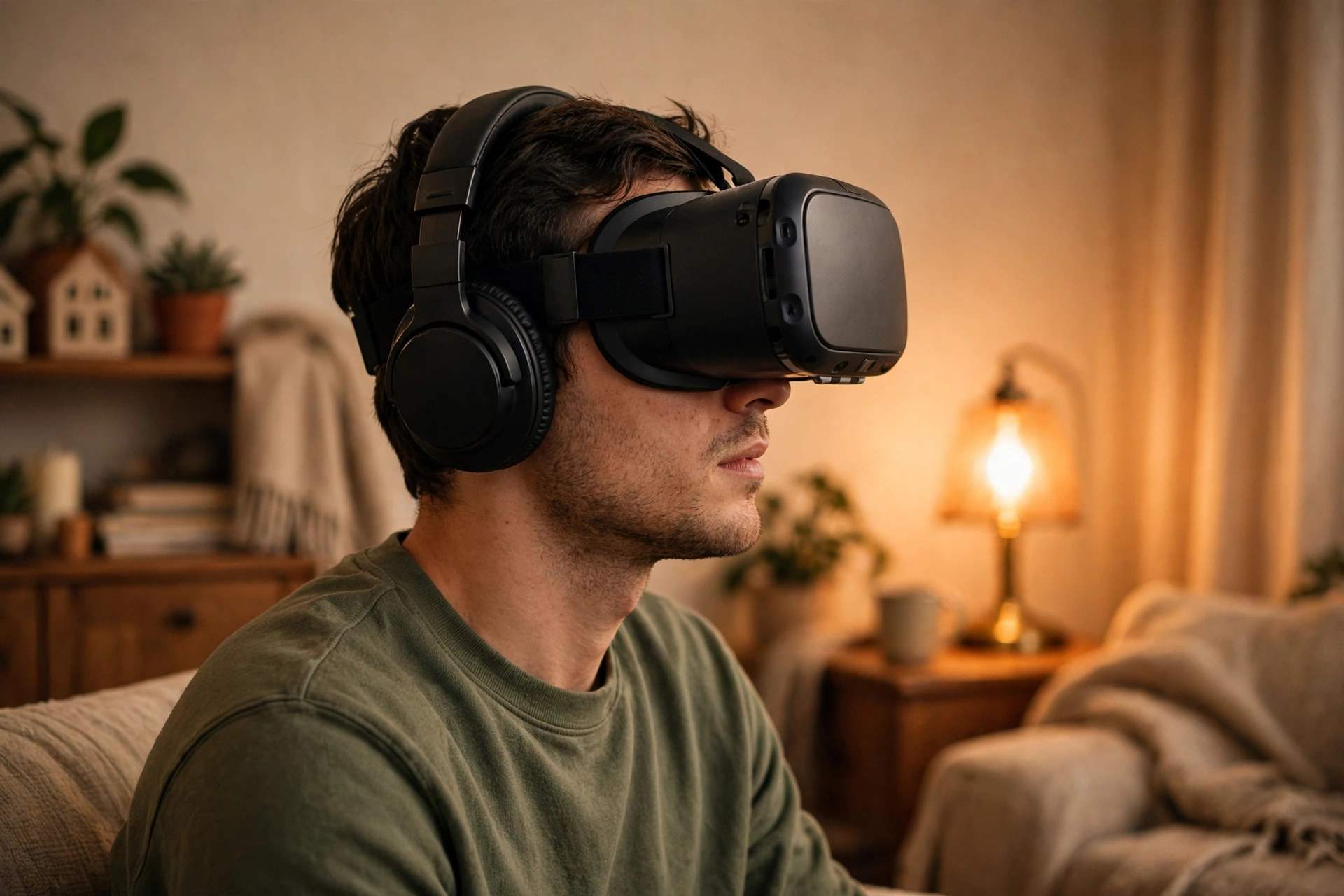
You do not need expensive gear to improve VR sound, and a few small habits help more than a new accessory. Start with fit: adjust the head strap so the headset does not slide, and position headphones or speakers evenly over or near both ears. Uneven placement is a common, fixable cause of lopsided sound.
Next, check volume before you start. Set it loud enough to hear quiet details, but not so loud that you need to raise your voice to talk — if you are playing with others, they will thank you, and your ears will too. Take short breaks in long sessions, and lower the volume if a scene suddenly gets loud; sudden peaks are more tiring than a steady, moderate level.
What are the limits of VR audio today?
VR audio has improved a great deal, but it still has limits worth knowing. Generic HRTFs do not match every listener, so direction can feel less exact for some people. Outdoor scenes are harder to model than rooms, because open spaces have fewer reflections to anchor sounds. And no headset can fully reproduce the feeling of bass you feel in your chest at a concert — headphones and small speakers are working with much smaller drivers.
FAQs
Can you use your own headphones with a VR headset?
In most cases, yes. Many headsets have a standard headphone jack or support wireless audio, and using headphones you already like is a sensible first upgrade. Check that the cable does not pull when you turn, and that wireless headphones do not add noticeable delay, which can undo the benefit of sharper sound.
Why does VR sound sometimes feel like it is inside my head?
That usually means the spatial effect is weak or switched off, so both ears are getting a similar signal. Check that spatial or 3D audio is enabled in the app, try a different HRTF profile if one is offered, and make sure headphones are seated evenly. A loose fit can flatten the effect surprisingly quickly.
Is VR audio safe for your hearing?
Like any audio, it is safe at sensible volumes and less kind at very high volumes for long periods. Keep the volume moderate, take breaks, and turn it down if you notice ringing or fatigue after a session. If hearing symptoms persist, it is worth speaking to a clinician rather than pushing through.
Do speakers or headphones matter more than the app itself?
The app matters most, because it decides where sounds go and how they change as you move. Good headphones can sharpen a good mix, but they cannot rescue a scene where sounds are not spatialised at all. Start with an app known for careful audio, then choose the listening setup that suits how long you play.
Will VR audio keep improving?
Almost certainly, in small, steady steps rather than one sudden leap. Better head tracking, more personal HRTF options, and more efficient audio processing are all moving in the same direction: sounds that stay anchored, rooms that sound like their size, and setups that feel comfortable for longer. The core idea, though, will stay the same — sound that behaves the way your ears expect.
Conclusion
VR audio works because it respects how you already hear: small differences between your ears, head tracking that keeps sounds anchored in the world, and room effects that match what you see. Headphones sharpen the effect, built-in speakers favour comfort, and a good fit plus sensible volume does more than most upgrades. If you want a practical next step, pick a quiet VR scene you already know, try it once with headphones and once with speakers, and notice which sounds stay in place when you turn your head. That simple comparison will tell you more about your setup than any specification sheet — and it will make the next virtual world you step into feel a little more real.