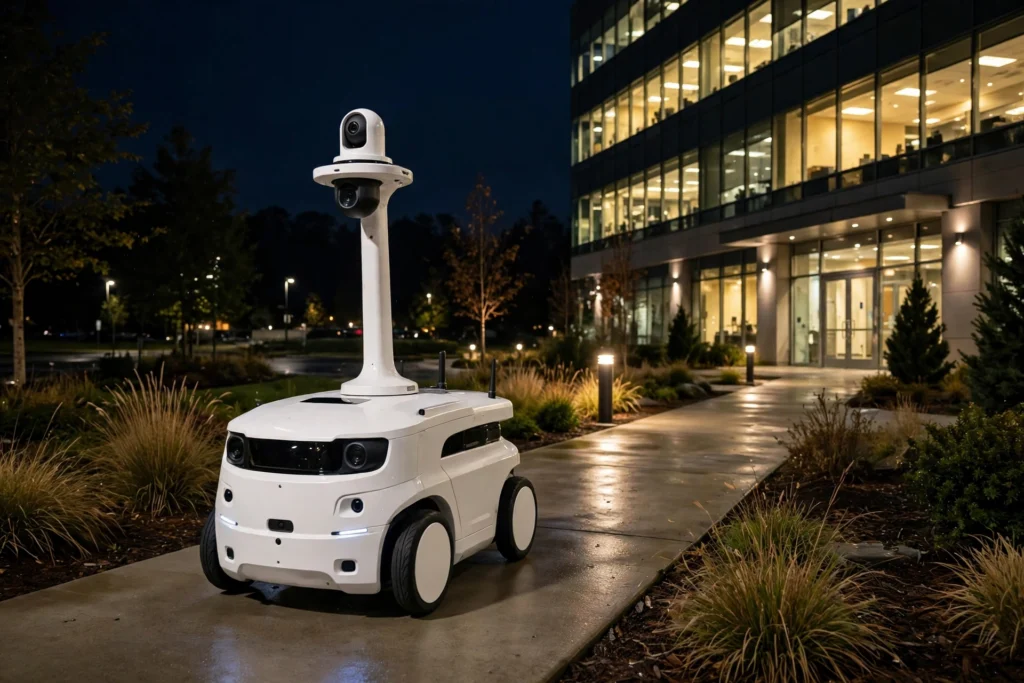
A security patrol robot is a mobile robot that follows a planned route, watches its surroundings with cameras and sensors, and reports anything unusual to a human guard. It does not replace security staff. It covers long, repetitive rounds — car parks, warehouse aisles, hospital corridors, and office campuses — so guards can focus on incidents that need judgement.
In short, the robot drives itself along checkpoints, records what it sees, compares that picture with what is normal for the site, and sends an alert when something does not fit. The human team then decides what happens next.
Key Takeaways
- Patrol robots follow mapped routes and checkpoints, with a human team able to take over remotely.
- Cameras, lidar, radar, microphones, and thermal sensors build a picture of each area.
- Software flags changes, sounds, or heat patterns that differ from the site’s normal baseline.
- Alerts go to a control room or a guard’s device, with video and location attached.
- Robots are best at steady observation and deterrence, not physical intervention.
What is a security patrol robot?
Think of a patrol robot as a moving sensor platform. Most models are wheeled, with a tall body that keeps cameras above parked cars, fences, and crowds. Some are smaller indoor models that glide quietly along corridors. A few use tracks for rougher ground, while others are stationary units that watch one gate or entrance.
Unlike a fixed CCTV camera, a patrol robot can check a blind corner, follow a route at different times, and arrive at a spot after an alarm. Unlike a guard on foot, it can repeat the same route all night without getting tired or distracted. That combination is the appeal: steady coverage, consistent recording, and a visible presence that may discourage opportunistic trouble.
It is important to be clear about what these robots do not do. Standard patrol robots do not chase people, restrain anyone, or use force. Their job is to observe, record, and alert. When an incident needs action, a human guard, often with help from police or emergency services, takes over.
How does a patrol robot navigate its route?
Navigation starts with a map. During setup, the robot is driven or guided around the site so it can build a map of walls, doors, ramps, and open areas. Operators then mark a route: checkpoint A at the main gate, checkpoint B at the loading bay, checkpoint C around the car park, and so on, with pauses at each point for a camera sweep.
On patrol, the robot locates itself on that map using lidar, which measures distances with laser pulses, plus wheel sensors, cameras, and sometimes GPS outdoors. It plans a path to the next checkpoint, slows for corners, and stops or steers around obstacles such as a parked trolley, a person, or a closed gate. If a route is blocked, many models can try an alternative path or wait and report the blockage rather than push through.
Indoor robots may also use building systems, for example calling a lift or passing through an automatic door, where the site has set that up. Outdoor robots need to handle rain, glare, uneven surfaces, and changing light. They usually move slowly and carefully, because a safe, predictable robot is more useful than a fast one that startles people or misses details.
What sensors does it use, and what do they detect?
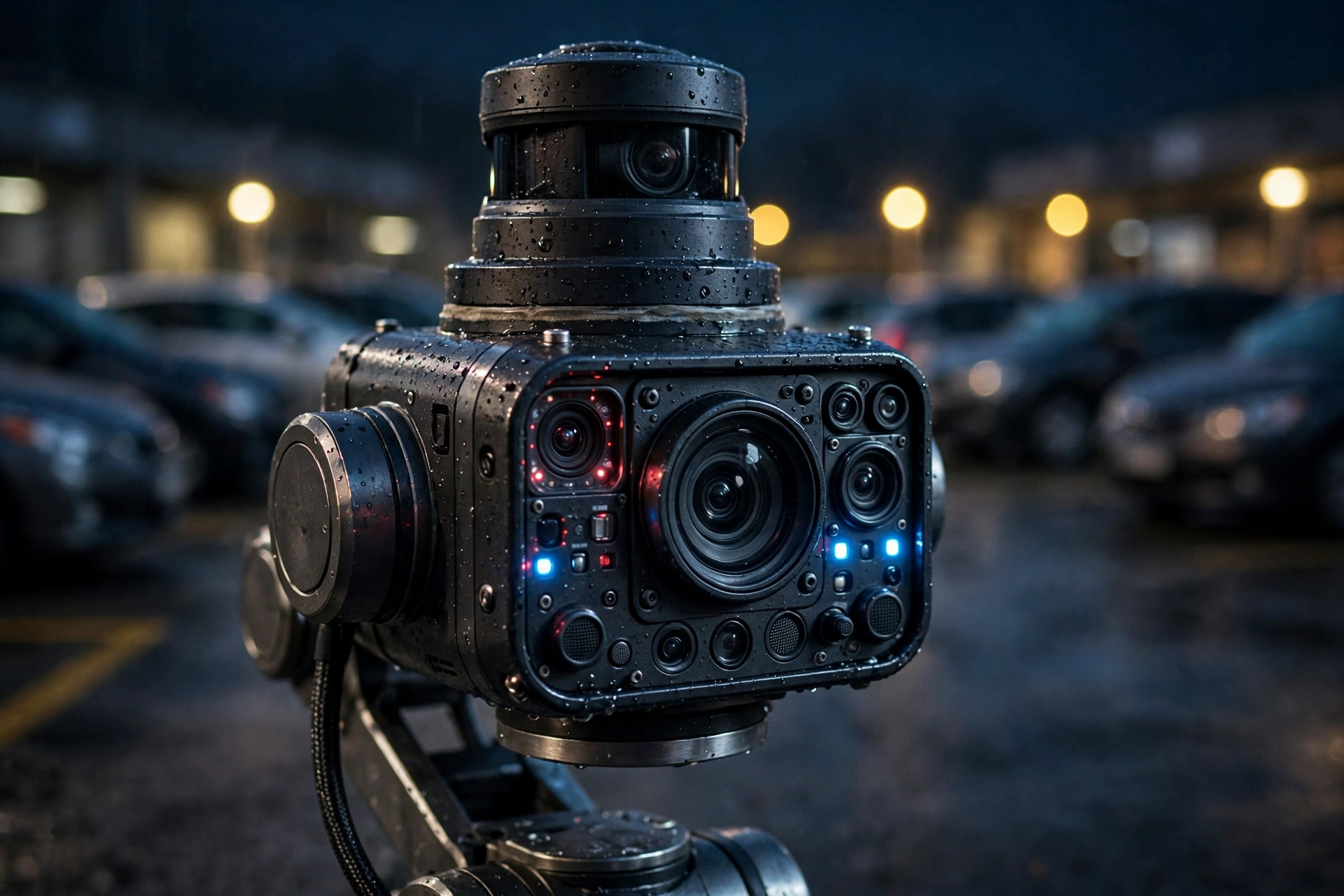
Cameras are the most obvious sensors. A patrol robot may carry several: a wide view for the scene, a zoom camera for reading a sign or number plate, and a thermal camera that shows heat. Thermal imaging helps at night or in smoke, because a person, a running engine, or a hot spot stands out against a cooler background.
Lidar and radar help the robot understand shape and movement, even in poor light. Microphones can pick up breaking glass, alarms, or raised voices, though they are usually tuned to flag sounds for human review rather than record every conversation in detail. Some models add air-quality or gas sensors, which can warn about smoke or a leak before a person notices it.
Software ties these feeds together. It learns, in a limited sense, what a normal night looks like: which doors are usually shut, which areas are empty after closing, and what lighting is expected. When it sees a door left open, a person in a restricted area, or a vehicle parked where none should be, it can flag that event. It does not understand intent, so a flagged event is a prompt for a human to look, not proof that something wrong has happened.
How do alerts reach human guards?
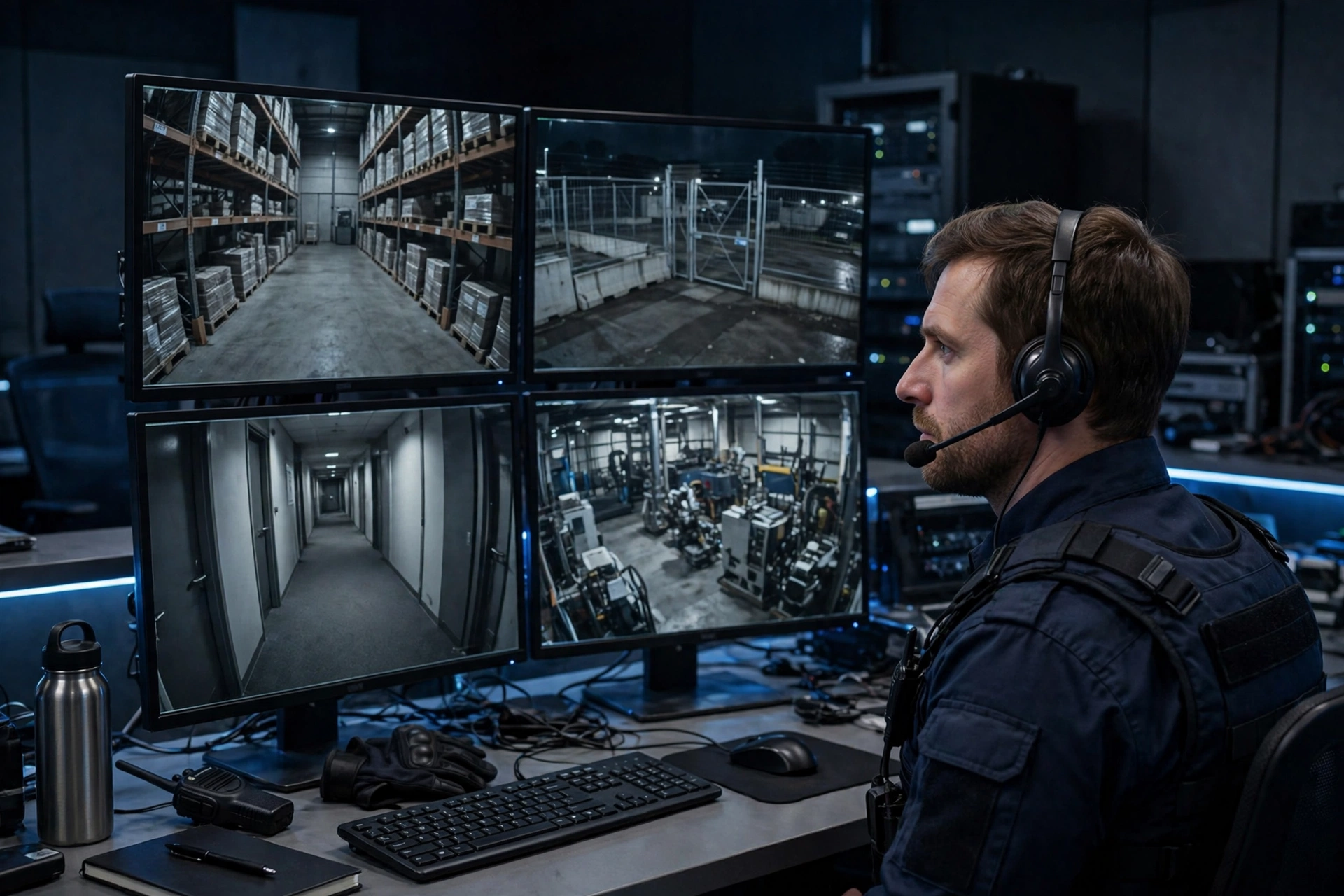
When the robot flags something, it sends an alert with the essentials: where it is, what it saw, and a short video clip or image. A guard in a control room can open a live feed, speak through the robot’s speaker if needed, and drive the robot remotely to a better viewing angle. A guard on site can receive the same alert on a phone or radio and walk to the location.
This human-in-the-loop design matters. A robot may flag a cleaner working late, a delivery driver in the wrong bay, or a shadow that looks like movement. A person can check the context in seconds and clear the alert, while a real incident gets a faster response because the guard already has eyes on the scene and a location to head for. Some systems also log every alert, route, and video clip, which helps with incident reports and with reviewing whether a route or sensor setting needs adjusting.
Charging is handled the same way. When its battery runs low, the robot returns to a dock, charges, and resumes its route, or another robot takes over. Sites that need round-the-clock coverage usually plan shifts and docks so there is no long gap in patrols.
Where are patrol robots used, and where do they struggle?
Patrol robots are common in large, open, or repetitive environments: shopping centres, car parks, warehouses, campuses, hospitals, and industrial sites. They suit places where the same route needs checking often, where night coverage is expensive, and where a visible presence helps. They can also check areas that are dull, dirty, or awkward for people to visit repeatedly, such as a remote storage yard at 3 a.m.
They struggle in busy, unpredictable places. A crowded market, a construction site with changing layouts, or a stair-heavy building can confuse navigation and slow a route to a crawl. Heavy rain, fog, and reflective surfaces can affect cameras and lidar. A robot also cannot open every door, climb stairs in most designs, or judge a social situation the way a person can. That is why most deployments keep robots on defined routes and keep humans responsible for anything beyond observation.
Privacy is another real consideration. A patrolling camera records people going about their day, so sites need clear rules: what is recorded, where footage is stored, who can view it, and how long it is kept. Signs, staff briefings, and data policies should be in place before a robot starts work, and recording should be limited to the security purpose, not used for unrelated monitoring.
What are the limits of patrol robots?
The biggest limit is judgement. A robot can detect a change, but it cannot reliably tell a threat from an innocent explanation. It can also be fooled or blocked: a covered camera, a moved barrier, or a dead battery can leave a gap. Operators therefore need to monitor robot health, battery, and connectivity, not just its alerts.
Cost is also a factor. Buying or leasing a robot, setting up maps and docks, training staff, and maintaining sensors all add up. For a small site with one entrance, a fixed camera and a regular guard round may be simpler and cheaper. For a large site with many kilometres of routes, the robot’s steady coverage may be worth it, but only if the alerts are useful and the human team can respond to them.
Finally, deterrence has limits. A robot’s presence may discourage casual trespass, but it will not stop a determined intruder on its own. Security still depends on fences, lighting, access control, and people who can act. A patrol robot strengthens that system by adding eyes and consistency; it does not replace it.
How should a site choose and deploy one?
Start with the problem, not the robot. Which routes are missed at night? Which areas generate the most false alarms or complaints? Which checkpoints matter most? If the answer is a few fixed spots, fixed cameras may be enough. If the answer is long, repeated routes, a patrol robot deserves a trial.
During a trial, test the robot in real conditions: rain, darkness, peak traffic, and shift changes. Check how often alerts are useful, how quickly guards can respond, and whether staff and visitors understand what the robot does. Review privacy rules and signage at the same time. A successful trial usually shows fewer missed rounds, clearer incident footage, and guards spending more time on checks that need a person, not just walking the same loop.
Frequently Asked Questions
Can a security patrol robot catch or stop an intruder?
No, standard patrol robots observe, record, and alert. They do not physically restrain people. A human guard or emergency responder handles any intervention, using the robot’s video and location to respond faster.
Does a patrol robot work in the dark?
Yes, most models use thermal cameras, infrared lighting, and lidar, so they can navigate and record at night. Heavy fog, rain, and glare can still reduce camera quality, which is why alerts are always reviewed by a person.
Can it go up stairs or open doors?
Most wheeled patrol robots cannot climb stairs, and door access depends on the site setup. Some indoor models can call lifts or use automatic doors, but stairs and manual doors usually remain limits.
Does it record everyone it passes?
It records video along its route for security purposes, which is why sites should display signs, limit storage time, and restrict access to footage. Policies should follow local privacy rules and be explained to staff and visitors.
Will patrol robots replace human guards?
They are designed to support guards, not replace them. Robots handle repetitive rounds and steady observation, while people handle judgement, communication, de-escalation, and any physical response.
Conclusion
A security patrol robot works by following a mapped route, sensing its surroundings with cameras, lidar, and other sensors, flagging changes from normal, and alerting a human team with video and location. Its strength is consistency: the same checkpoints, checked the same way, all night long.
If you manage a large site, a practical next step is to map the routes that are most often missed or most tedious to walk, then trial a patrol robot on those routes while keeping guards in charge of every decision. Used that way, the robot becomes a useful partner — extra eyes on the round, and extra time for the people who actually keep the site safe.
Related reading: How Do Rescue Robots Work?, How Do Drone Robots Work?, How Do Warehouse Robots Work?, and How Do Robot Arms Work?.
Further reading: Britannica: Robotics and Wikipedia: Mobile robot.