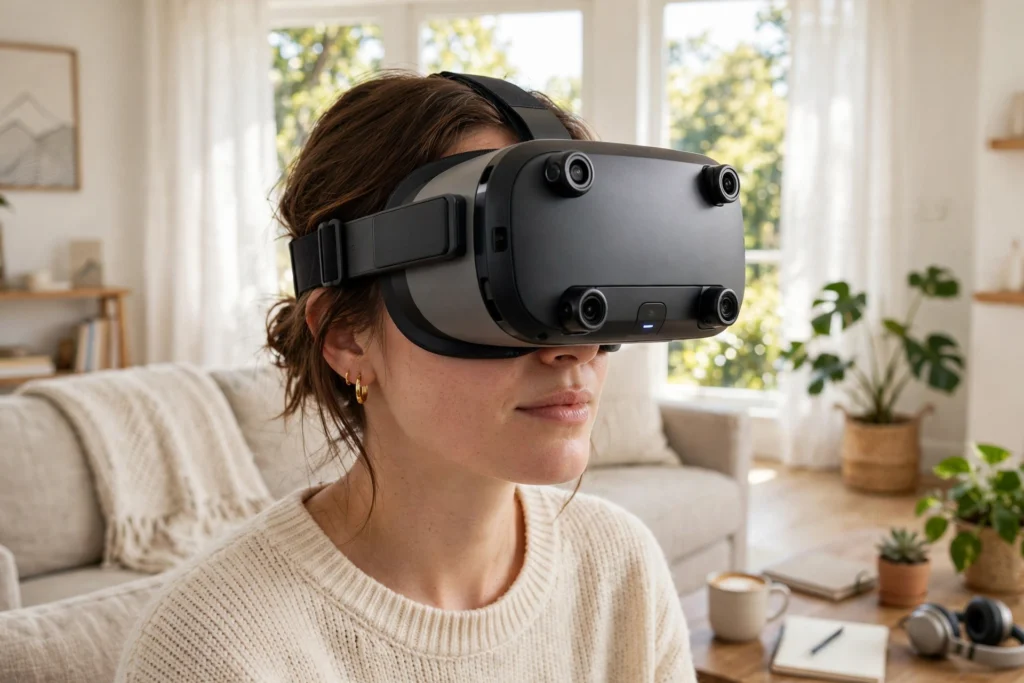
VR tracking is the system that works out where your head, hands, and controllers are in space, moment by moment, so the virtual world moves with you instead of staying stuck in front of your face. When it works well, you barely notice it: you lean in, turn around, or reach out, and the scene responds as if you were really there.
Key Takeaways
- VR tracking measures position and rotation — not just which way you face, but where you are in the room.
- Inside-out tracking uses cameras and sensors on the headset; outside-in tracking uses sensors placed around the room.
- Fast motion sensors handle quick movements, while cameras correct the slow drift those sensors build up.
- Good lighting, clear surroundings, and a tidy play area help tracking more than most settings tweaks.
- If tracking suddenly fails, check lighting, blocked cameras, low battery, and reflective surfaces first.
What does VR tracking actually measure?
Most VR tracking aims for six degrees of freedom, usually shortened to 6DoF. Three describe rotation: pitching your head up and down, yawing it left and right, and rolling it side to side. The other three describe position: moving forward and back, side to side, and up and down. Together, they tell the headset both your viewpoint and your location.
That is a big step up from older headsets that only tracked rotation. With rotation-only tracking, you could look around but not lean in, crouch, or walk a few steps, and the world felt like a bubble painted around your head. With 6DoF, virtual objects stay anchored where they belong while you move around them, and that stable world is a large part of what makes VR feel convincing.
How does inside-out tracking work?
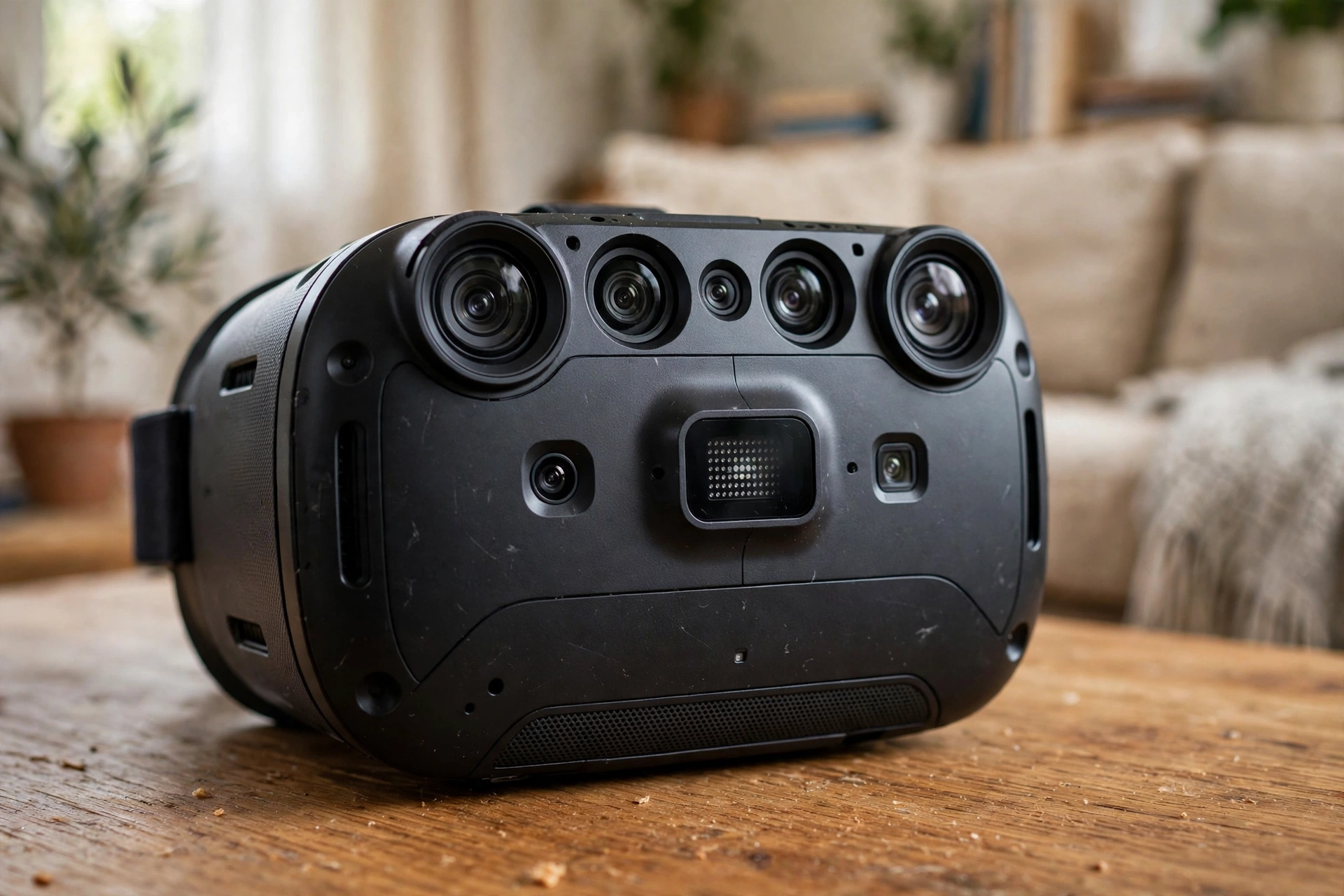
Inside-out tracking puts the sensors on the headset and looks outward at the room. Cameras on the front and sides watch for stable features — the corner of a bookshelf, the edge of a door frame, a pattern on a rug — and work out how those features shift as you move. Motion sensors inside the headset record quick turns at the same time. Software combines the two: cameras keep the overall position honest, and motion sensors fill in the gaps between camera frames.
How does outside-in tracking work?
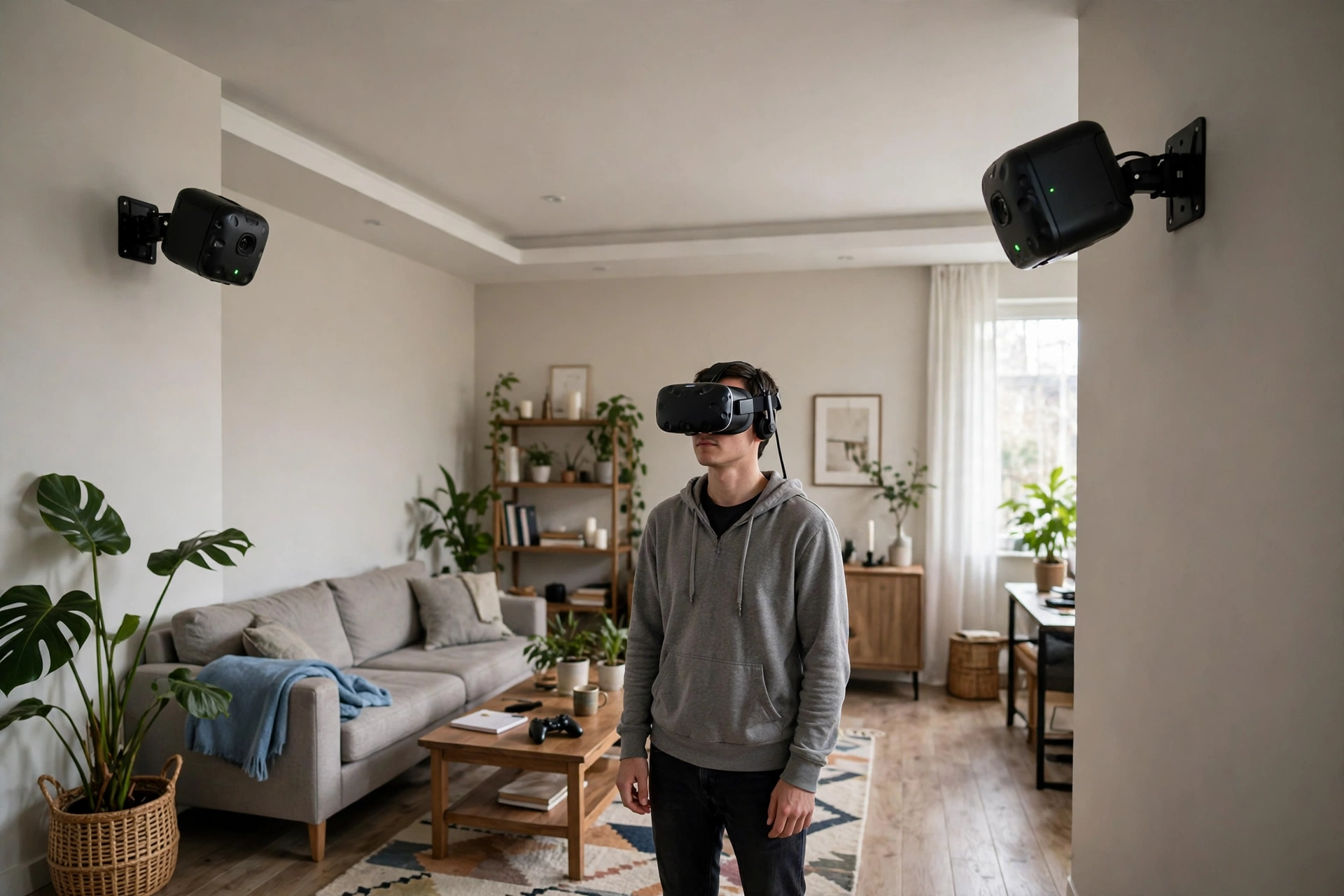
Outside-in tracking flips the setup around. Sensors are placed in the room looking in, rather than cameras on the headset looking out. The classic example is a pair of base stations mounted high on opposite walls. They sweep the room with invisible light, and sensors on the headset and controllers time those sweeps to work out exactly where each device is.
What sensors are inside a VR headset?
A few sensor types do most of the work. An accelerometer measures acceleration, including the pull of gravity, which helps the headset tell which way is down. A gyroscope measures rotation speed, which is how the headset catches a quick turn even before the cameras have a new frame to compare. A magnetometer, when fitted, senses the Earth’s magnetic field and can help with direction, though nearby metal and electronics can disturb it more easily than the other two.
Why does tracking sometimes drift, jump, or stop?
Tracking trouble usually has an ordinary cause, so work through the simple ones first. Dim or flickering light is common with camera-based tracking. So is a camera lens blocked by a finger, a strap, or a smudge. Controllers with low batteries can behave oddly before they stop altogether, and a controller that has lost its pairing may need reconnecting rather than harder waving.
Frequently Asked Questions
Do I need base stations for VR tracking?
Not usually, not anymore. Most current standalone headsets track themselves with cameras and sensors on the headset, so no base stations are needed. Base stations are mainly for dedicated PC VR setups where you want a larger tracked area and don’t mind mounting hardware on the walls.
Why does my VR view drift when I stand still?
Drift usually means the motion sensors are doing more work than the cameras at that moment, or the cameras can’t see enough stable features. Try better lighting, a less reflective room, and a redrawn play boundary. If drift follows you into every room, restart the headset and check for a software update.
Why do my controllers lose tracking behind my back?
Headset cameras can’t see a controller they have no line of sight to, so the system predicts its position from motion sensors until it reappears. That works for a moment, but the longer it stays hidden, the less accurate the guess becomes. Short reaches and bringing controllers back into view usually restore them quickly.
Does VR tracking work in the dark?
It depends on the headset. Some use infrared light and can track in a dim room better than you’d expect, but most camera-based systems still need some light to see the room clearly. A softly lit room usually tracks far better than a pitch-dark one.
Can I improve tracking without buying new hardware?
Yes, often. Clear the play area, add a few visible features to a very bare room, cover or move large mirrors, clean the camera lenses gently, charge or replace controller batteries, and redraw the boundary. Those steps fix a surprising share of tracking complaints.
Conclusion
VR tracking sounds technical, but its job is simple: keep the virtual world still while you move, and keep your hands where you think they are. Inside-out systems do that with cameras on the headset, outside-in systems do it with sensors around the room, and both lean on fast motion sensors to fill in the gaps. The best system for you is the one that fits your room, your lighting, and how you actually play.
A practical next step is to spend five minutes on your own setup: check the camera lenses are clean, the room is lit, and the boundary matches the space you really use. If tracking still misbehaves after that, change one thing at a time — lighting, reflections, batteries, boundary — so you can tell what actually helped.
Further reading: How Do VR Headsets Work? · How Do VR Controllers Work? · How Does VR Room Mapping Work? · How Does VR Hand Tracking Work? · Britannica: Virtual Reality · Meta: Oculus Insight