
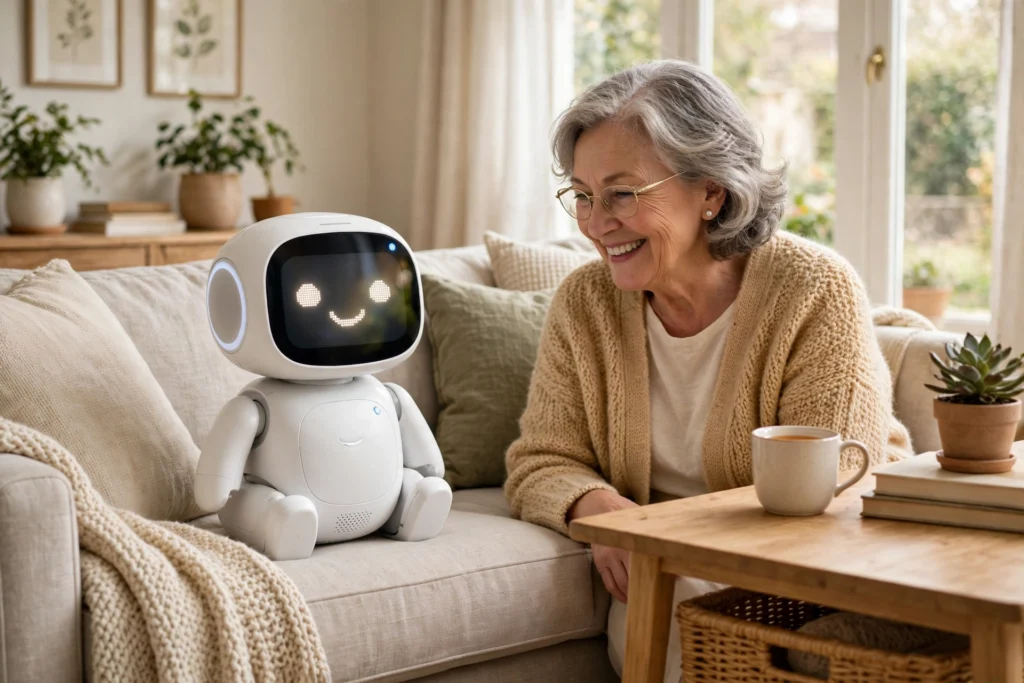
A companion robot is a machine designed to be present with you, not just to do a job for you. It watches and listens, moves around a room, talks back, and tries to respond in a way that feels friendly and helpful. Underneath that friendly surface, it is a bundle of sensors, motors, software, and safety rules working together.
Note: this is general information about how companion robots work. It is not medical, care, or safety advice for any particular person, and a robot is not a substitute for human care or professional help.
Key Takeaways
- Companion robots combine cameras, microphones, speakers, and movement sensors to notice what is happening around them.
- They use software to recognise speech, faces, and simple routines, then choose a reply or an action.
- Wheels, arms, screens, and expressive faces are the main ways they interact with people.
- Privacy, safety, and clear limits matter as much as clever features, especially in a home.
- The best choice depends on the person, the home, and the kind of help actually wanted.
What makes a robot a companion, rather than just a machine?
A washing machine does a task and then stops. A companion robot is different because interaction is the point. It may greet you in the morning, remind you about a call, play music, read out a message, or simply sit nearby while you have a cup of tea. Some models look like small pets, some look like rolling assistants with a screen, and some are closer to humanoid robots with arms and a face-like display.
That does not mean the robot understands you the way a person does. It recognises patterns — a voice, a face, a word, a routine — and follows rules about what to do next. The warmth comes from timing, tone, and movement as much as from words. A slow turn towards you, a soft voice, and a pause before answering can make a machine feel attentive, even when it is only running software.
How do companion robots sense the world around them?
Companion robots start with their senses. Cameras help them spot a face, follow movement, and avoid walking into furniture. Microphones pick up speech and, in some models, sounds such as a doorbell or a fall. Touch sensors tell them when they have been patted or bumped. Distance sensors, often using infrared light or sound, help them judge how far away a wall, a chair leg, or a pet is.
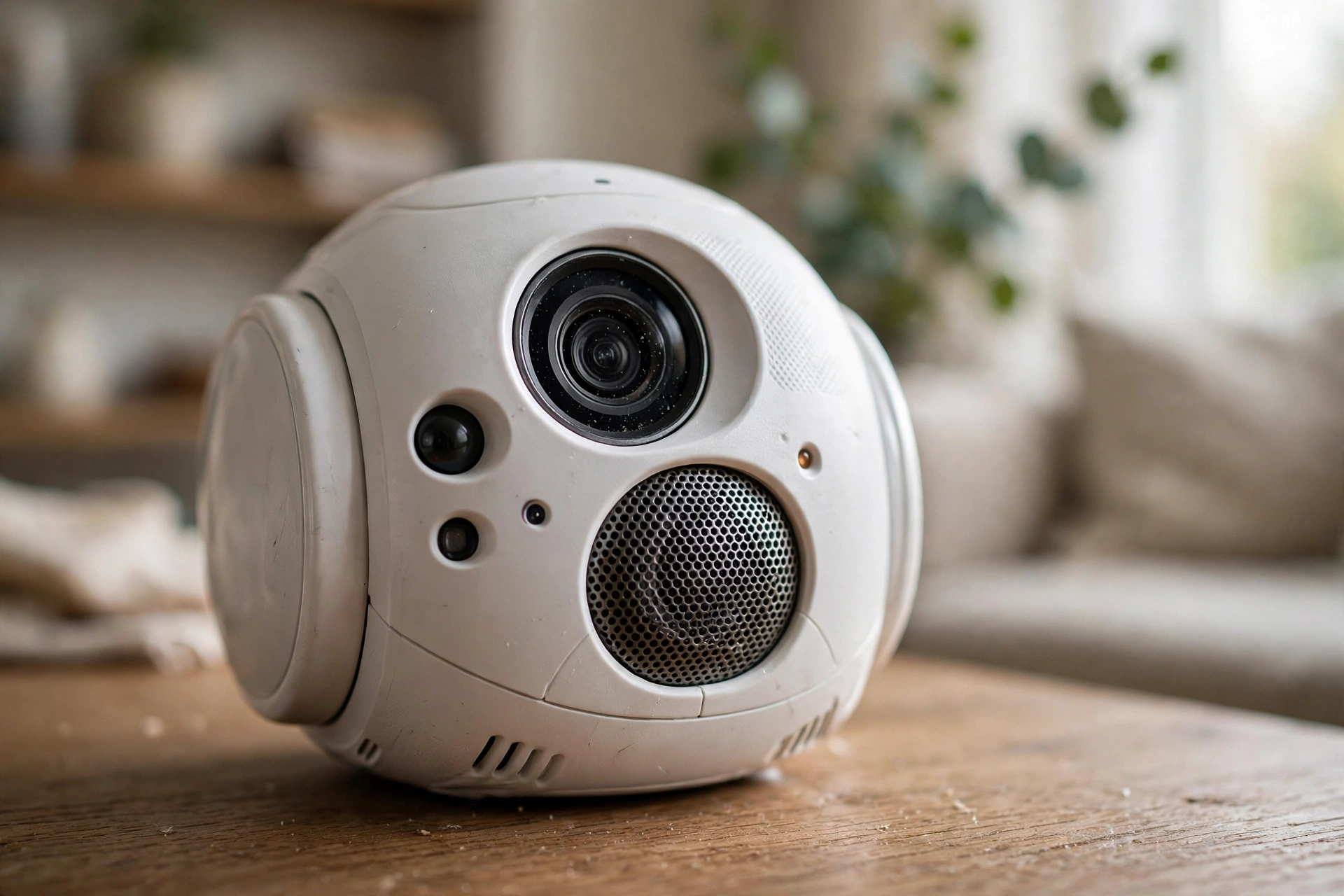
These inputs are messy on their own. A camera sees pixels, not a person. A microphone hears sound waves, not words. So the robot’s software cleans up the signal first: it steadies the image, filters out background noise, and looks for patterns it has been trained to recognise. Only then does it decide what matters — for example, that someone is speaking to it, standing nearby, or moving towards the kitchen.
Good sensing also means knowing its limits. A robot in a dim room, a noisy kitchen, or a home full of rugs and cables will miss things. That is why most companion robots move slowly, stop when unsure, and ask for help rather than pushing on blindly.
How do they understand speech and respond?
When you speak to a companion robot, the microphone turns your voice into a digital signal. Speech-recognition software then turns that signal into words, and language software tries to work out what you meant. “Remind me to call Maya at four” is not just a sentence to repeat back; the robot has to pull out the action (a reminder), the person (Maya), and the time (four o’clock).
Replies are built the other way round. The robot chooses a short, suitable answer, turns it into speech, and plays it through a speaker. Some robots also show words, pictures, or a simple face on a screen, which can help if hearing is difficult or the room is noisy. The best replies are short and clear. Long, rambling answers from a small home robot quickly become annoying, so designers usually keep responses brief and practical.
Companion robots also learn routines over time. If you usually have breakfast at eight and a video call at ten, the robot may start offering reminders at those times. That can feel thoughtful, but it is really pattern-spotting: repeated actions, stored as a schedule, then offered back at the right moment. You should still be able to change or switch off those routines easily.
How do companion robots move safely around a home?
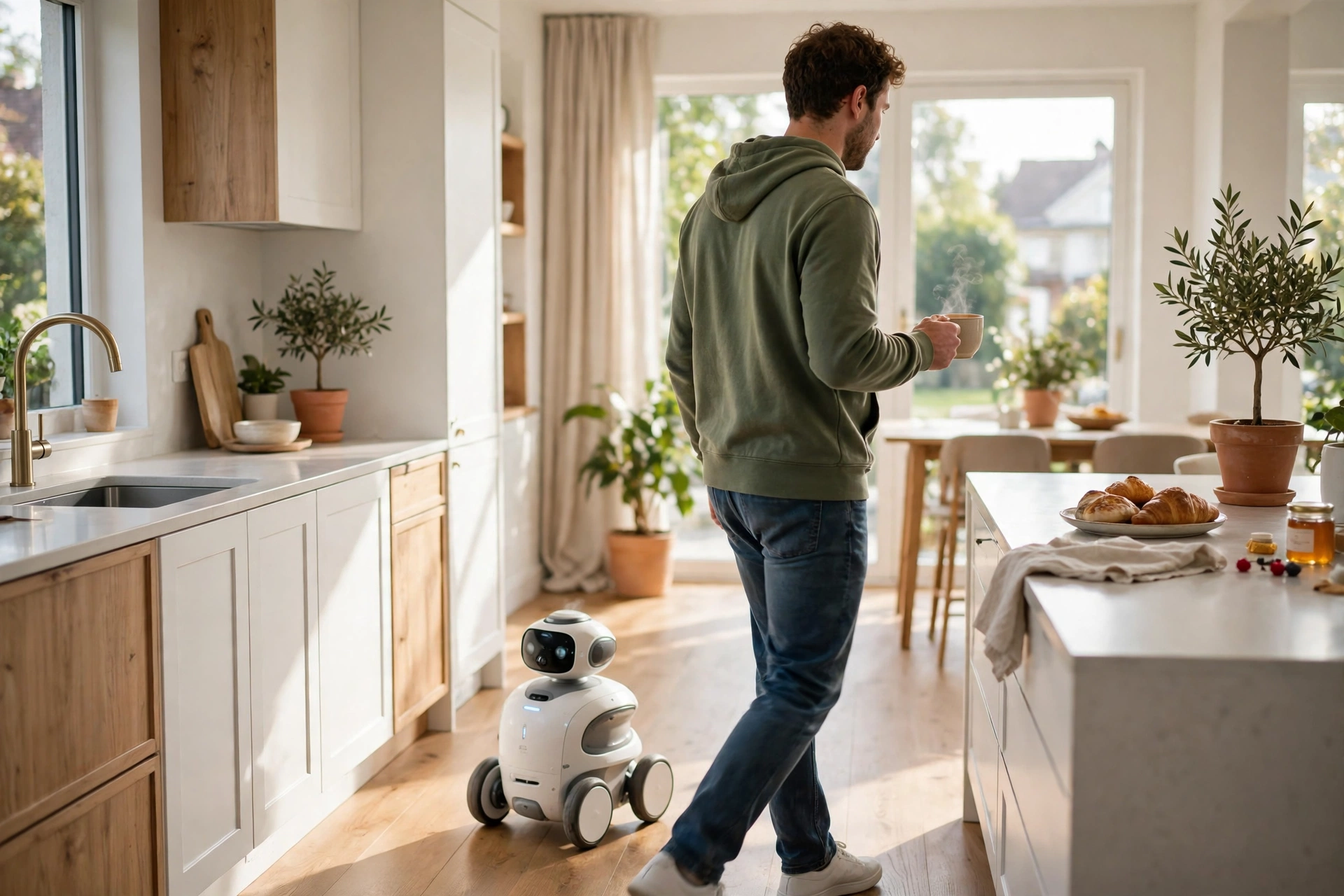
Movement is where companion robots differ most from a smart speaker. Small wheels are the most common choice because they are stable, quiet, and simple to control. The robot builds a rough map of the home as it moves, noting walls, doorways, and places it got stuck before. Bump sensors and distance sensors help it slow down near obstacles, and many models stop completely if something moves suddenly in front of them.
Arms are less common on companion robots than on industrial machines, but some have a small arm for waving, pointing, or holding a light object. Compared with the larger joints and grippers on robot arms in factories, a companion robot’s arm is usually weaker and slower on purpose. That trade-off is deliberate: a gentle arm is safer in a living room, even if it cannot lift much.
Stairs remain a hard problem. Most home companion robots cannot climb stairs, and many use cliff sensors — the same idea as in robot vacuums — to stop at a step edge. If your home has split levels, thick rugs, or loose cables, check how the robot handles those before you buy, and keep charging docks in a clear, flat spot.
What can companion robots actually help with?
In everyday life, companion robots are most useful for small, repeated things. They can read out reminders, make hands-free calls, play music or audiobooks, show photos, and help with video calls to family. Some can check in at set times, for example by asking how you are and, if there is no reply, alerting a chosen contact. Others are designed mainly for company: they tell stories, play simple games, or respond to conversation.
They can also help with routine and confidence. For someone who lives alone, a robot that greets them, keeps a steady routine, and makes calling family one voice command away can make the day feel less isolated. For a child, a friendly robot can encourage reading, practising words, or following a bedtime routine — with an adult still in charge of what is appropriate.
What they cannot do is just as important. A companion robot does not replace a carer, a nurse, or a family member. It cannot judge a medical emergency, lift a person safely, or understand a complicated personal situation. Treat its help as support around human care, not as a replacement for it.
How do they handle privacy in your home?
A companion robot that listens and watches raises an obvious question: where does that information go? Some processing happens on the robot itself, which is better for privacy because recordings do not need to leave the home. Other features, such as understanding complex speech or recognising many faces, may send audio or images to a company’s servers for processing.
Before choosing one, check a few practical points. Can you mute the microphone and cover or switch off the camera? Can you delete recordings, and how long are they kept? Does the robot need an account, and who else can access it? A clear, simple set of controls matters more than a long privacy policy you will never read. If a feature needs constant listening to work, decide whether that trade-off is worth it for your household.
Also think about visitors. Guests, children, and carers may not know a robot is recording. A visible light when the camera or microphone is active, plus a habit of telling visitors, helps avoid awkward surprises.
What are the limits and risks to watch for?
Companion robots can misunderstand. They may hear the wrong word, mistake a television voice for a command, or fail to recognise a face in poor light. That is usually harmless, but it matters for reminders, calls, and alerts. Do not rely on a companion robot alone for anything urgent, such as medication timing or emergency calls, unless you have tested it carefully and have a backup plan.
Battery life is another limit. Most companion robots need regular charging, and a robot sitting flat on its dock cannot help anyone. Place the dock where the robot can reach it easily, and check whether it returns to charge on its own.
There is also an emotional side. People, especially children and older adults, can grow attached to a robot that talks kindly and remembers their name. That attachment is not necessarily bad, but it is worth keeping in perspective. A robot’s friendly tone is designed; it does not feel affection, worry, or loyalty. Talking openly about that — kindly, without spoiling the fun — helps keep expectations realistic.
How are companion robots different from other robots?
It helps to place companion robots beside their relatives. Warehouse robots are built for speed and strength in a controlled space, carrying shelves and sorting parcels. Telepresence robots are built mainly to carry a screen and a camera so a distant person can join a room. Companion robots borrow ideas from both — movement from one, screens and calls from the other — but their main job is interaction itself.
That difference shapes their design. A warehouse robot can be fast and plain. A companion robot needs to be slow enough to feel safe, clear enough to understand, and expressive enough to hold a conversation. Its success is measured less by how much it lifts and more by whether people actually want it around day after day.
For a broader view of the field, Britannica’s robotics overview explains how robots sense, decide, and act, while the social robot article on Wikipedia covers robots designed specifically for social interaction.
What should you check before choosing one?
Start with the person, not the product. Who will use it, and what would genuinely help them? A robot for video calls needs a good screen, speaker, and simple controls. A robot for reminders needs reliable speech and a clear display. A robot mainly for company needs a pleasant voice and simple games or stories, not a long list of features nobody uses.
Then check the home. Flat floors, clear paths, good Wi-Fi, and a handy charging spot make life much easier. If the home has stairs, pets, or lots of clutter, look for strong obstacle and cliff sensing, and test the robot’s movement before committing if you can.
Finally, check the ongoing costs and controls. Is there a monthly subscription? How are updates handled? Can a family member help remotely, and can recordings be deleted? A robot that is easy to mute, charge, and update will be used far longer than a cleverer model that is fiddly to live with.
Frequently Asked Questions
Do companion robots really understand what I say?
They recognise words and common patterns, but they do not understand meaning the way a person does. They match what you said to actions they know, such as setting a reminder or playing music, and they can get confused by accents, noise, or unusual phrasing.
Can a companion robot replace a carer?
No. A companion robot can support daily routines, reminders, and contact with family, but it cannot provide personal care, judge a health emergency, or replace human company and professional help.
Do companion robots record everything in my home?
Not necessarily. Some process speech and images on the device itself, while others send data to company servers for some features. Check the mute, camera, and deletion controls, and read how long recordings are kept, before you decide.
Are companion robots safe around children and pets?
Most home models are designed to move slowly, stop at obstacles, and use soft, lightweight parts, but supervision is still wise. Keep small parts, cables, and charging docks tidy, and teach children that the robot is a machine, however friendly it sounds.
How long does a companion robot’s battery last?
It varies by model and use, but many need charging every day, especially if they move around a lot or keep a screen on. Look for a model that returns to its dock on its own, and place the dock in a clear, flat spot it can reach easily.
Conclusion
Companion robots work by combining sensing, speech, movement, and simple routines into something that feels present and responsive. They notice, they reply, they move carefully around a home, and they help with the small, repeated parts of the day. Their limits — misunderstanding speech, needing charging, and needing human care alongside them — are part of the picture, not a footnote.
If you are considering one, start small and practical. Pick one or two jobs it should do well, such as reminders and video calls, test it in the real rooms where it will live, and make sure privacy controls are easy to use. A companion robot earns its place not by being the cleverest machine in the house, but by being the one people are happy to have around.