
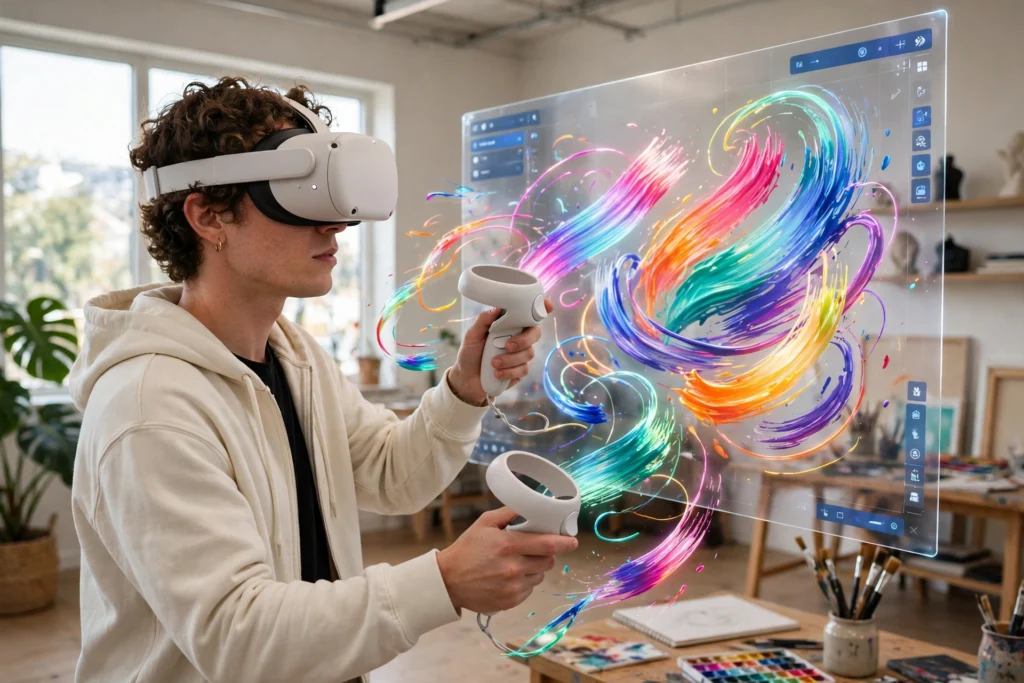
VR painting turns a headset and two controllers into a studio you can step inside. Pick a brush and colour, then draw strokes in the air that hang in three-dimensional space. The work surrounds you, so you can walk around it and view it from any angle. Apps such as Open Brush and Vermillion supply the canvas, brushes, and paint.
Key Takeaways
- VR painting lets you draw strokes in mid-air and walk around the finished work.
- Apps split into two kinds: 3D stroke apps like Open Brush, and oil-style apps like Vermillion.
- The controllers are your brushes: triggers control paint flow, buttons switch colours and tools.
- You need a headset, a painting app, and a clear space of about two metres square.
- Finished pieces can be exported as images or 3D models, printed, or shared online.
What do you need to start VR painting?
You need three things: a standalone VR headset, a painting app, and enough clear floor space to move your arms. Most people start with a standalone headset such as a Meta Quest, because it needs no PC or cables. A painting app is usually cheap or free: Open Brush is free, while Vermillion is a paid app with realistic oil-paint tools. Then clear a space of about two metres square and set up the headset’s boundary, so it warns you before you reach a wall — you will be reaching and turning as you paint.
How do the controllers become paintbrushes?
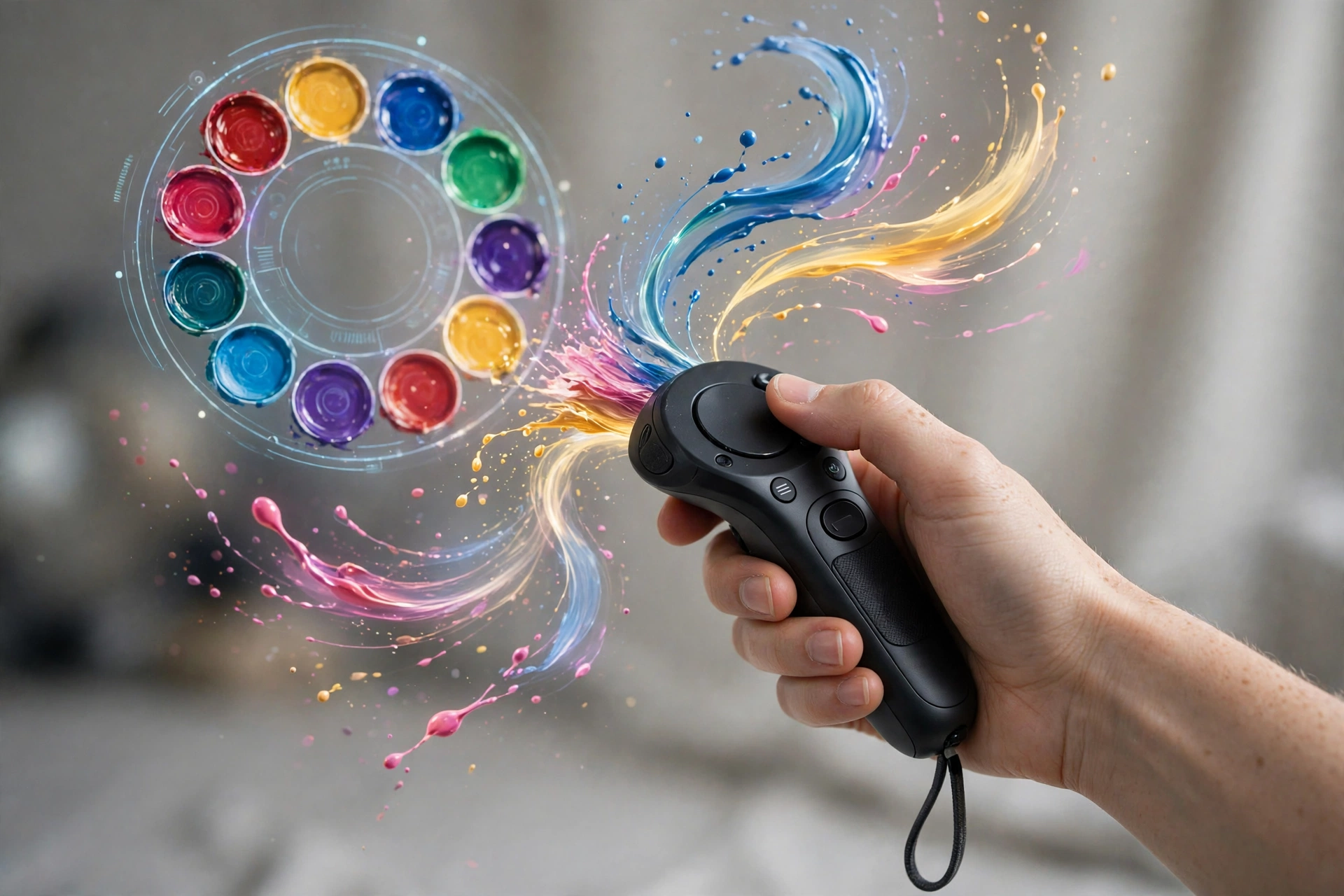
The headset tracks each controller in three dimensions, so the app always knows where your hands are. Hold the trigger and a stroke appears where the controller tip is; release it and the stroke ends. Squeeze harder in some apps and the line grows thicker, which feels close to pressing a real brush. The other buttons handle the rest: one opens the colour palette, one switches the brush, and one undoes a mistake. Paint slowly at first: fast flicks make it harder to control where a stroke lands.
What is the difference between 3D painting and realistic oil painting in VR?
The two main styles suit different goals. In 3D painting apps such as Open Brush, each stroke is a ribbon of light floating in space. You can use glowing brushes, stars, or fire, then step inside the picture and look at it from within. In realistic apps such as Vermillion, you stand at a virtual easel and paint on a flat canvas with oils. Colours mix on a palette and thick paint leaves ridges, so the finished piece could pass for a real oil painting. If you want to experiment and have fun, start with 3D strokes; if you want to learn traditional painting, start with a realistic app.
How do you mix colours and choose brushes in VR?
Colour mixing in VR is closer to real paint than to a phone app. In Vermillion, you dab pigments onto a palette and swirl them together until the shade looks right, much as you would with oils on a wooden palette. In Open Brush, you pick from a colour wheel or saved swatches, which is faster but less hands-on. Brushes matter too: a flat brush lays down broad strokes, a fine tip suits detail, and special brushes add light, smoke, or glitter. Try one brush at a time, and set a simple goal, such as painting a tree with three colours. Your first sessions will feel clumsy: holding a controller in the air uses different muscles from holding a pencil.
Can you sell or print VR paintings?
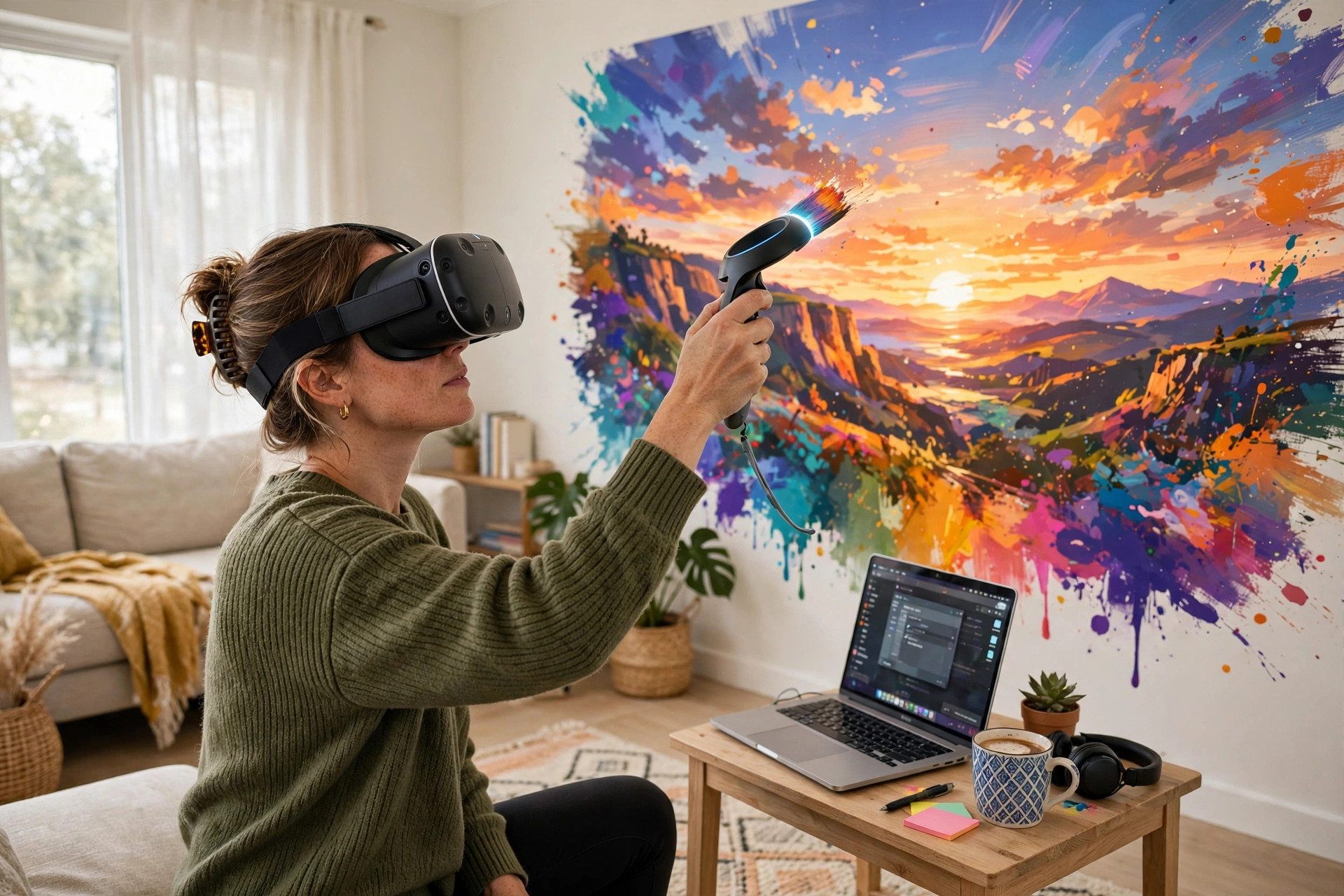
Yes, and this is where VR painting turns from a hobby into something you can share. Most apps export a finished piece as an image, so you can print it, frame it, or post it online like any other artwork. Some also export the work as a 3D model, which other people can open in VR and walk through, or display in a virtual gallery. You can also view other people’s VR art in VR museums, which show paintings in virtual galleries. A few artists sell prints of their VR work. Keep your expectations realistic, though: a buyer pays for the finished image, not for the fact that it was made in VR.
What are the limits of painting in VR?
VR painting has real limits, and knowing them saves frustration. Resolution is the first: fine detail is harder to see inside a headset than on a monitor, so small text and thin lines can look fuzzy. Battery life is the second: a standalone headset usually lasts two to three hours, which is shorter than a long painting session. Arms get tired too, so most painters take breaks every twenty minutes or so. Motion sickness is less common in painting than in fast VR games, because you move slowly, but it can still happen if you turn quickly. Finally, there is no sense of touch: you cannot feel the paint or the canvas, so the feedback comes only from what you see.
Frequently asked questions
Do I need to know how to draw before trying VR painting?
No. VR painting suits beginners because mistakes cost nothing: undo is instant, paint is free, and you can start again as often as you like. Many people learn by copying simple subjects such as a sunset or a tree, and their control improves within a few sessions.
How much does VR painting cost?
A standalone headset is the main cost, and prices vary by model and storage. Most painting apps are free or cheap, and Open Brush is free.
Does VR painting make people feel sick?
It can, but it is less likely than in fast VR games, because painting is slow and the scene stays still. If you feel queasy, sit down, take the headset off, and keep first sessions under twenty minutes.
Can I paint with friends in VR?
Yes, in some apps. Vermillion lets up to four people paint together, sharing palettes and working on each other’s canvases. It works best with a stable connection and a quiet room.
What is the best VR painting app for beginners?
Open Brush is the easiest place to start: it is free, forgiving, and built for playful 3D strokes rather than realistic technique. Once you are comfortable, Vermillion is a good next step for realistic oil painting. Try the free option first and spend money only when you know which style you enjoy.
Conclusion
VR painting is not a replacement for a real studio, and it does not need to be. It is one of the clearest examples of VR beyond gaming: strokes that float in space, colours that cost nothing, and a canvas as large as your room. The setup is simple — a headset, an app, and a clear patch of floor. So pick one app, clear some space, and paint something small tonight: a tree, a sunset, or your name in glowing strokes. If it looks rough, undo it and try again.