
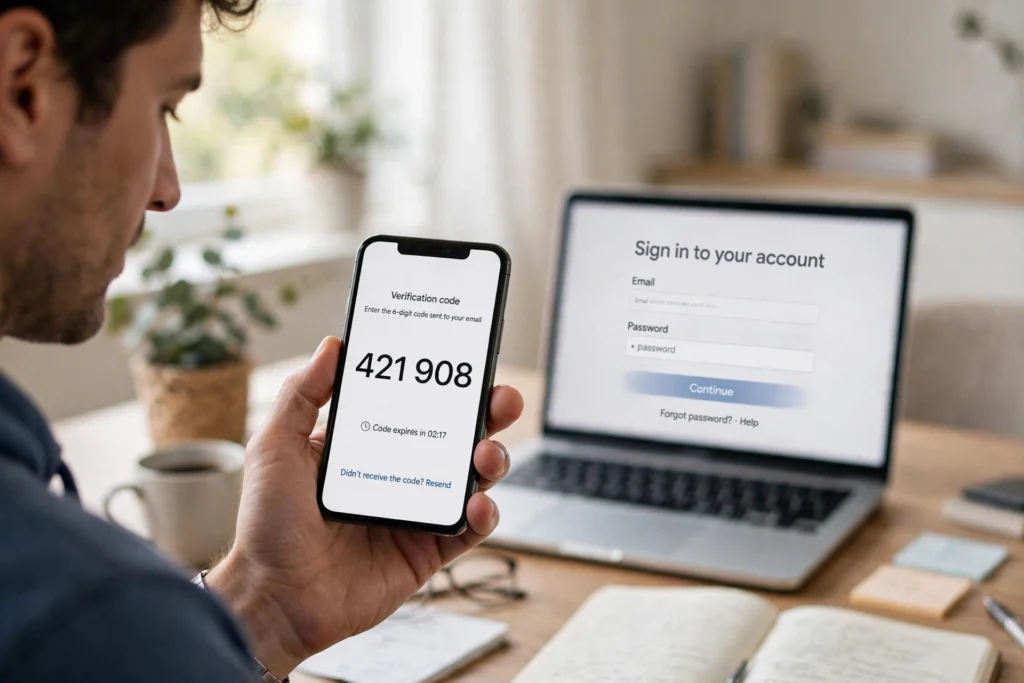
Two-factor authentication, usually shortened to 2FA, is a login check that asks for two different kinds of proof before letting you in: something you know, like a password, and something you have, like a code from your phone, or something you are, like a fingerprint. Even if someone steals your password, they still can’t get in without that second proof.
Key Takeaways
- Two-factor authentication (2FA) asks for two different kinds of proof at login.
- A stolen password alone can’t open an account protected by 2FA.
- Authenticator apps and hardware keys beat codes sent by text message.
- Save your backup codes when you switch 2FA on, so a lost phone doesn’t lock you out.
- Start with your email account — most password resets run through it.
Why is a password on its own not enough?
Passwords leak all the time. Breaches spill millions of them, phishing emails trick people into typing them into fake login pages, and plenty of people reuse the same password across several sites. Once it’s out, anyone who has it can walk into the account as if they were you.
Two-factor authentication doesn’t try to make the password unbreakable. It accepts that passwords get stolen and adds a second gate a thief usually can’t pass: the password proves you know the secret, and the second factor proves you hold the phone, the key, or the fingerprint that belongs to the account. A password manager helps you use a different strong password everywhere, and a VPN protects your connection on public Wi-Fi — but neither proves it is really you logging in.
What are the three kinds of proof?
Every method draws on three categories of proof, and a real second factor must come from a different category than the first — two passwords don’t count, because both are just things you know.
Something you know is the password or PIN you memorise — the most common first factor, and the weakest, because it can be phished, guessed, or leaked. Something you have is a physical thing only you hold: your phone running an authenticator app, or a hardware security key in a USB port. Something you are is a biometric trait, like a fingerprint or face scan — the same idea as the smart locks on a front door. A setup is strong when the two factors fail in different ways, so one attack rarely captures both.
Which two-factor authentication methods can you use?
Most services offer more than one way to add a second factor. They aren’t all equal.
| Method | How it works | Strength | Best for |
|---|---|---|---|
| Text message code | A six-digit code sent by SMS | Weakest | A quick start |
| Authenticator app | New code every 30 seconds | Strong | Everyday accounts |
| Push approval | Your phone asks you to tap Approve or Deny | Strong | Fastest login |
| Hardware security key | USB or NFC key you tap | Strongest | Email and banking |
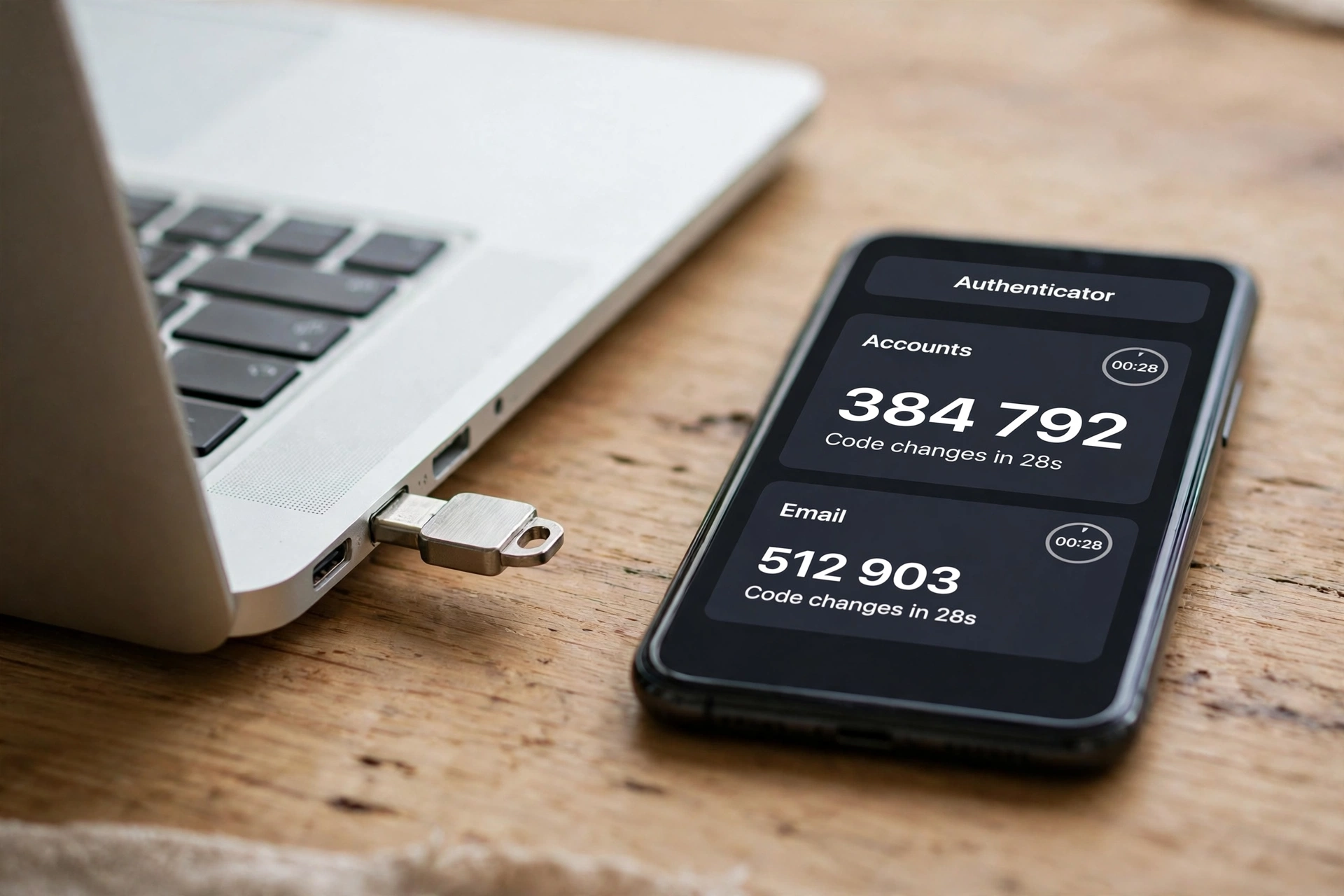
Text message codes are the easiest to set up, and far better than no second factor at all. But they are also the easiest to defeat: a scammer can trick your mobile network into moving your number to their SIM — a SIM swap — and then receive your codes.
Authenticator apps are the sweet spot for most people. The codes are generated on your smartphone, change every 30 seconds, and work without a mobile signal. Hardware keys go further: they check you’re logging in to the real site, not a convincing fake, so they resist phishing in a way codes can’t.
How does two-factor authentication actually work, step by step?
Here’s what setting it up on an email account looks like. Open the account’s security settings and switch on two-factor authentication. Pick a method — say, an authenticator app — and the site shows you a square QR code. Open the app on your phone, scan the code, and it starts showing a six-digit code that changes every half minute. Type the current code into the website to finish setup.
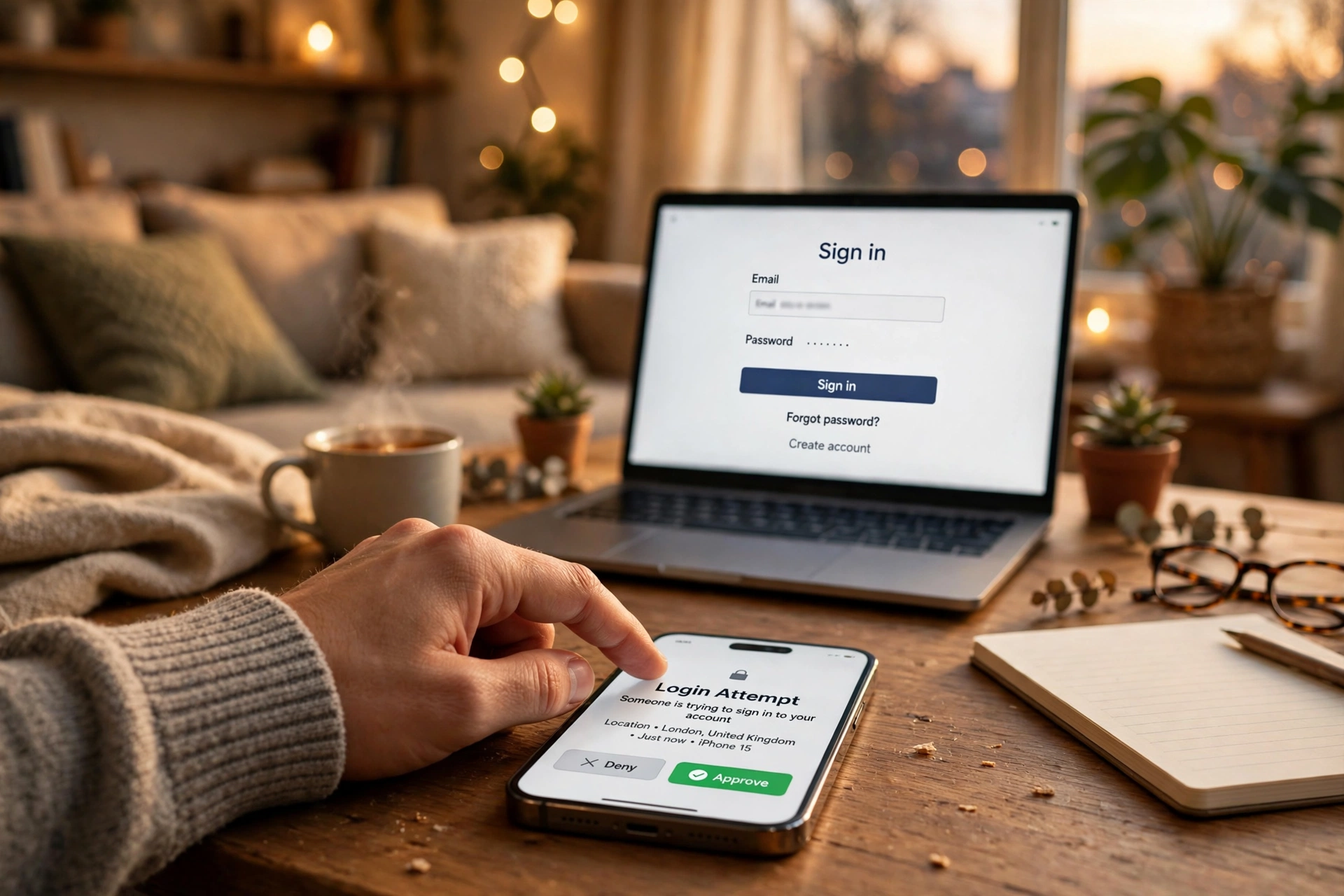
From then on, logging in takes two steps: your email address and password as usual, then the code from your app — about ten seconds extra once you’re used to it. During setup the service will also hand you backup codes, usually eight or ten one-time codes to print or save. Keep them somewhere safe, like a locked drawer or your password manager: they’re your way back in if your phone is lost, stolen, or replaced.
Which method should you choose?
Pick the strongest method each service offers that you’ll actually use. An authenticator app is the right default for email, social media, and shopping: free, works offline, and much harder to intercept than a text message. If a service only offers SMS codes, take them anyway — a weak second factor still blocks the most common attacks, which rely on a stolen password alone.
For the accounts that would hurt most — your main email, your bank, your password manager itself — consider a hardware security key. It costs about as much as a takeaway meal, plugs into your laptop or taps against your phone, and gives the strongest protection available to ordinary users. Check your backup codes exist before you need them: a second factor that locks you out is a problem too.
What happens if you lose your second factor?
If your phone is lost and you have no backup codes, recovery means proving your identity another way — security questions, a trusted device, or a waiting period. It’s slow by design, because fast recovery would be a hole an attacker could use.
With backup codes, recovery takes two minutes: sign in with your password, enter a backup code instead of the app code, and set up the authenticator on your new phone. Without them, you may be locked out for days, or lose the account entirely. Save the codes the moment you switch 2FA on, before you close the settings page — like a spare house key you hope never to need.
Frequently asked questions
Is two-factor authentication the same as multi-factor authentication?
Not quite. Multi-factor authentication, or MFA, is the umbrella term for any login asking for two or more factors. 2FA is the case where exactly two are used.
Do I need two-factor authentication if I already have a strong password?
Yes. A strong password can still be stolen or phished, and strength doesn’t help once someone else has it. 2FA adds a check a stolen password alone can’t pass.
Are authenticator apps safer than text message codes?
Yes, in most cases. The codes are generated on your phone rather than sent across the mobile network, so a SIM swap can’t intercept them. They also work without a signal.
What is a passkey, and does it replace two-factor authentication?
A passkey signs you in with your device and a fingerprint or face scan instead of a password, bundling the two factors into one step. Passkeys are still rolling out, so 2FA remains the practical choice for most accounts today.
Can two-factor authentication be hacked?
It can be bypassed, usually by tricking the person rather than breaking the technology: phishing pages that capture the code in real time, or push-notification spam that wears someone down until they tap Approve by mistake. Hardware keys resist both, which is why they’re recommended for high-value accounts.
Turn it on today, starting with your email
Two-factor authentication is one of the few security steps that is both free and genuinely effective. It takes about five minutes per account, adds roughly ten seconds to each login, and blocks the attack behind most account takeovers: a stolen password used on its own. Switch it on for your main email account, save the backup codes, then work through your bank, your password manager, and your social media accounts.
This article is general information about account security, not professional security advice. If you manage accounts for a business or handle sensitive data, consider advice tailored to your situation.
Further reading: ESET’s guide to two-factor authentication and Wikipedia on multi-factor authentication.