
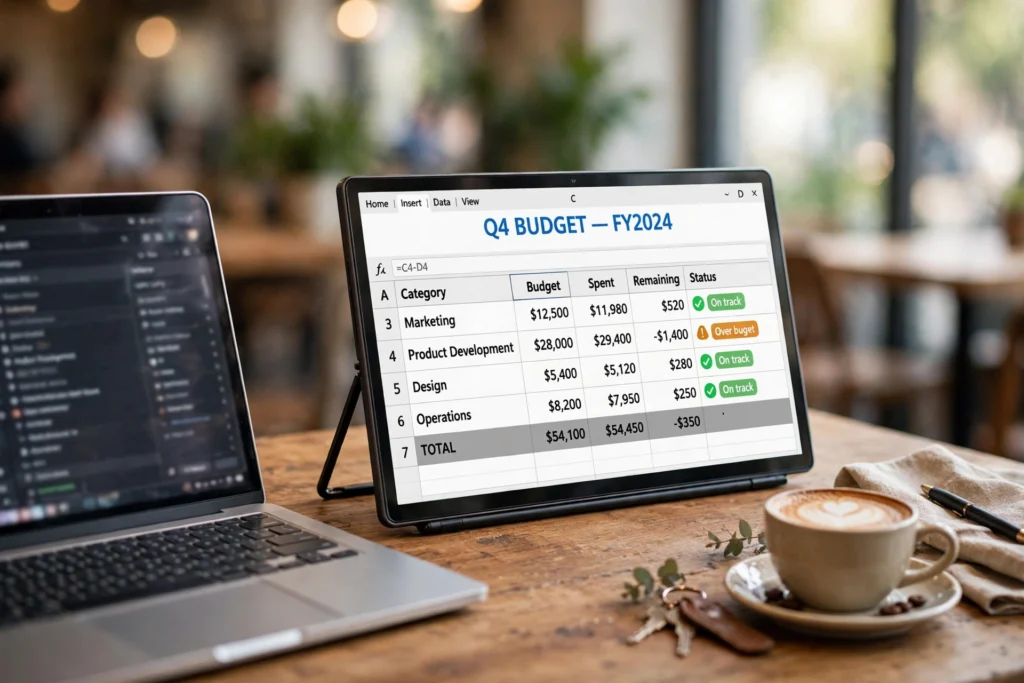
A portable monitor is a slim, lightweight extra screen that plugs into a laptop, tablet, phone, or games console and gives you a second display wherever you are. Most are 13 to 16 inches across, weigh under a kilogram, and need just one USB-C cable for both video and power.
Key Takeaways
- A portable monitor is a second screen with no computer inside it — your laptop does all the work.
- One USB-C cable usually carries both the picture and the power, but only if your laptop’s port supports video output.
- Most are 15.6 inches at 1080p and weigh less than a kilogram.
- Before buying, check your laptop’s ports, the brightness, and whether a stand is included.
What is a portable monitor?
Think of it as a laptop screen separated from the laptop: no processor, no storage, no operating system — just a display panel, a small control board, a few ports, and a stand or folding cover.
That simplicity is the whole point: it slides into a laptop bag, and one cable gives you two screens on a train seat, a café table, or a hotel desk.
Most models are 13 to 17 inches, with 15.6 inches the sweet spot. The panel is usually IPS, which keeps colours steady when viewed from an angle, and some pricier models use OLED for deeper blacks.
How does a portable monitor work?
The process is short. Your laptop sends a video signal down a cable, the monitor’s control board turns it into a picture, and the panel lights up. Your operating system treats it like any other external display, so you can mirror your laptop screen or extend your desktop across both.
Power is the part people get wrong. Most portable monitors have no battery, so they draw power from whatever they are plugged into. With one USB-C cable, the laptop supplies both video and electricity; with HDMI, the cable carries video only, so you need a second USB-C cable for power.
USB-C or HDMI: which connection should you use?
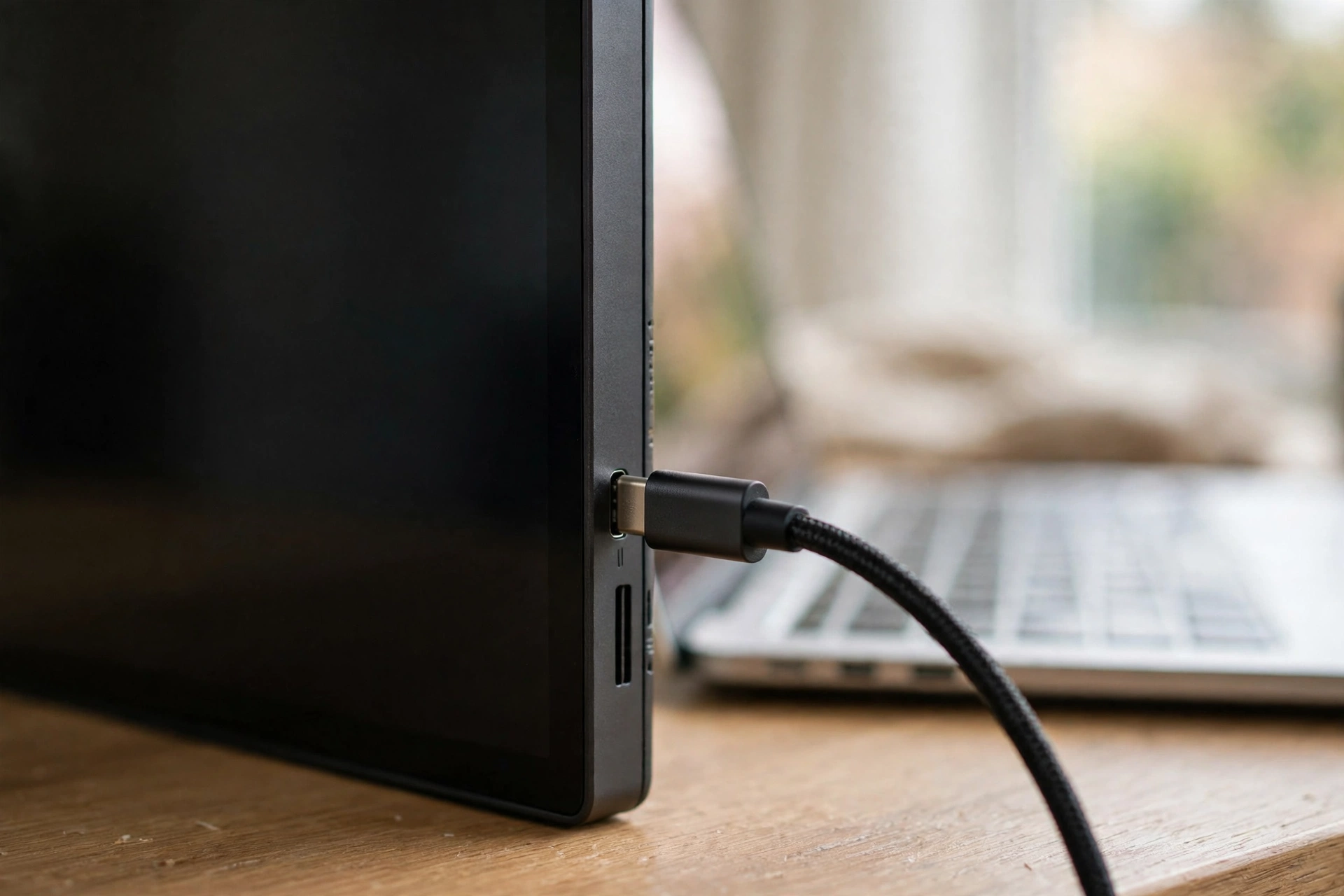
USB-C is the cleaner option when it works. One cable, no charger, and the monitor switches on with the laptop. It is the setup most people end up using day to day. One warning: not every USB-C port can send video — it needs DisplayPort Alt Mode or Thunderbolt, so check your laptop’s manual first.
HDMI is the reliable fallback. Nearly every laptop has an HDMI port, and most games consoles output HDMI too, so it connects to far more devices. The trade-off is the extra power cable and a bit more clutter on the table.
What can you actually do with one?
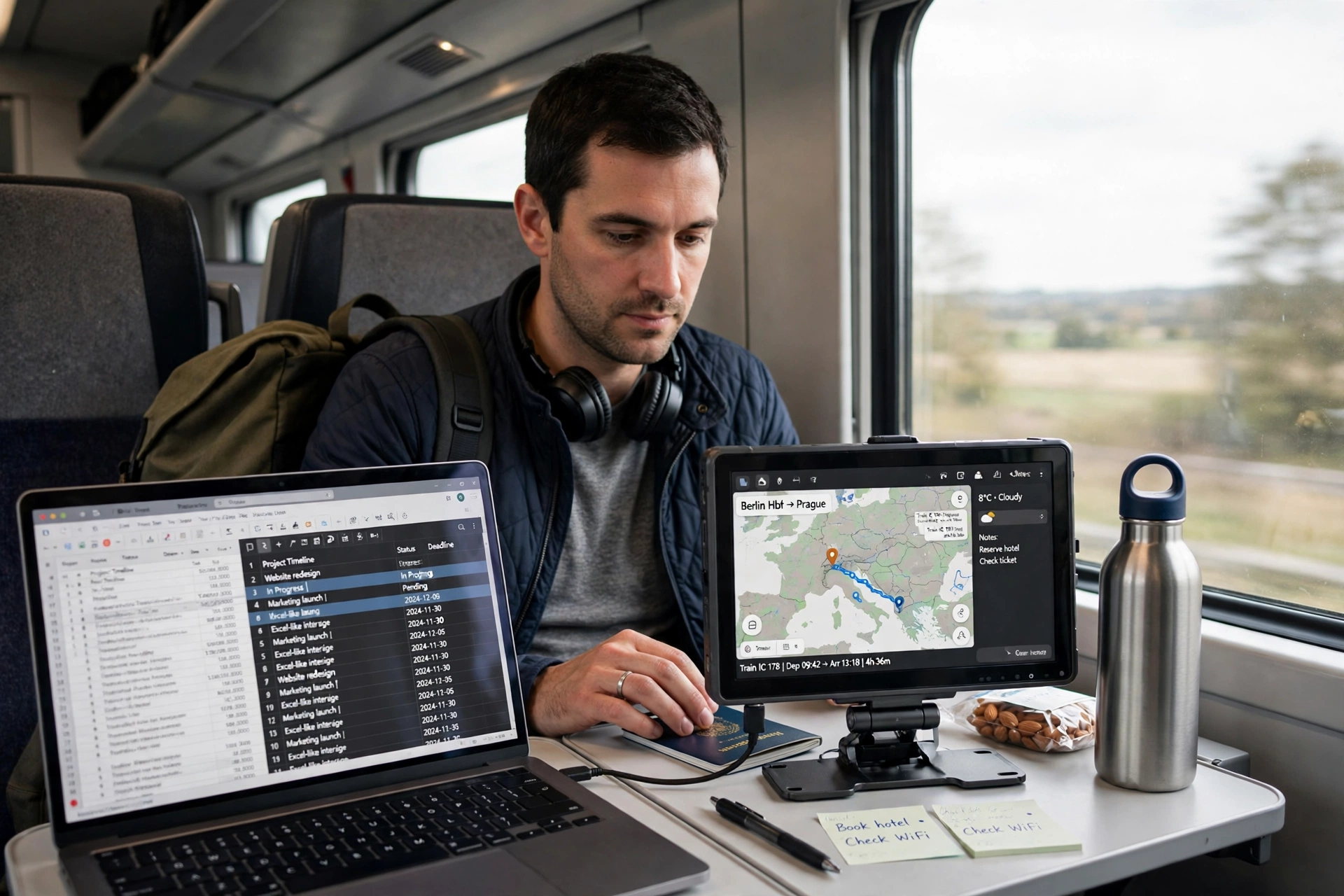
The obvious use is two screens away from home: email or notes on one screen, your main document on the other. Students use them in libraries, freelancers in cafés, and plenty of people keep one as a permanent second screen at a small home desk.
They are handy for presentations too. Mirror your laptop to the portable screen and turn it toward the person opposite you, and they can follow along without crowding around your keyboard — a simpler setup than carrying a portable projector into a small meeting room. Gamers use them as well: plug a console into one and you have a big-screen setup in a hotel room without a television. And paired with a Bluetooth keyboard and mouse, some phones can drive a portable monitor as a makeshift desktop.
Here is a worked example. Imagine a student revising in a café. Her laptop shows a practice paper, and the portable monitor beside it shows her notes. She connects one USB-C cable, the café’s Wi-Fi handles the research, and the second screen means she never has to minimise one window to see the other. When she leaves, the monitor folds flat into her bag.
Portable monitor vs tablet vs laptop screen extender
A tablet can act as a second screen, and clip-on extenders attach a second panel to your laptop lid, so a portable monitor is not the only option. Here is how they compare.
| Option | Screen size | Needs its own power | Works with any laptop | Best for |
|---|---|---|---|---|
| Portable monitor | 13–17 inches | No, usually USB-C powered | Yes, with the right port | Real two-screen work anywhere |
| Tablet computer as a second screen | 10–13 inches | Yes, its own battery | Needs an app and the same brand | Occasional use, note-taking |
| Clip-on laptop extender | 12–14 inches | No, USB powered | Only fits some laptop sizes | A fixed two-screen laptop setup |
A tablet wins when you also want a device for reading and note-taking, and it has its own battery — but its screen is smaller, the second-screen apps can be fiddly, and it costs more than a basic portable monitor. An extender is attached, which is neater, but it adds weight and only fits certain laptops.
What should you check before buying?
Start with your laptop’s ports. If it has USB-C with video output, a USB-C monitor is the simplest choice. If it only has HDMI, make sure the monitor has a mini-HDMI input and that you are happy carrying a power cable too.
Then look at brightness. Many sit around 250 to 300 nits, fine indoors but weak in bright sunlight. If you plan to work outside or in bright rooms, look for 400 nits or more.
Resolution is next. A 15.6-inch screen at 1080p looks sharp enough for documents and browsing. A 4K panel looks better still, but it costs more and drains the laptop battery faster, so it is worth it mainly for photo or video work.
Finally, check the stand. Some monitors come with a folding magnetic cover that doubles as a stand, some have a built-in kickstand, and a few have neither — which means buying a separate stand. Weight matters too: anything under a kilogram disappears into a bag.
Frequently asked questions
Do portable monitors have a battery?
Most do not. They draw power from the laptop or a wall charger through USB-C. A few models include a small battery, but they are the exception.
Will a portable monitor work with my laptop?
Almost certainly, as long as the ports match. USB-C needs a video-capable port, while HDMI works with nearly any laptop. Check for DisplayPort Alt Mode or Thunderbolt before buying a USB-C-only model.
Is a portable monitor better than a tablet as a second screen?
For screen space and simplicity, yes: the monitor is bigger, needs no app, and works with any laptop. A tablet is better if you also want a standalone device for reading or note-taking.
Do I need a special cable?
For USB-C, you need a full-featured cable that carries video, not just a charging cable — they look identical, so check the packaging. For HDMI, a standard HDMI-to-mini-HDMI cable is usually included.
Conclusion
A portable monitor is one of the simplest upgrades for a laptop setup: a second screen that fits in your bag and works with a single cable. The trick is buying the right one for your laptop’s ports.
Before you buy, check the ports on your laptop, note the brightness and whether a stand is included, and pick a 1080p model if documents and browsing are your main work. If it lights up the first time you plug it in, you have bought well.
Further reading: PCWorld — Why everyone needs a portable monitor and BOE — What Are Portable Monitors and How Do They Work.