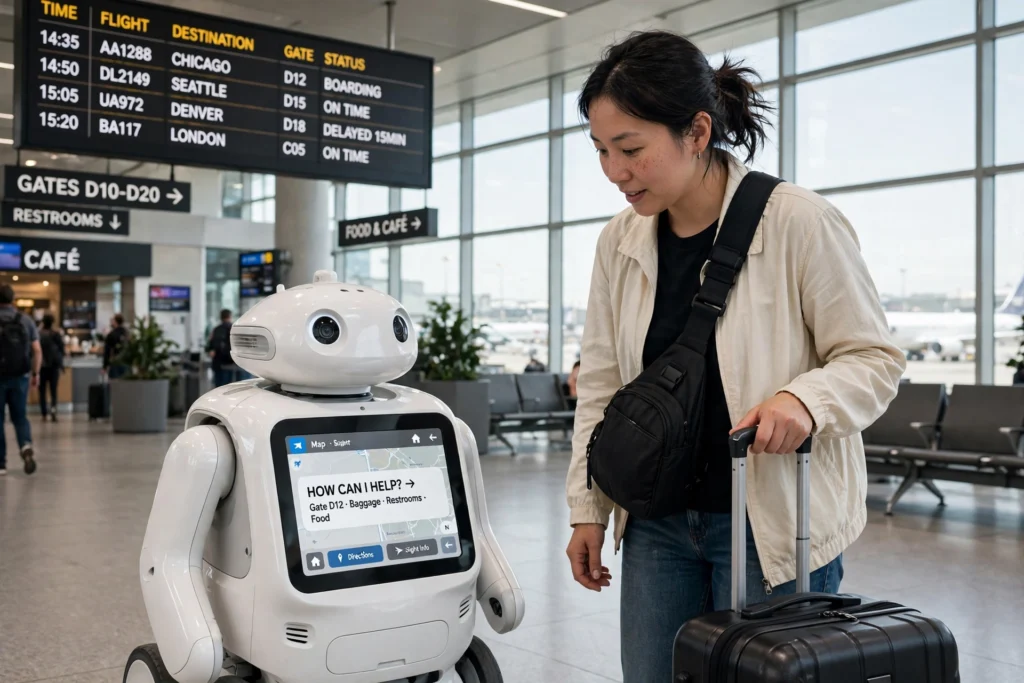
Airport robots work by combining detailed terminal maps, sensors, and cameras to move safely through busy concourses. They follow set routes, slow down or stop when someone steps in front of them, and head back to a charging dock when their battery runs low. Some guide travellers to the right gate, some scrub the floors, and some carry bags — but each one sticks to a job it can do reliably, and hands anything tricky to a human.
Key Takeaways
- Airport robots navigate with pre-loaded maps, lidar, cameras, and floor sensors.
- They handle routine jobs: guiding travellers, cleaning floors, moving bags, and answering common questions.
- They slow down or stop around people, and call for human help when they get stuck.
- They charge themselves between jobs and send fault reports to a control team.
- They assist airport staff rather than replacing them.
What jobs do airport robots actually do?
Walk through a large airport today and you might meet a robot before you meet a person. The most common ones are guide robots: waist-high machines with a touchscreen that can walk you to your gate, point you towards the nearest lift, or answer a question about your flight.
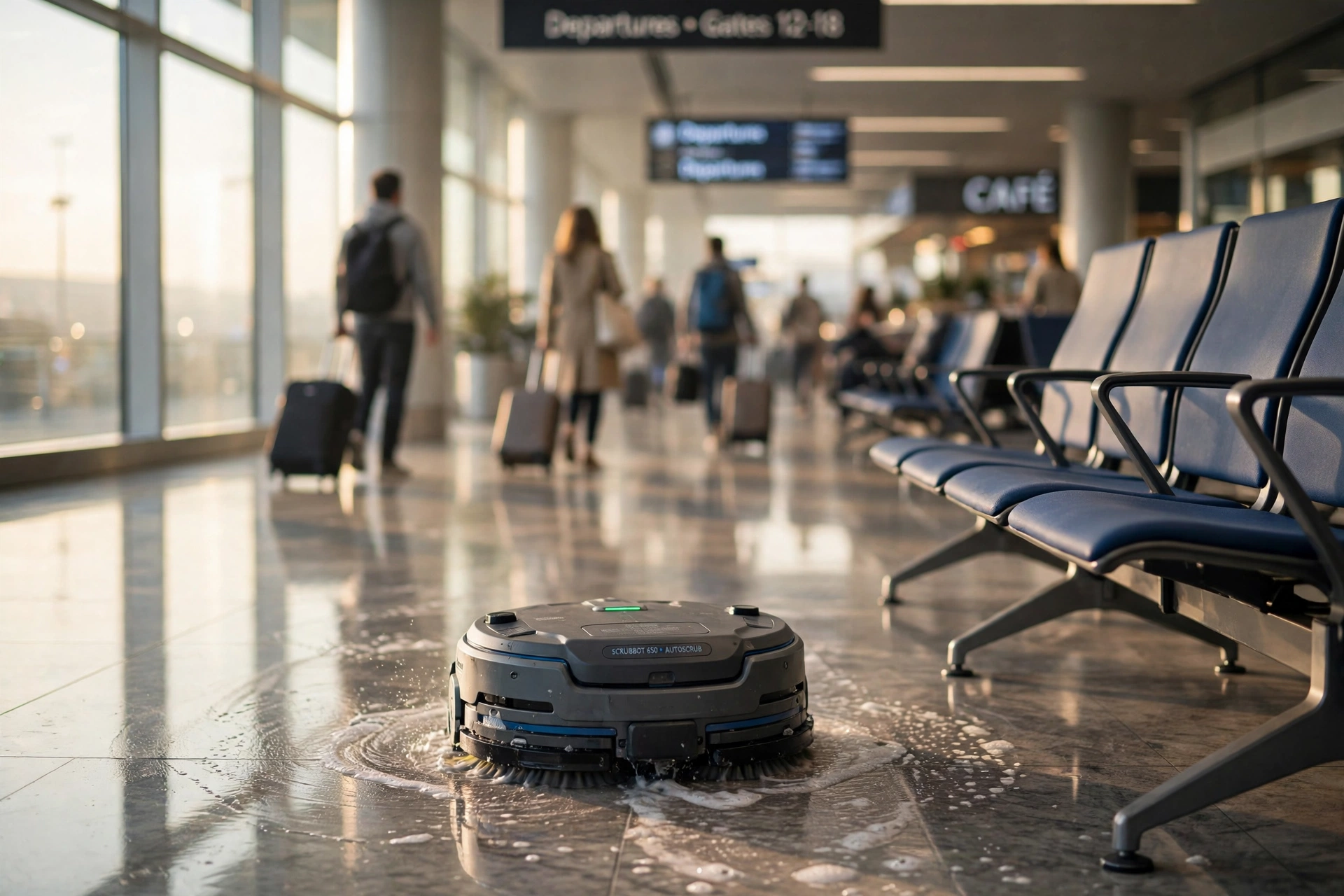
Then there are the cleaners. Big floor-scrubbing robots trundle along the concourse once the crowds thin out, washing and drying the floor as they go. They work a lot like the robot vacuums many people have at home, just on a much bigger scale, with larger tanks and wider brushes.
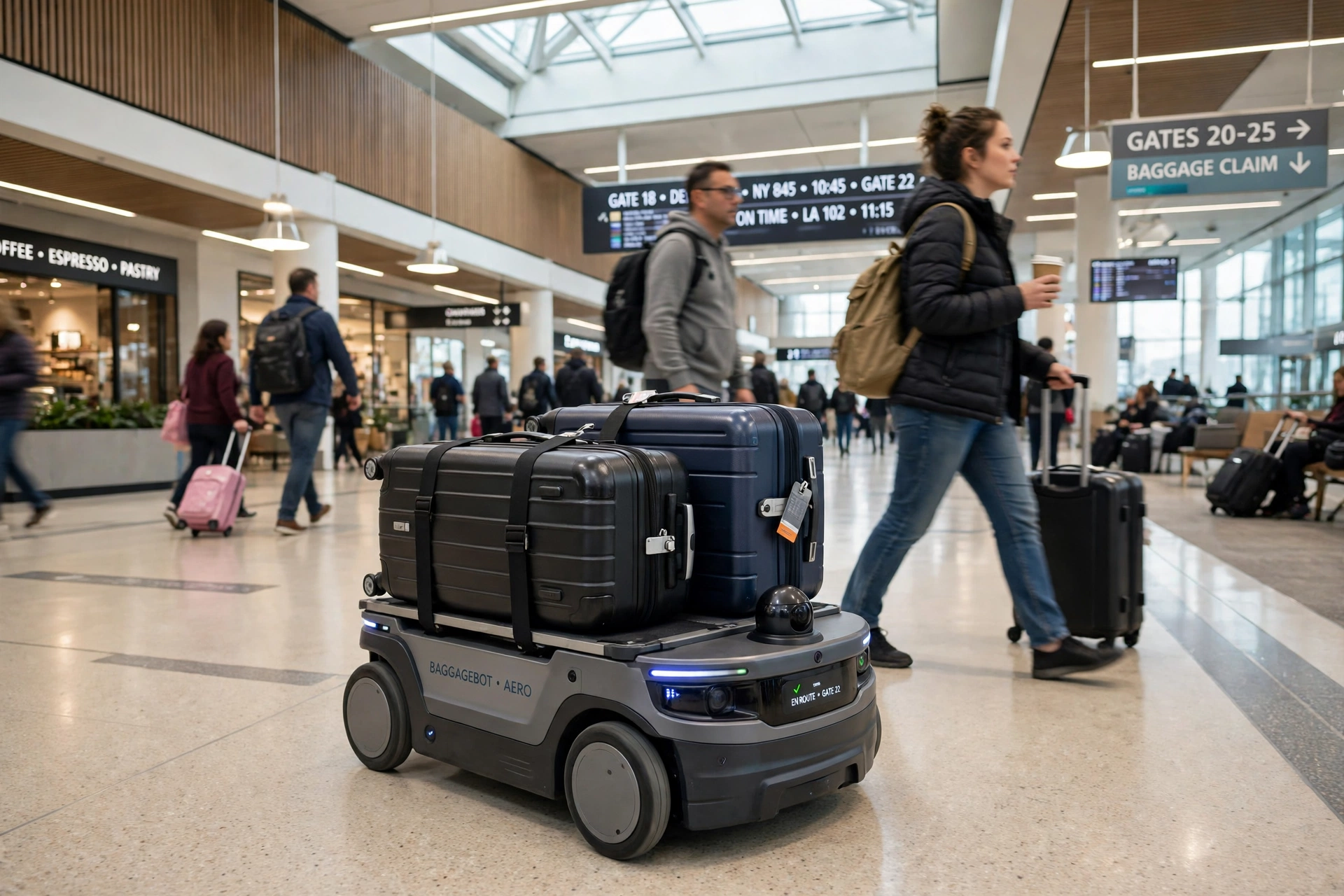
A third group moves things. Baggage robots can carry a suitcase from check-in to a collection point. They share a lot of thinking with delivery robots — only inside an airport, the “road” is a polished floor and the traffic is people pulling wheeled cases.
Finally, some airports use patrol robots fitted with cameras. Like the security patrol robots used in offices and car parks, they follow a route, watch for anything unusual, and alert a human operator instead of acting on their own.
How do airport robots find their way around a terminal?
An airport robot never just wanders. Before its first shift, staff load it with a detailed map of the terminal: gates, lifts, walkways, no-go zones, and the location of its charging dock. The robot then works out where it is by matching what its sensors see against that map — a method called localisation.
Most robots use lidar, which sweeps a laser around the machine and measures how far away walls, pillars, and benches are. Cameras add detail, reading signs and spotting floor markings. Together, these readings let the robot follow a route to within a few centimetres, even in a hall full of moving people.
Routes are planned to avoid the worst pinch points. A guide robot will take the wide concourse rather than the narrow corridor beside a cafe. If a gate changes or a walkway closes, the map is updated and the robots learn the new route.
How do they stay safe around crowds?
Safety is built in layers. First, the robot moves slowly — usually at a walking pace or slower — so it can stop in time. Second, its sensors watch a bubble of space around it. When a person steps into that bubble, the robot slows down; when someone gets very close, it stops and waits.
Many robots also use sound and light to make their intentions clear. A soft chime or a flashing strip of light tells people the machine is about to turn or reverse.
Behind the scenes, there is always a human watching. A control team monitors the fleet on a dashboard and can take over a robot remotely if something looks wrong. That is why a robot sometimes pauses at the edge of a walkway: it is waiting for instructions rather than guessing.
What happens when a robot gets stuck or runs low on battery?
A stuck robot is not a broken robot — it is a robot doing its job properly. When its path is blocked, the robot stops, waits, and tries a different route. If that fails, it sends an alert to the control team with its exact location, and a member of staff comes to help.
Batteries are handled the same way. A robot watches its own charge level and, when it drops below a set point, finishes its current task and drives itself back to a charging dock. This is similar to how a hotel robot returns to its base between deliveries. Cleaning robots usually charge overnight, while guide robots top up during quiet spells in the afternoon.
Brushes, sensors, and software are serviced during off-peak hours, so faults are caught before the morning rush.
Do airport robots replace airport staff?
Not really — they take on the repetitive work so staff can focus on the human part of the job. A robot can answer “Where is gate B12?” a hundred times a day, but it cannot calm a nervous flyer or sort out a missed connection. That is still people’s work.
What changes is the shape of the job. Instead of pushing a floor scrubber for hours, a cleaner supervises a small fleet of machines and steps in when one needs help. They are, in short, service robots — machines built to handle routine tasks alongside people, as described in the Wikipedia overview of service robots and the Britannica guide to robotics.
Frequently Asked Questions
Can airport robots go through security?
No. Robots work on the public side of the terminal, in departures and arrivals halls. They do not pass through security screening, and they cannot carry bags through it for you.
What happens if I bump into an airport robot?
Nothing dramatic. The robot will stop, wait for you to move, and then carry on. It treats people as something to avoid, not push past.
Do airport robots work at night?
Yes — night is when many of them do their best work. Cleaning robots run long shifts once the crowds thin out, and patrol robots keep their routes going around the clock.
Can an airport robot understand different languages?
Many guide robots offer a choice of languages on their touchscreen, which helps in international terminals. The touchscreen remains the reliable option in a noisy hall.
Are airport robots safe for children?
Yes. They move slowly, stop for anyone in their path, and have no sharp edges or hot parts at child height. Children do like to follow them, so parents still need to keep an eye out.
Conclusion
Airport robots are at their best when they stick to routine jobs: guiding travellers, cleaning floors, moving bags, and keeping watch along a set route. They navigate with maps and sensors, stop for people, charge themselves, and call for help when they get stuck. The staff are still the ones who solve real problems — the robots just clear the way.
Next time you are in a big terminal, look out for one. Watch how it slows near a crowd: that careful, unhurried behaviour is the whole idea. And if a guide robot offers to take you to your gate, let it — you will get there, and you will have seen a small piece of the airport’s future on the way.