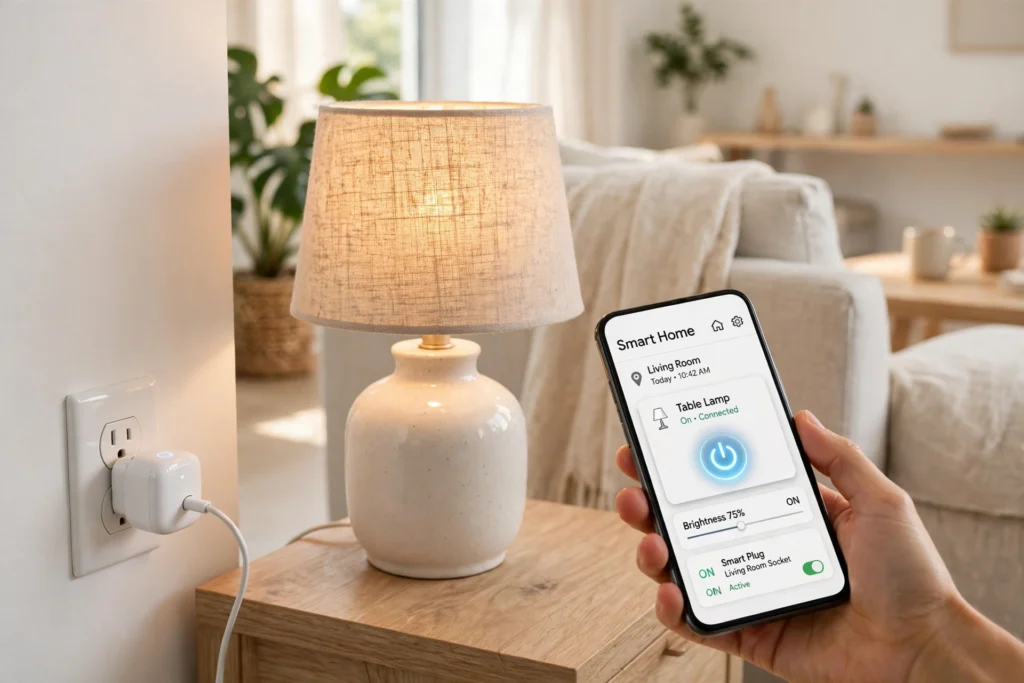
A smart plug works as a remote-controlled switch that sits between a wall socket and an ordinary appliance. Plug it in, connect it to your home Wi-Fi, and you can turn whatever is attached to it on or off from your phone, on a schedule, or with a voice command — no rewiring needed.
Key Takeaways
- A smart plug is a Wi-Fi switch that fits between a socket and any ordinary appliance.
- It turns “dumb” devices smart: lamps, fans, and coffee makers can be controlled from an app or by voice.
- Schedules and timers are where it earns its keep, not just remote on and off.
- Some models measure how much electricity the connected device uses.
- A smart plug only controls power; it cannot change a device’s own settings.
What sits inside a smart plug?
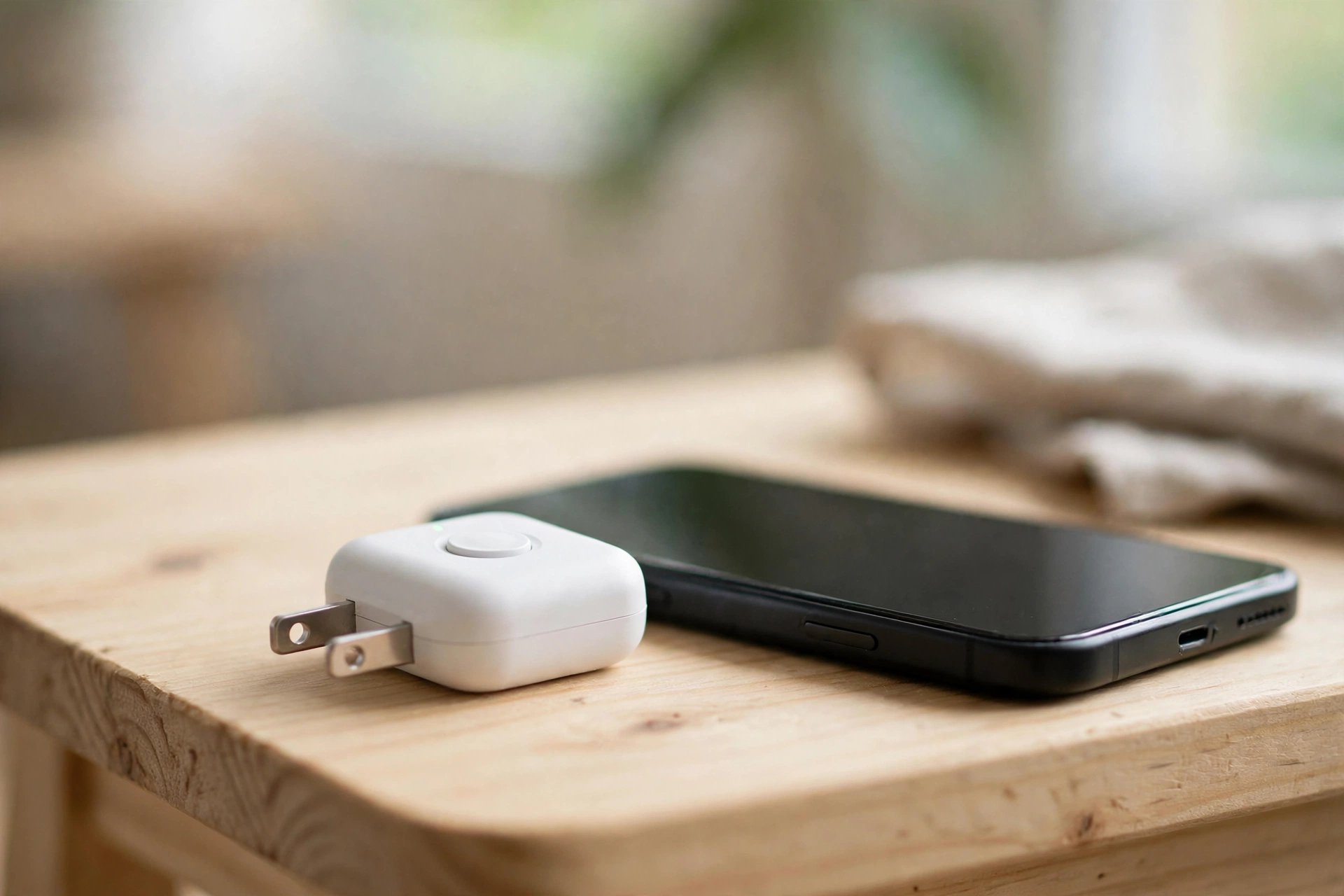
Inside a smart plug is a small relay, an electrical switch that opens or closes the connection between the socket and the device plugged into it. Around it sit a tiny Wi-Fi chip, a small processor, and a power supply that runs the electronics.
Most plugs also have a physical button and a small LED light. The button matters: if your Wi-Fi goes down, you can still switch the plug on and off by hand. The LED shows at a glance whether the plug is on, off, or waiting to be set up.
That simplicity is the point. A smart plug doesn’t try to understand your lamp. It just decides whether power reaches it.
How does a smart plug talk to your phone?
When you set up a smart plug, it joins your home Wi-Fi network, just like a phone or a laptop. You open the maker’s app, add the plug, and give it a name — “bedroom lamp” works better than “plug 3” once you own more than one.
From then on, the chain is short: your phone sends a command through the app, the maker’s cloud service passes it along, and the plug’s relay clicks open or shut, usually within a second or two. Some plugs also support local control, so they keep working on your home network even if your internet connection drops, though away-from-home control pauses until it returns.
Voice control adds one more link. When you ask a smart speaker to turn off the lamp, the speaker passes your request to the plug maker’s service, which flips the relay. So check the plug works with your assistant — Alexa, Google Assistant, or Apple HomeKit — before you buy.
What can you actually do with one?
The honest answer is: anything that is happy to start again when power returns. A lamp is the classic example. So is a fan, a coffee maker with a mechanical switch, a set of fairy lights, or a heater with a simple on-off dial.
The most satisfying use is the one you stop thinking about. A lamp that switches itself on at dusk and off at bedtime. A fan that runs for an hour after you fall asleep. A coffee maker that starts warming up ten minutes before your alarm. None of this needs a smart appliance — the plug does the thinking.
How do schedules and timers work?
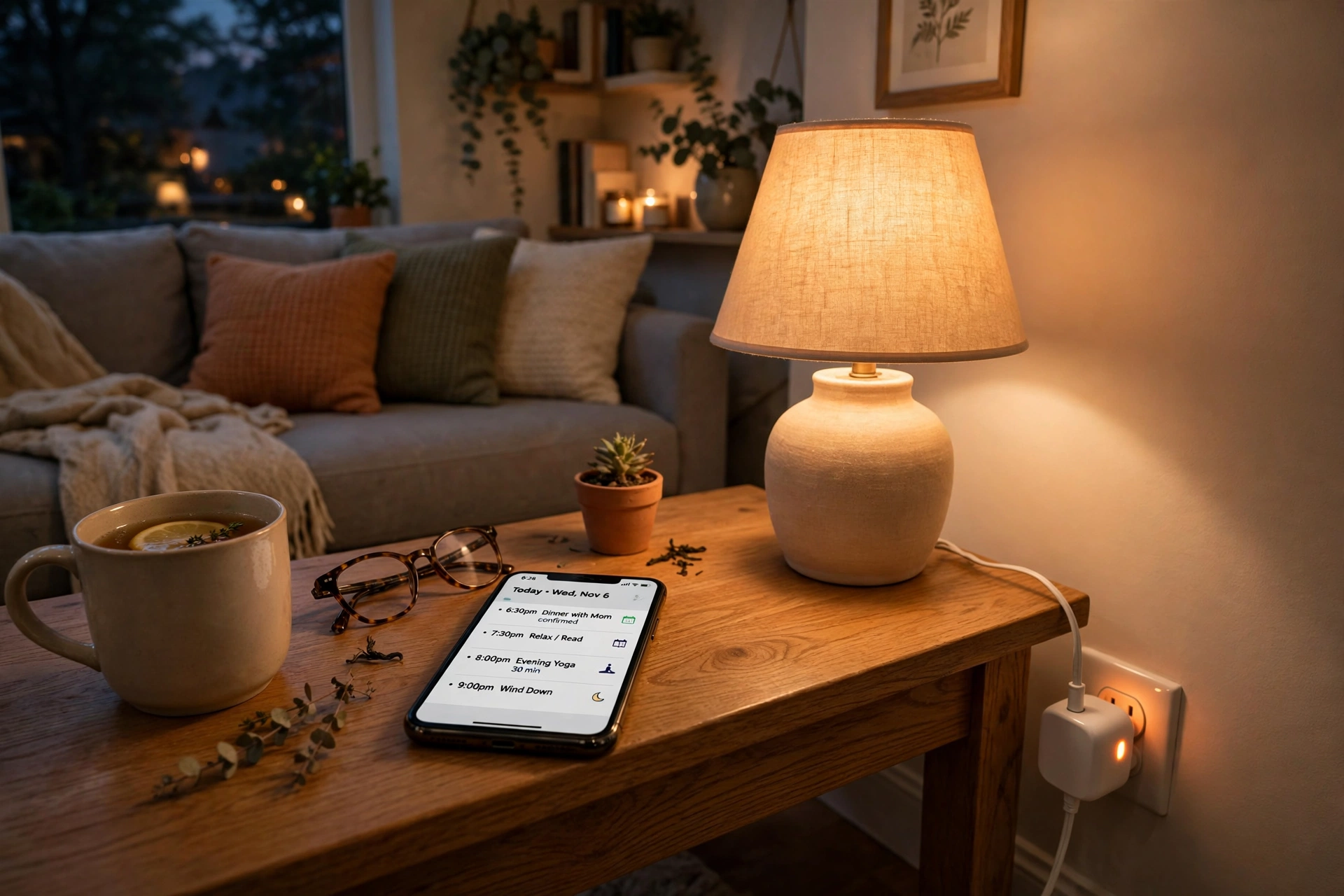
Schedules are the feature most owners end up using every day. In the app, you pick a plug, choose on and off times, and select the days they apply to. A lamp can come on at 6:30 pm on weekdays and stay off at weekends. A plug can switch a device off after a set countdown — handy for a fan you only want for an hour, or a charger you don’t want running all night.
Many apps also offer sunrise and sunset timing, so your lights follow the seasons instead of a fixed clock. And routines tie plugs together with other devices: a “good night” routine can lock the smart lock, turn down the smart thermostat, and switch off every plug in the house with one command.
If the plug has energy monitoring, the app shows how much electricity the connected device has used, usually in kilowatt-hours — useful for spotting a device that draws more than you expected.
Can a smart plug really save energy?
It can help, but it won’t work miracles. A smart plug saves energy in two ways: by switching things off that would otherwise sit idle, and by showing you what your devices actually use.
The first is the bigger win. Devices on standby — TVs, consoles, chargers, printers — quietly draw power all day. Switching them off at the plug overnight cuts that draw to nothing. It won’t transform your bill, but across several devices over a year, the saving is real.
The second is subtler: seeing that an old heater uses far more than a newer one changes how you use things. One honest caveat: a smart plug can’t make an inefficient appliance efficient. It can only control when it runs.
What should you check before buying one?
Start with the boring details, because they decide whether the plug works well in your home. First, check the size: some smart plugs are wide enough to block the socket next to them, which is annoying on a double outlet. Slim models exist for exactly this reason.
Second, check the maximum load rating, printed on the plug or its box. Most handle everyday devices easily, but heaters, kettles, and air conditioners draw far more current than a lamp. Never plug a high-power appliance into a plug rated below what it needs — the rating is a safety limit, not a suggestion.
Third, check compatibility: does it work with your voice assistant, and does it need a separate hub or connect straight to Wi-Fi? Hub-free Wi-Fi plugs are the simplest to set up. And if you want energy readings, make sure the model you pick actually measures power — not all of them do.
What a smart plug cannot do
A smart plug controls power, nothing more. It cannot dim a lamp that has no dimmer, change a fan’s speed, or set a heater’s temperature. If a device has electronic controls that reset when power is cut, the plug will switch it on but the device may sit waiting for a button press. Devices with a simple physical switch work best.
A smart plug also depends on your home network: if the Wi-Fi drops, remote control and cloud-stored schedules may stop until it returns. And never automate an appliance where an unexpected start could cause harm — a heater near curtains or a cooker left unattended. For more background, see the Wikipedia overview of smart plugs and How-To Geek’s explainer on what a smart plug is.
FAQs
Can a smart plug work without Wi-Fi?
Most Wi-Fi plugs need your home network for app and voice control, but the physical button still works by hand. Some models store schedules locally and keep running them without Wi-Fi. Bluetooth plugs work without Wi-Fi but only within range of your phone.
Do smart plugs use a lot of electricity themselves?
No. A plug draws a very small amount of power to run its own Wi-Fi chip — far less than the standby power it can save by switching off the device plugged into it.
Can I use a smart plug with a kettle or heater?
Only if the plug’s maximum load rating covers the appliance. Kettles and heaters draw high current, and many standard plugs are not rated for them. Check the rating first, and never automate a heater or cooker unattended.
Will a smart plug work with Alexa or Google Home?
Most do, but not all, so check before you buy. Look for the “Works with Alexa”, “Works with Google Home”, or “Works with Apple HomeKit” badge for the assistant you use.
Can a smart plug turn on a TV?
It can restore power to a TV, but most modern TVs stay in standby when power returns and wait for the remote. A smart plug works best with devices that have a simple physical switch and resume as soon as power is restored.
Conclusion
A smart plug is one of the cheapest ways to make a home feel smart, because it doesn’t ask you to replace anything. It takes the lamps, fans, and heaters you already own and gives them schedules, voice control, and remote switching for the price of a takeaway.
Start with one plug and one lamp — the one you always forget to switch off. Set a schedule, try a voice command, and see how it fits your routine. If it earns its place, add more. If it doesn’t, you’ve spent very little finding out.