
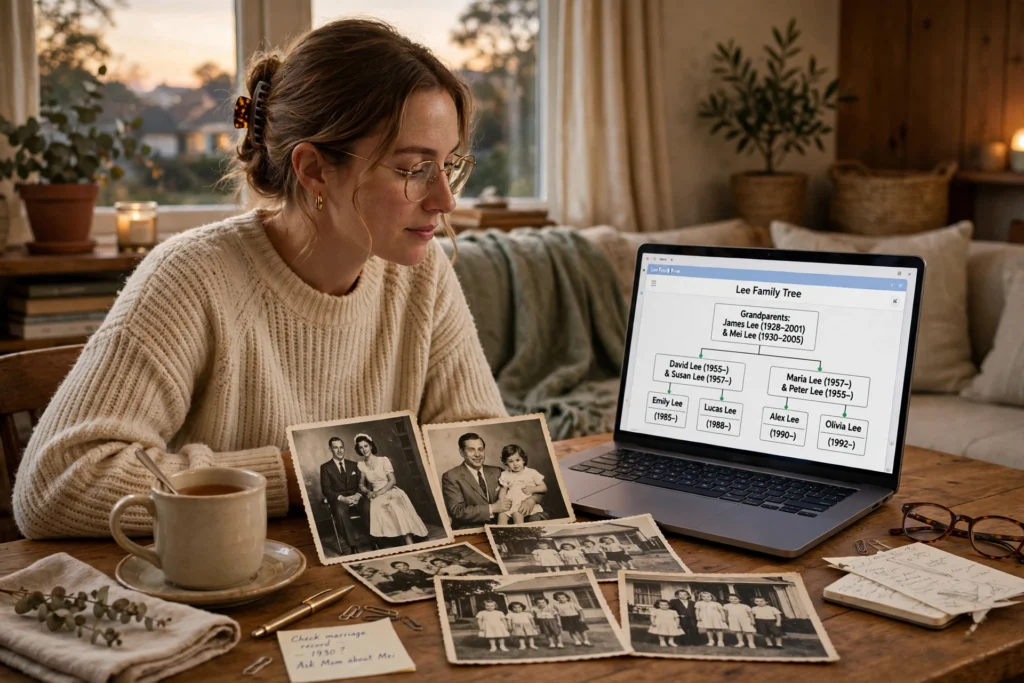
Yes — AI in genealogy can read old handwriting, search huge record collections in seconds, and suggest relatives you might never have found on your own. It works best as a tireless research assistant, not a replacement for your judgement: every name, date, and connection it suggests still needs checking against the original record.
Key Takeaways
- AI speeds up the slow parts of family history: reading handwriting, searching records, and translating old documents.
- Record hints are suggestions, not facts — open the original document before accepting one.
- DNA matching points to real relatives, but gives estimates, not a finished tree.
- AI can invent people and dates when it has too little to work with.
- Keep living relatives’ details and DNA data private.
What does AI actually do in genealogy?
At its simplest, artificial intelligence in genealogy is pattern matching at a scale no person could manage by hand. You give it names, dates, and places you already know, and it looks for those same details across census returns, birth and marriage registers, passenger lists, military records, and newspapers — then flags likely matches as hints for you to check.
That is the same kind of machine learning behind many other AI tools: the system learns what a matching record looks like from millions of examples, then applies that judgement to your family. It does not know your family, and it cannot tell a correct match from a coincidence. It ranks possibilities, and you decide.
How does AI read old handwriting?
Old records are the hardest part of family history. Faded ink, cramped handwriting, abbreviations, and Latin terms slow everyone down, and a parish register from 1800 can take an evening to work through line by line.
AI handwriting tools take a photo or scan of the page and produce a first-pass transcription in seconds. Read the typed version alongside the original, correct the mistakes, and move on. General-purpose AI assistants that accept image uploads can do the same job. The same approach works for letters and diaries: paste in a transcribed will and ask the AI to pull out every name, date, place, and relationship into a tidy list.
Can AI match your DNA to relatives?
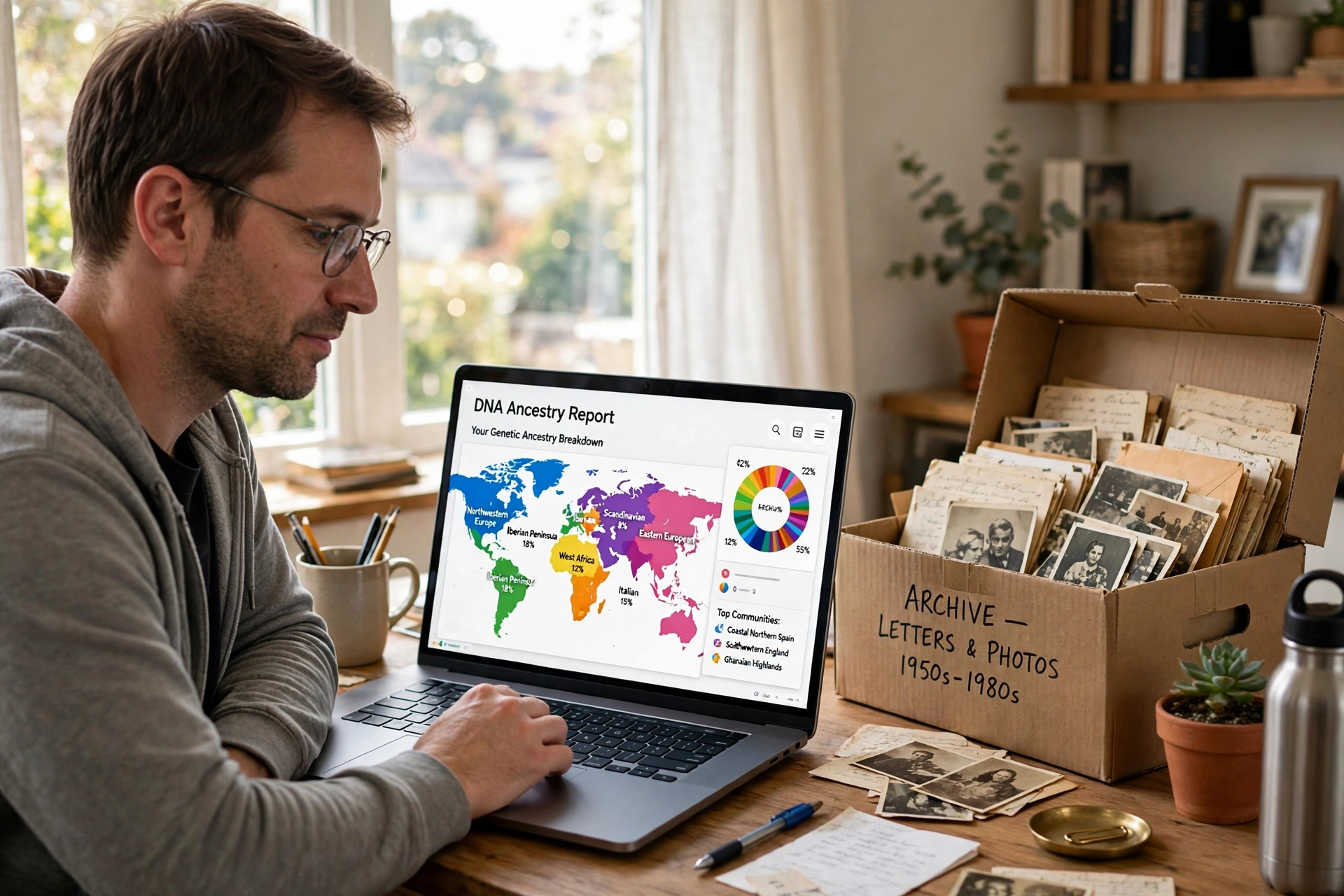
Yes, and this is where AI in genealogy feels most like magic. A DNA test compares your genetic markers with a database of other testers and estimates how closely you are related to each one. Close matches come with shared DNA segments the system has measured, and the site can suggest how you might be connected.
What DNA cannot do is name the connection for you. It can say that you and another tester probably share great-great-grandparents, but it cannot say which ones. That part still takes records: compare trees, look for shared surnames and places, and narrow it down together. DNA results are also estimates, not certainties — treat an ethnicity breakdown as a clue about where to look next, not a final answer.
What can AI do with your old family photos?
AI photo tools can sharpen a faded portrait, remove scratches, and even add colour to a black-and-white image. A photo of your great-grandmother that has sat in a drawer for decades can suddenly look like it was taken yesterday. Some sites also use face matching to suggest that an unnamed person in one photo is the same person named in another — useful, but a suggestion, not proof. Start with one photo, compare the restored version with the original, and keep the original file untouched.
What can go wrong when AI builds your tree?
The biggest risk is also the easiest to miss: AI fills gaps with confident guesses. Ask a chatbot to build your family tree back to 1700 from three names, and it may happily produce eight generations. The extra people are inventions, presented in the same calm voice as the real ones.
Common names cause the second problem. A hint system can match your John Smith to the wrong John Smith — same name, same county, different family — and if you accept the hint without reading the record, the wrong branch grows into your tree. The third problem is subtler: records themselves contain mistakes, and AI repeats them faithfully. Your job is to notice when two records disagree and work out which is right.
AI versus manual research
| Task | AI | Doing it by hand |
|---|---|---|
| Reading one handwritten page | Seconds, as a first draft | An evening of careful work |
| Searching thousands of records | Seconds, ranked by likely match | Weeks of archive visits |
| Translating a foreign record | Minutes, good enough to follow | Slow, or needs a translator |
| Spotting a possible relative | Instant hints from records and DNA | Years of patient cross-checking |
| Verifying a fact | Cannot do it — that is your job | Reading the original document |
AI is fast at finding and reading, and useless at deciding. The judgement stays with you.
A worked example: one faded census page
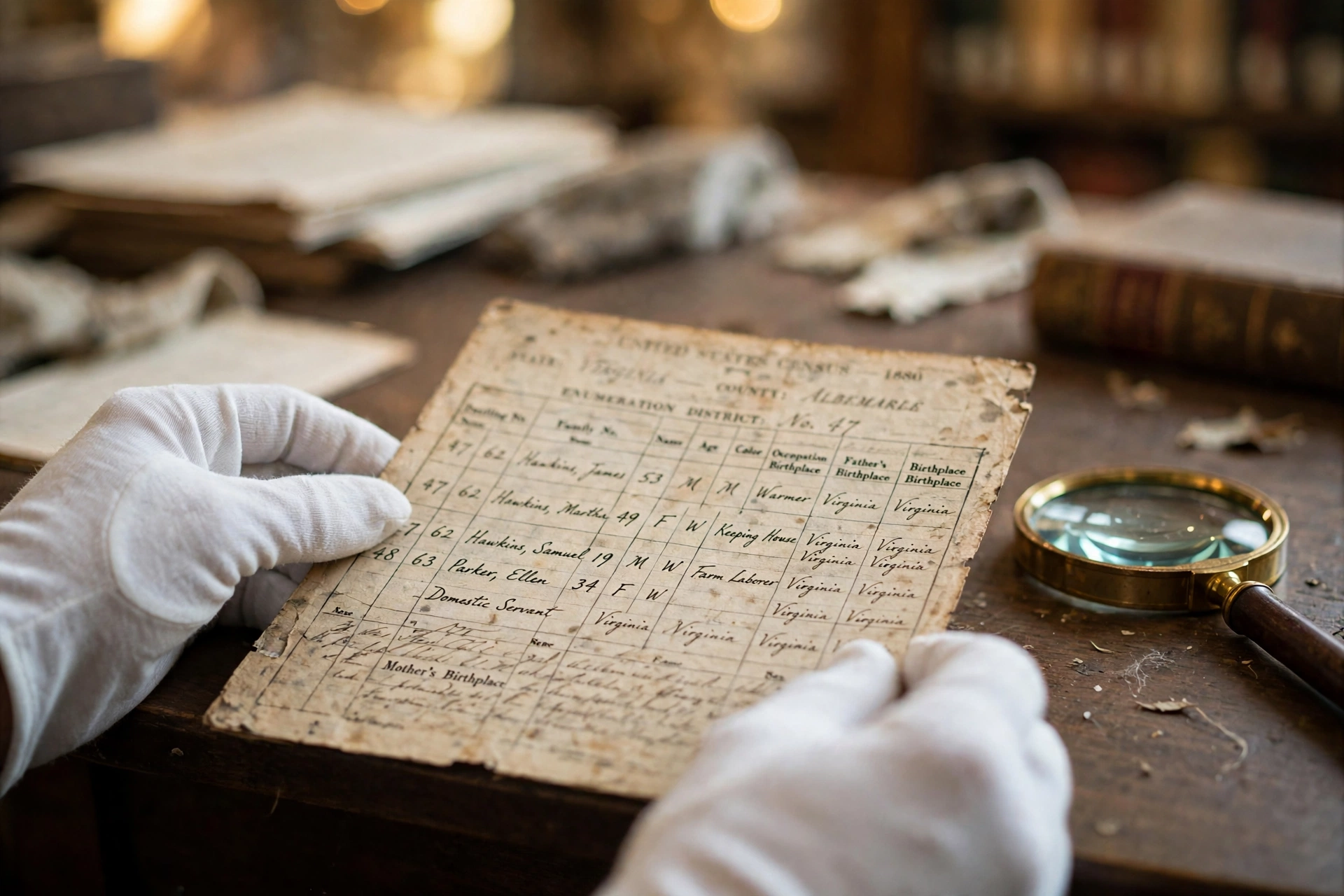
Imagine you upload a faded 1880 census page listing a farming family in Virginia: a father of 53, his wife of 49, and a son of 19, all born in the same state. In a minute, an AI tool transcribes the handwriting, pulls out the names, ages, and birthplaces, and suggests the same family in the 1870 census at the same address.
Now check it yourself: open the 1870 page and compare the names, ages, and birthplaces. The father should be about ten years younger, the son about nine. If they fit, you have a solid link. If not, you caught a wrong match before it spread — worth more than the hour the AI saved you.
How to use AI for family history without filling your tree with errors
Start with what you know. Write down your parents, grandparents, and great-grandparents from family knowledge first, with the dates and places you are sure of. The more solid facts you give the AI, the better its matches will be.
Then work in a simple loop. Let the AI suggest a record, open the original document, and compare every detail — name, birth year, and birthplace — against what you already know. If all three match, accept it. If one does not, pause and look for another explanation. Keep a short note with each person saying which record supports each fact, and keep living relatives’ details private.
Frequently asked questions
Can AI find my ancestors on its own?
No. AI can suggest records and possible relatives, but it cannot research for you. It needs the names, dates, and places you already know, and every suggestion has to be checked against an original record before it belongs in your tree.
Is AI genealogy free?
Partly. FamilySearch is free and offers a large collection of records, and many AI assistants have free tiers for transcription and translation. The big commercial sites charge a subscription for full record access and DNA matching, though most offer a free trial.
How accurate are AI transcriptions of old records?
Good enough to be useful, never perfect. Clear printed text comes out nearly clean, while faded handwriting in an unfamiliar script can produce several errors per page. Always proofread the transcription against the original image.
Can AI translate old records in other languages?
Yes, and this is one of its strongest uses. A parish register in Latin or a census in French can be transcribed and translated well enough to follow, which opens up branches of a family that would otherwise stay closed. Check key names and dates in the original, since translation tools sometimes tidy a name into the wrong spelling.
Conclusion
AI in genealogy is at its best doing the slow, tiring work — reading faded handwriting, searching huge collections, translating old records — while you keep the decisions. Start with the facts you know, let the AI suggest the next record, and check it against the original. Your next step: pick one grandparent, gather what you know, and let a free record search suggest one document. Open it and see where it leads.
Further reading: FamilySearch — https://www.familysearch.org/en/ and MyHeritage — https://www.myheritage.com/