
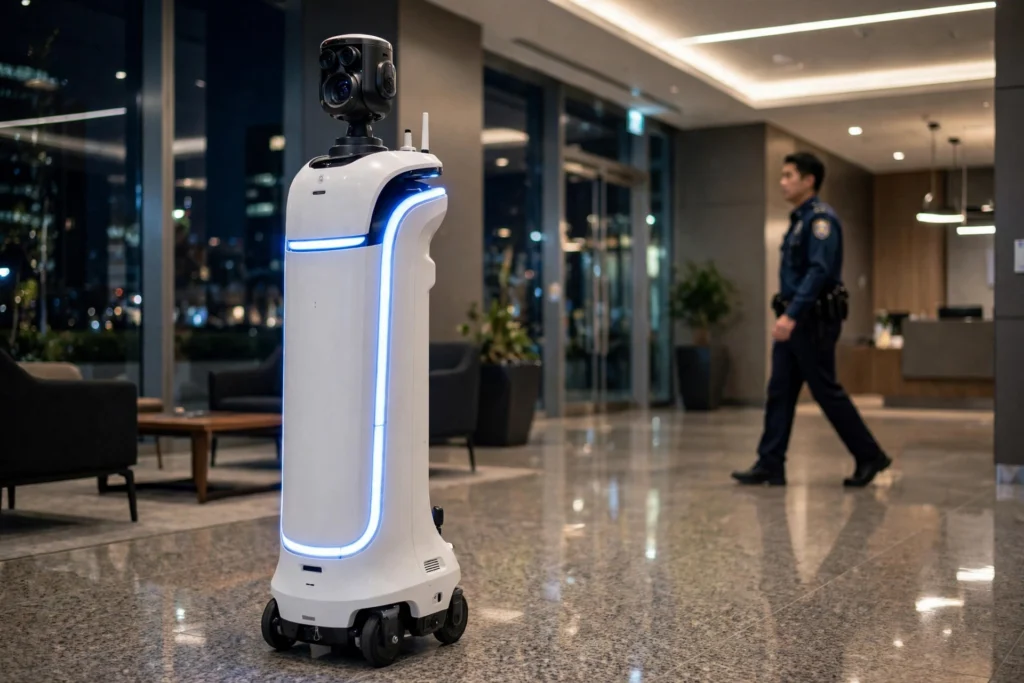
A security robot is a mobile machine that patrols a building, car park, warehouse, or outdoor site, watches for anything unusual, and alerts a human guard when it finds something worth checking. It does not replace people, but it can keep watch through the night, cover the same route again and again, and record what it sees.
Key Takeaways
- Security robots patrol set routes, using maps, cameras, and sensors to move safely around people and obstacles.
- They are best at steady observation: recording video, noting open doors, and flagging changes in a familiar area.
- When something looks wrong, most robots alert a human operator rather than acting on their own.
- They work best in mapped, fairly predictable places, and still struggle with stairs, bad weather, and crowded, changing spaces.
- Privacy, data storage, and clear rules about who reviews footage matter as much as the robot’s sensors.
What exactly is a security robot?
Picture a waist-high machine on wheels, or sometimes a taller, slimmer unit, rolling slowly through a lobby or across a car park. On top, or around its body, sit cameras that can look in several directions. Inside are motors, a battery, a computer, and a radio link back to a control room. Some models add a screen, a speaker, or a light strip so people nearby can see that the robot is on patrol and know where it is heading.
Unlike a fixed camera, a security robot moves. That movement is the point. A fixed camera watches one corner very well and nothing else. A robot can check a loading bay, then a stairwell door, then a car park aisle, in the same round. It can also return to the same spots at regular intervals, so a door left open at 2 a.m. is more likely to be noticed than if someone only walked past once.
That said, a security robot is not a guard in a metal body. It cannot open a locked door by force, calm a confrontation, or decide on its own that someone is a threat. Its job is narrower: patrol, observe, record, and report. The judgement still belongs to people.
How does a security robot patrol?
Before a robot starts work, its patrol area is mapped. Indoors, that map may come from floor plans plus a slow first run in which the robot records walls, doorways, and corridors. Outdoors, satellite positioning helps, but the robot still relies on nearby landmarks, kerbs, and marked paths, because satellite signals alone are not precise enough to keep it out of a flower bed or a puddle.
Once the map is ready, operators set checkpoints: the main entrance, a fire exit, a storage room door, a far corner of the car park. The robot travels between them in order, or in a pattern that varies a little so its route is less predictable. As it moves, it constantly compares what its sensors see with the map. If a corridor is blocked by a delivery trolley, it slows, tries a small detour, or waits. If the blockage stays, it reports the problem and moves on when it can.
Most robots also know when to go home. When the battery runs low, the robot returns to a charging dock, tops up, and resumes its round. That self-charging habit is what lets it work through a long night shift without someone plugging it in by hand, much like a robot vacuum returning to its dock, only on a larger, outdoor-capable scale.
What sensors does a security robot use?
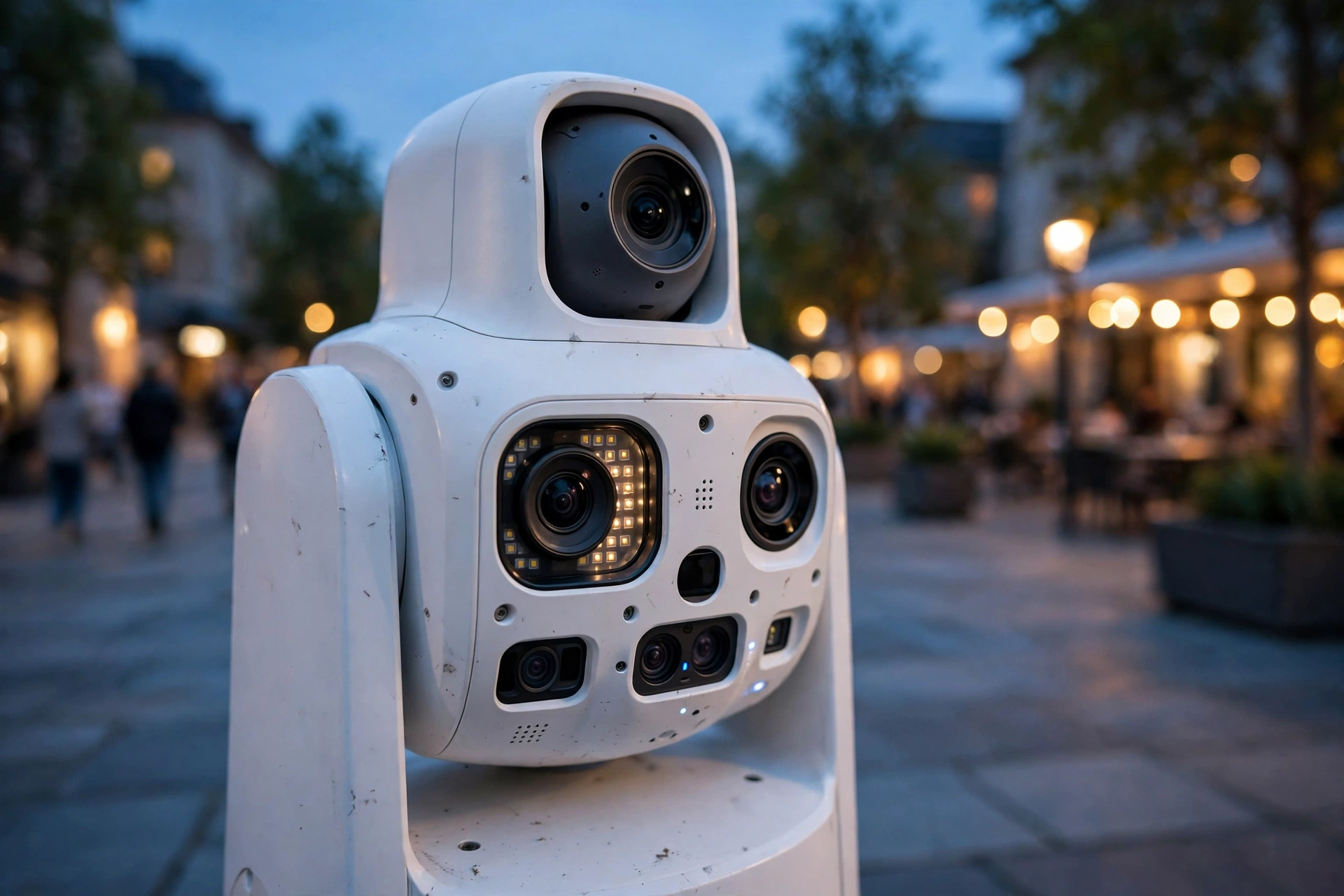
A security robot rarely trusts one sensor alone. Cameras are the most obvious: wide-angle lenses watch the area ahead and to the sides, while a pan-and-tilt camera can zoom in on a door handle, a number plate, or a person standing in a restricted zone. At night, infrared lighting helps the camera see in the dark without flooding the area with visible light.
Other sensors fill in what cameras cannot. Laser scanners measure distance to walls, furniture, and people, building a live outline of the space around the robot. Ultrasonic sensors catch close obstacles that a camera might miss. Some robots carry microphones, thermal cameras, or air sensors that can pick up heat, smoke, or unusual sounds. Together, these inputs help the robot answer three simple questions: where am I, what is near me, and has anything changed since my last round?
Software then looks for differences. A door that was closed and is now open, a person in a closed area after hours, or a vehicle parked where none was before can all trigger a closer look. The robot does not need to understand why the change happened. It only needs to record it clearly and pass it to a human who can.
How does a security robot avoid people and obstacles?
Safety comes first, and speed is deliberately kept low. A patrolling robot usually moves at walking pace or slower, which gives it time to stop and gives people time to step aside. Its laser scanner and cameras watch for legs, bags, wheelchairs, and pets, and its software keeps a safety gap around moving objects.
If someone walks directly in front of it, the robot stops or steers around them. In a busy lobby, that can look hesitant, but hesitation is safer than pushing through a crowd. Some robots also use sound or a light signal to announce themselves, which helps in a quiet corridor where a silent machine could startle someone turning a corner.
Stairs are still a hard limit for most wheeled security robots. They can use lifts where the building system allows it, or they stick to one floor. Ramps, thresholds, and wet floors can also slow them down, which is why a patrol route is usually tested in person before the robot is left to run it alone.
What happens when a security robot spots something unusual?
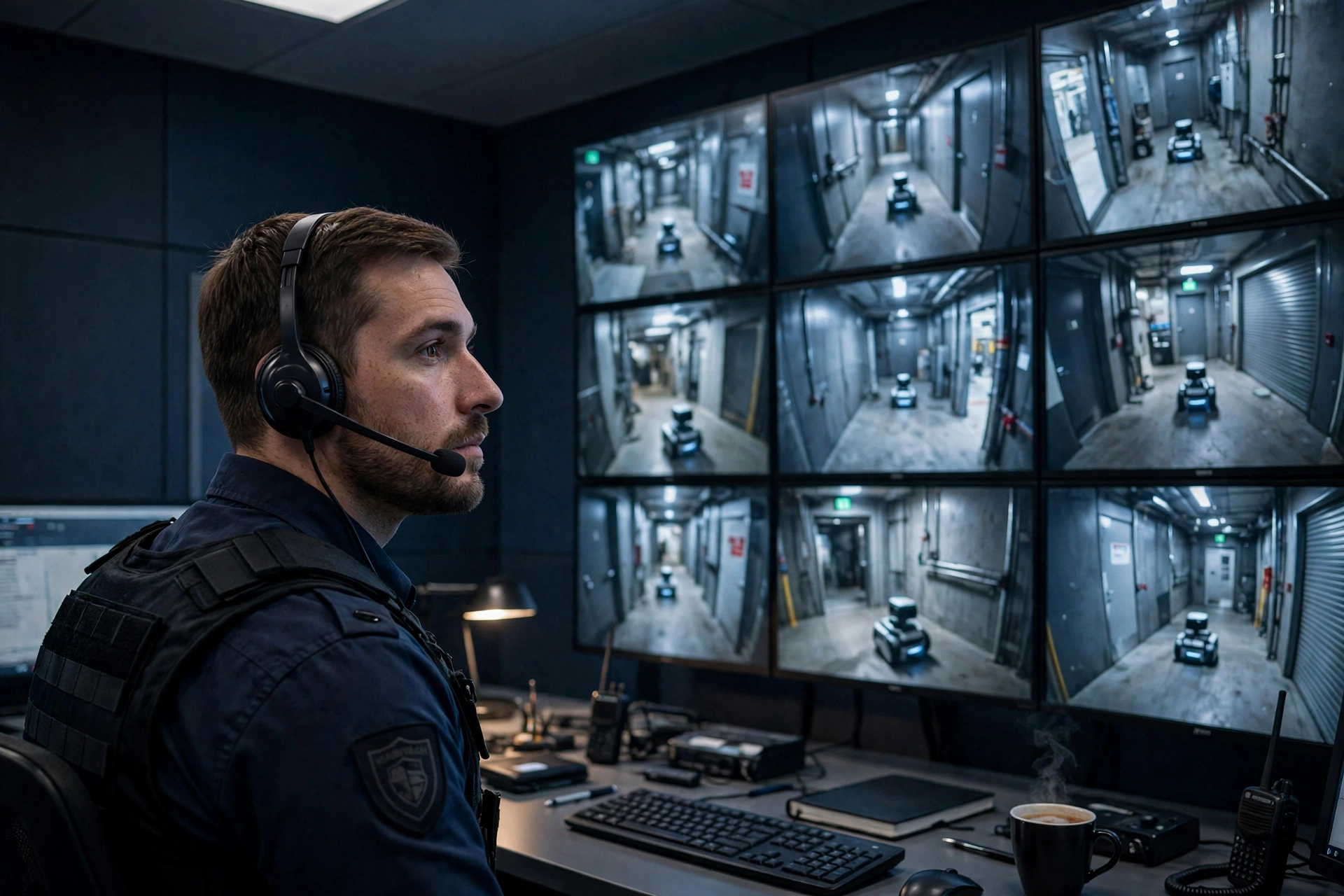
This is where the human link matters most. When the robot’s software flags an event — an open door, movement in a restricted area, a loud sound — it usually sends an alert with video and its location to a control room or a guard’s phone. The operator can then watch the live feed, speak through the robot’s speaker if it has one, or send a guard to check in person.
Some robots can take a first, low-risk step on their own. They might move closer for a clearer view, switch on a light, or play a recorded message asking a person to leave a restricted area. They do not chase people, use force, or lock anyone in. If the situation looks serious, the operator calls the site’s security team or the emergency services, just as a human guard would.
That division of labour is the honest way to describe these machines. The robot is good at being present, patient, and consistent. The human is good at context: knowing whether a person in a corridor is a cleaner on a late shift, a lost visitor, or someone who should not be there at all.
Where are security robots used?
You will find them in places that are large, repetitive, or hard to staff around the clock. Warehouses use them to check aisles and loading docks overnight, when a full human patrol would be costly and tiring. Office parks and campuses use them for car parks and perimeters, where the same route needs checking many times. Hospitals and shopping centres sometimes use them for corridors and entrances, where a visible patrol can also reassure visitors.
Outdoor sites bring extra challenges. Rain can blur cameras, wind can push a light robot off course, and uneven ground can wear down wheels. For that reason, outdoor models are usually sturdier, with bigger wheels, weather covers, and longer battery life, and they still pause or return to base in severe weather. Indoor models, by contrast, can be smaller and quieter, since they work on flat floors in controlled light.
Related machines show how the same idea adapts to different jobs. Warehouse robots move goods along flat, predictable floors, robot arms stay in one place and work with precision, and inspection robots crawl into pipes and tanks to look for faults. Security robots sit between those worlds: they move through real, changing spaces, but their main product is information, not a cleaned floor or a moved pallet.
For wider background, see Britannica’s robotics overview and Wikipedia’s autonomous mobile robot article.
What are the limits of security robots?
Battery life is the first limit. A robot that patrols for a few hours and then charges for a few more needs careful scheduling, or more than one robot to cover a full day. Signal range is another: in a basement, a metal-heavy warehouse, or a site with weak Wi-Fi, the live feed can lag or drop, and the robot may need to store footage and send it later.
Weather, crowds, and clutter all reduce reliability. A busy entrance at rush hour, a corridor full of delivery boxes, or a car park with moving vehicles can confuse even a good sensor set. Robots also struggle with judgement calls. A camera can record a person, but it cannot reliably tell intent, and software that flags too much becomes noise that guards learn to ignore.
Cost matters too. A capable robot, plus its charging dock, software, data storage, and human monitoring, is an investment. For a small site with one entrance and a short patrol route, a human guard or a few well-placed cameras may still be the simpler, cheaper choice. Robots earn their keep where the area is large, the hours are long, and the patrol is repetitive.
What about privacy and data?
A patrolling camera raises fair questions. Who sees the footage, how long is it kept, and is it used only for security? Good practice is to keep the answers simple and written down: record only the patrol area, store footage for a limited time, restrict access to named staff, and tell staff and visitors that a robot patrol is in use. Facial recognition, if used at all, should be a separate, explicit decision with its own rules, not a silent extra switched on by default.
For a home or small business, the same principle applies on a smaller scale. A robot that watches a driveway or a shop floor should not also record neighbours’ gardens or a public pavement in detail without a clear reason. Checking local rules before deployment is worth the time, because the rules for recording in public and private spaces differ by place.
FAQs
Can a security robot work alone all night?
It can patrol alone for long stretches, but it still needs human oversight. Operators review alerts, handle charging and maintenance, and decide what to do when something unusual appears. Think of it as a night watch with a human on call, not a fully independent guard.
Can a security robot stop an intruder?
No, not by force. It can record, alert a guard, speak a warning through a speaker, and track where a person goes, but it cannot restrain someone or replace a human response. Its strength is early warning, not intervention.
Do security robots work outdoors in rain?
Some outdoor models handle light rain, with covered cameras and sturdy wheels, but heavy rain, snow, and strong wind reduce visibility and grip. Many services slow down, shorten routes, or pause in severe weather rather than risk a blind or stuck robot.
Are security robots safe around children and pets?
They are designed to move slowly, keep a gap, and stop when something is close, which makes accidental contact unlikely. Still, children should not climb on a robot, and pets should be kept on a lead near one, because a sudden movement can confuse its sensors.
What should a buyer check before choosing a security robot?
Start with the patrol: floor type, stairs, outdoor sections, and Wi-Fi coverage. Then check camera quality at night, battery and charging time, how alerts reach a guard, how long footage is stored, and whether the supplier offers maintenance. A short trial on the real route will reveal more than a brochure.
Conclusion: start with one route, not a whole site
If you manage a building or a site, a practical next step is to pick one repetitive route — a car park loop, a warehouse aisle, or a lobby-to-loading-bay round — and trial a security robot there for a few weeks. Note what it flags, what it misses, and how quickly guards can respond to its alerts. That short, real-world test will tell you whether a robot patrol saves time and improves coverage, or whether your site is better served by people and fixed cameras for now. Either answer is useful, and it is far better than buying a fleet on the strength of a demonstration alone.