
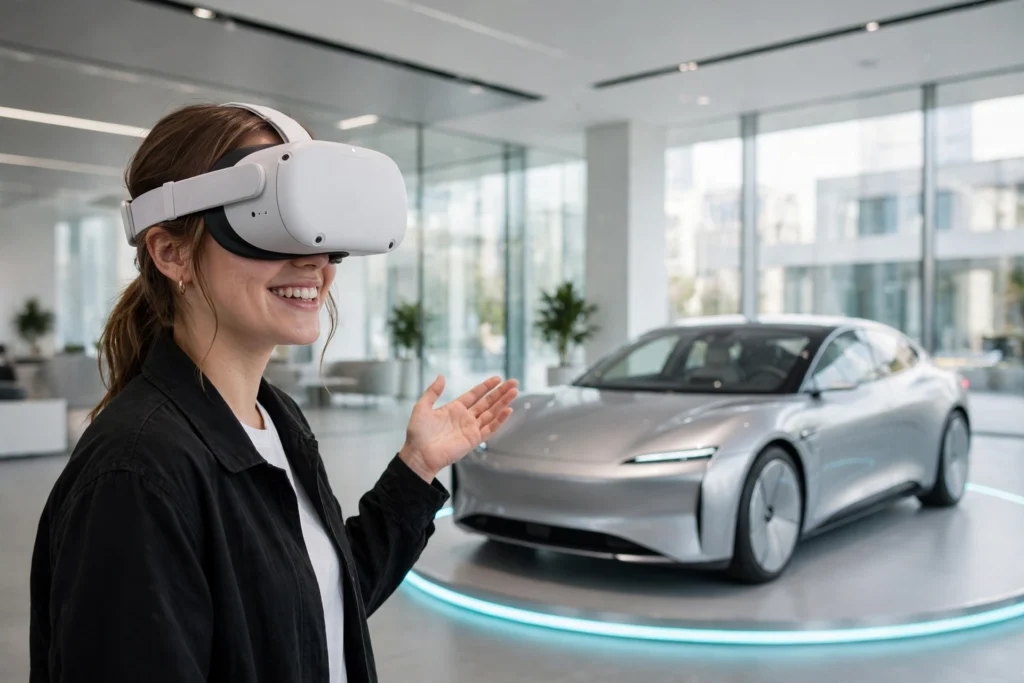
VR car shopping lets you walk around a car, sit inside it, and even take a virtual test drive without leaving your living room. A headset shows you a detailed 3D model of the vehicle, and your head movements steer the view, so it feels a lot like standing in a real showroom.
Key Takeaways
- A virtual showroom is a 3D replica of a dealership you visit through a VR headset or a web browser.
- You can walk around the car, change colours and trims, and inspect the interior up close.
- Virtual test drives show the view from the driver’s seat, but they can’t reproduce how a car feels on the road.
- VR is best for narrowing down your shortlist before a real test drive, not for replacing one.
- Always check prices, warranty terms, and return policies with the dealer.
What Is a Virtual Car Showroom?
A virtual car showroom is a digital copy of a dealership that you explore from home. Instead of rows of cars under bright lights, you get a 3D space on your screen or inside a headset. You can move between models, look at each one from every angle, and open the doors to peek inside — all without a salesperson hovering nearby.
Some showrooms run in a regular web browser, so you only need a computer or phone. Others need a VR headset, which makes the experience far more convincing: the car appears life-size, and turning your head changes what you see, just as it would in a real showroom. The idea is the same one behind VR shopping in general — bring the store to the shopper instead of the other way round.
Dealers build these spaces from detailed 3D scans of their vehicles, so the paint looks glossy and the stitching on the seats looks sharp. A good virtual showroom also links each car to its real specification sheet, so the price, engine details, and colours you see match the actual model. The same convenience is what makes virtual home tours so popular with house hunters.
How Do You Walk Around a Car in VR?
You start by putting on a headset — the same kind of device covered in our guide to how VR headsets work — and choosing a car from a menu. The car appears in front of you on a virtual floor, roughly the size of a real one. Handheld controllers, or your own hands if the headset tracks them, let you point, grab, and select things.
To walk around the car, take a few steps in your room if you have the space, or use the controller to glide to the other side. A tap on the door handle opens the door, a tap on the bonnet can lift it to show the engine bay, and a tap on the boot shows the luggage space.
Changing the car’s look is part of the fun. Most virtual showrooms let you swap the paint colour, try different wheel designs, and switch between trim levels with a couple of clicks. The price usually updates as you go, which helps you see what each option actually costs.
What Can You Actually Check Inside the Car?
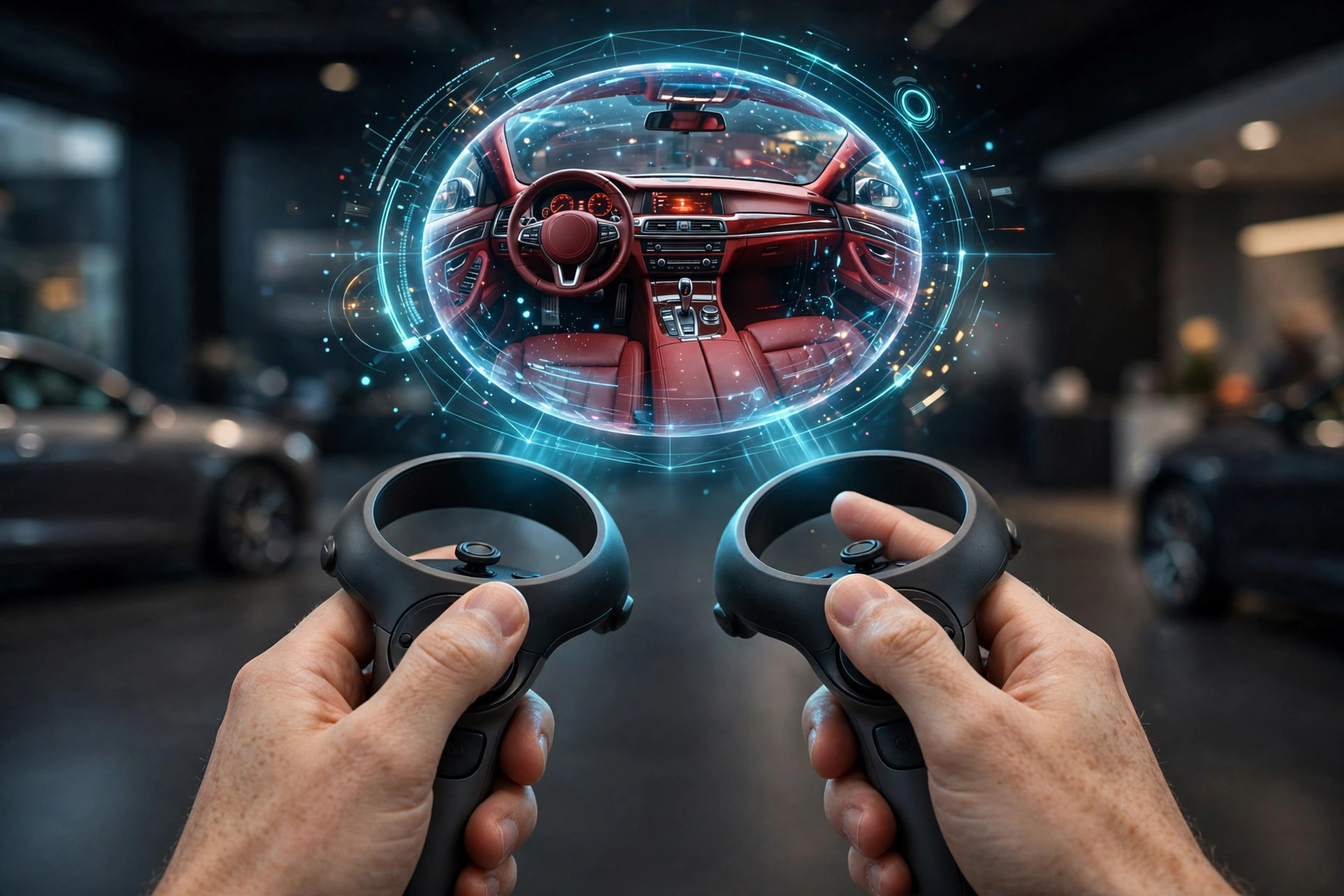
The interior is where VR car shopping earns its keep. You can sit in the driver’s seat — virtually, at least — and look around the cabin. Check whether the dashboard feels cluttered or clean, look at the size of the touchscreen, and see how far you can see over the bonnet. Then turn around and judge the rear legroom for yourself.
You can also test practical details. Is there enough headroom for someone your height? Does the centre console leave room for a phone and a coffee cup? A 360-degree view shows these small, everyday things far better than a flat photo gallery.
That said, VR has limits. You can’t feel the weight of the door as it closes, the texture of the seat fabric, or how firm the seats are. Treat the virtual visit as a way to compare cars and rule out the ones that clearly don’t fit — then confirm the details that matter most in person.
How Does a Virtual Test Drive Work?
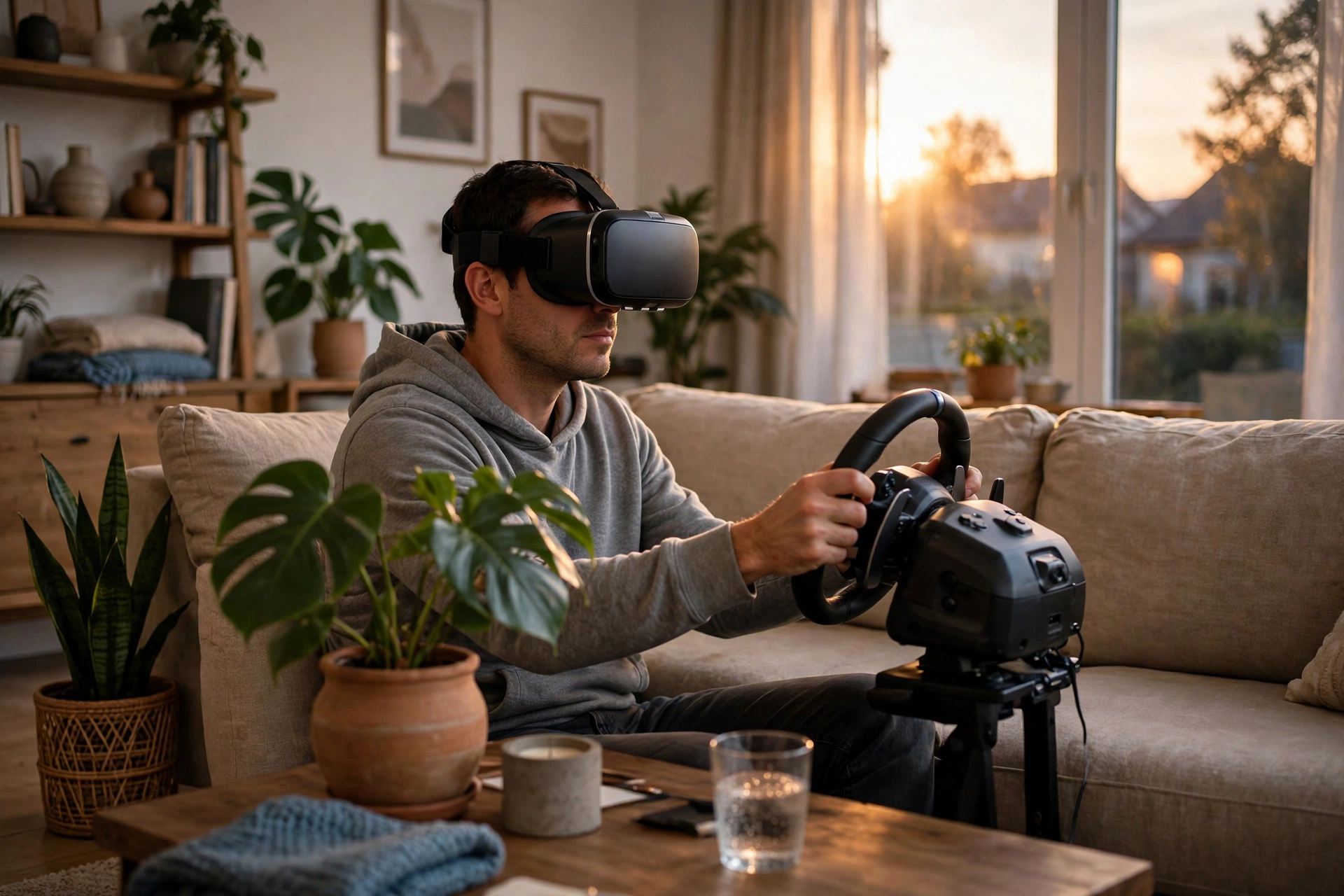
A virtual test drive puts you in the driver’s seat of a 3D car on a simulated road. Some setups are simple: you sit at home with a headset on and steer with a controller while the scenery rolls past. More elaborate ones pair the headset with a steering wheel and pedals, so turning the wheel and pressing the accelerator feel closer to the real thing.
The drive usually follows a set route — a city street, a country road, or a motorway — and the view through the windscreen changes as you go. You can check the mirrors, glance at the dashboard, and get a sense of how much of the road you can see from that seat.
But a virtual test drive is a simulation, not the real thing. It can’t show you how the suspension handles a rough road, how the brakes bite, or how the steering weights up in a corner. It’s a useful preview, and a fun one, but it shouldn’t be the last step before you sign anything.
What Should You Check Before Buying a Car This Way?
VR can narrow your choices, but the final checks still matter. First, confirm the price with the dealer, including every fee — prices shown online are often starting prices that don’t include options, delivery, or local taxes. Second, ask about the warranty and the return or exchange policy, which vary a lot between sellers. Third, check delivery times and costs, especially if the car has to be shipped to you.
Then there’s the car itself. If it’s a new model, make sure the version you explored in VR matches the one being sold — colours, trim, and features can differ between model years. If it’s a used car, a virtual tour is no substitute for an independent inspection or a full history check. And whatever you do, take a real test drive before you commit. The virtual one shows you the view; the real one shows you the car. For a wider look at how the technology works, Britannica’s guide to virtual reality explains how headsets create the sense of being somewhere else, while Spyne’s overview of virtual car showrooms covers how dealers are using them today.
FAQs
Do I need a VR headset to use a virtual car showroom?
Not always. Many virtual showrooms run in a normal web browser, where you drag to rotate the car and click to explore. A headset makes it more immersive, but it’s not a requirement.
Can I buy a car entirely through VR?
In some cases, yes — a few dealers let you configure, price, and order a car online after exploring it in VR. Even then, most buyers still arrange a real test drive before the deal is final.
How accurate are the cars shown in VR?
The 3D models are usually built from the manufacturer’s own data, so the shape, colours, and features are close to the real thing. Small details can still differ, so treat the virtual version as a preview rather than a guarantee.
Is a virtual test drive as good as a real one?
No. It shows you the view from the driver’s seat and the layout of the controls, but it can’t reproduce the feel of the steering, the brakes, or the suspension. Use it to compare cars, then drive your favourites for real.
Will VR replace car dealerships?
Probably not entirely. Virtual showrooms suit buyers who want to research at their own pace, but most people still want to sit in a real car and drive it before spending that much money. It’s part of the wider shift covered in our look at VR beyond gaming.
Conclusion
VR car shopping turns a trip to the dealership into something you can do from your sofa: walk around the car, sit inside it, change the colour, and take a virtual drive. It’s a brilliant way to compare models and rule out the ones that don’t suit you. But it can’t tell you how a car feels on a real road, and it can’t replace the final checks on price, warranty, and condition. So use it to build your shortlist — then go and drive the cars on it. Pick two models you like, explore both in VR tonight, and book a real test drive for the one that wins.