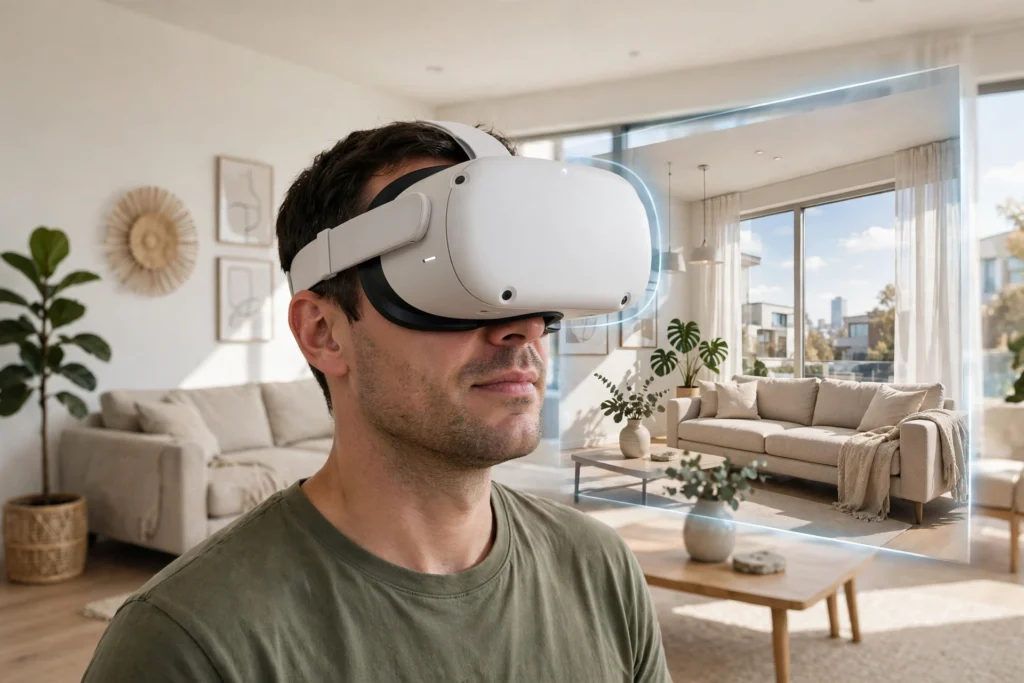
A VR home tour lets you walk through a property without being there. A 3D scan or a set of linked 360-degree photos is turned into a virtual space, and a headset or a screen lets you look around it, move from room to room, and get a feel for size, light, and layout before you book a visit in person.
Key Takeaways
- VR tours are built from 3D scans, 360-degree photos, or computer-made models of a home.
- A headset gives the strongest sense of scale, but most tours also work on a phone or computer.
- Tours help buyers shortlist homes faster, yet they cannot replace checking noise, smells, and small defects in person.
- Ask whether a tour shows the real home, a staged version, or a similar unit — the answer matters.
What is a VR home tour?
A VR home tour is a digital walkthrough of a property. In the simplest form, you drag your mouse or swipe your finger to look around a room, then tap a dot to step into the next one. With a headset, the effect is stronger: turning your head turns your view, and moving a controller can move you forward, so the rooms feel closer to real size.
Some tours are made from the actual home. A camera rig or a phone app captures the rooms, and software stitches those captures into a connected model. Others are built from plans and photos, which is common for homes still under construction. Both can be useful, but they are not the same thing. A scan of the real home shows what is actually there, including worn floors and tight corners. A model of a future home shows what the builder plans, not what you will get on moving day.
How is a virtual home made?
It usually starts with capture. A 3D scanning camera is moved through the home, room by room, recording shape as well as pictures. Cheaper tours may use a 360-degree camera instead, which records a full view from fixed points but gives less freedom to move. For new builds, designers often start with floor plans and finish with furniture and finishes chosen to match the planned home.
Next comes processing. Software joins the captures, removes glare and stitching errors where it can, and adds a floor plan and measurement tools. The agent then adds labels for rooms, highlights features such as a renovated kitchen, and publishes the tour as a link that works in a browser. That last step matters: a good tour should not need a special app just to take a first look.
Finally, the tour is checked. Doors should line up, rooms should connect in the right order, and the scale should feel right. If a hallway looks far wider than it is, or a bedroom seems to double in size between two views, treat the tour as a rough guide, not a measurement.
How do you walk through a home in VR?
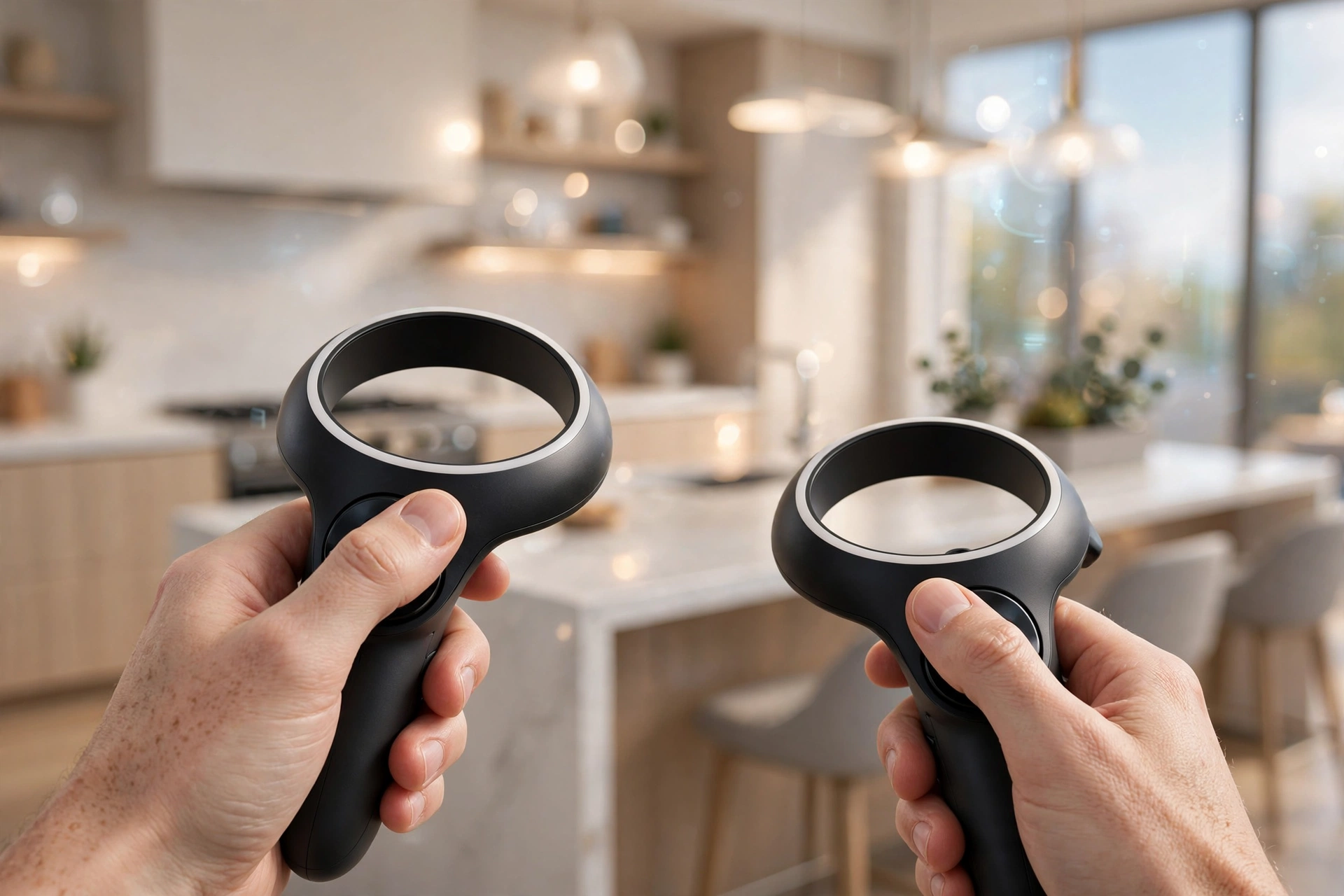
With a headset, you start in one room and use a controller to point at the floor or a doorway, then move there. You can lean in to look at a worktop, glance up at ceiling height, and turn to see where windows face. Some tours add a guided path, like a video that moves you through the home, while others let you wander freely.
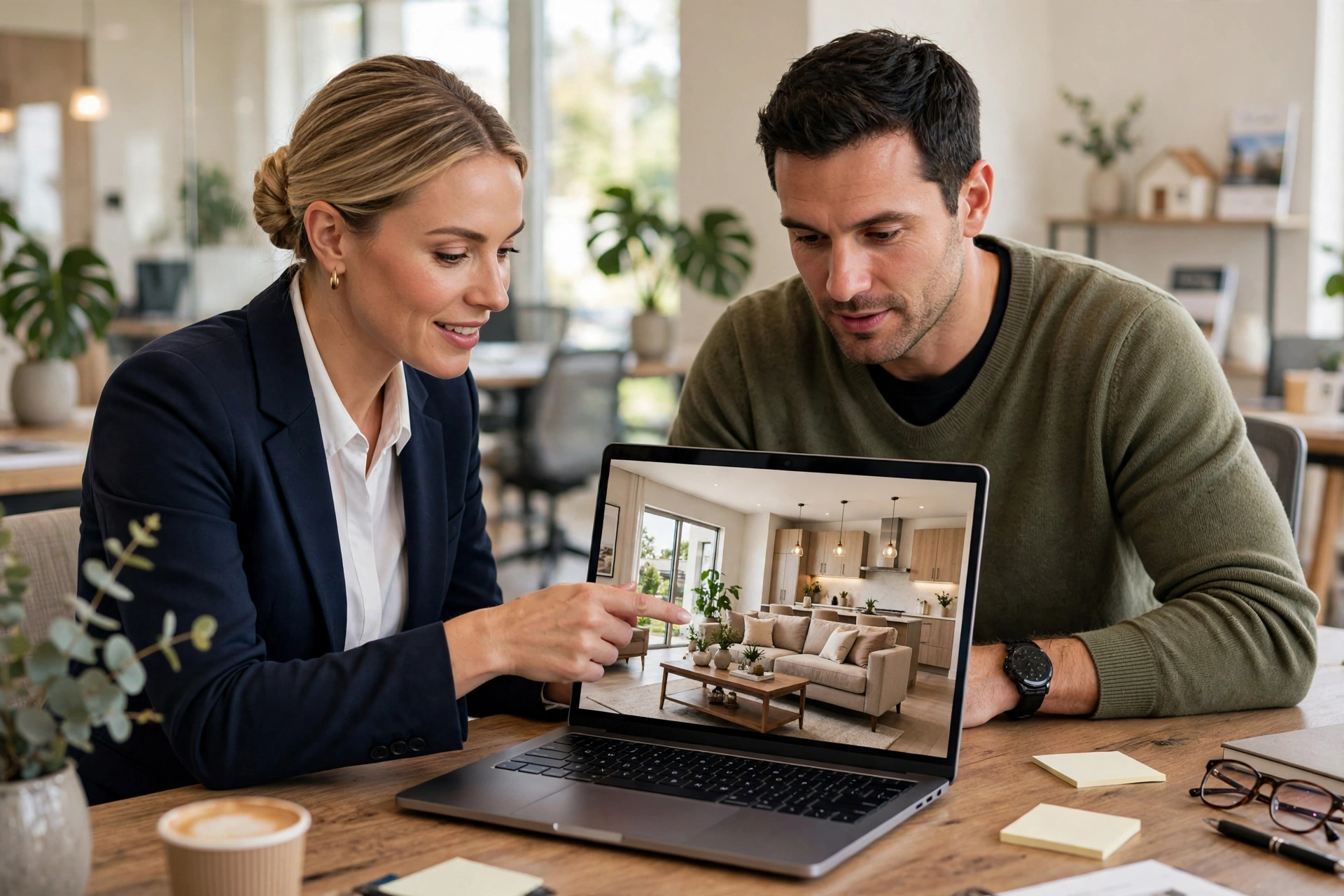
On a phone or computer, the same tour works with taps and drags. It is less immersive, but it is often easier to share with family, take screenshots, and compare two homes side by side. Many buyers do both: a quick screen tour to shortlist, then a headset tour for the homes that make the cut. If you are choosing between headsets for this, the basics of how headsets show depth and track movement are covered in our guide to how VR headsets work.
What can VR tours show that photos cannot?
Photos show one angle at a time, and a wide-angle lens can make a small room look generous. A VR tour lets you check the flow instead: how far the kitchen is from the bedrooms, whether the bathroom door opens into a hallway, and how much natural light reaches the back of a room at different times of day — if the tour includes that information.
Tours also help with planning. In a virtual walkthrough, you can test whether your sofa fits a wall, whether a dining table leaves room to walk past, and whether a home office gets enough quiet. That is why virtual tours pair well with interior design tools: once you know the layout, you can try furniture and finishes before buying anything. Our interior design guide explains how those virtual rooms are put together.
Still, a tour has limits. It will not tell you if the neighbours are noisy, if the street is busy at rush hour, or if a room smells damp. It may also hide a flaw behind a camera angle or a bright filter. Use it to narrow the list, then visit the best options in person and look closely at the things a camera can smooth over.
What about live guided tours?
Some agents now offer live tours, where the agent walks through the home with a camera while you watch and ask questions. This can be a useful middle ground. You get a real-time view, you can ask the agent to open a cupboard or look behind a door, and you can hear the home as well as see it.
Live tours work best when the connection is steady and the agent moves slowly. Ask them to pause in each room, show the view from each window, and walk the route you would take every day — from the front door to the kitchen, and from the bedroom to the bathroom. If the video keeps freezing or the agent rushes past storage space, ask for a recorded tour as well so you can rewatch it calmly.
Are virtual tours useful for homes still being built?
Yes, with a clear warning: you are viewing a promise, not a finished home. A computer-made tour can show the layout, the light, and the finishes, but the final paint colour, the exact worktop, and the size of the garden may differ. Ask which parts are finished choices and which are examples, and get the important details in writing.
For buyers abroad or in another city, this kind of preview can still save a wasted trip. You can rule out a layout that clearly will not work, check the distance from the living room to the bedrooms, and decide whether the home is worth following up. Just do not treat a glossy virtual show home as proof of build quality.
What should you check before trusting a virtual tour?
Start with the source. Is the tour a scan of the home for sale, a tour of a similar unit, or a model of a future build? Next, check the date. A tour made before a renovation may show an old kitchen. Then look for measurements. A floor plan with dimensions is far more useful than a tour alone, because it lets you check room sizes rather than guess them.
Also check what is missing. Are all rooms included, or does the tour skip a small bedroom, a utility room, or a balcony? Does it show the outside, the parking, and the entrance? A complete tour feels ordinary in the best way: every room, every door, nothing skipped. If a tour hides part of the home, ask why before you assume it is a minor detail.
Finally, compare the tour with the listing photos and the floor plan. If they disagree — a window in one place in the tour and another in the plan — ask the agent to explain. Small differences are normal, but a missing room or a changed layout is worth a direct question.
FAQs
Do I need a VR headset to view a virtual home tour?
No. Most tours open in a normal web browser on a phone or computer, where you drag to look around and tap to move. A headset adds depth and scale, but it is optional, and a screen tour is often enough for a first shortlist.
Is a VR tour the same as a 3D floor plan?
Not quite. A 3D floor plan shows the home from above, like a dollhouse view, while a VR tour puts you inside the rooms. Many listings offer both, and together they are more useful than either alone.
Can a virtual tour measure a room?
Some tours include measurement tools, and a floor plan with dimensions is the most reliable check. Do not rely on how big a room feels in a headset alone, since field of view and camera height can change that impression.
Does a VR tour replace an in-person viewing?
No. It is a strong shortlist tool, but it cannot show noise, smells, draughts, or small defects as well as a real visit. Use it to cut a long list down, then inspect your top choices in person.
What should I ask the agent about a virtual tour?
Ask whether it shows the actual home or a similar unit, when it was made, whether any rooms were left out, and whether the furniture is the seller’s or added digitally. Clear answers here tell you how much weight to give the tour.
Conclusion
A VR home tour is at its best when it saves you time without misleading you. Use it to explore layout, light, and flow, to shortlist homes worth visiting, and to plan furniture before you commit. Then do the part no tour can do: visit in person, check the details, and ask direct questions about anything the tour left out. As a practical next step, pick one home you are considering, open its tour on a computer, and note three things to check on the real visit — room sizes, storage, and the view from the main windows. That short list will make your viewing far more useful than the tour alone.