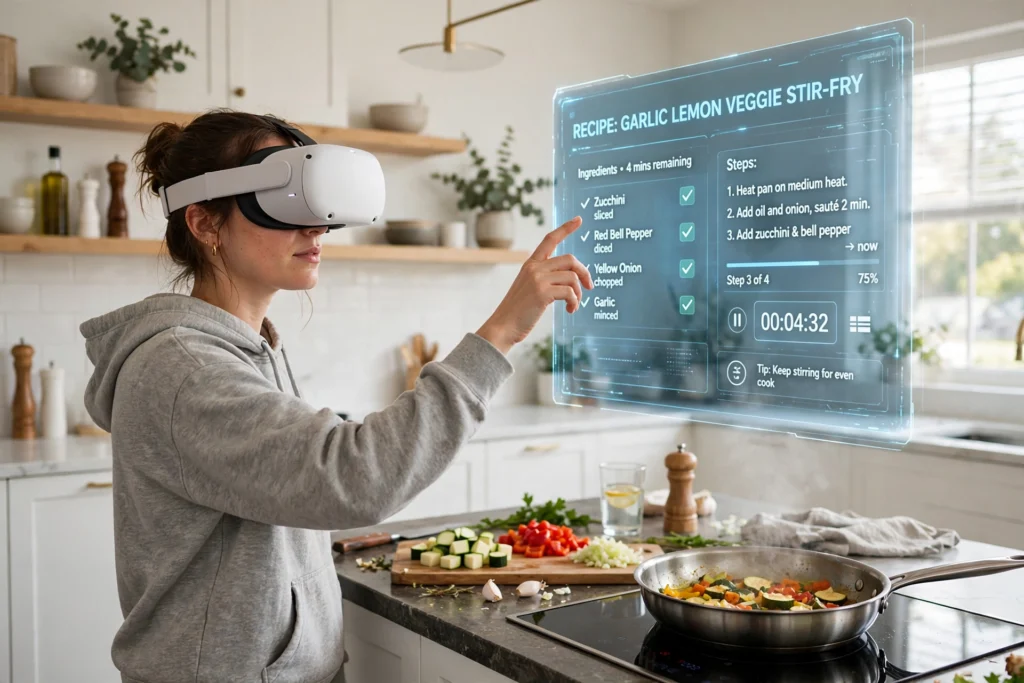
VR cooking lessons put a tutor, a recipe, and a practice kitchen inside your headset, so you can rehearse a dish before cooking it for real. You see each step where you need it, hear a prompt when it is time to stir, and repeat the tricky parts without wasting ingredients.
Key Takeaways
- VR cooking lessons combine a virtual kitchen, step-by-step prompts, and hand tracking or controllers to guide each stage of a recipe.
- Passthrough mode lets you see your real kitchen, while a fully virtual kitchen is better for safe, repeatable practice.
- Timing cues, portion guides, and instant feedback help beginners learn order, heat control, and preparation habits.
- Real knives, hot pans, and boiling water still need care: many lessons teach the skill first in VR, then move to the real stove.
- Start with a short, simple recipe, clear space around you, and a lesson that matches your headset and skill level.
What does a VR cooking lesson actually look like?
A typical lesson starts in a calm virtual kitchen. You choose a recipe, check the ingredients on a floating list, and watch a short demonstration of the finished dish. Then you work through the steps yourself. A virtual tutor might point to the pan, show how much oil to pour, or highlight the next ingredient. If you pick up the wrong item, the lesson can pause, explain the mistake, and let you try again.
How does the headset know what your hands are doing?
Most modern headsets track your hands in one of two ways. Hand tracking uses cameras on the headset to follow your fingers, so you can pinch, grab, and point without holding anything. Controllers work differently: you hold one in each hand, and buttons, triggers, and vibration give you a sense of gripping, pouring, or turning a dial.
Neither method is perfect. Hand tracking can struggle in dim light or when your hands cross over each other, while controllers can feel clumsy when a recipe needs fine finger work. Good lessons design around these limits. They use larger targets, clear gestures, and simple actions, rather than asking you to do delicate work that the hardware cannot follow reliably. If a lesson feels frustrating, it may be a tracking limit, not a lack of cooking talent.
For more on the hardware behind these lessons, see how VR headsets work and how VR controllers track movement and vibration.
What is the difference between passthrough and a fully virtual kitchen?
Passthrough is the key choice in VR cooking. In passthrough mode, cameras on the headset show your real kitchen, with recipe steps and timers layered on top. You can see your own counter, your own pan, and your own ingredients, which makes it easier to transfer what you learn to a real meal.
A fully virtual kitchen hides your real room, but it is useful for safe practice: you can try a new layout or recipe without worrying about mess or cost. Many learners use both — virtual practice first, then passthrough for the real cook.
How do VR lessons teach timing and heat control?
Timing is where beginners often struggle, and it is where VR can help most. A lesson can show a countdown beside the pan, change colour as a sauce thickens, or warn you before something is likely to burn. You are not guessing from a written line like “cook until golden” — you can see and hear the change as it happens.
Heat control works the same way: a virtual hob may glow as you turn it up, or a prompt may ask you to choose between turning the heat down and taking the pan off the heat. Getting that choice wrong in VR is useful, because the feedback is immediate and no food is ruined.
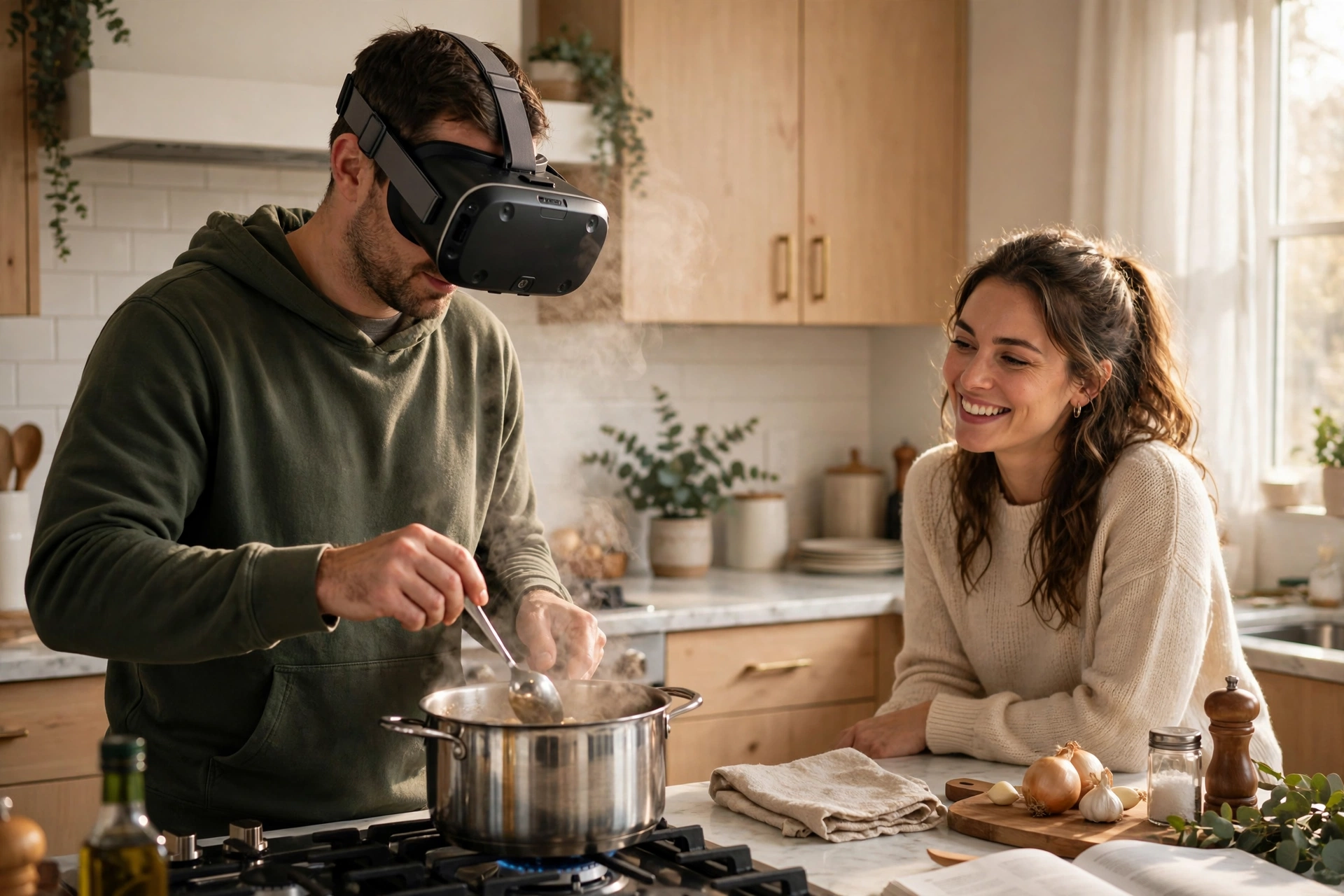
Virtual heat is not real heat, though: your own pan and hob may behave differently, so treat the first real cook as a second practice run.
Can you practise knife skills safely in VR?
This needs care. A virtual knife has no edge, so you can repeat a cutting motion many times without risk. That is genuinely useful for learning grip, hand position, and rhythm. But you should not chop with a real knife while wearing a fully occluding headset, because you cannot see the blade, your fingers, or anything else in the room clearly.
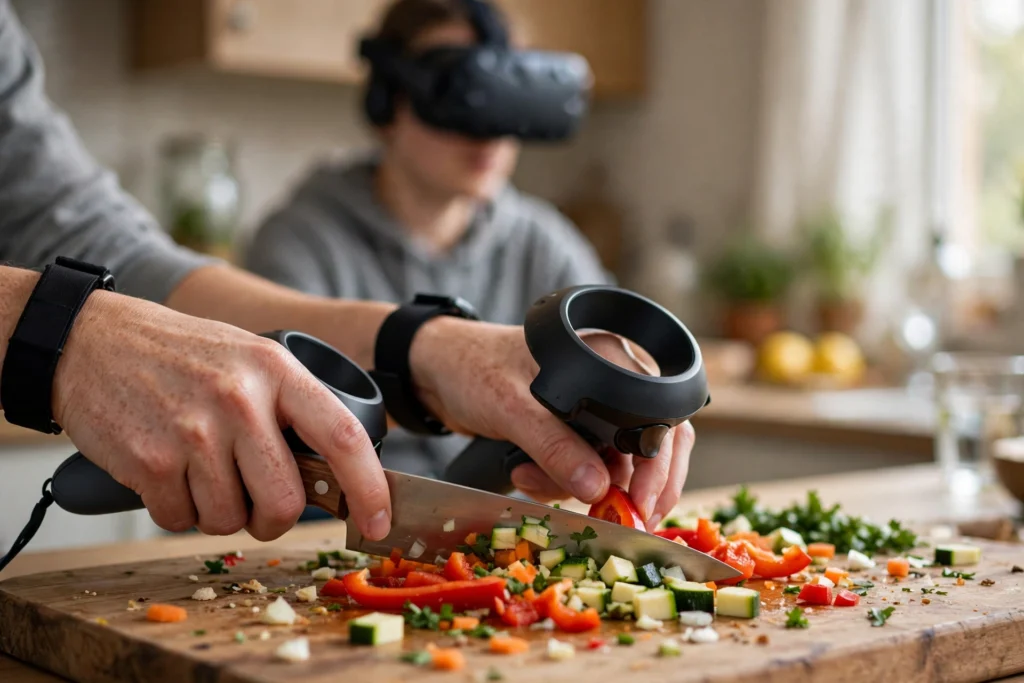
Safer lessons handle this in one of three ways. Some keep knife work entirely virtual. Some use passthrough, so you can see your real hands and board. Others teach the motion in VR and then ask you to remove the headset before doing the real cutting. If a lesson tells you to use a sharp knife while fully immersed, stop and choose a different lesson. Good kitchen practice still applies: a stable board, dry hands, and full attention to the blade.
What should you check before your first VR cooking lesson?
First, clear the space: move anything breakable or hot out of your reach area, keep a clear path to the sink, and have someone nearby the first time if you can.
Second, check the lesson details: controllers or hand tracking, passthrough or virtual kitchen, and length. A ten-minute lesson is a better first test than a full hour.
Third, set expectations: VR teaches order and timing, but taste, smell, and texture belong to the real kitchen. Season to your own taste, adjust for your equipment, and check food safety normally, not just by a virtual timer.
Finally, take breaks. If you feel warm, dizzy, or tired, stop, remove the headset, and drink some water. Cooking should be enjoyable, and a short pause rarely ruins a lesson.
FAQs
Do I need an expensive headset for VR cooking lessons?
No. Many lessons run on standalone headsets, which do not need a separate computer. Check the lesson’s requirements for hand tracking, controllers, and passthrough before you buy or download anything, because those features matter more than the most expensive model.
Can VR cooking lessons replace a real cooking class?
They can complement one, but they do not fully replace it. VR is excellent for repetition, timing, and confidence, while a real class gives you taste, smell, texture, and direct feedback from a teacher who can see and adjust your technique.
Is VR cooking safe for children?
It depends on the headset’s age guidance, the lesson, and adult supervision. Keep sharp tools and hot equipment out of reach, use short sessions, and choose lessons designed for younger learners rather than adapting an adult lesson.
Why does my hand tracking lose my fingers during a lesson?
This often happens in low light, when hands move quickly, or when one hand hides the other. Improve the room lighting, slow your movements slightly, and keep your hands in front of the headset’s cameras. If problems persist, switch to controllers if the lesson supports them.
What happens if I make a mistake in a VR recipe?
Usually, very little. The lesson pauses, explains what went wrong, and lets you repeat the step. That low-pressure repetition is one of the main benefits of VR cooking, especially for beginners who worry about wasting food.
A practical next step
Pick one short recipe you already like, try it in VR once to learn the sequence, then cook it for real with the headset off. If the timing felt clearer and you felt calmer at the stove, the lesson did its job.